Description
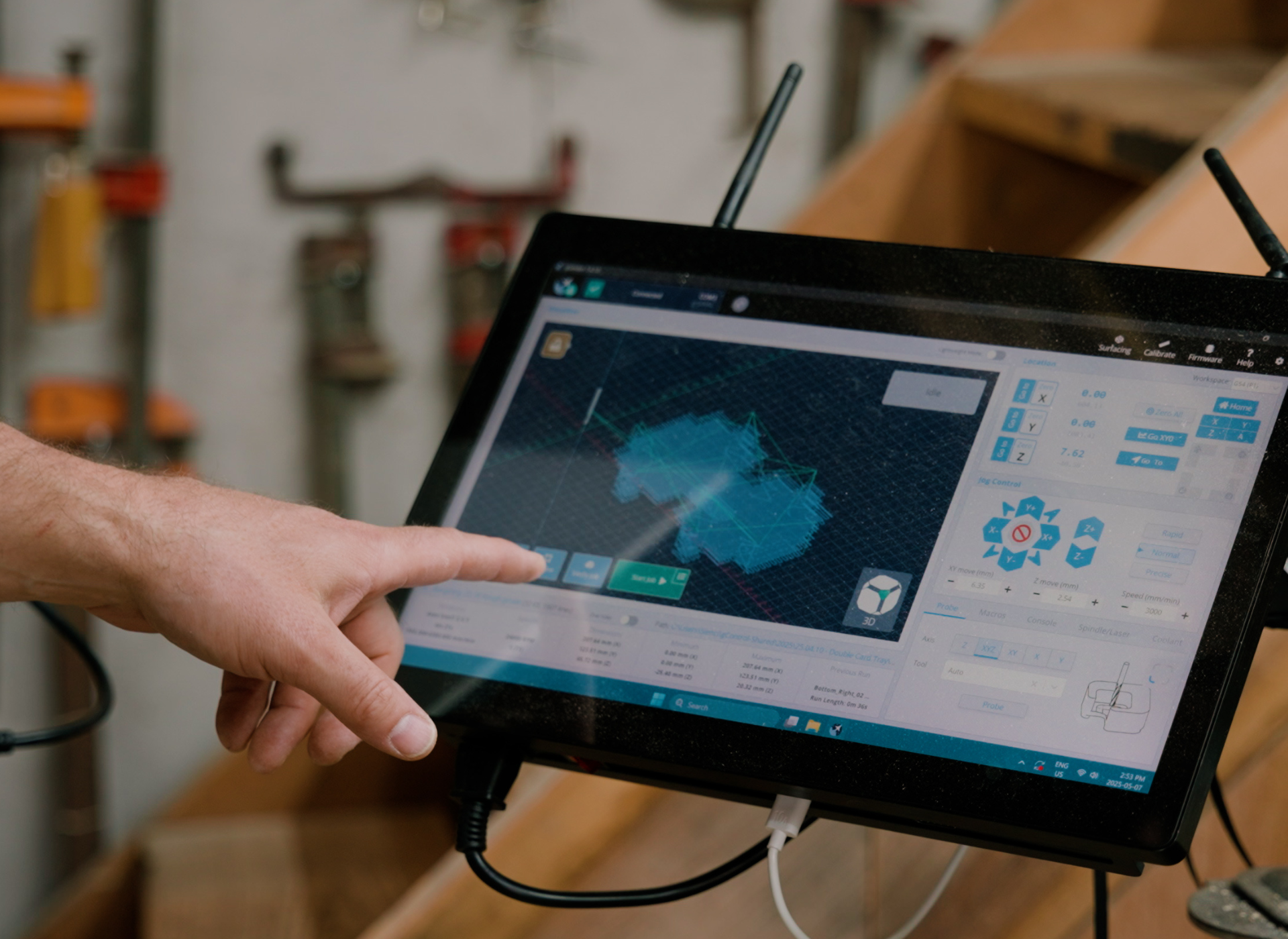
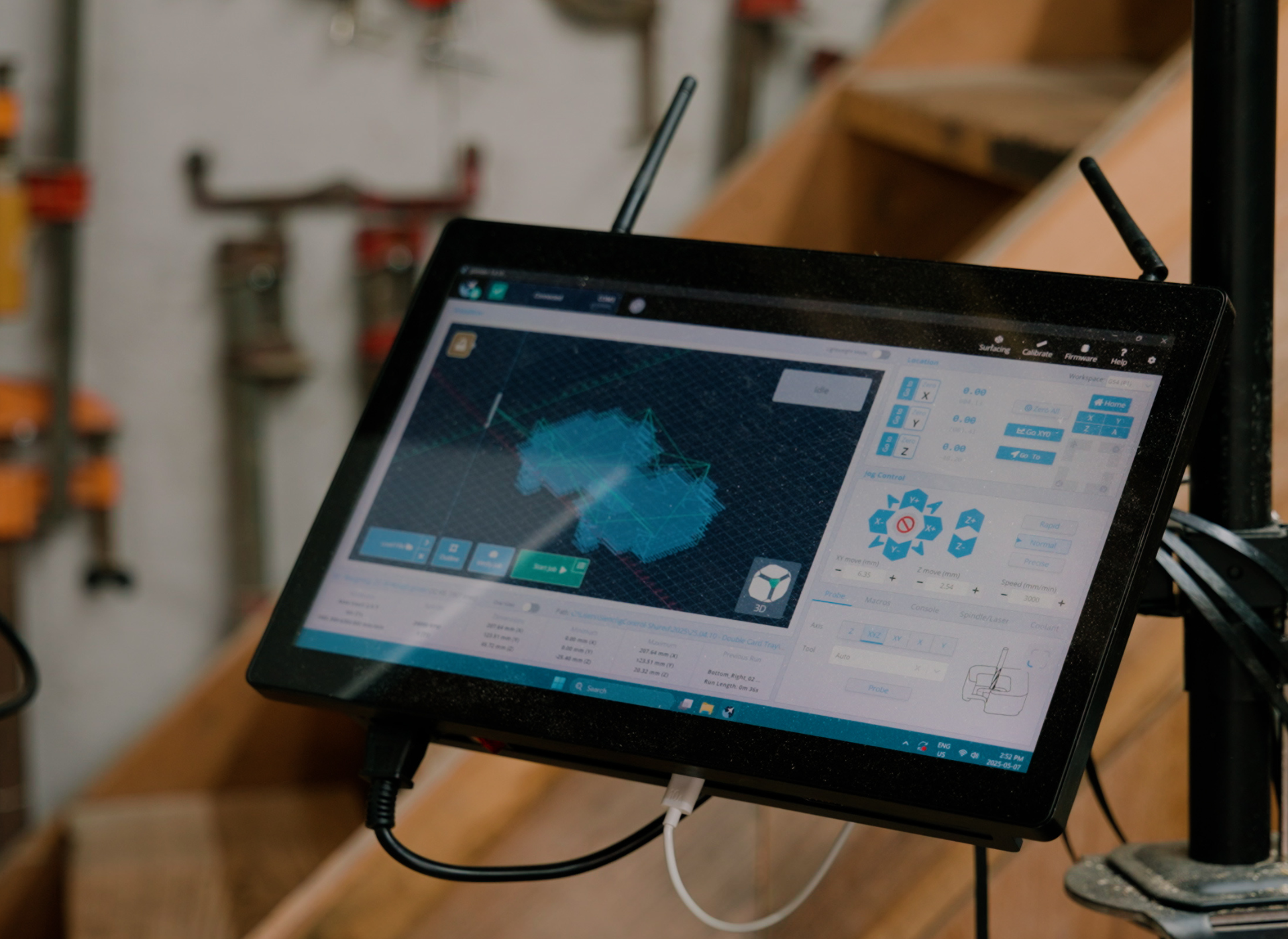
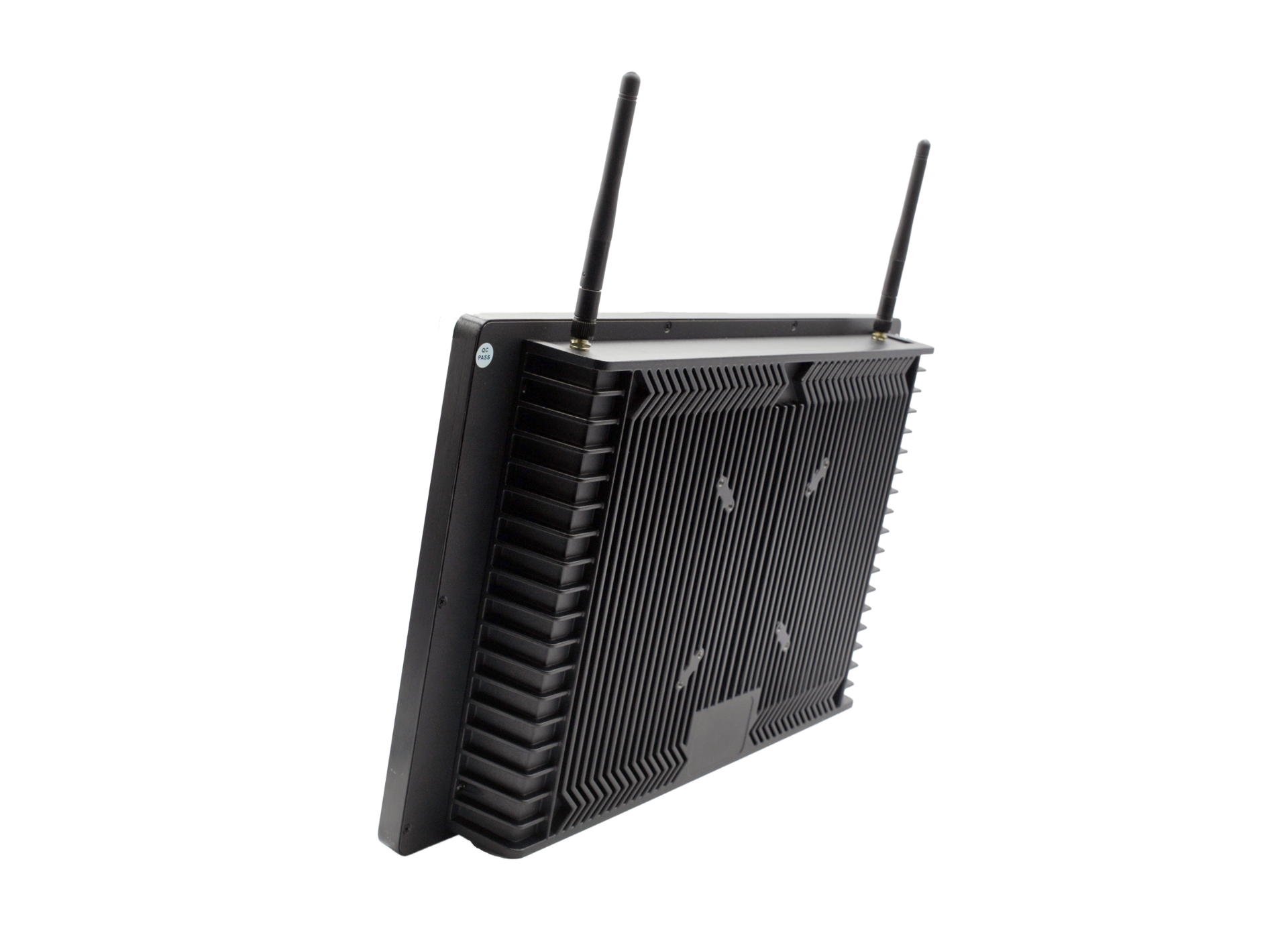
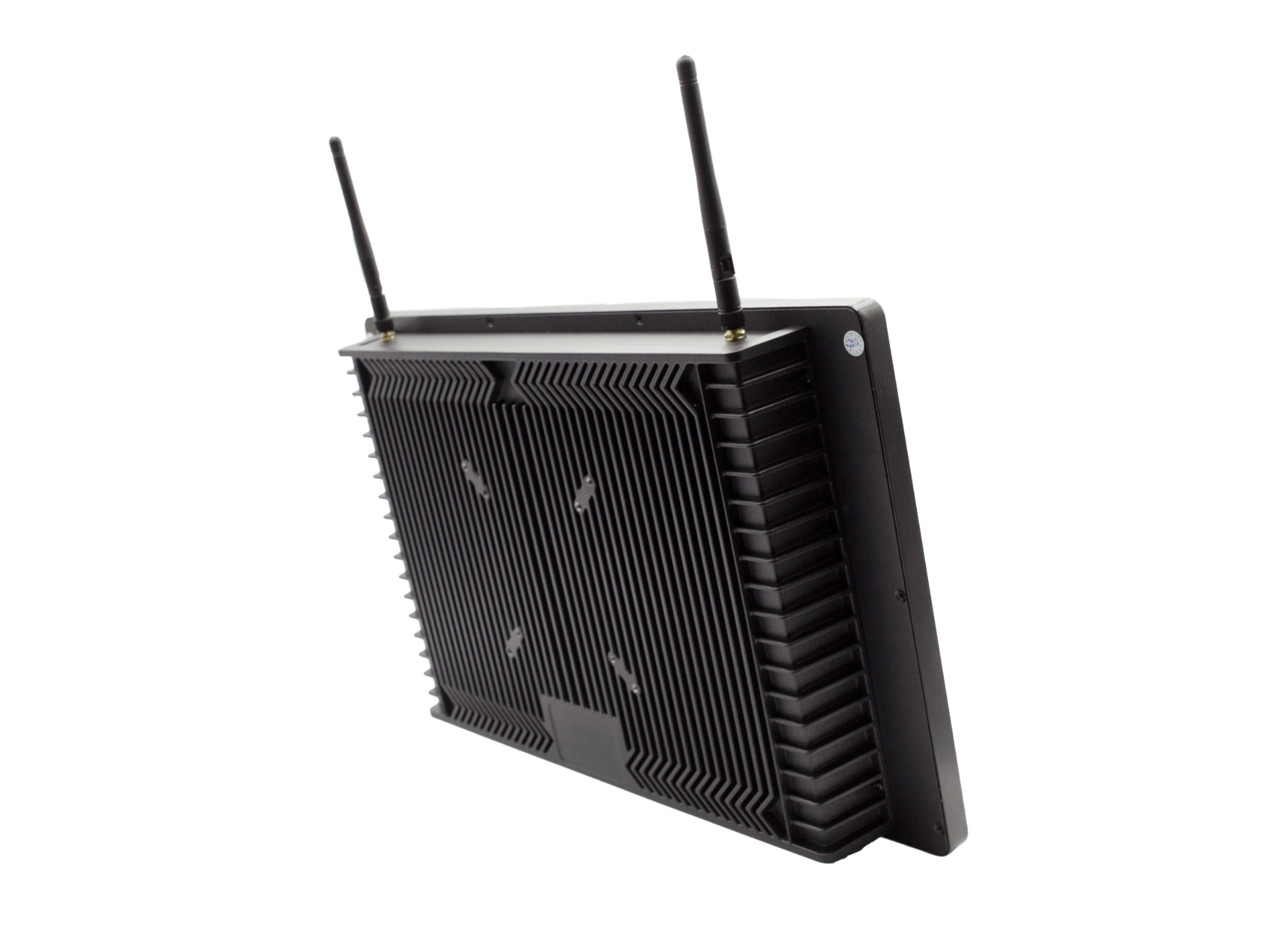
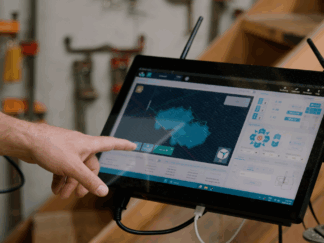
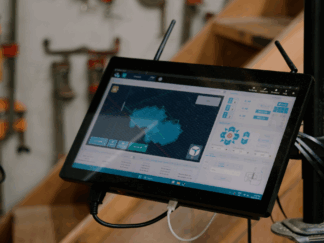
The gControl Panel Computer is a fully functional Windows 11 (64-bit) PC designed to control your CNC machine and run gSender, connecting seamlessly with your AltMill, LongMill, or other compatible CNC systems. Its touchscreen interface lets you send commands, jog axes, adjust settings, and run jobs, while also functioning as a standard Windows computer that can connect to other devices and run additional software.
The gControl is compatible with CNC systems that use USB or Ethernet-based motion controllers.
- To ensure smooth operation, your CNC system should: Communicate with the Windows PC via USB or Ethernet.
- Run control software that supports Windows 11 (64-bit).
Systems that rely solely on parallel port connections are not supported unless upgraded with a USB motion controller. For the best experience, we recommend confirming software and driver support with your CNC or motion controller manufacturer before use.
Some basic specs:
- Operating System: Windows 11 IoT Enterprise (64-bit)
- Processor: Intel® N150, 6M Cache, up to 3.60 GHz
- Screen: 1080P 15.6″ Touch Screen
- RAM: 8GB DDR4
- Memory: 128GB M.2 SATA SSD
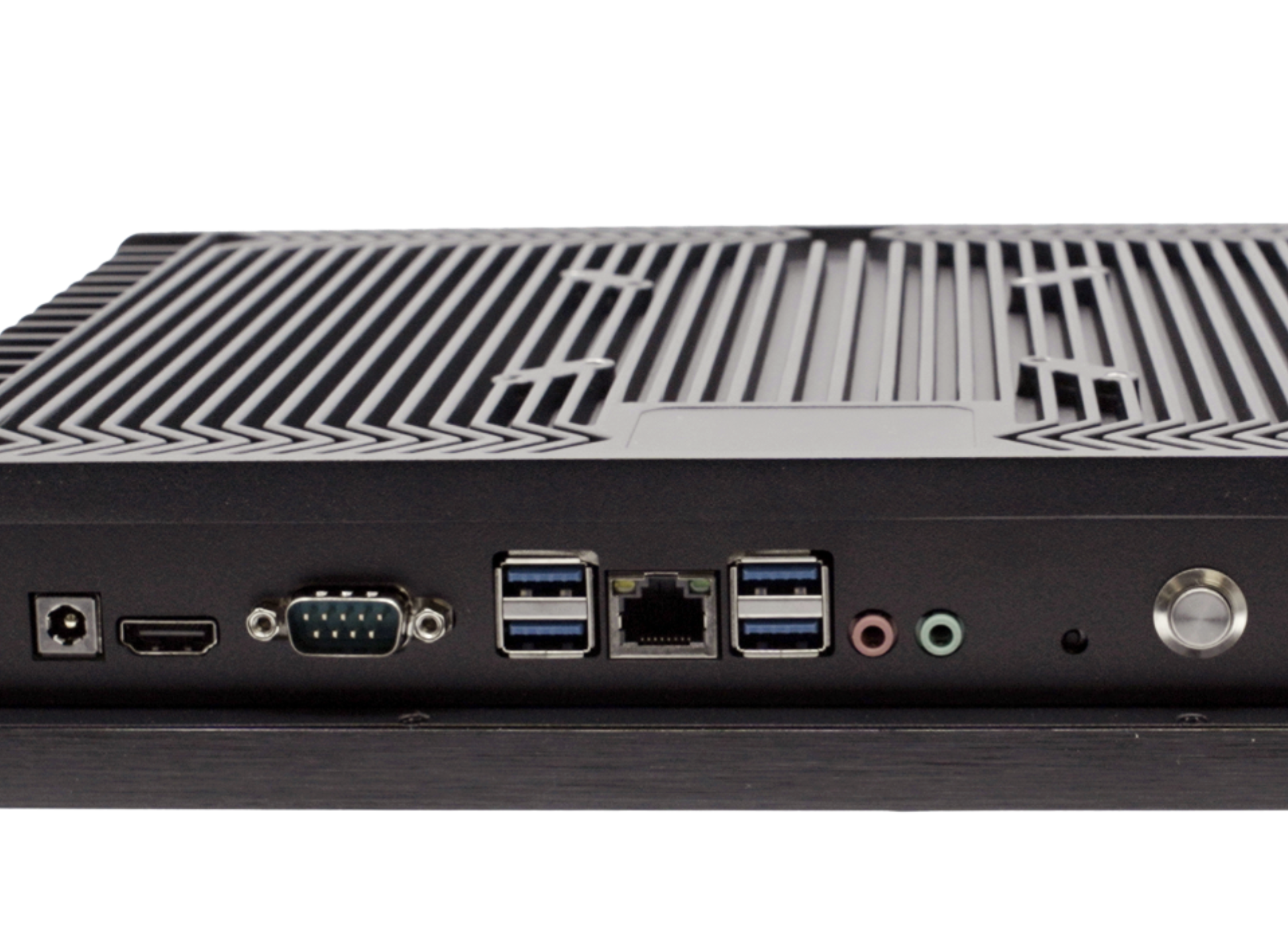
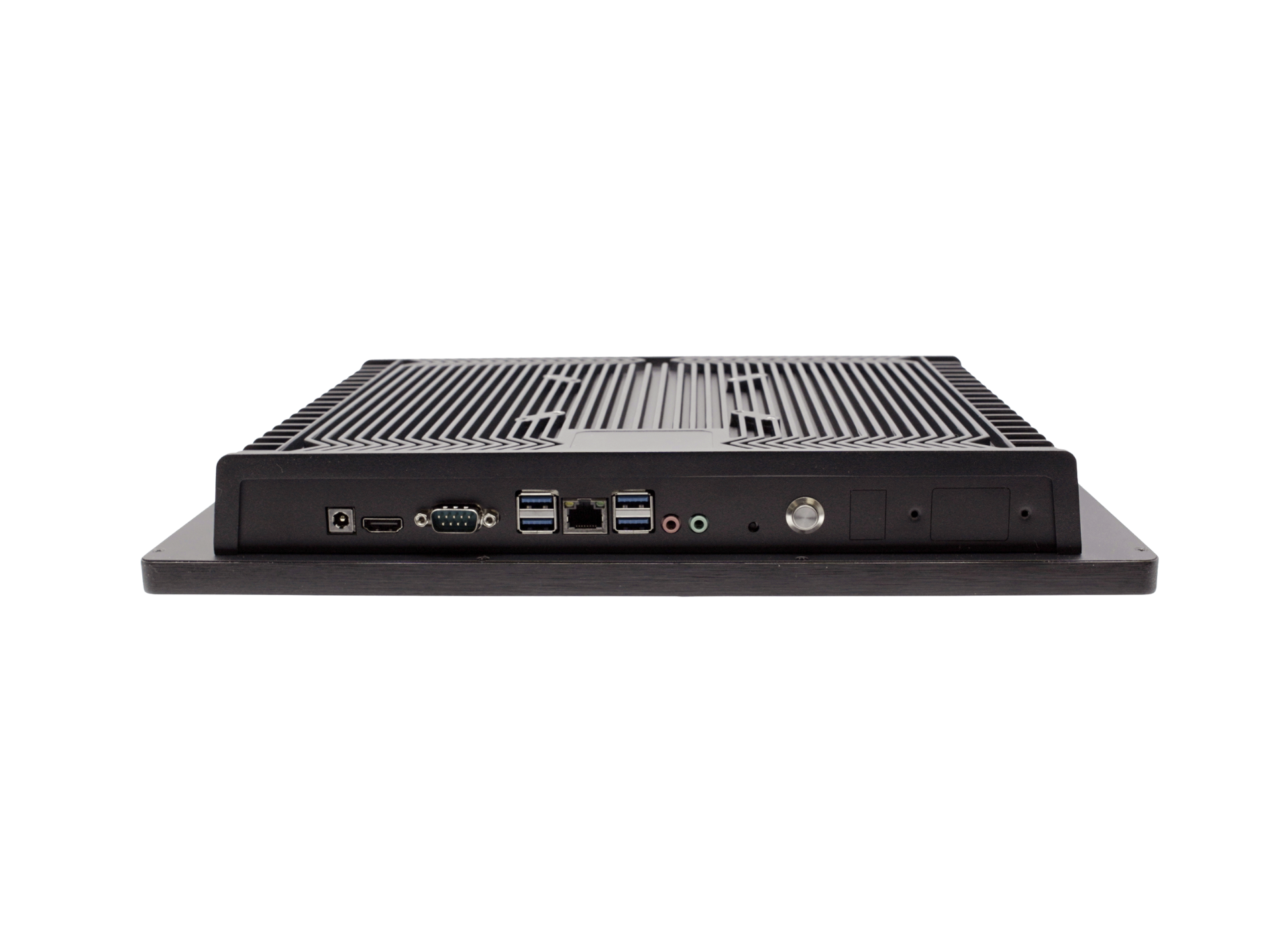
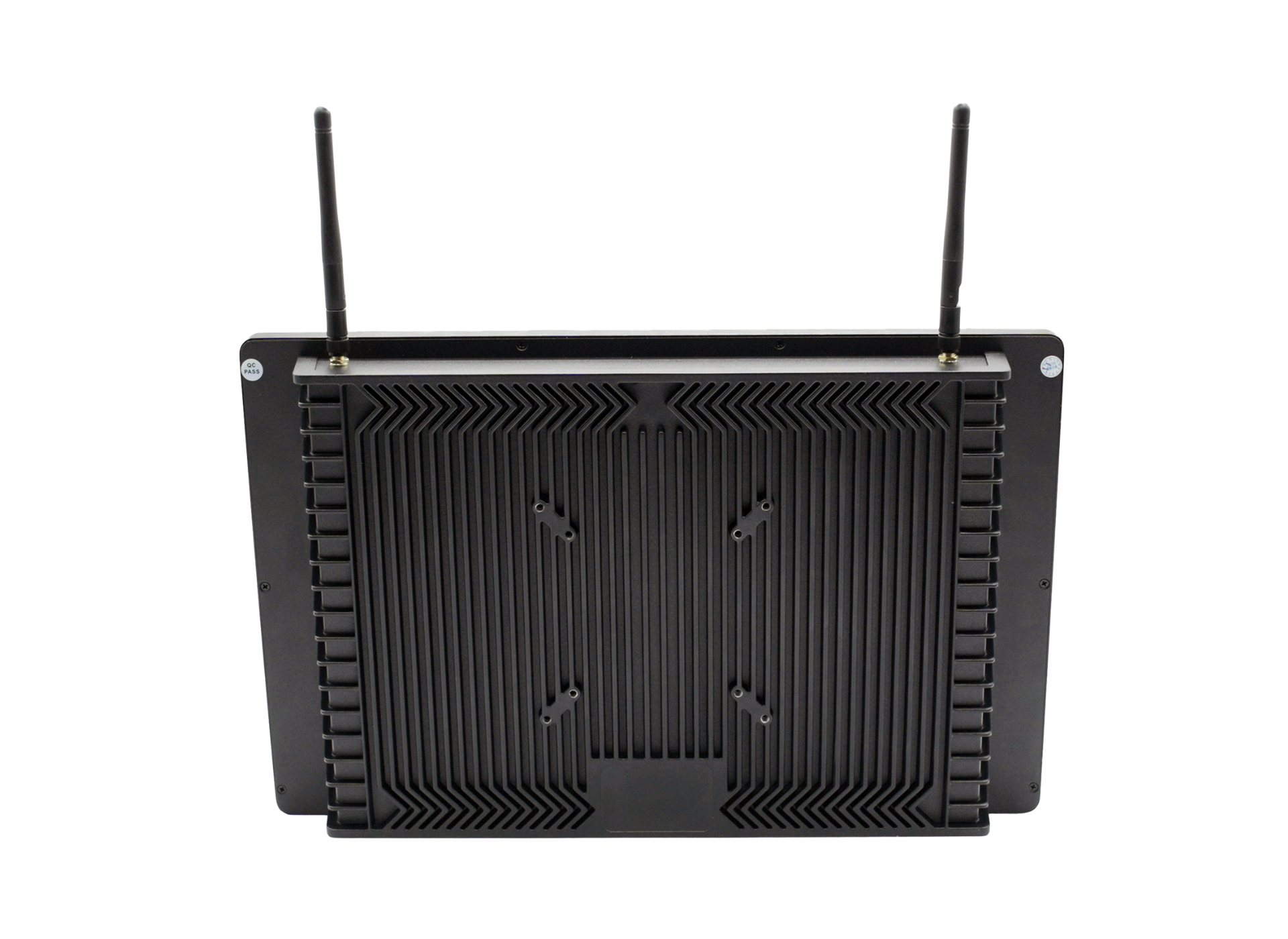
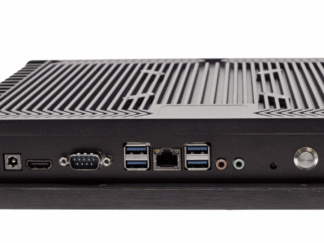
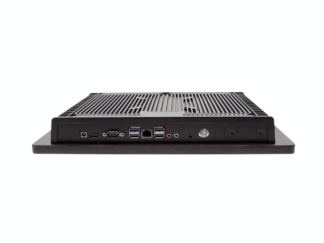
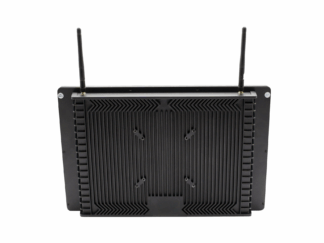
- Connectivity: 4x USB-A, HDMI, VGA, Ethernet, 3.5mm Audio & Microphone
- Wireless: Wifi, Bluetooth
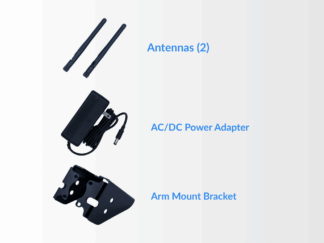
- Power: 12V DC ⎓ 5A (60W max) via included AC/DC adapter, works with 110–240V AC
FAQs
Our gControl panel is quite easy to set up, but check out our Resources page for quick answers and assembly help.
Warranty
The gControl Panel Computer comes with a 180 day warranty once it arrives at your door. Damage or loss caused by improper use or installation of user-upgradable hardware (such as RAM or storage) is not covered under warranty. The included power adapter supplies 12V at 5A (60W max), with typical power usage around 40–50W when running gSender.
We want you to have a great experience with your computer, so if any parts are found to be missing or damaged, please email us. We will ensure that you receive the support you need to restore your gControl Panel Computer to operating condition or provide a full or partial refund.
You may cancel an order if it has not shipped yet, please contact us if you wish to do so. Returns for unopened items are subject to our standard return policies.
General Warranty and Limits of Service:
Effective Oct 17, 2024
Throughout this policy the words “we”, “us” and “our”, or “Sienci Labs” will be used to refer to Sienci Labs Inc. herein and “gControl Panel Computer” or “gControl” will refer to Sienci Labs’ Sienci gControl Panel Computer. Additionally, the words “you”, “your”, “user”, and “operator” will refer to the original purchaser/customer, user, or viewer of any of the products or media provided by or through Sienci Labs.
Sienci Labs Inc. (the “Company”) grants the gControl (the “Product”) a standard warranty within Canada and the US to the original customer to be free from missing parts, defects in material, and defects in workmanship for a period of one hundred and eighty (180) days from the date of receipt by the original purchaser. Sienci Labs Inc. will ensure that the appropriate support is provided to the original customer to restore the gControl to operational condition or provide a full or partial refund under the sole discretion of the Company.
This warranty does not cover damage due to improper use or assembly, lack of maintenance, normal wear and tear, or modifications to the gControl which are not produced or authorized by the Company.
This warranty will become void if the operator does not follow the Safety Warnings and Guidelines, uses the Product for illegal purposes, intentionally causes damage to the Product, or transfers the Product to another owner.
The original customer must contact Sienci Labs Inc. within one-hundred and eighty (180) days of receiving their order to make a warranty claim to be eligible for warranty service.
Proof of purchase, tracking number, email address, or other material will be used to confirm the original purchasing date and the identity of the original customer. If damage was due to shipping, original packaging materials must be kept in the original received condition. Photos, videos, written descriptions, and other items may be requested to assess and validate a warranty claim. In the case Sienci Labs Inc. requires the original parts to be returned, the customer is solely responsible for packing all items securely. Damage incurred during return shipping will not be covered by the warranty.
A method of payment such as a credit card may be requested by Sienci Labs Inc. to cover shipping costs or damaged items if Products are not eligible for warranty service.
Help & Resources
The gControl Panel Computer is super easy to set up and comes with assembly and customization support, plus other resources to make installation a breeze.
We’ve made some additional help articles and videos to help familiarize users with gControl:
Everything you need to know about the gControl Panel Computer
Only logged in customers who have purchased this product may leave a review.




Edda Ingram (verified owner) –
This is so convenient to have right by my CNC machine, I smile every time I see or use it.
John Simmons (verified owner) –
I like it works great
Charles M. (verified owner) –
I received the item and inspected.
Packaging was superb. I have not had chance to install. I suspect it will be great.
Nathan Bailey (verified owner) –
Perfect in every way!
Stephane J. (verified owner) –
Easy to install/use, really appreciate that it’s preconfigured, only negative point is that when i try to jog on the touchscreen buttons it doesnt work very well, it seems like the touch screen is not sensitive enought even if i press harder very often it detects just the initial touch then it stops.
DARREN W. (verified owner) –
Had to reload software multiple times to get to work. Online help and tutorial videos a must. Now that computer is set up, have not had any big issues. Good setup and gControl is easy software to use! Like the UI.
Ron Martinellil (verified owner) –
Really like the interface of the gControl panel and gSender for the CNC, it’s much more professional than my prior CNC. I have one concern that my feedback on how the outline function works with the delay on more complex files with multiple holes is being taken seriously enough.
Scott A. (verified owner) –
Great asset to have attached to my Altmill. Would highly recommend.
Bruce Campbell (verified owner) –
I have only done machine setup so far.
Eric Austin (verified owner) –
Great software with responsive touchscreen
Jason M. (verified owner) –
Hit some snags with the user Sienci
Christopher S. (verified owner) –
Excellent decision to purchase, should almost be mandatory to have.
Henry A. (verified owner) –
user friendly
Donald S. (verified owner) –
Good value, way better than using a expensive laptop, I use it with a wireless trackball and wireless keyboard occasionally use the touchscreen. I only use it to operate the machine, I do all my fusion 360 work on my desktop
Anonymous (verified owner) –
I find it works very well but it is very very slow to boot and load gsender.
Derek V. (verified owner) –
I’ve never had any problems with connecting. Works very well and seems really tough.
Scott Cammarata (verified owner) –
The touch screen is difficult to navigate the buttons
Kevin LaRose (verified owner) –
I highly recommend this control Panel Computer for the AltMill. It’s so easy and comfortable to use!
Paul J. (verified owner) –
I do all of my designing on another computer and use the gControl Panel strickly to use the gcode produced by VCarve. The GControl computer is perfect to visualize the job, set the xyz, verify the code , pre-run the toolpath to avoid the clamps and is impermeable to dust. A great dedicated computer.
Dale Inslee (verified owner) –
Works good
Leonard D. King (verified owner) –
Great user interface. Still learning how to use its functions.
David Nicholson (verified owner) –
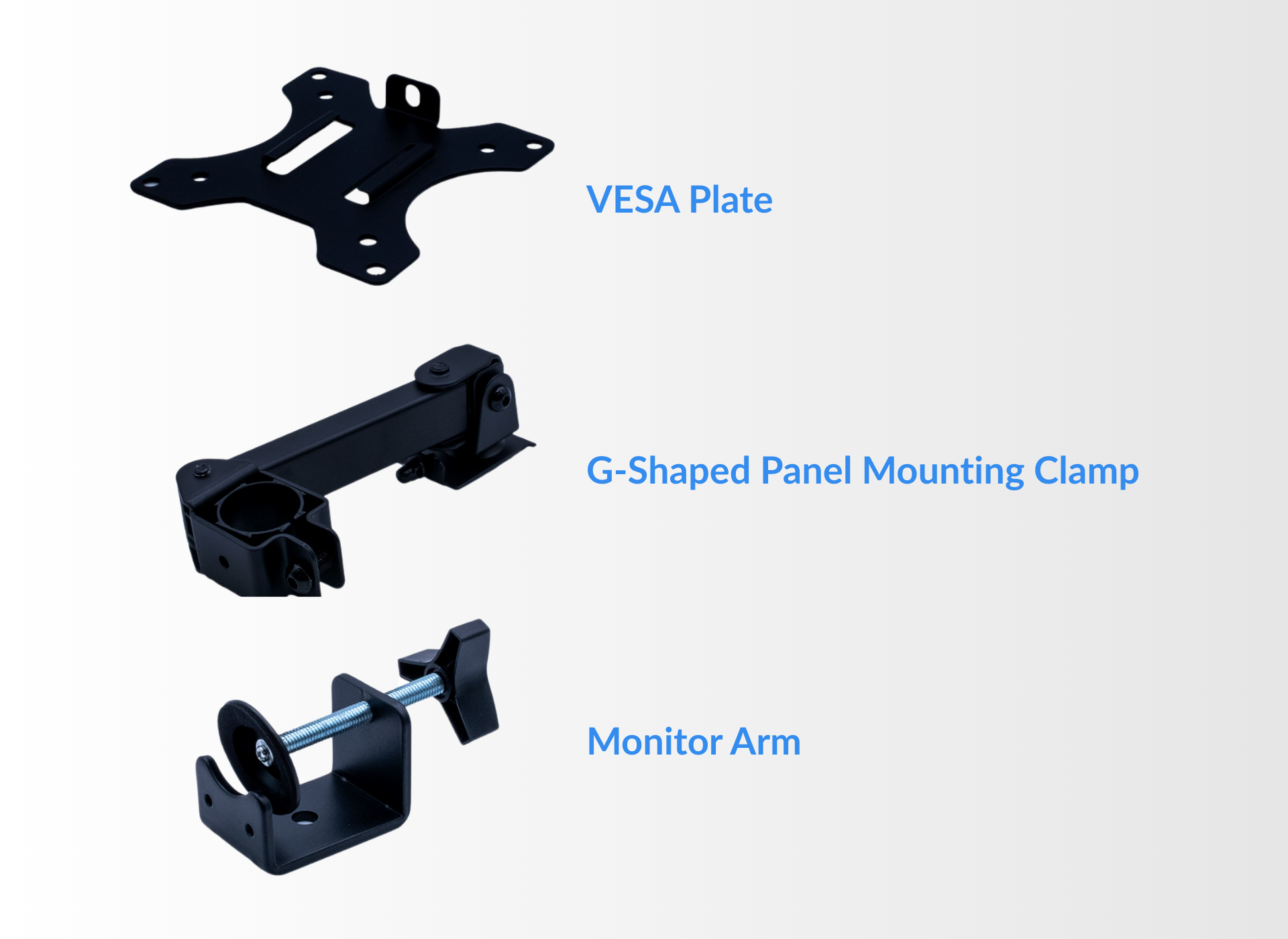
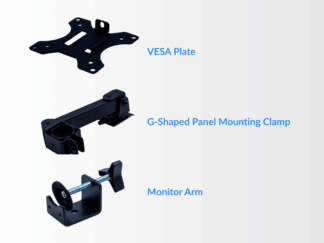
Excellent interface for the mill. My old WoodSmith CNC router used a Laptop that did the same thing, but not as well integrated. The mount system is also very convenient and adjustable.
Donald M. (verified owner) –
This is perfect for me. I didn’t have to get an additional laptop or computer to be able to run the CNC.
Doug Maurer (verified owner) –
Love love love the computer! Perfect fit for the AltMill
Bruce Gay (verified owner) –
You can run this machine a number of ways. But there is only way to do it! That is with this super nicely designed computer for running my CNC. G Sender
Edge and for get about it! Nicely done Sienci Labs. We will be putting out an assembly video on the MK2- 2×4 next week!