
LightBurn_Logo_Icon zoom

Hover

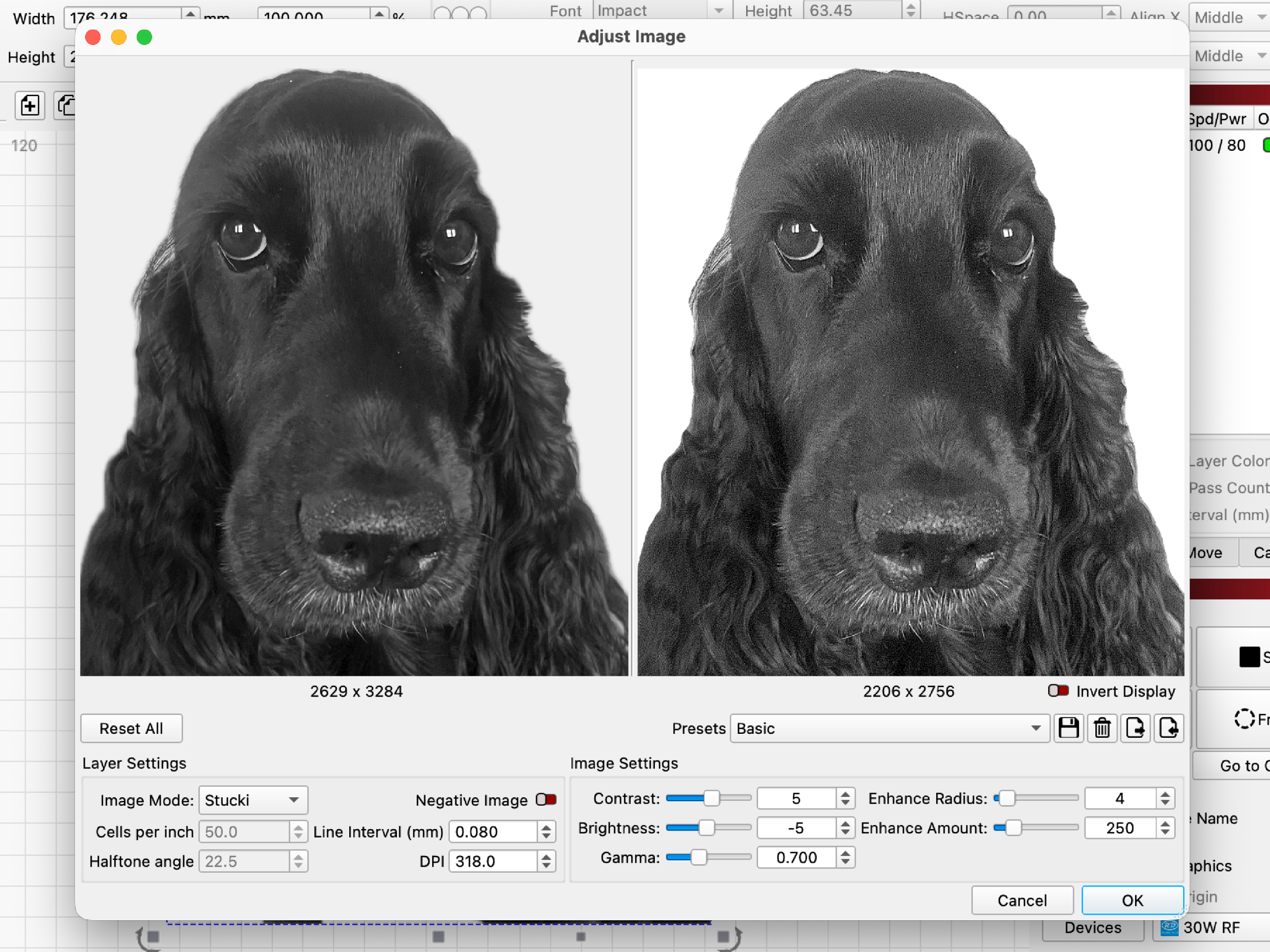
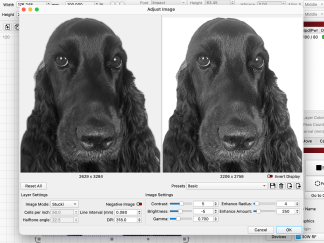
Adjust_Image zoom

Hover

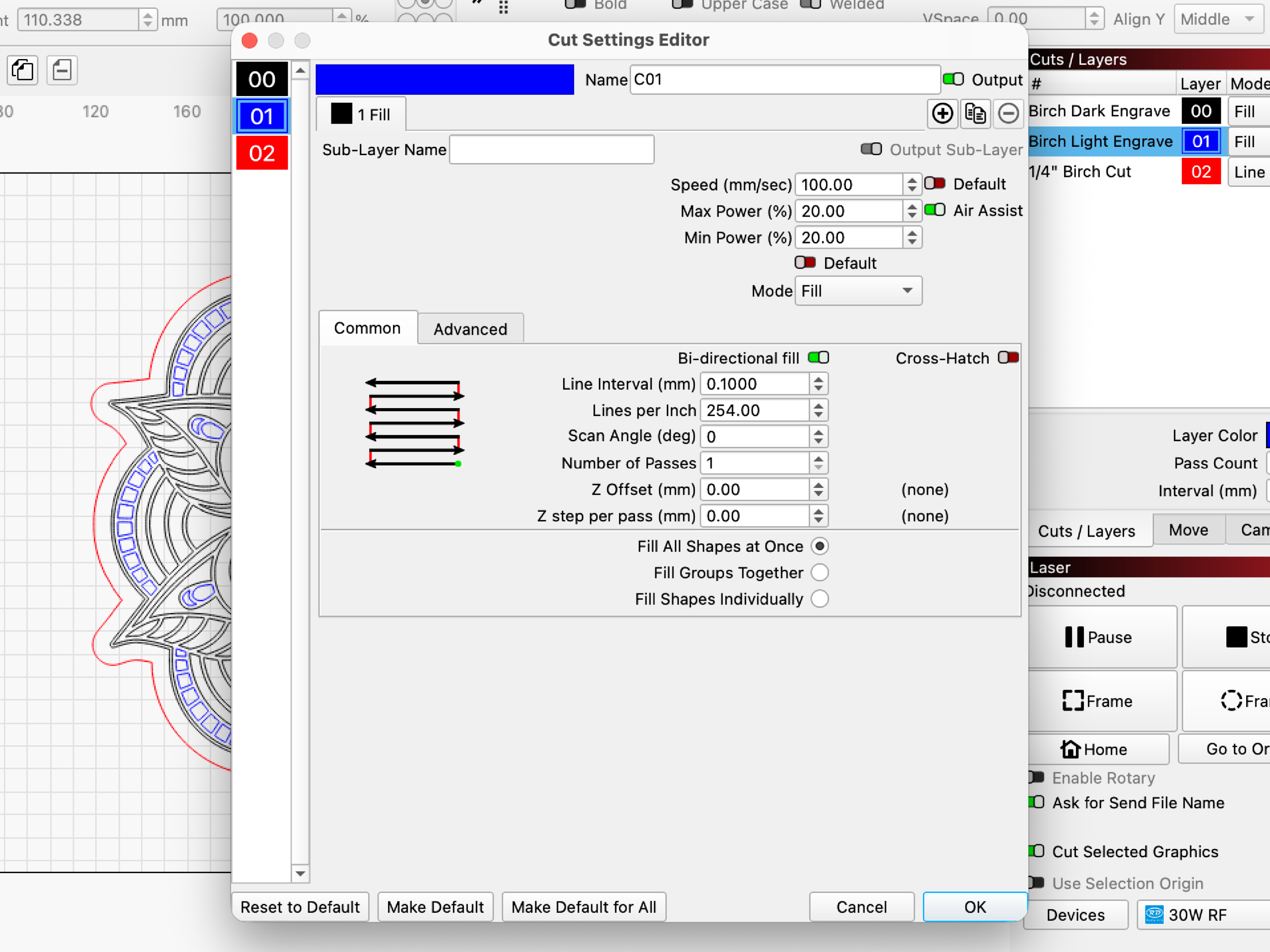
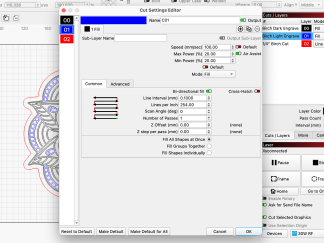
Cut_Settings_Editor zoom

Hover

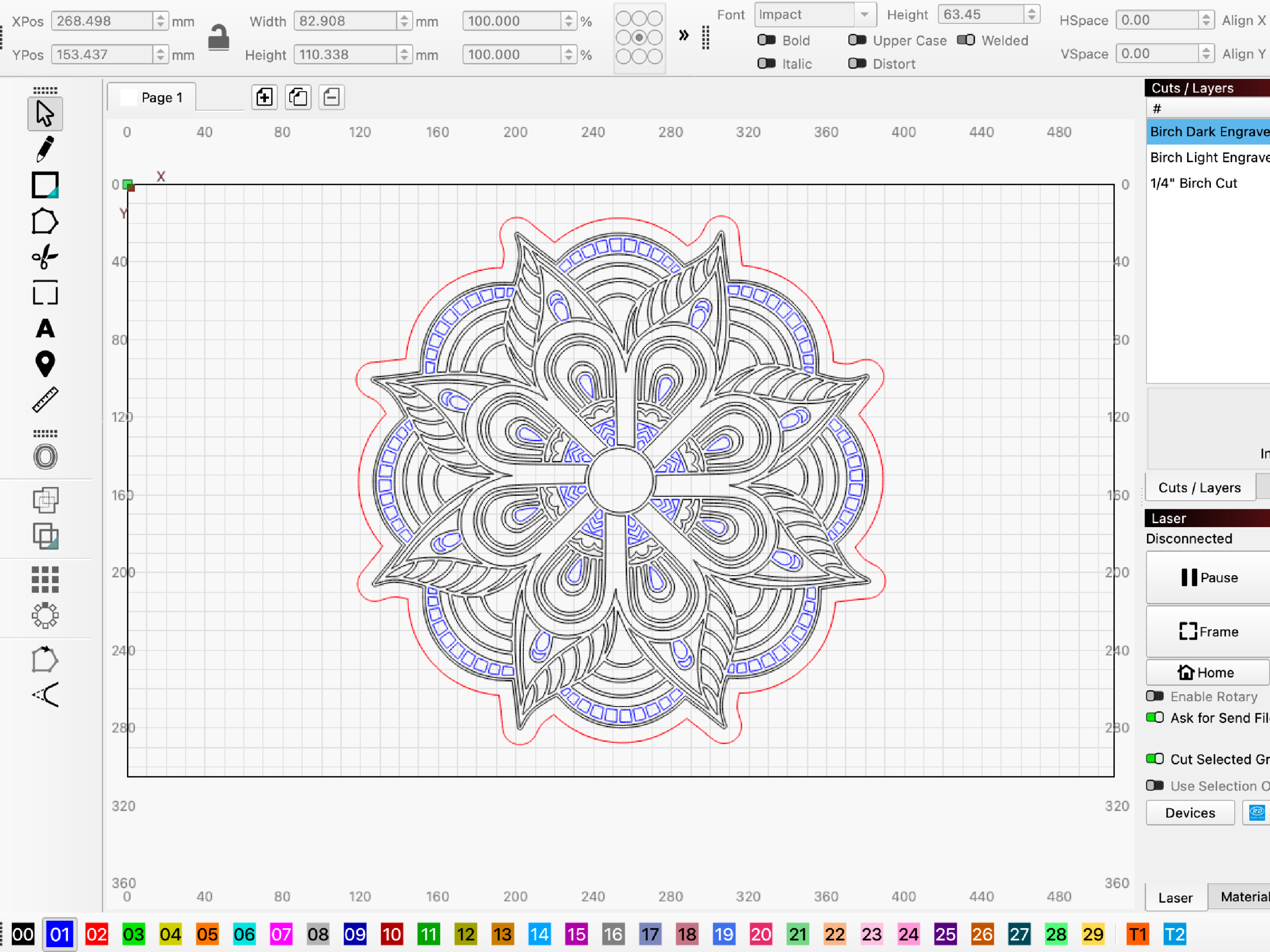
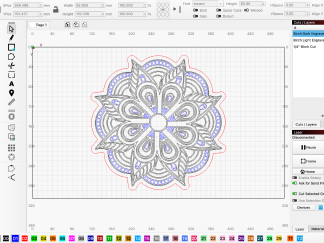
Mandala zoom

Hover

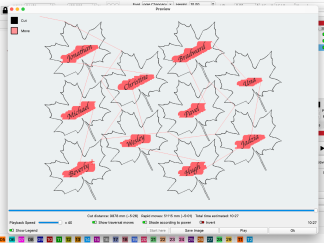
Preview zoom

Hover

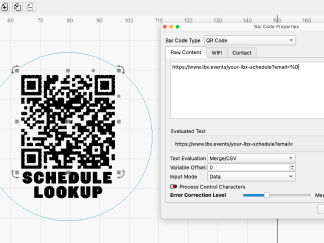
QR_Code zoom

Hover

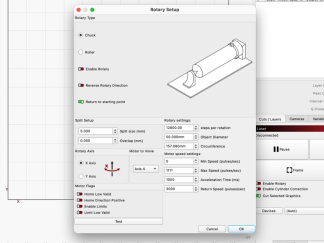
Rotary_Setup zoom

Hover

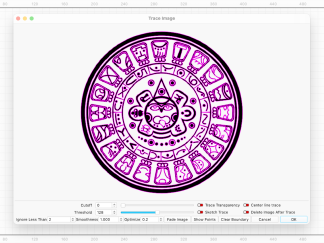
Trace_Image zoom

Hover

LightBurn_Logo_Icon
Adjust_Image
Cut_Settings_Editor
Mandala
Preview
QR_Code
Rotary_Setup
Trace_Image
Full Screen

LightBurn Software

$0.00

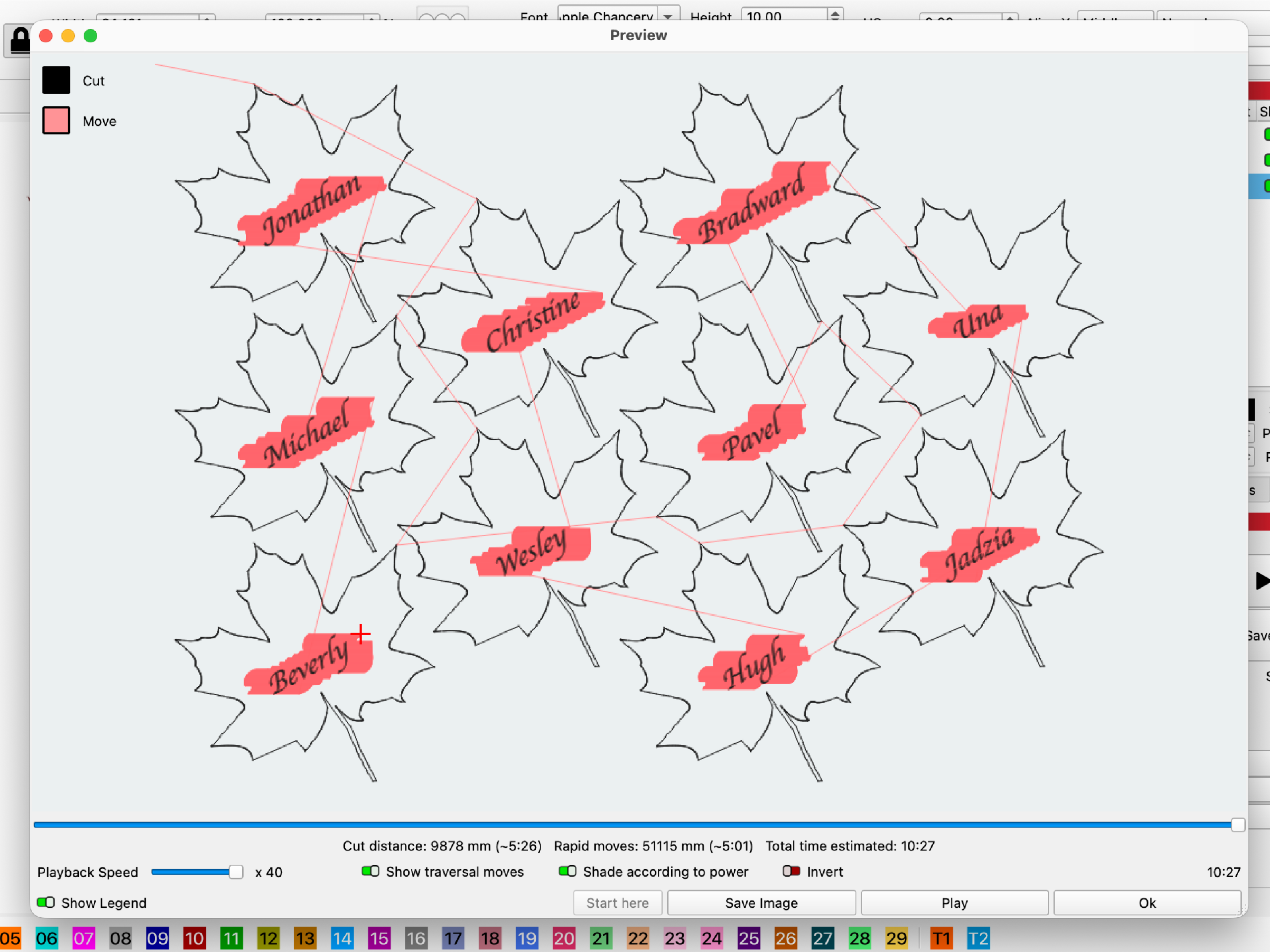
LightBurn is the industry’s leading layout, editing, and control software for laser cutters and CNC machines with lasers, that use GRBL-based firmware. Combining a versatile array of design features with the ability to fine-tune laser settings and connect directly to your machine, it’s the only software you’ll need from start to finish of any project.

LightBurn offers two versions, Core, which supports GCode-based lasers and CNC machines, including any LongMill or AltMill using a compatible laser, and Pro, which also supports DSP and Galvo lasers. A limited number of design/layout features are available in Pro only.

LightBurn is a native application written for Windows and macOS.

Pressing “Purchase License” takes you to LighBurn.com where you can directly order a license key for LightBurn. License Keys are not sold through or distributed by Sienci.com.

Description

Sienci Labs is an official affiliate of LightBurn software. We receive a commission on sales. We do not issue licenses directly.

LightBurn offers two license types, Core and Pro.

 Core capabilities include:

  • Support for GCode-based lasers, including any LongMill or AltMill
  • Design, editing, and layout tools
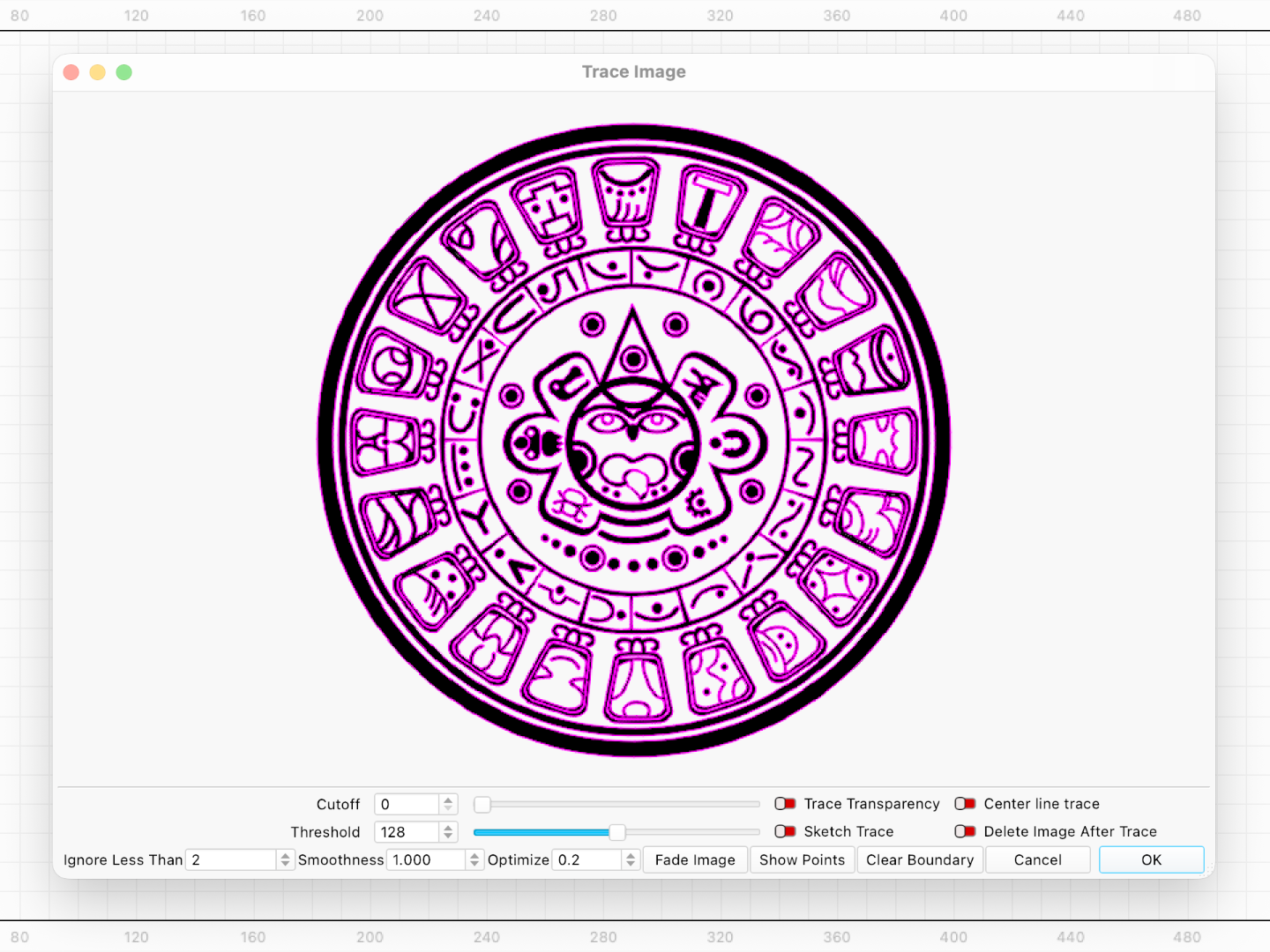
  • Image Tracing
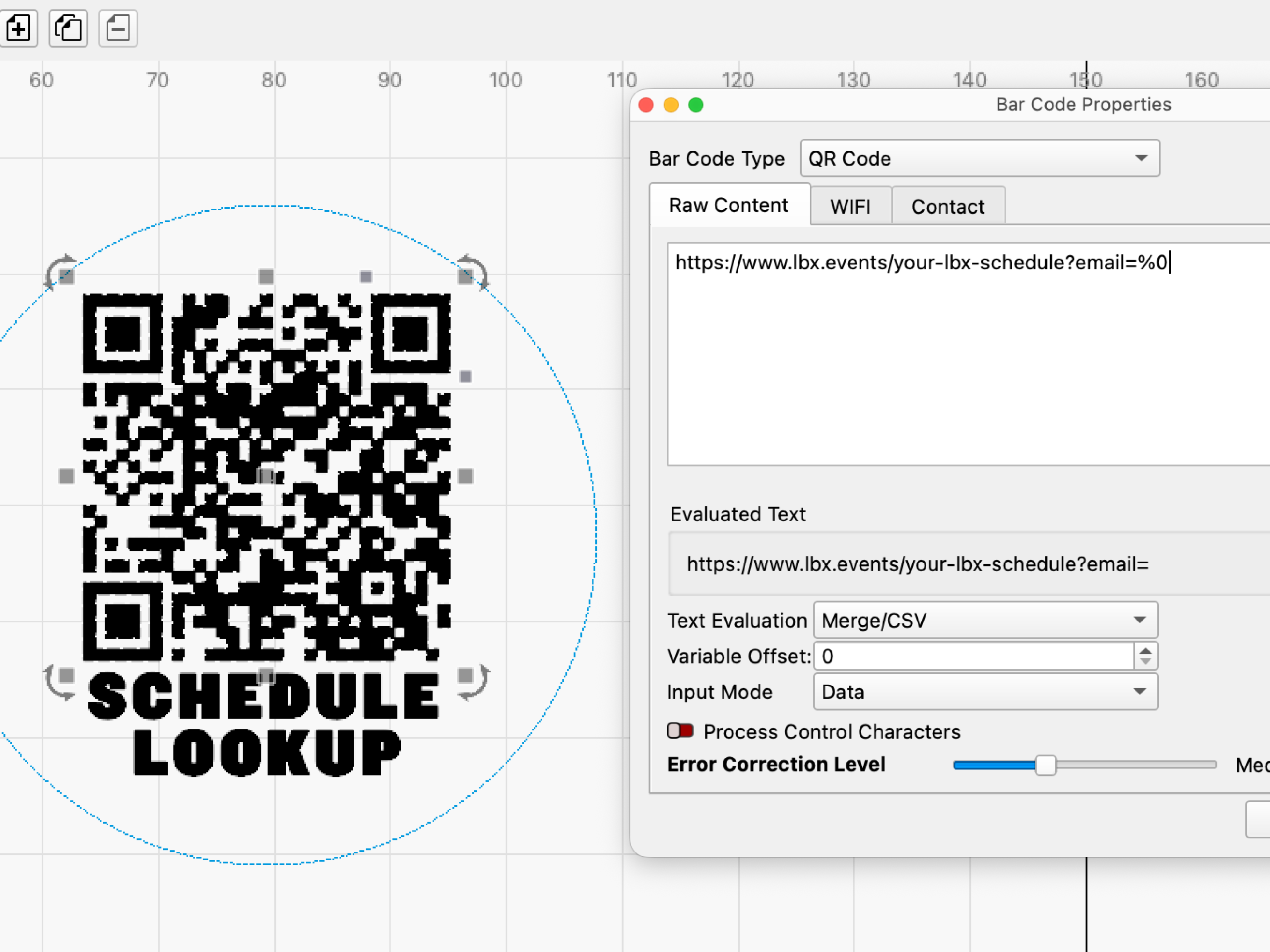
  • Bar Code Generation
  • Variable Text
  • Four processing modes: Line, Fill, Offset Fill, Image
  • Direct machine control and job sending

Pro capabilities include:

  • Everything above
  • True Nesting
  • Support for DSP and Galvo lasers

***What you get with your purchase*

  • A genuine license key for LightBurn sent directly from LightBurn, allowing permanent and perpetual use of LightBurn. 
  • Licenses come with a year of free updates, starting on the day you first activate. After a year, you can continue using your current version forever, or renew to add another year of updates to your license.
  • The price to renew LightBurn is the same whether you’re a Core or a Pro user (see LightBurnSoftware.com for details)
  • Every license comes with 3 seats, meaning you can activate LightBurn on up to 3 computers at one time. You can rearrange your activations at any time, or purchase additional seats to activate on more than 3 computers at once.
  • LightBurn is compatible with Windows and macOS.
  • Educational licenses are also available

***Getting your license***

  • LightBurn will send you an email with your license code through their automatic system within a few minutes. To activate your LightBurn license, please download the trial version first, then use the license key at startup to activate the full version of the program. You do not receive a USB or CD for installation.
  • Sienci Labs does not receive confirmation of your purchase, and all software technical inquiries are handled by the LightBurn team.
Minimum System Requirements

  • Windows 10 or 11, macOS 13 or higher.
  • 64-bit Dual-Core (Intel Celeron or similar)
  • 4GB Ram
  • At least 450 mb free to install the software, plus additional space for files
  • 1920 x 1080 display

FAQs

Does Sienci Labs directly support LightBurn software technical inquiries?
No, we do not offer support for the software but they have a wide variety of resources to help.

Any quick links to their support?

Help & Resources

Warranty

Sienci Labs offers no additional warranties or refunds on software. See terms and conditions on LightBurn.com

Reviews

There are no reviews yet

Only logged in customers who have purchased this product may leave a review.

You may also like…