AutoZero Touch Plate zoom

Hover

IMG_3731 zoom

Hover

AutoZero Touch Plate zoom

Hover

IMG_3719 zoom

Hover

IMG_3725 zoom

Hover

IMG_3594 zoom

Hover

IMG_3612 (1) zoom

Hover

AutoZero Touch Plate Cables 2 zoom

Hover

IMG_3573 (1) zoom

Hover

AutoZero Touch Plate zoom

Hover

IMG_3695 zoom

Hover

AutoZero Touch Plate Cables zoom

Hover

AutoZero Touch Plate 3 zoom

Hover

IMG_3693 (1) zoom

Hover

IMG_3689 zoom

Hover

AutoZero Touch Plate Cables 3 zoom

Hover

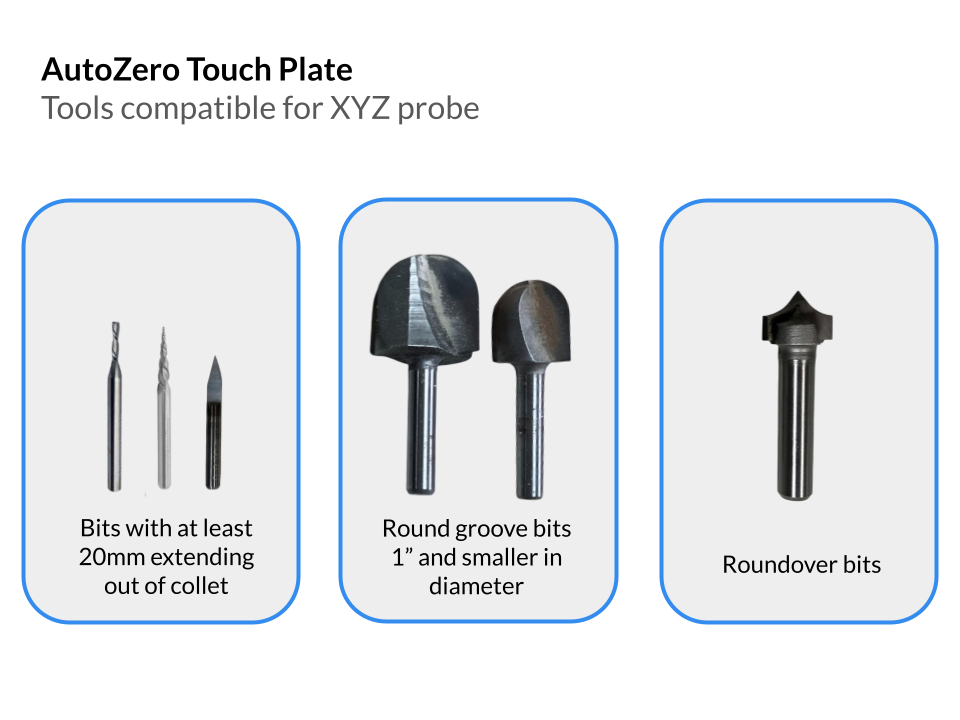
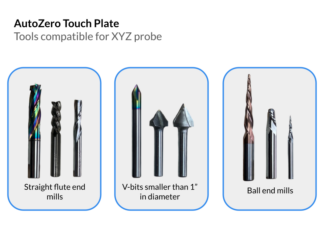
AutoZero Touch Plate Compatibility 1-3 zoom

Hover

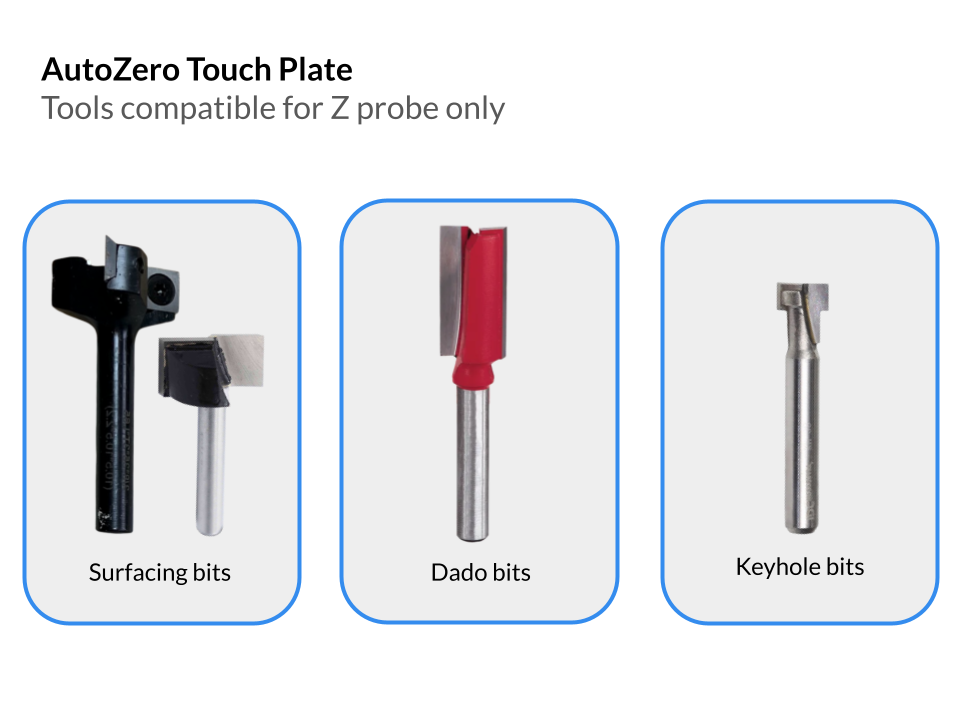
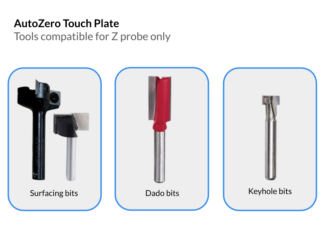
AutoZero Touch Plate Compatibility 2-3 zoom

Hover

AutoZero Touch Plate Compatibility 3-3 zoom

Hover

AutoZero Touch Plate
IMG_3731
AutoZero Touch Plate
IMG_3719
IMG_3725
IMG_3594
IMG_3612 (1)
AutoZero Touch Plate Cables 2
IMG_3573 (1)
AutoZero Touch Plate
IMG_3695
AutoZero Touch Plate Cables
AutoZero Touch Plate 3
IMG_3693 (1)
IMG_3689
AutoZero Touch Plate Cables 3
AutoZero Touch Plate Compatibility 1-3
AutoZero Touch Plate Compatibility 2-3
AutoZero Touch Plate Compatibility 3-3
Full Screen

AutoZero Touch Plate

(384 customer reviews)

$86.99

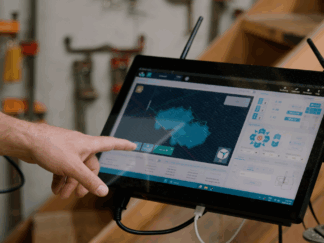
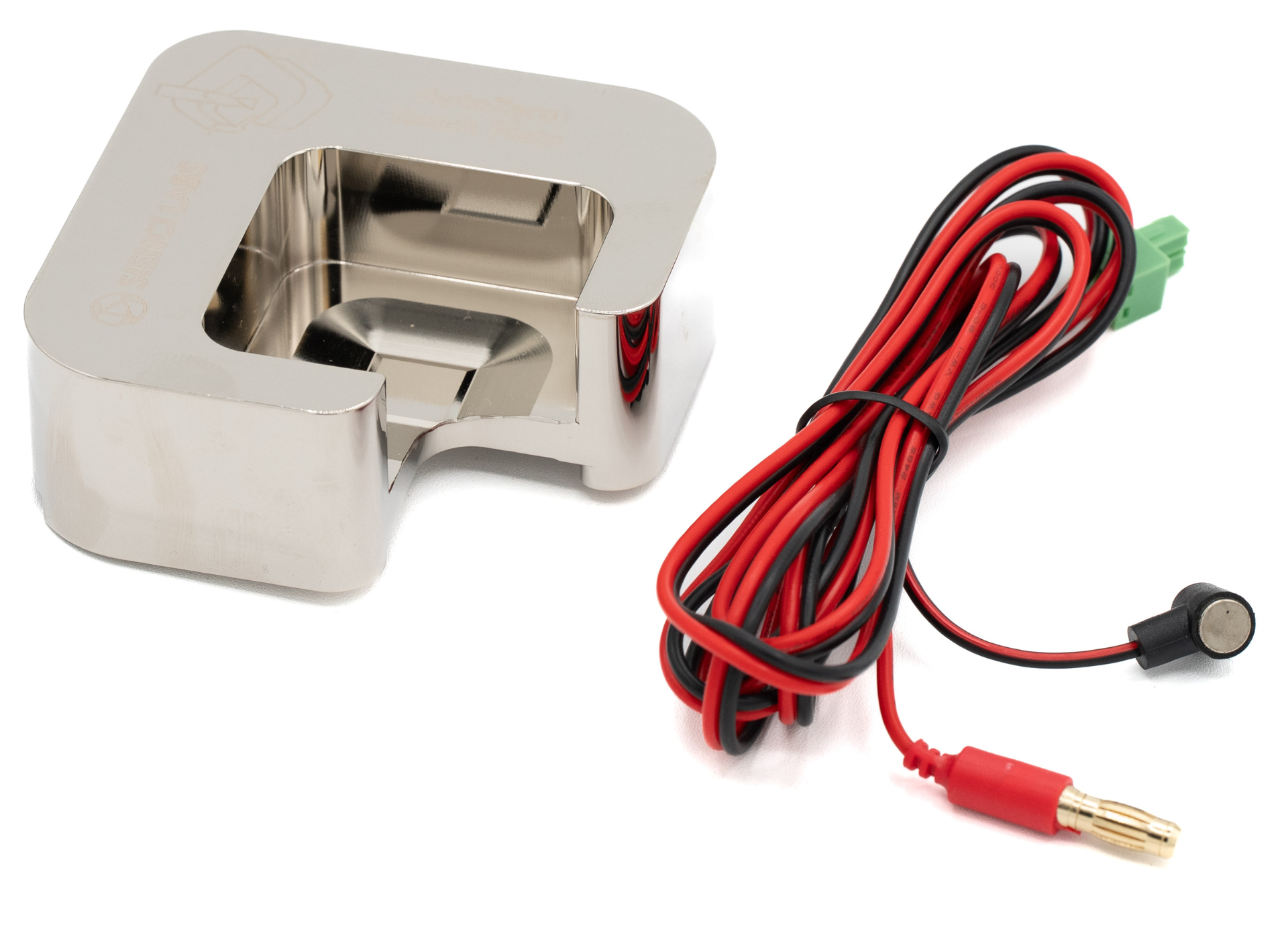
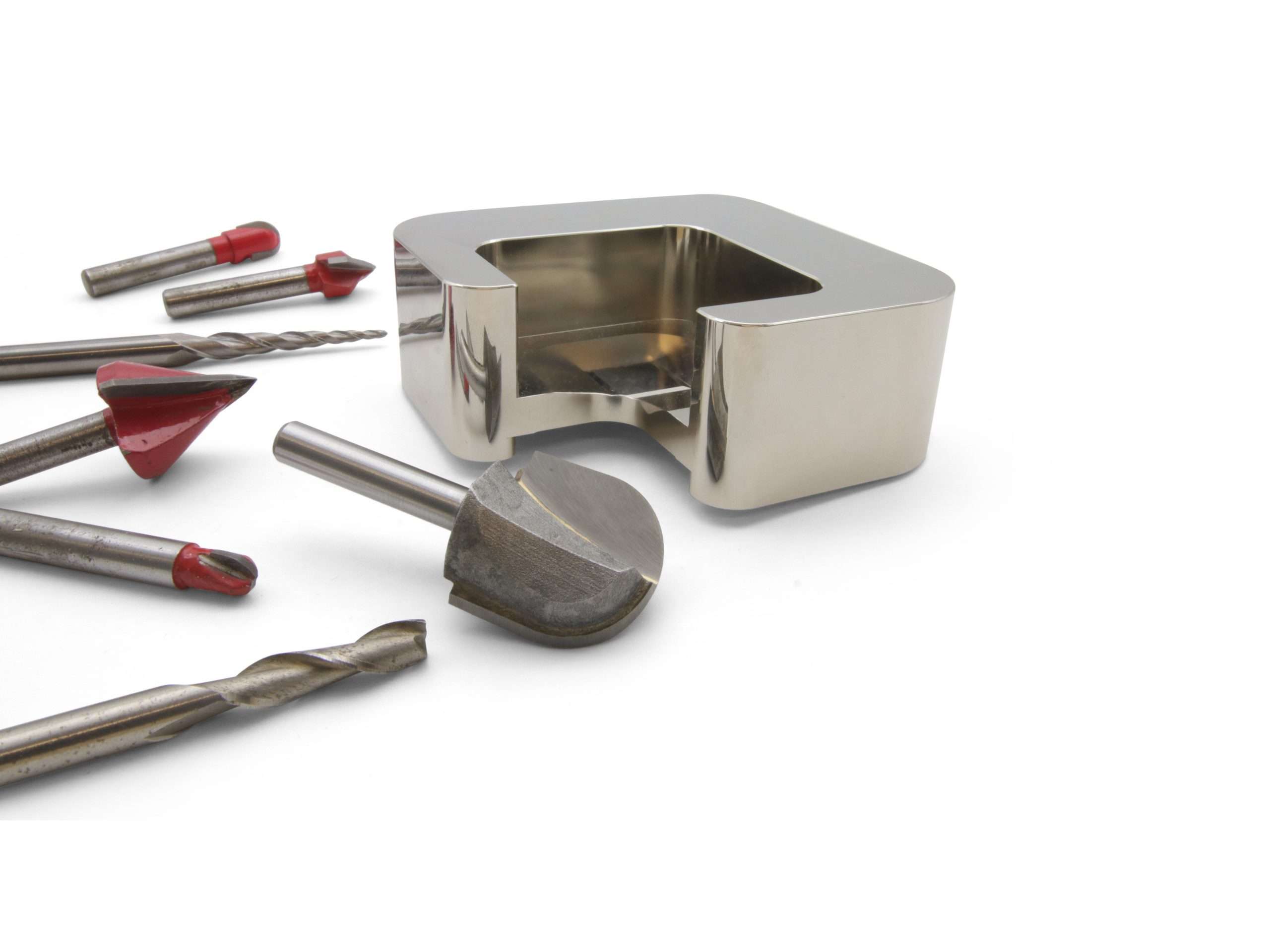
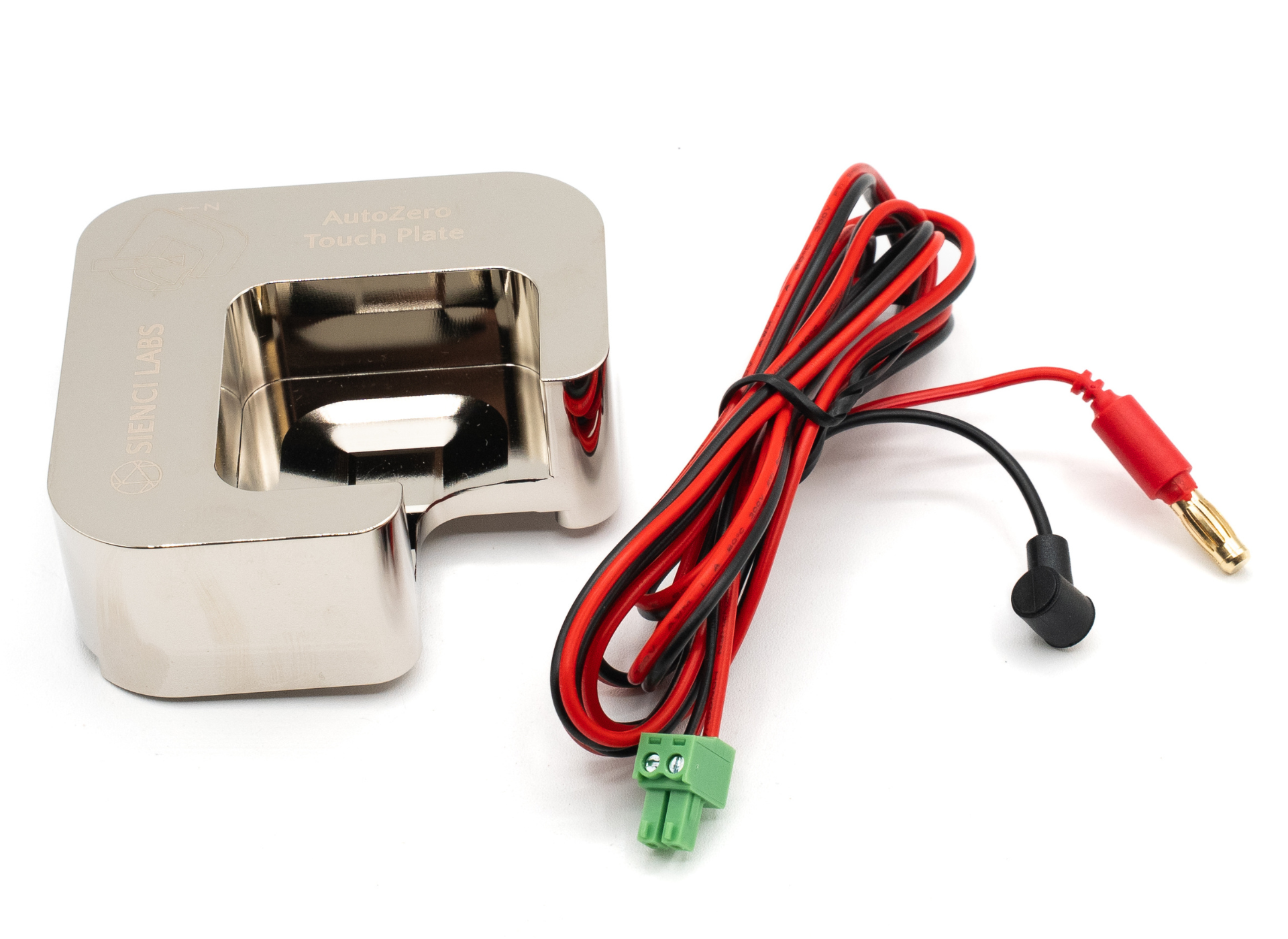
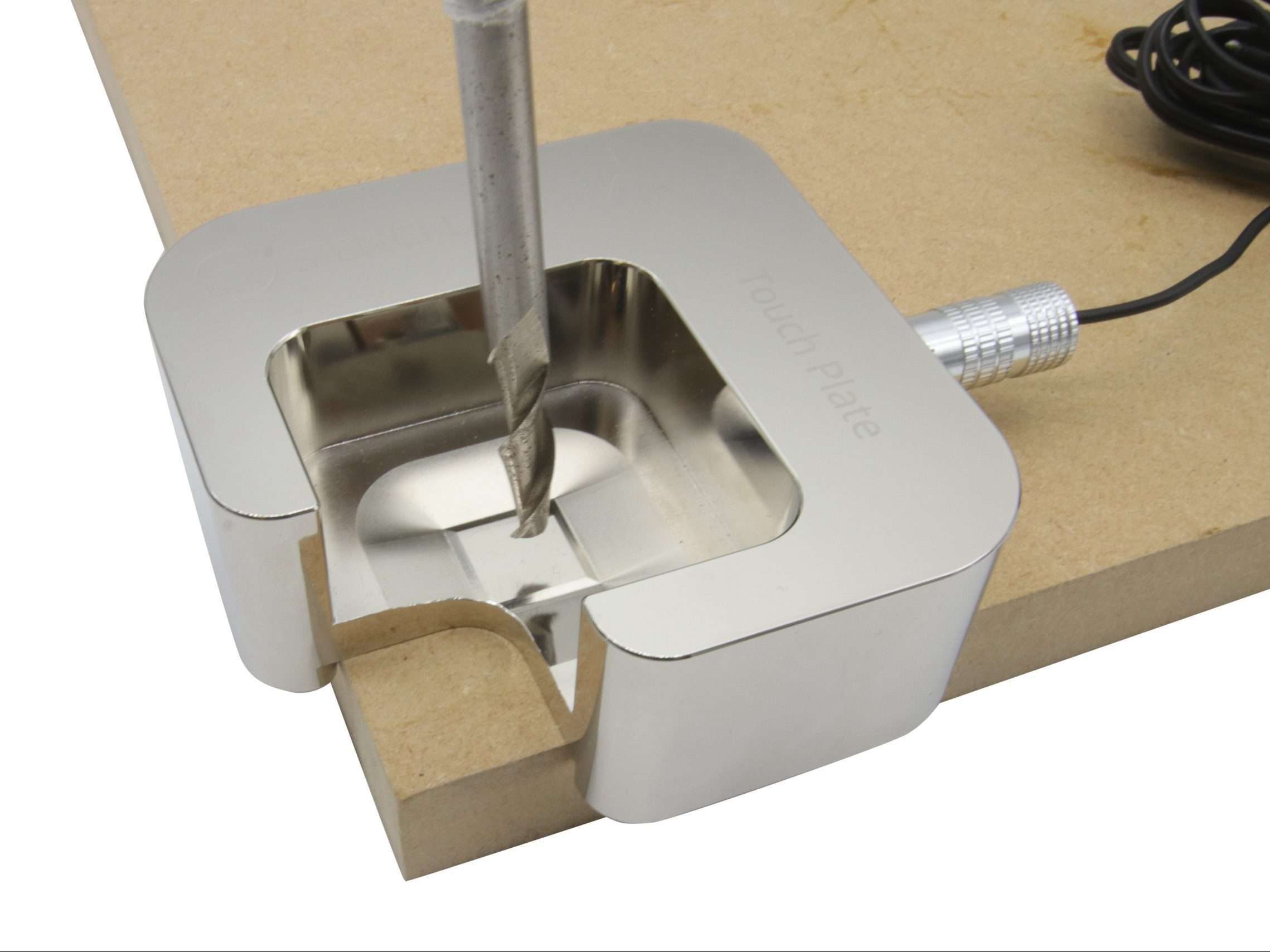
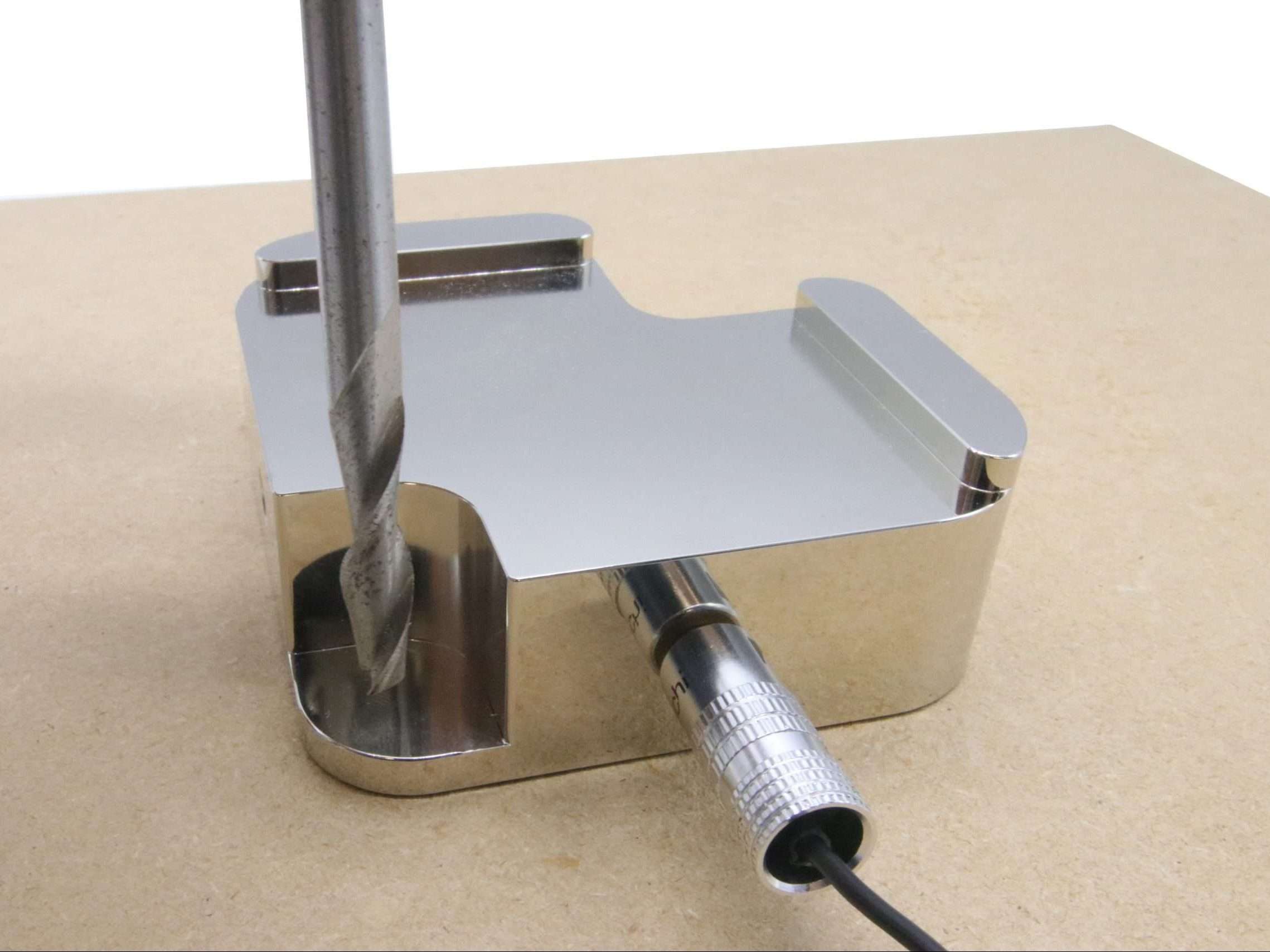
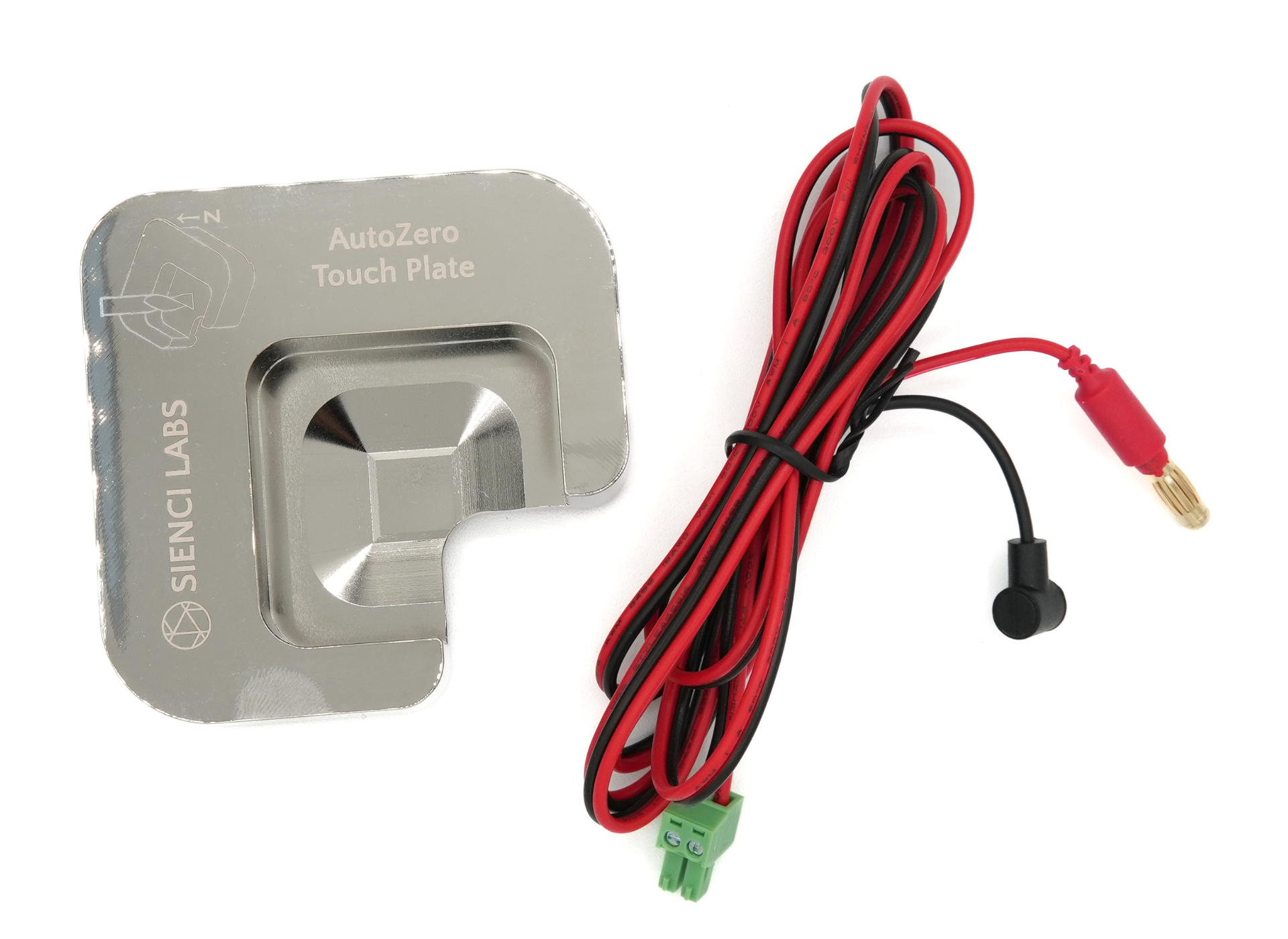
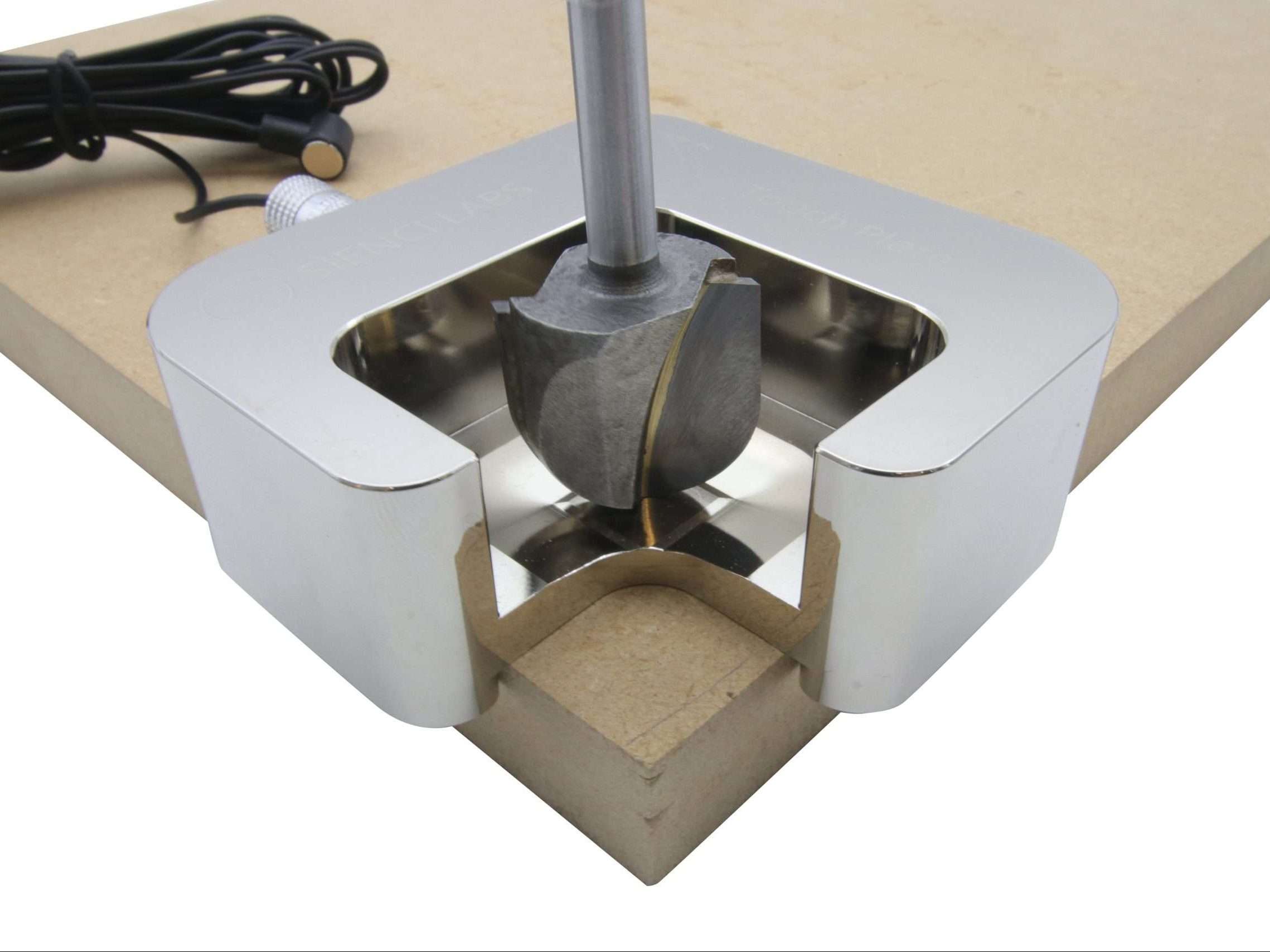
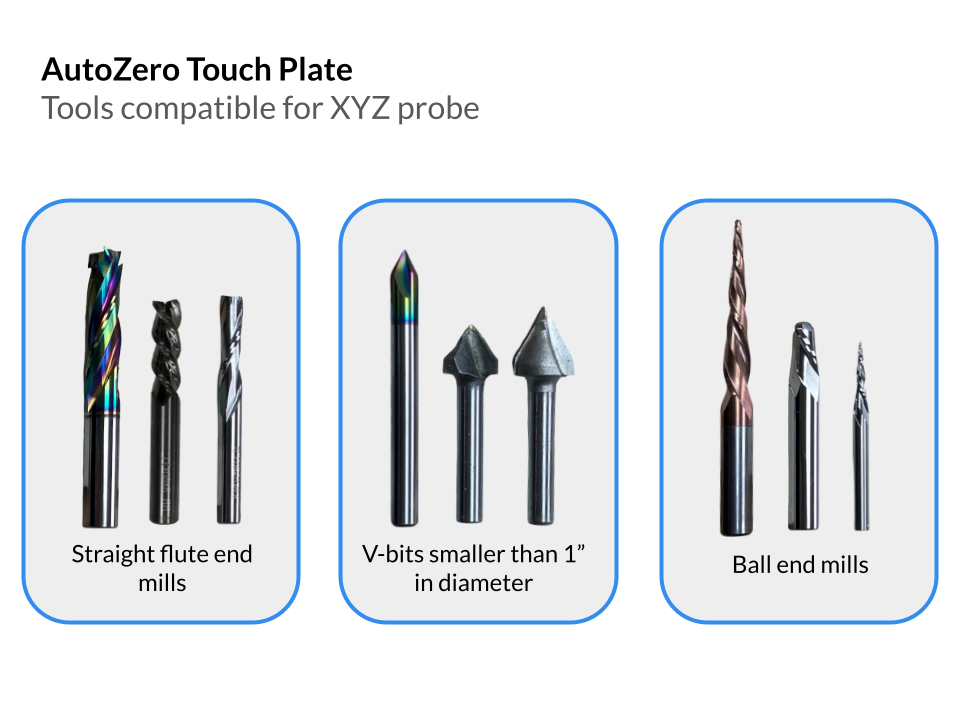
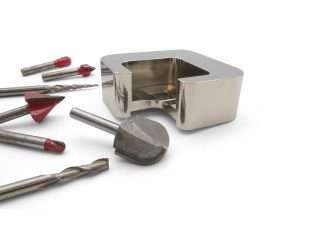
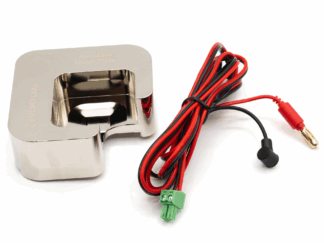
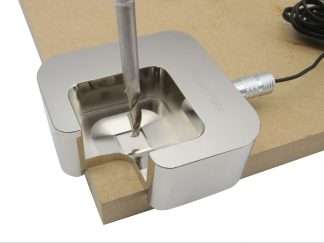
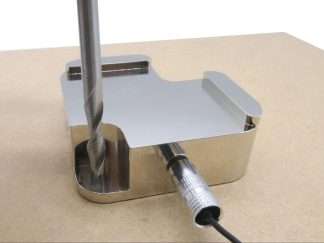
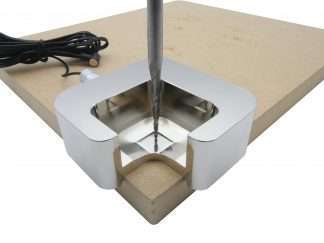
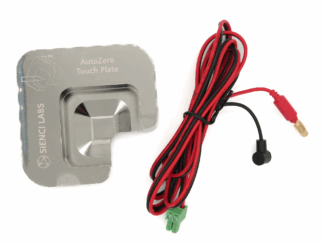
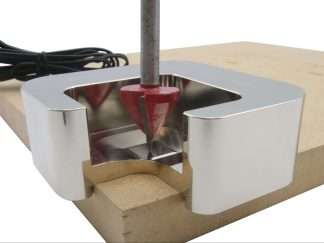
The AutoZero Touch Plate is Sienci’s revolutionary CNC touch plate that allows for automatic zero-setting in all X, Y and Z directions, with both straight and irregularly shaped bits (v-bits, ball nose and tapered.)

Engineered by our team, the AutoZero allows for a fully streamlined probing experience:

  • Skip the process of measuring or assuming the tool size before probing
  • No more need to probe with a straight-edged bit to find zero before starting a 3D contour or v-carve
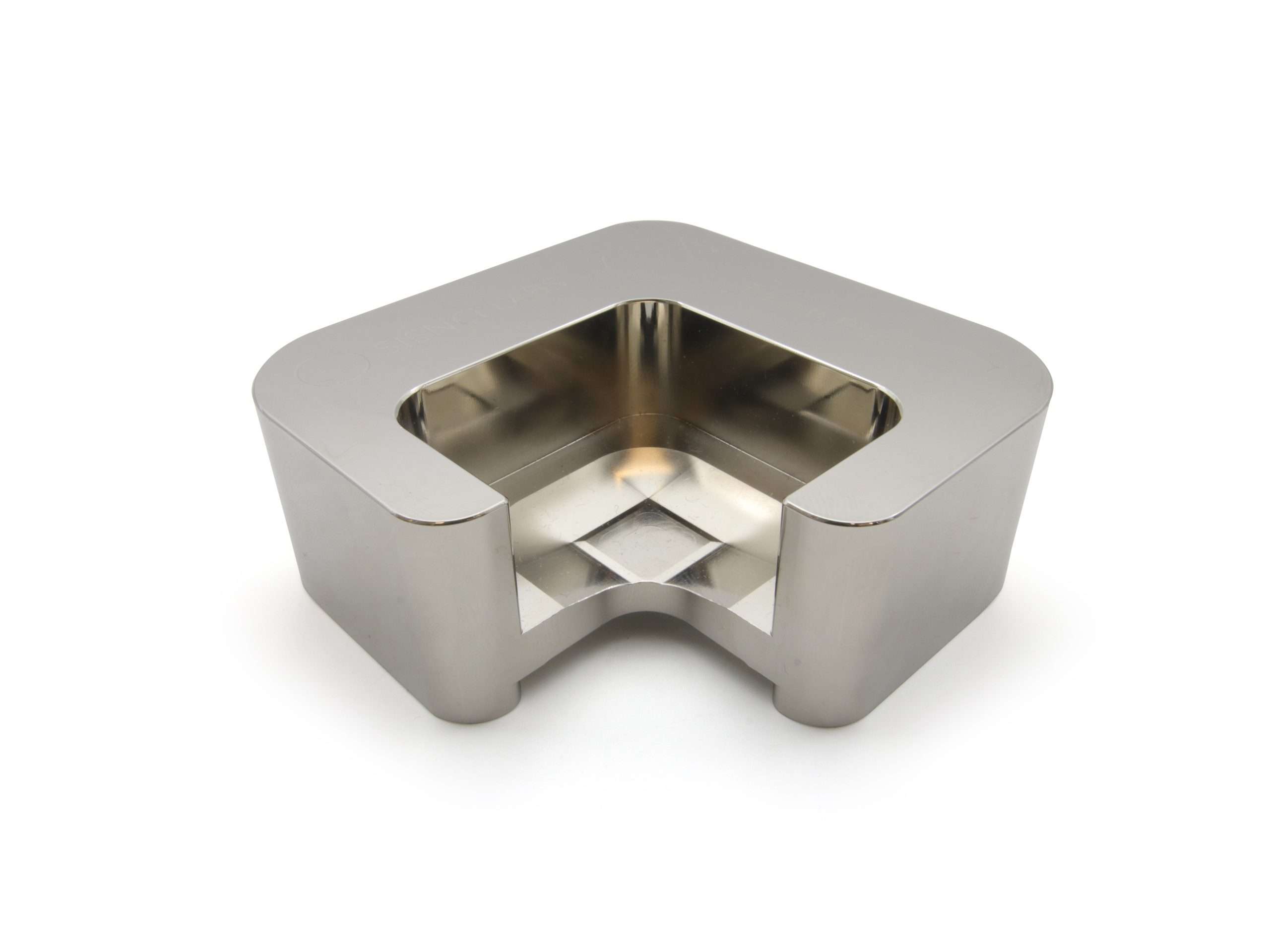
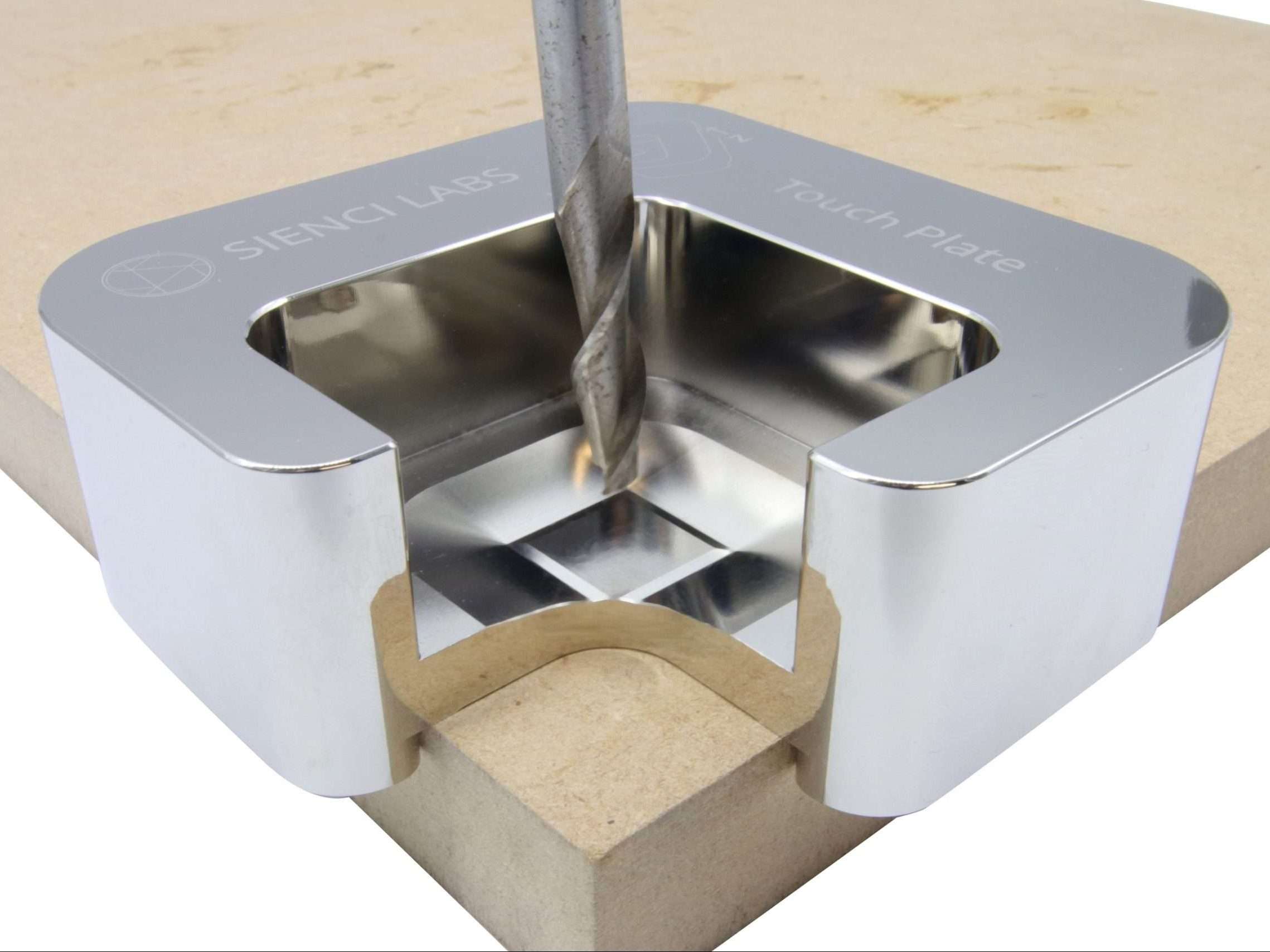
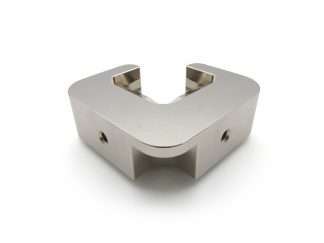
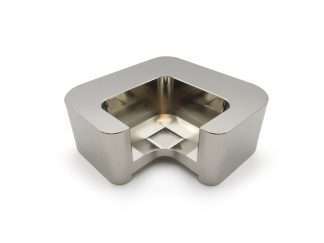
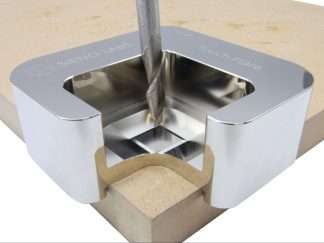
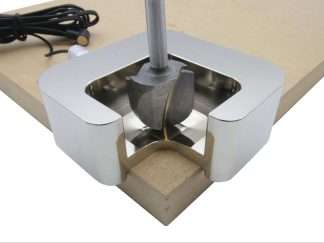
  • Corner cutout allows tool to go to zero to confirm successful probing

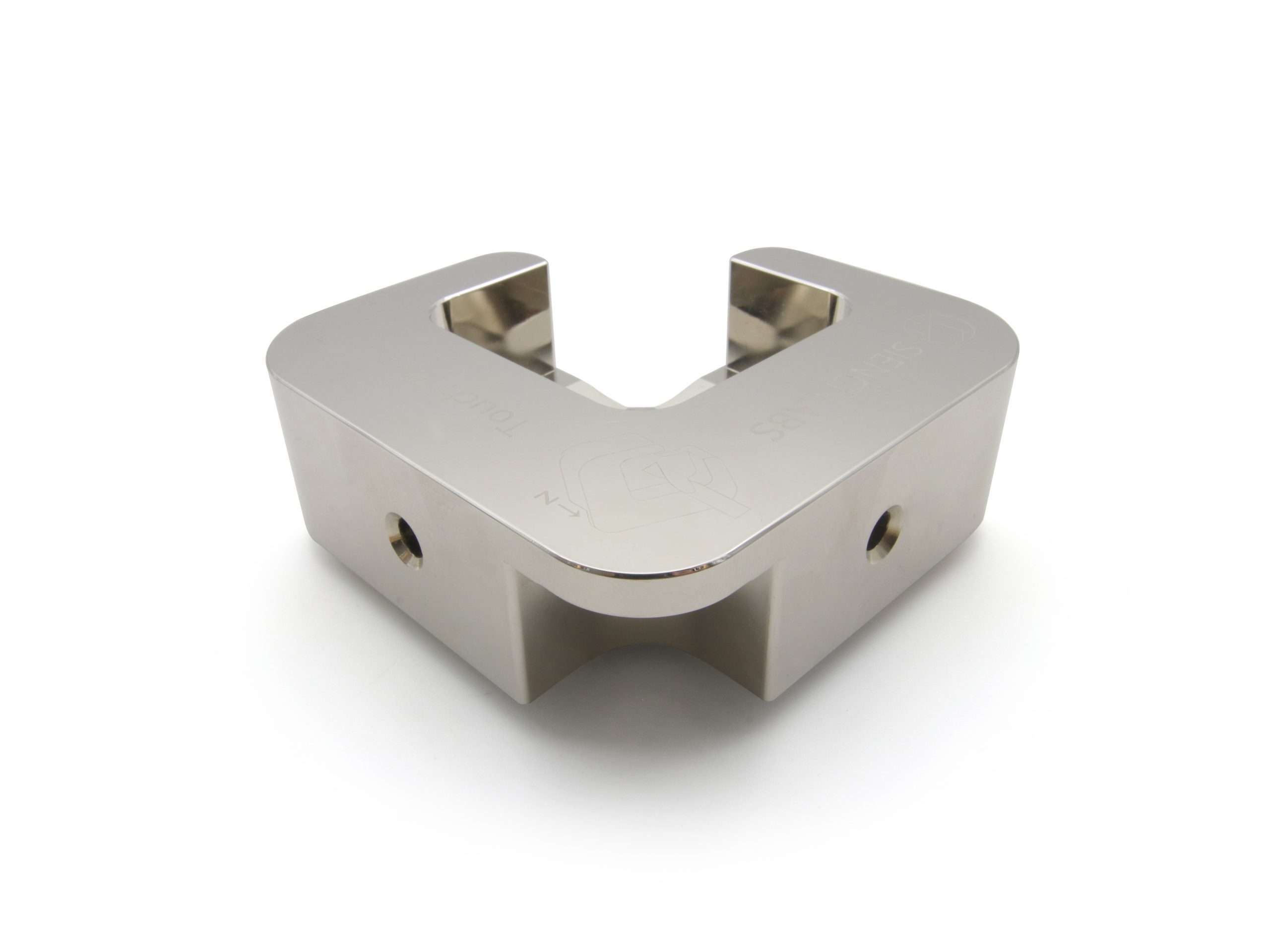
Unlike most conventional touch plates, the AutoZero’s unique chamfered-edge geometry, symmetry and tall walls allows it to automatically measure and calculate the size and position of the bit you’re using, with extreme accuracy. Plus, when combined with our gSender control software, users can run all functions through pre-built settings to have a seamless zeroing experience without having to mess around with custom macros.

***Read Description Below For More Highlights***

Description

Other highlights include:

  • Special nickel coating for higher surface conductivity to improve touch-off sensitivity
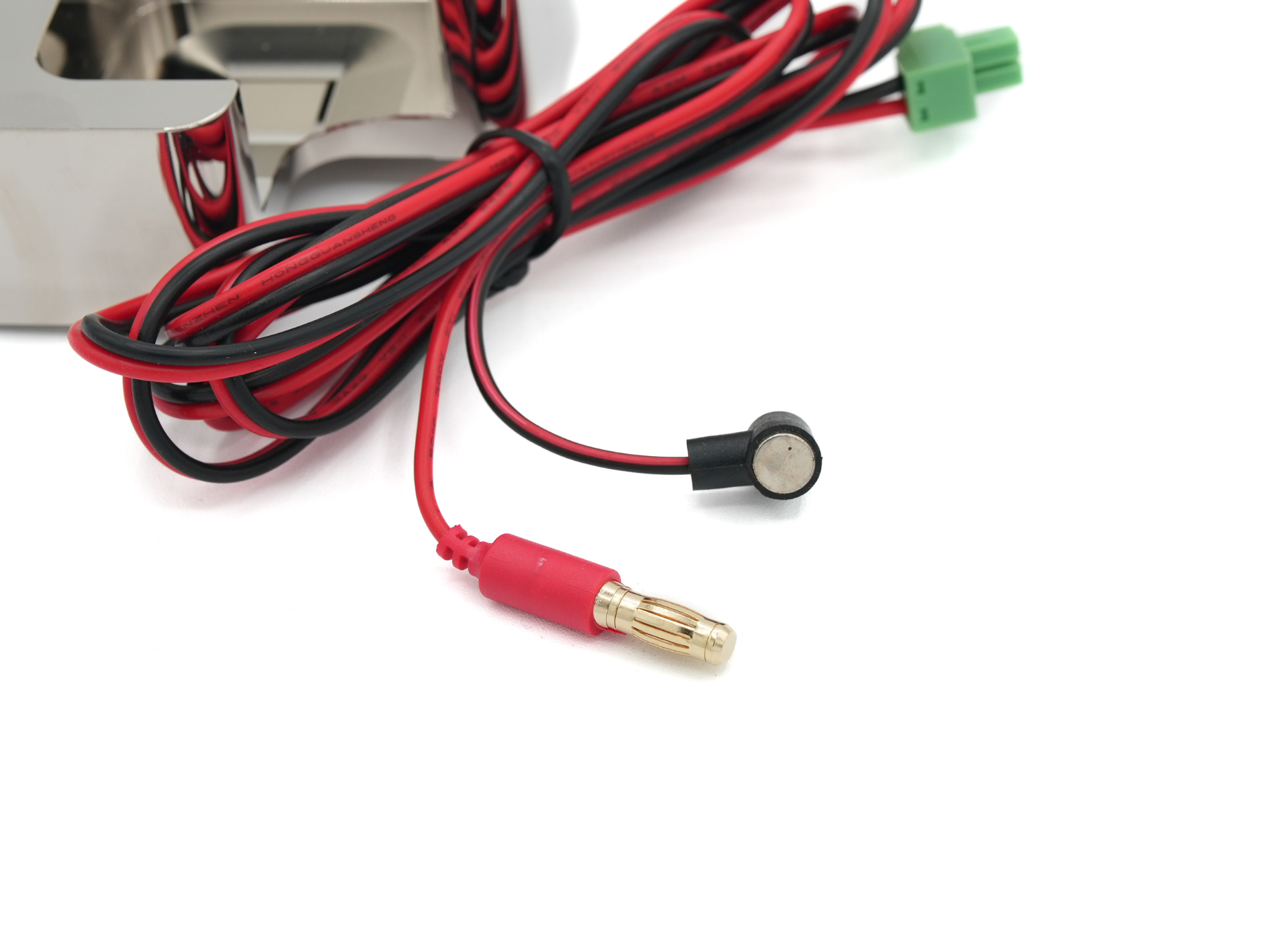
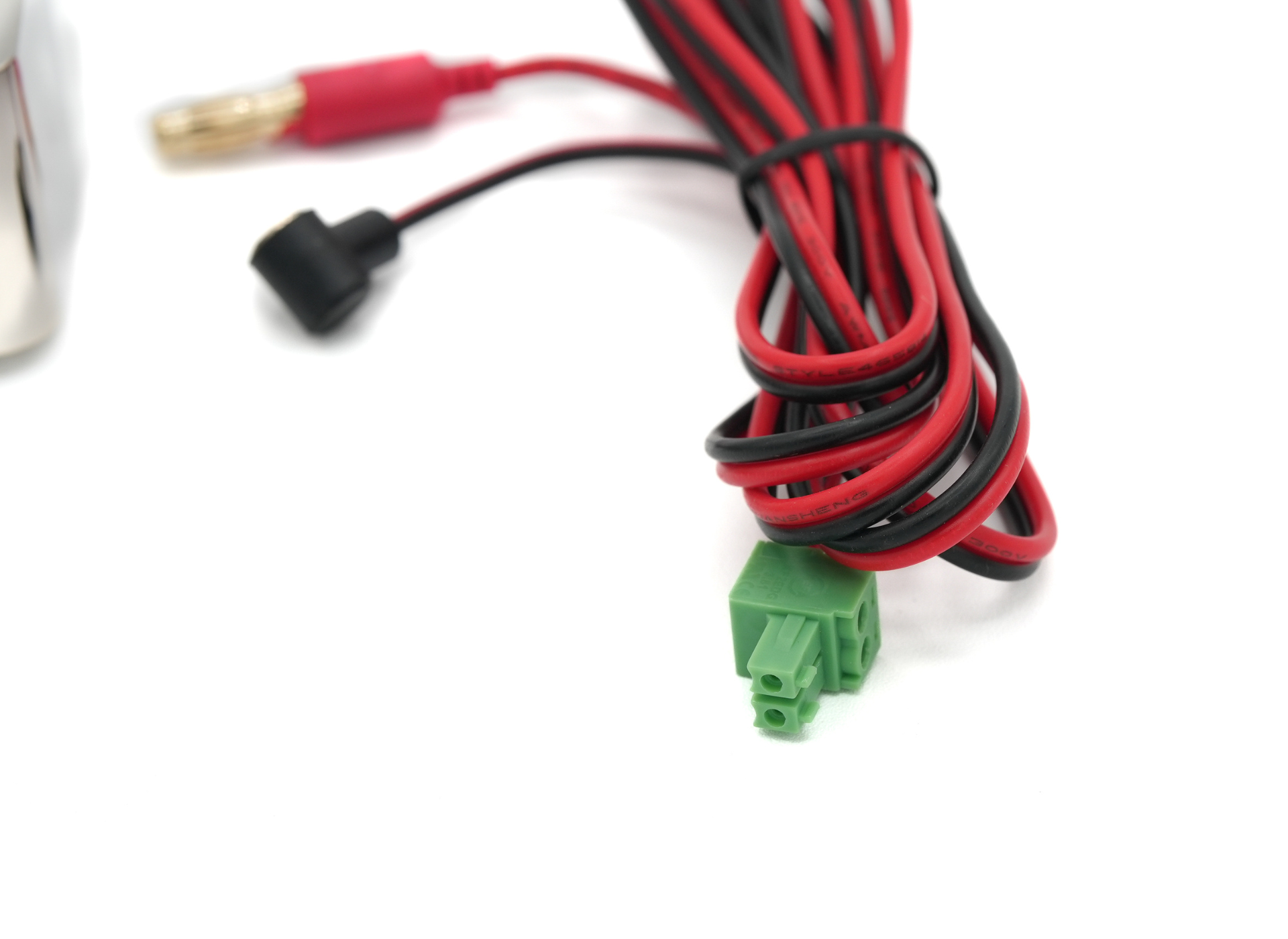
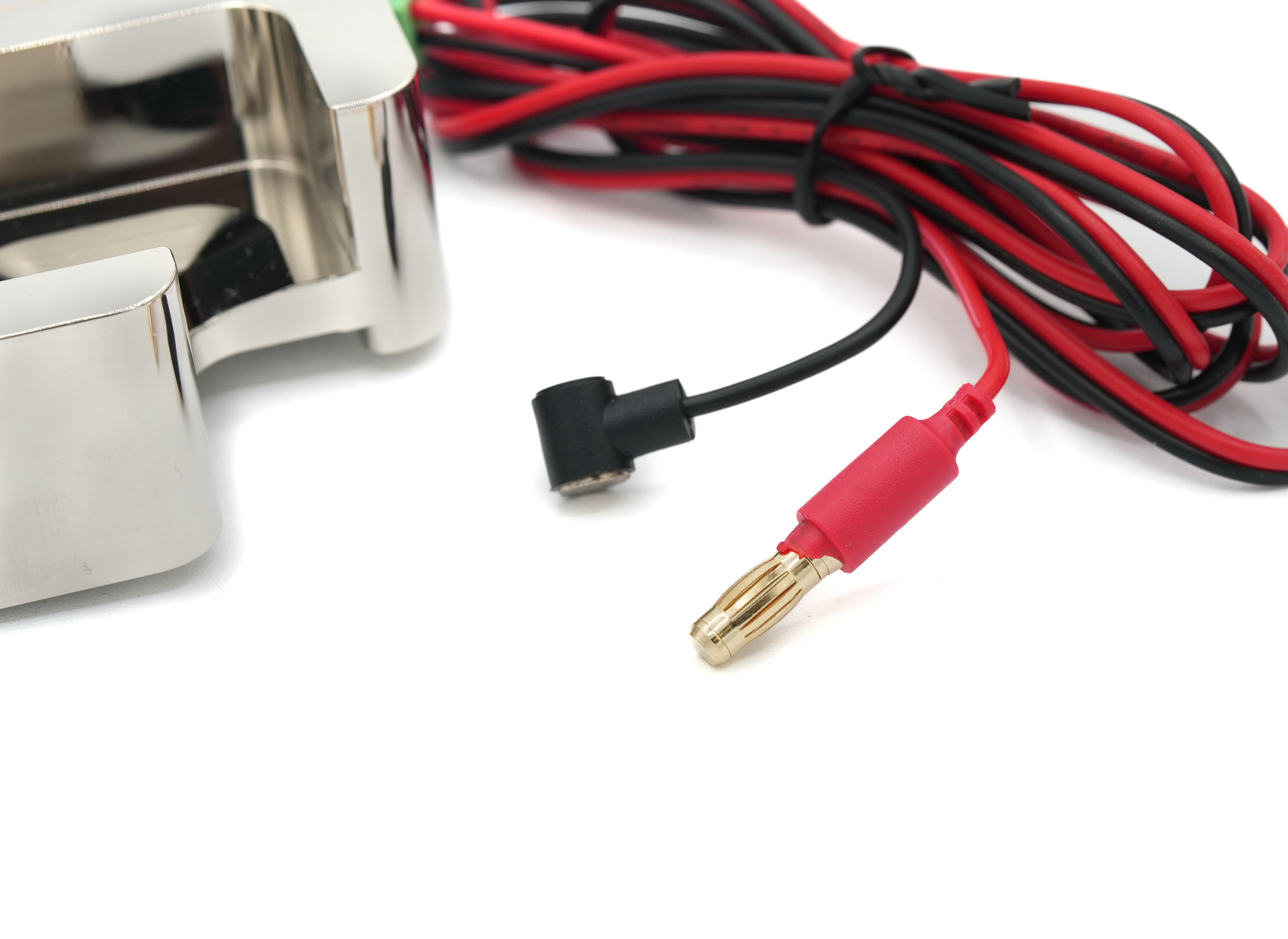
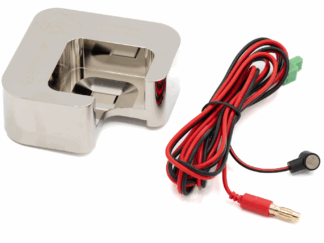
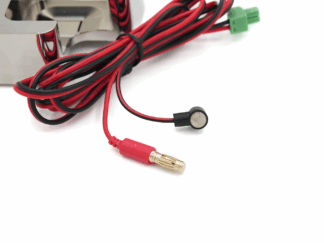
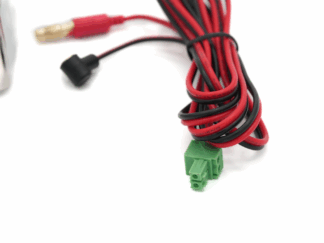
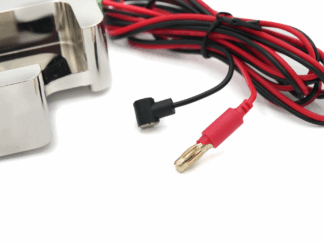
  • Each set comes with a 5ft cable with a strong neodymium magnet and gold plated 5mm ECS5 jack for easy connection to two spots on the touch plate
  • Guaranteed compatibility with our LongMill and AltMill CNCs, and likely compatible with other CNC routers with 2-wire, NO probe connections (like Shapeoko, 3018, etc.)
  • Works seamlessly out-of-the-box with the gSender CNC control software
  • Macros and documentation available for other senders too like CNCjs, LinuxCNC, Buildbotics, UGS, and more
  • Currently set up for Front, Left corner probing only – support for other options coming to gSender soon
Additional information

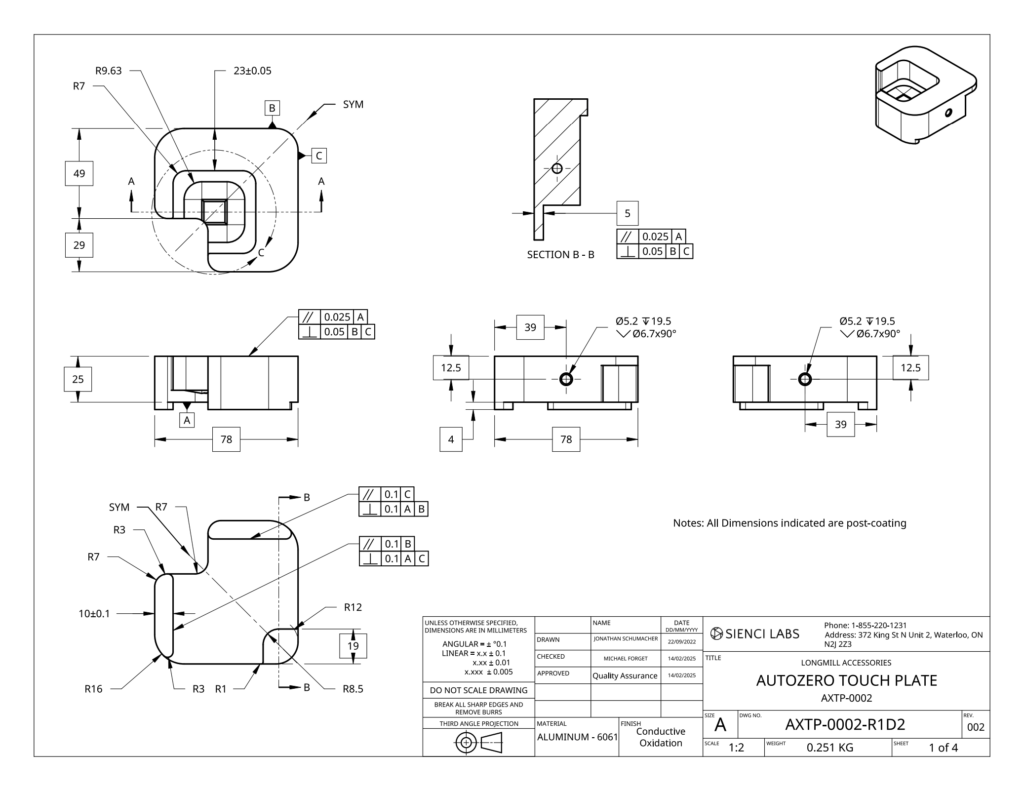
Weight .7 lbs
Dimensions 4 × 6 × 0.5 in
method-of-qualification

TRANSACTIONAL VALUE

origin-criterion

C

country

CA

Measurements

  • Shipping Dimensions: 203 x 152 x 51mm (8″ x 6″ x “)
  • Shipping Weight: 0.32kg (0.7 lb)

AutoZero Touch Plate

FAQs


Warranty

Items such as our AutoZero Touch Plate are covered under our 60-day warranty. Learn more.

Help & Resources


384 reviews for AutoZero Touch Plate

4.6
Based on 384 reviews
5 star
75
75%
4 star
12
12%
3 star
6
6%
2 star
2
2%
1 star
2
2%
  1. Markus Vock (verified owner)

    need to learn how to use it

    (0) (0)
  2. Thomas Jaskulski (verified owner)

    As to my last comment gSender 1.5.7 is a different version from what the video showed and I’ve noticed a few different processes

    (0) (0)
  3. Daniel B. (verified owner)

    This an absolutely must have! I couldn’t imagine working with out this accessory! It pairs nicely to the GSender Computer and makes life simple with the setup for each job.

    (2) (0)
  4. Cody L. (verified owner)

    Makes setting zero simple and easy

    (1) (0)
  5. Clifton Tomplait (verified owner)

    One problem. The VERY TINY arrow which indicates the bit exit from the inside of the AutoZero doesn’t seem to be listed ANYWHERE in the documentation. It was accidentally touched and redirected … resulting in THREE broken CIC bits!! About $150 in collateral damage the result of inadequate documentation and very tiny touch point on the computer screen. You could do MUCH better!

    That being said, once the tiny touch point was discovered and frequently checked, the AutoZero is VERY handy to use. Cost to learn: $150.

    (1) (1)
  6. Bennett Dry (verified owner)

    Works fine . it will move if not held tightly. I’m finding thast I set everything manually and that takes a couple extra seconds but workd fine as well.

    (1) (2)
  7. mark cloud (verified owner)

    Ease of use is good. Still need to learn to use it a bit better

    (2) (1)
  8. Cherie M. (verified owner)

    the zero touch plat is a must have

    (1) (0)
  9. Rhonda Wineman (verified owner)

    the product is well worth the price

    (0) (1)

Only logged in customers who have purchased this product may leave a review.

You may also like…