Hey everyone. Here are some informative videos that you might have missed last month. Check them out below and make sure to subscribe to our YouTube channel to keep up with our CNC-related videos.
Building a Guitar on a CNC Part 6: Assembly
Time to SHRED X6! Welcome to the exciting conclusion of our epic guitar journey! We are thrilled to showcase the delightful process of assembling an actual, fully-functional custom guitar, crafted with precision using our LongMill MK2 CNC.
Making a Unique Tabletop Inlay on the LongMill MK2 CNC
Are you looking for a project that does not require a lot of programming? In this video, Dennis Harlock shows us how to easily take an oddly shaped piece of wood and turn it into a unique tabletop inlay using the LongMill.
The Cottage Country Sienci Series
We’re on the road, CNC in hand, headed to the lake to set up shop. We’re going to show you that you don’t need a big footprint or all kinds of fancy tools to create amazing projects on your CNC. Follow along as the Cottage Country Sienci series comes to life!
Building a Guitar on a CNC Part 5: Pickguard
Time to SHRED X5! In part 5 of our CNC guitar series, Scott walks us through making a custom pickguard on the LongMil to protect your guitar. Follow along as we provide you with all the files and more!
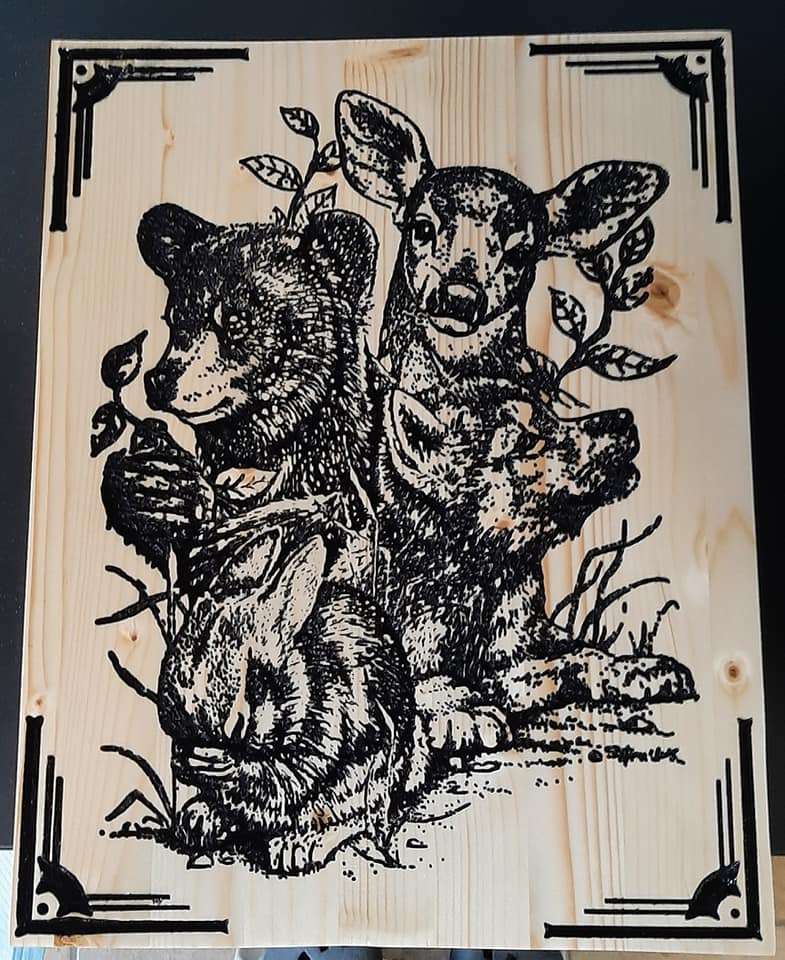
So many photo art projects! Thank you to the makers who participated in this week’s contest, where we asked you all to post your photo art carvings made on your LongMill.
Last Week’s Winners
We are happy to announce that Vince Iannotta, Homestead Acres, John Hitcher, Lance Wilkins, Mark Eisenlohr, and Nelson Joseph are the winners of the “A Project That is Photo Art” contest! Watch out for a prize!
This Week’s Theme: Your Most Difficult Project
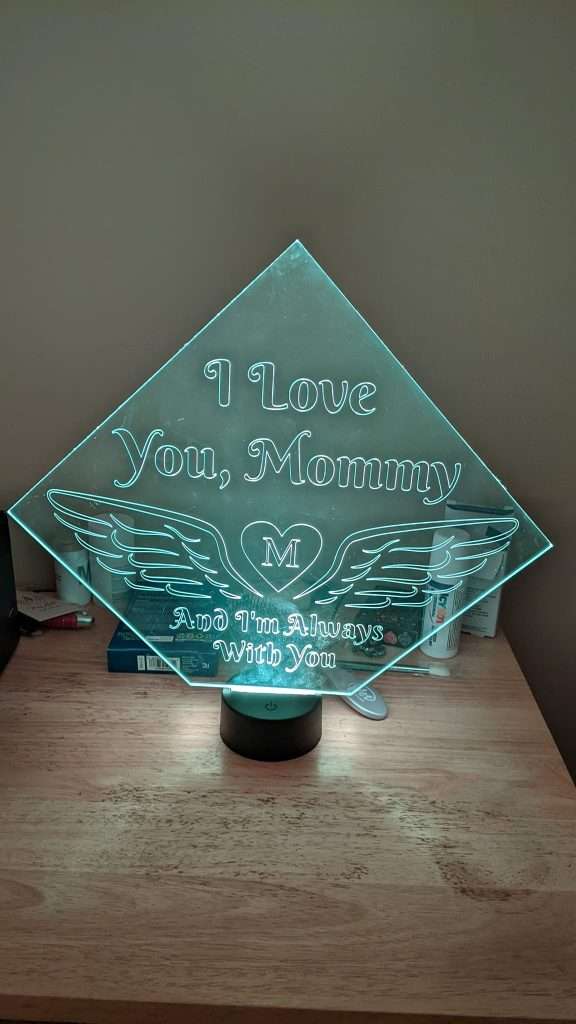
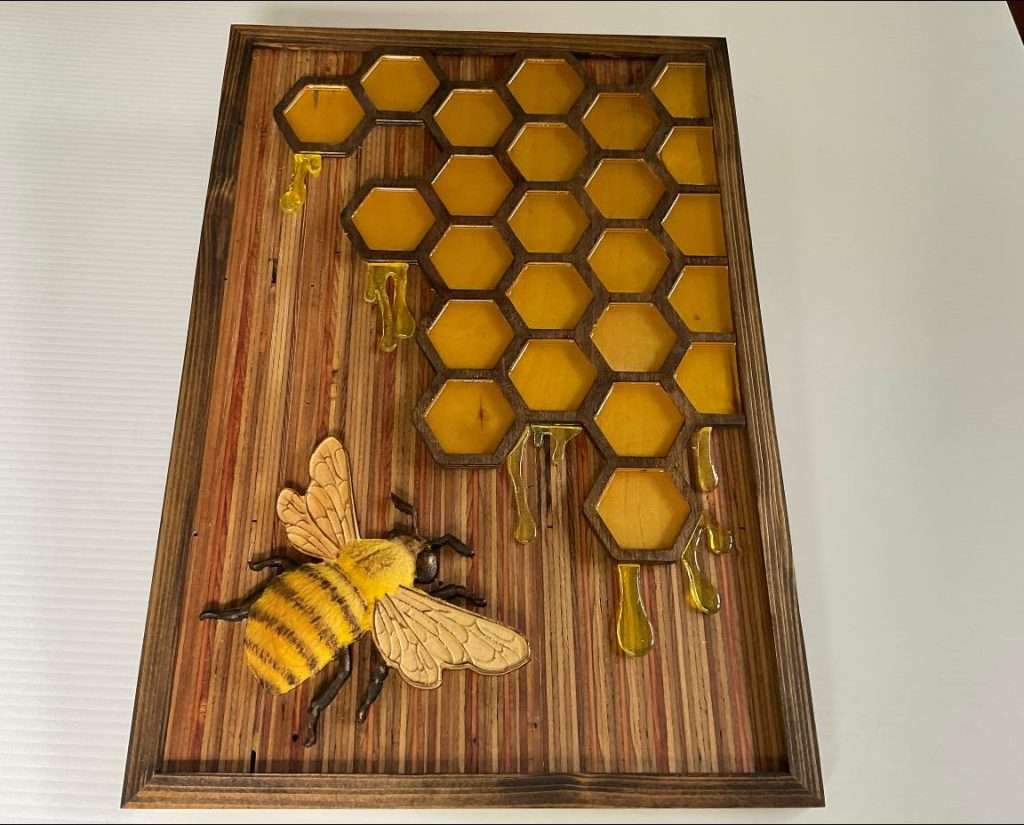
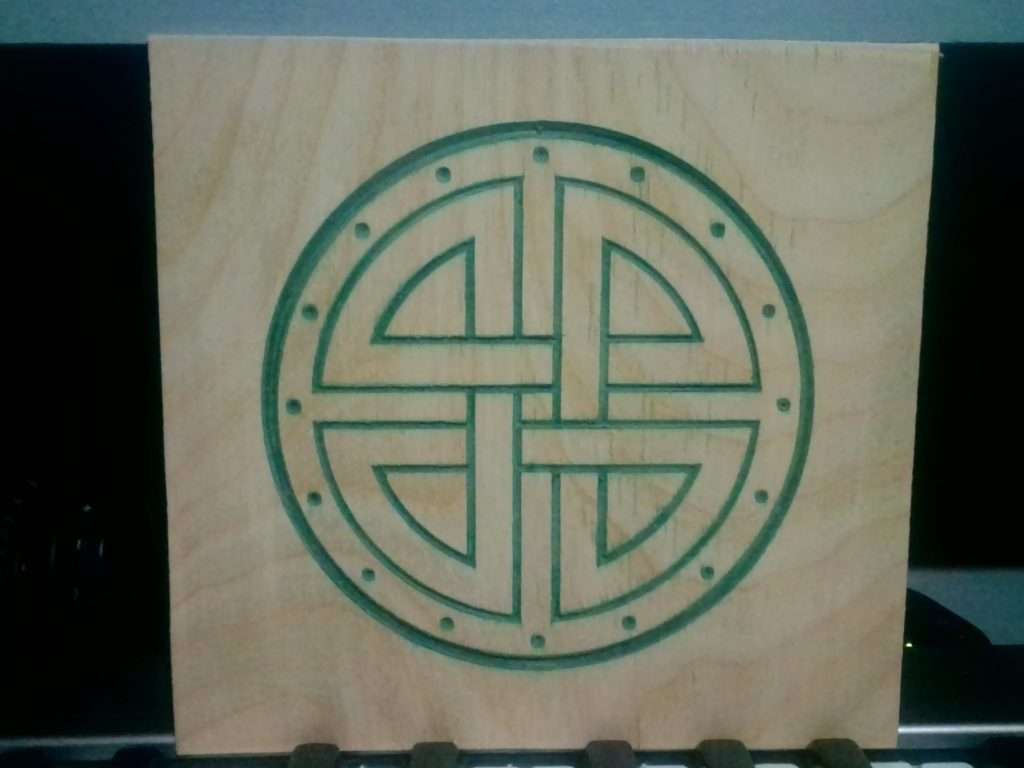
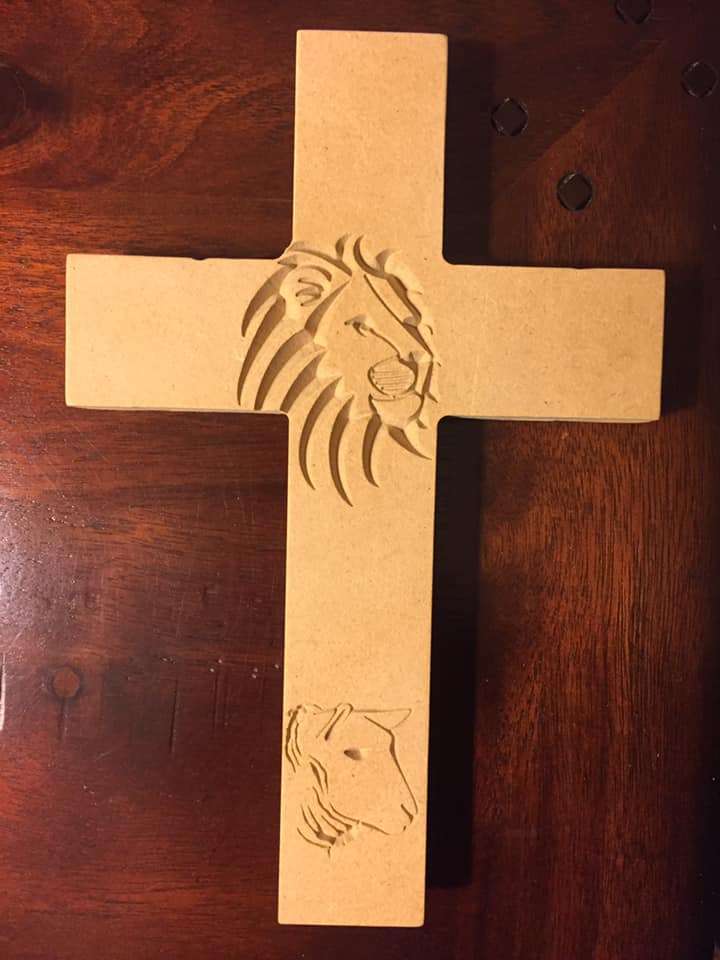
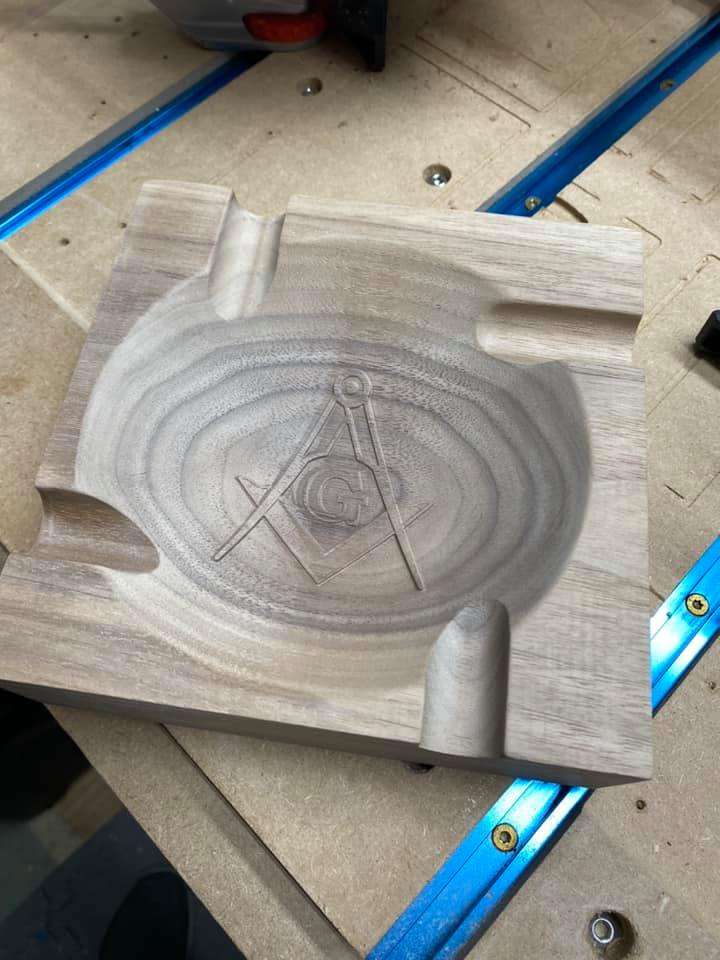
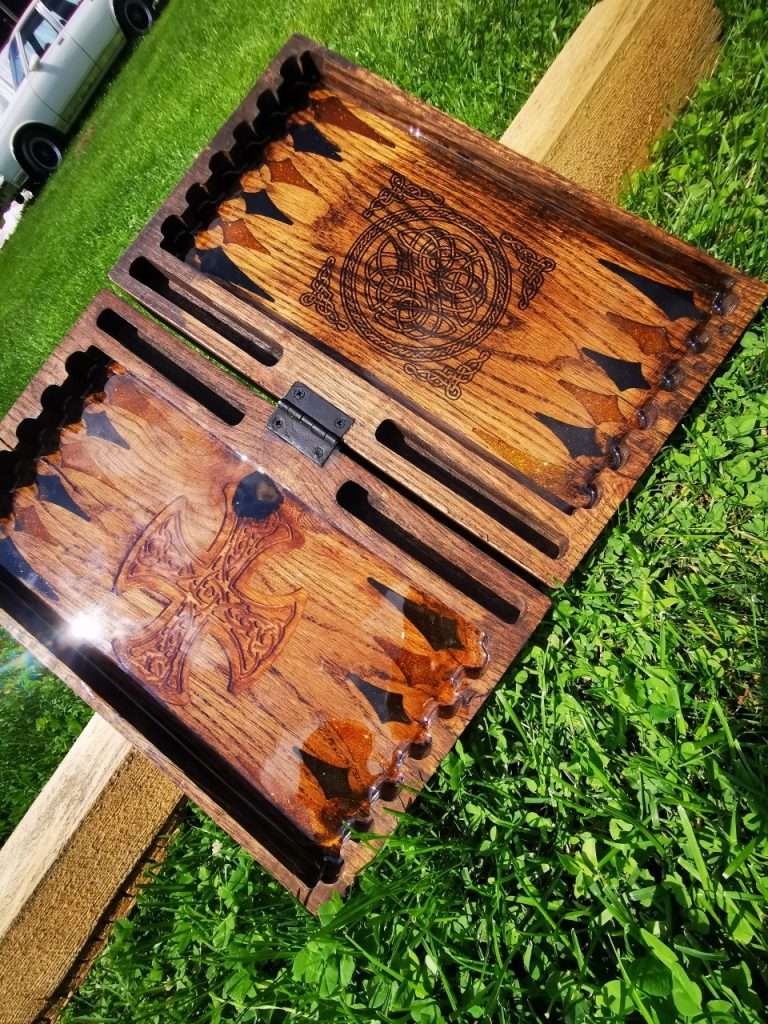
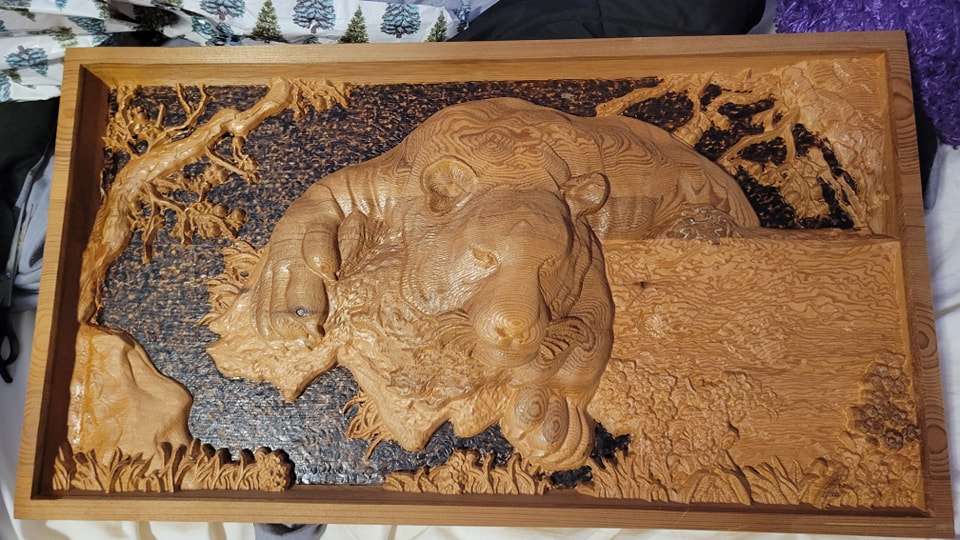
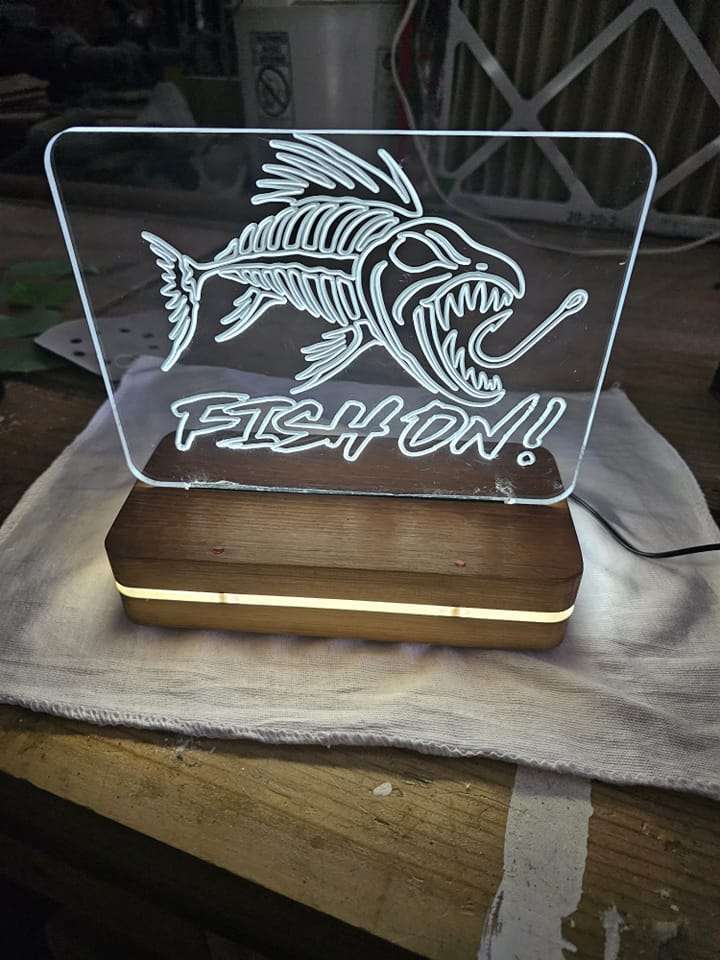
I believe this was the most difficult project for me to make because it required a lot of trial and error.This was my most difficult project. I never worked with acrylic material before. It took time for me to figure out the speeds and feeds for it.This was my hardest project yet. It took me a while to perfect the design for this.I think this was the most complicated project I made. It was my first 3D carve on the LongMill and I made some mistakes, but I am thankful I got to learn from them.
For this week’s contest, we want you to post what you think was the most difficult project that you made on your LongMill. Share them with us for a chance to be one of the winners of this week’s contest and win free prizes! Bonus points if you tell us why it was the most complicated one for you.
Happy Friday! Thanks to those who entered the contest for this week, where we asked you all to share projects made on your LongMill that are used in your workshop.
Last Week’s Winners
We are happy to announce that Dave Bross, Matt Osterhaus, Chris Bridger, Carlos J. Soto, Jari J. Laaksonen, and Darcy Stelte are the winners of the “A Project That is Used for Your Workshop” contest! A prize is on its way!
This Week’s Theme: A Project That is Photo Art
The theme for this week is “projects that are photo arts”. Share with us your beautiful photo art projects that were made on your LongMill for a chance to be selected as one of the winners and win some free prizes!
It’s weekly contest time! Thank you to the creators who participated in this week’s contest, where we asked you to post your religious/cultural-themed projects made on your LongMill.
Last Week’s Winners
We are happy to announce that Kevin Philpott, Stephen Taylor, Jerry Brown, Matt Loll, Michael Sparks, and Michael Plisch are the winners of the “A Project That is a Religious/Cultural Item” contest! Watch out for a prize!
This Week’s Theme: An Item That is Used for Your Workshop
This week’s theme is items that are used for your machine/workshop”. Post your clamps, computer trays, benches, and other machine/workshop setup-related items that have been made on the LongMill, and we’ll pick the best ones to send creators cool prizes to.
Happy Friday! Thanks to everyone who entered the contest for this week, where we asked you all to share your projects where you learned something from making it on your LongMill.
Last Week’s Winners
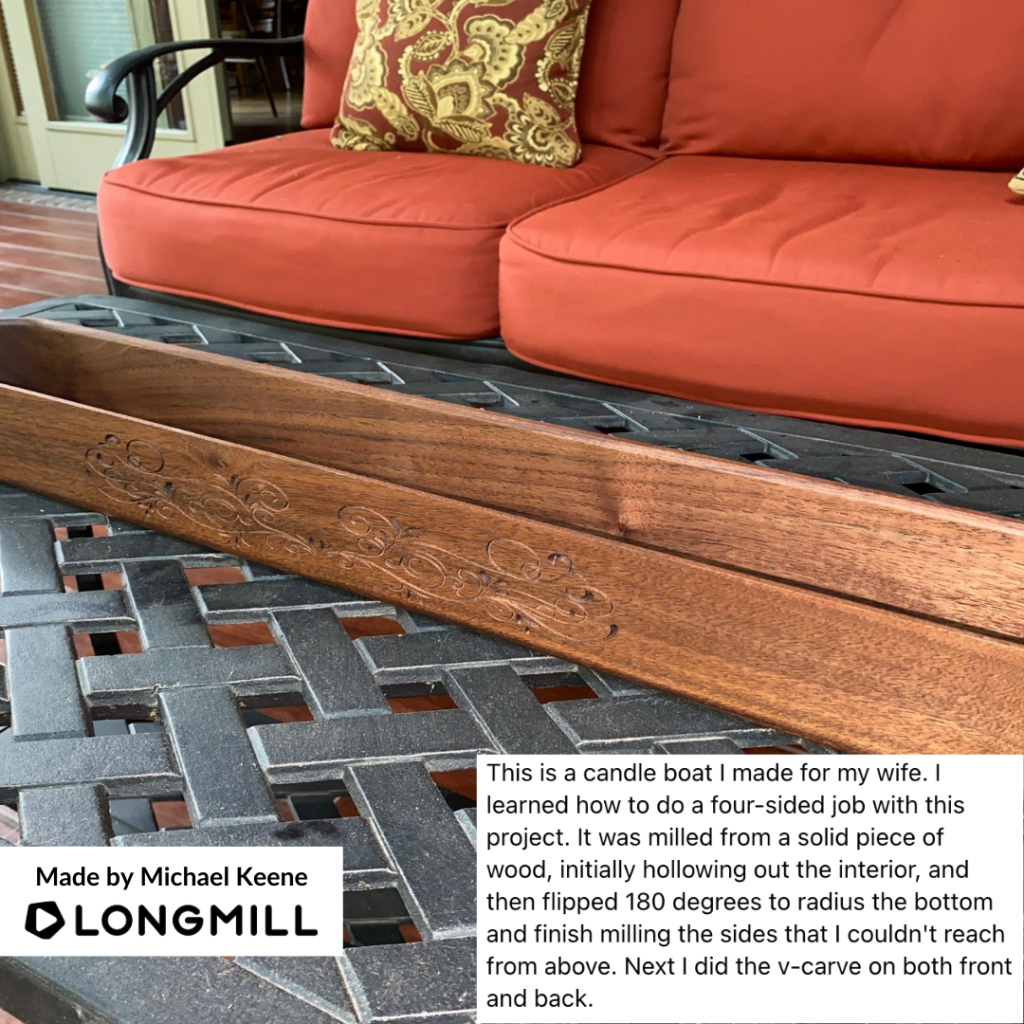
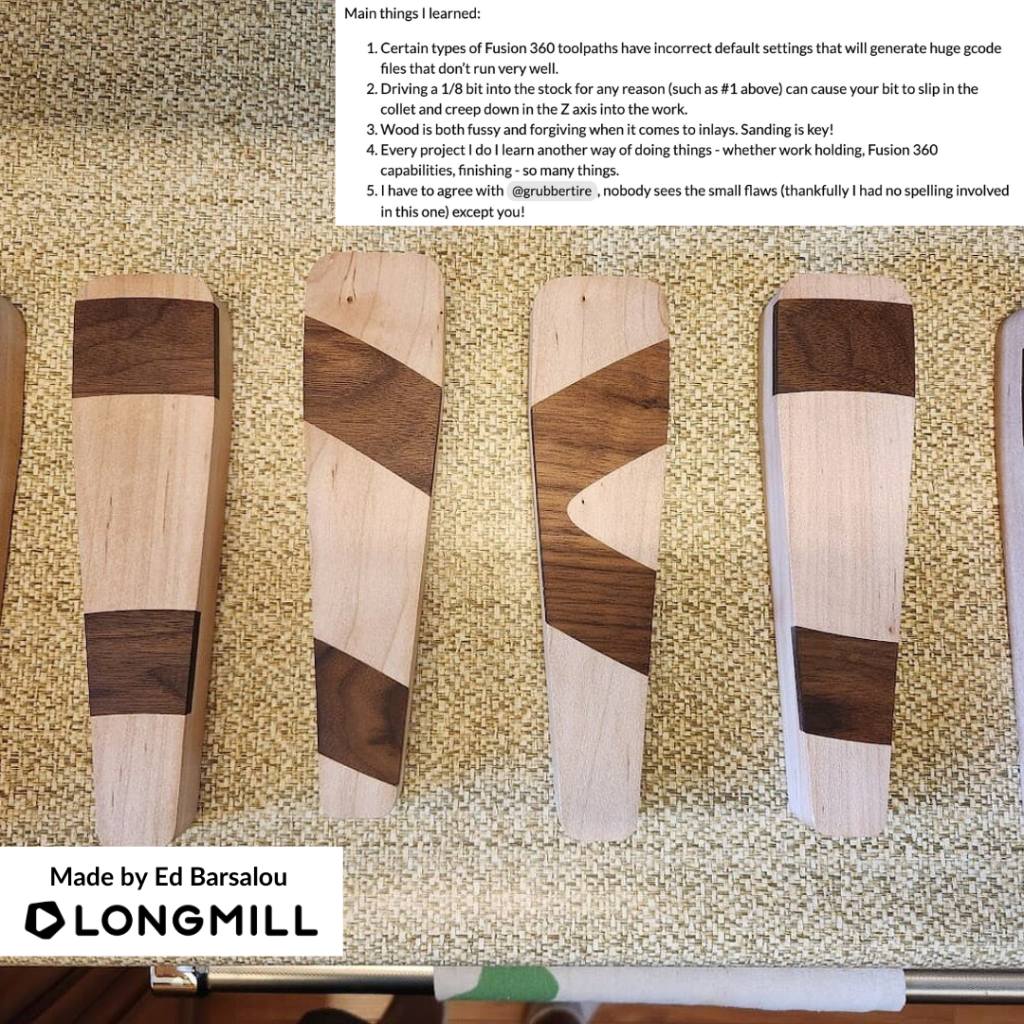
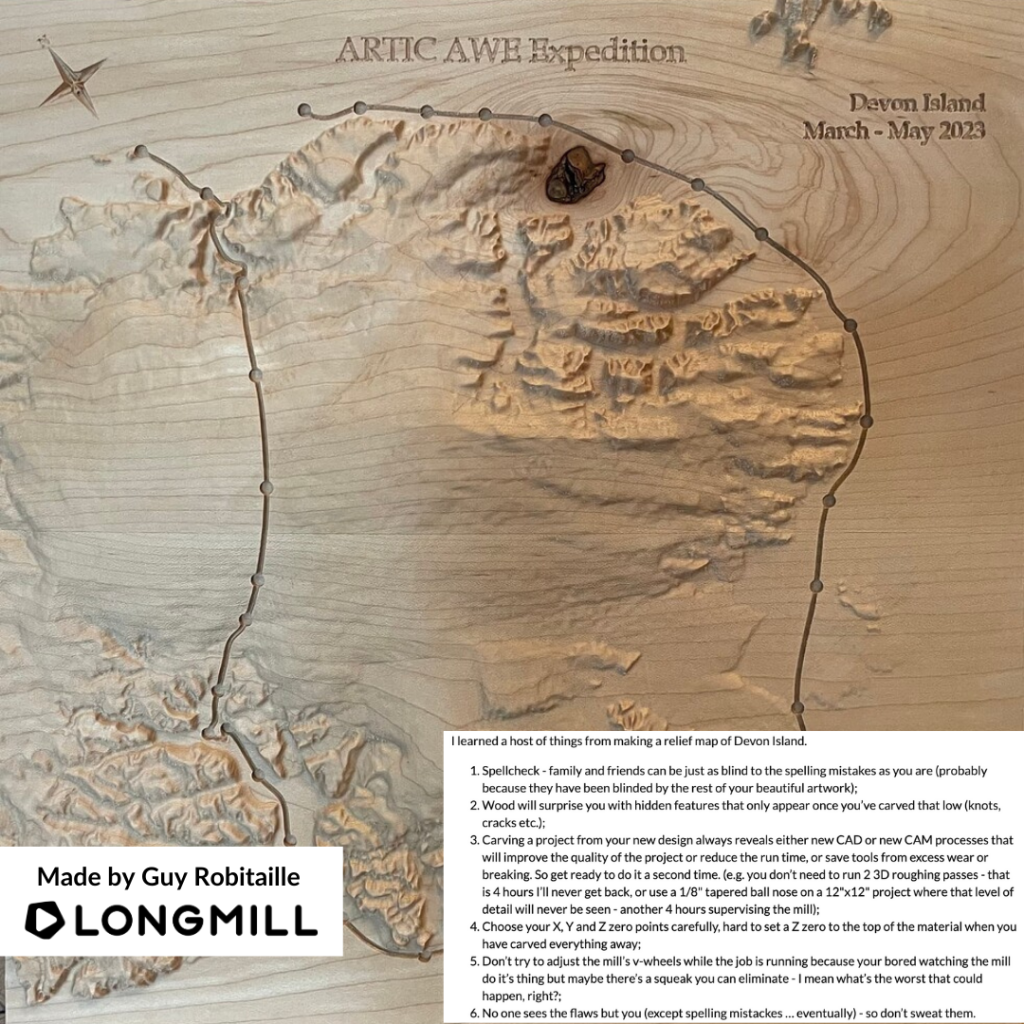
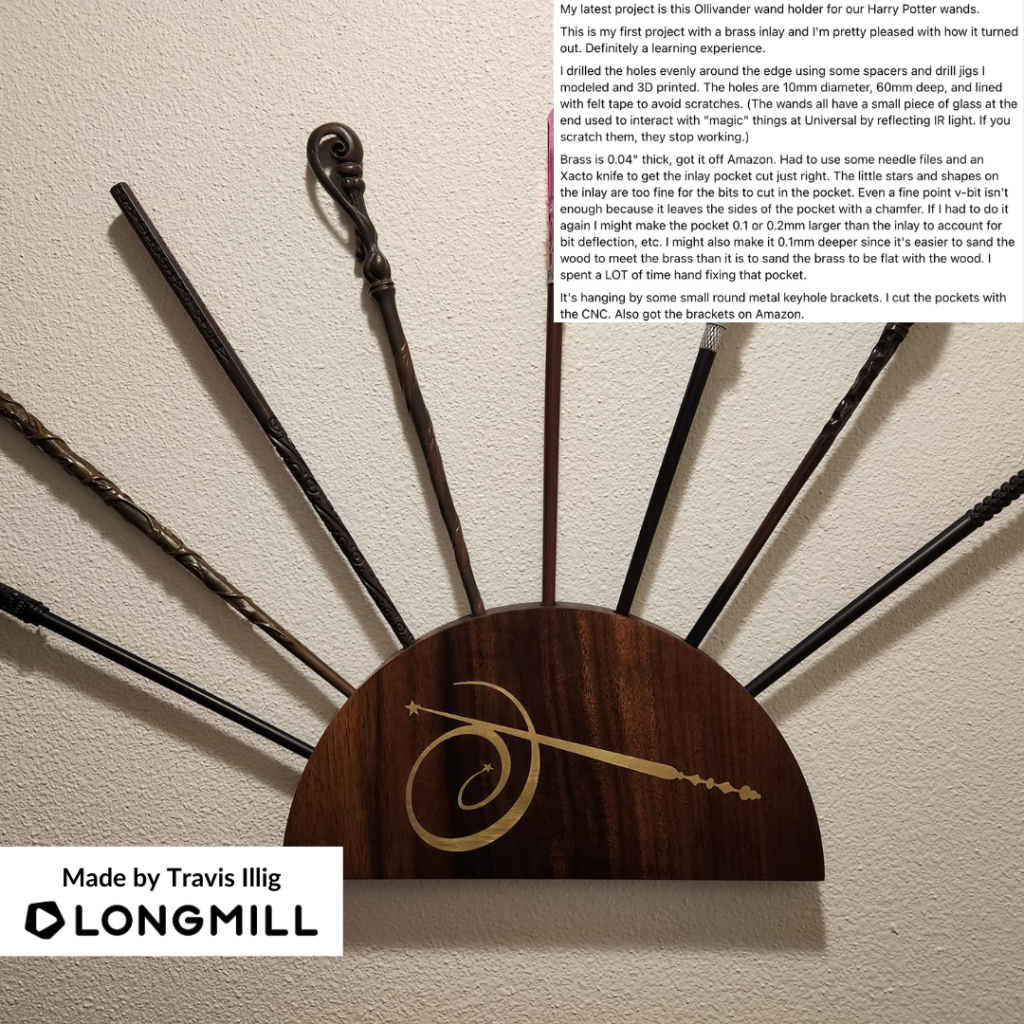
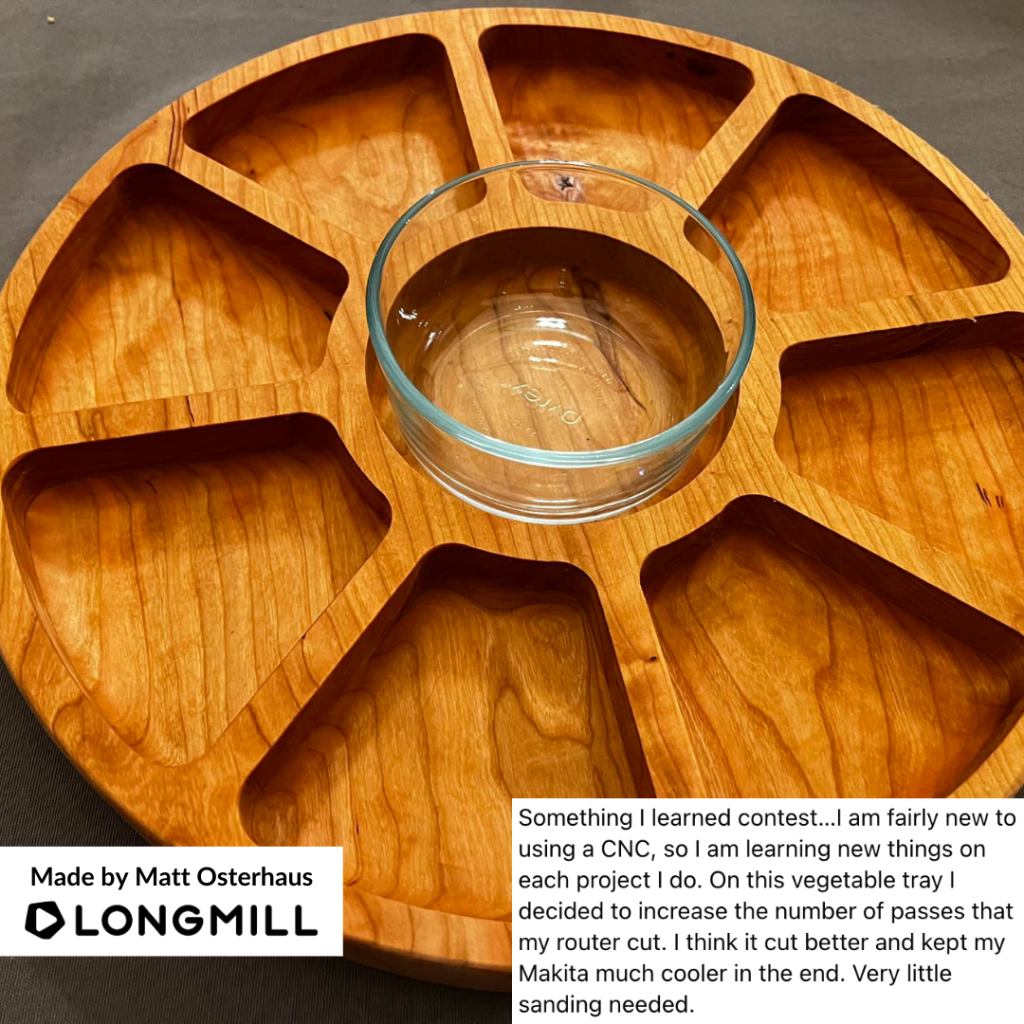
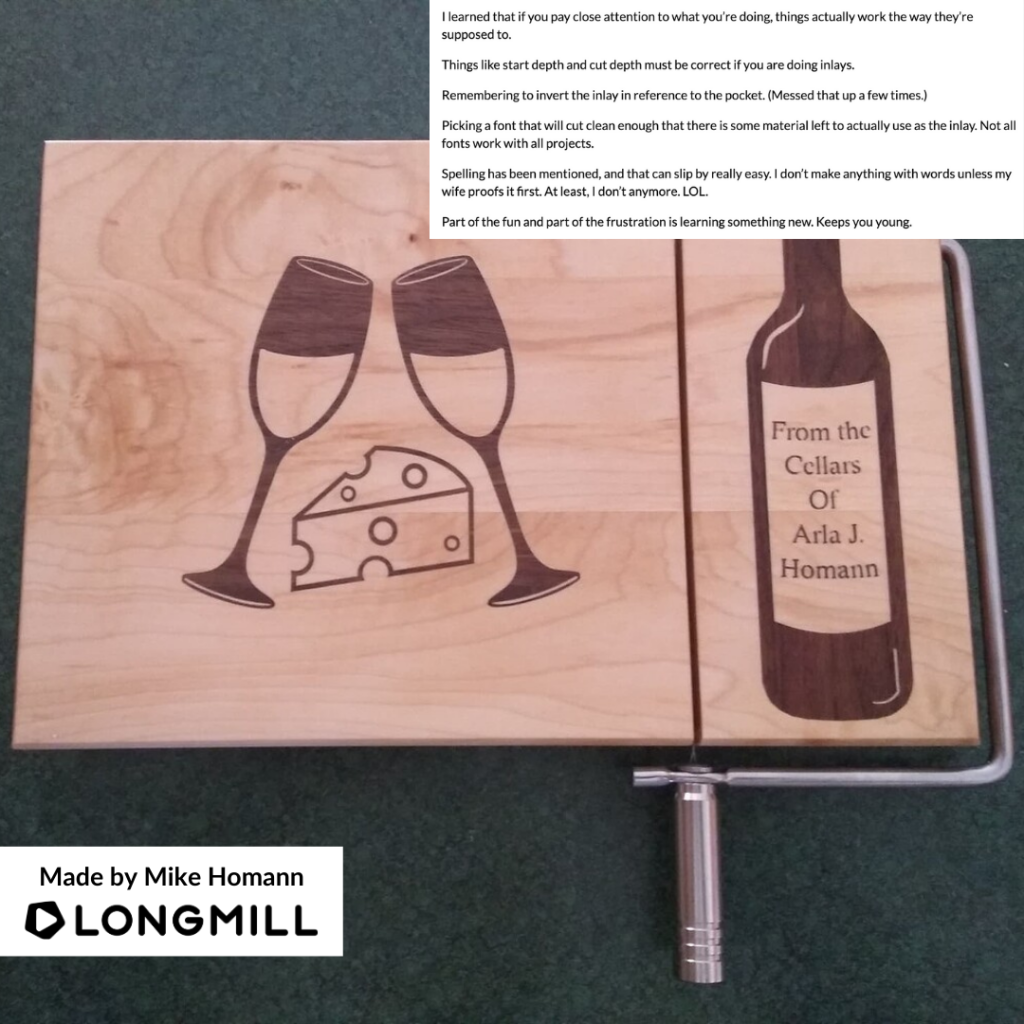
We are happy to announce that Michael Keene, Ed Barsalou, Guy Robitaille, Travis Illig, Matt Osterhaus, and Mike Homann are the winners of the “A Project You Learned Something From Making It” contest! A prize is on its way!
This Week’s Theme: A Project That is a Religious/Cultural Item
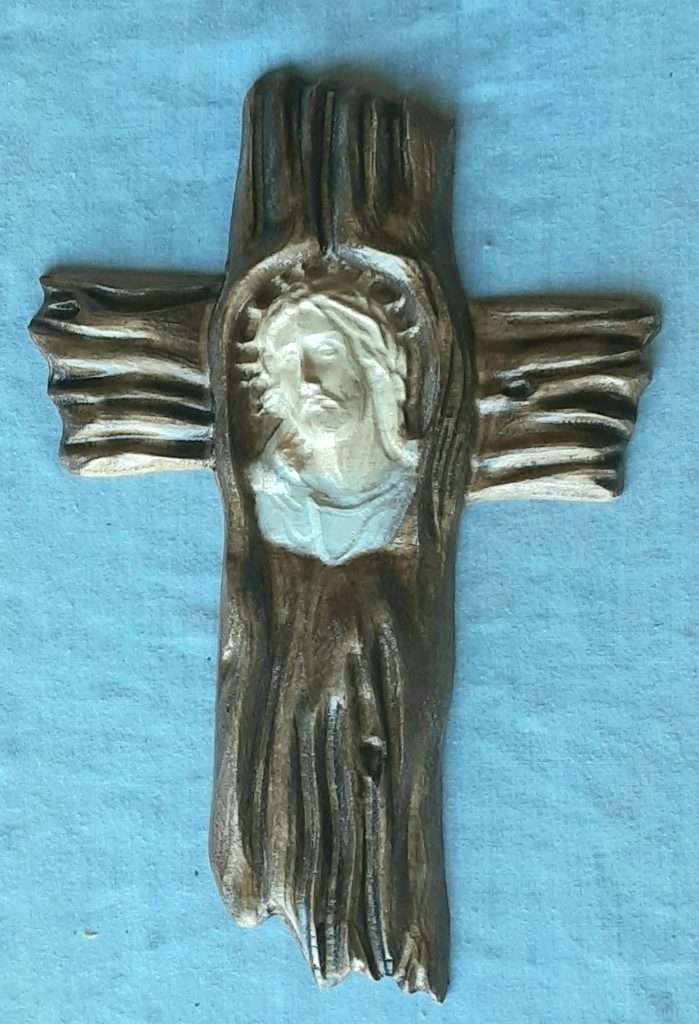
The theme for this week is “projects that are religious/cultural projects”. Share with us your best religious/cultural projects that you made on your LongMill and we will choose our favourite ones and send those makers prizes!
Hey everyone. Here are some informative videos that you might have missed last month. Check them out below and make sure to subscribe to our YouTube channel to keep up with our CNC-related videos.
Enabling the Inductive Sensors for the LongMill CNC from Sienci Labs
Hey everyone. In this tutorial video, Jason walks us through enabling the inductive sensors, how to set up multiple workspaces, changing the machine home position, and troubleshooting.
Building a Guitar on a CNC Part 4: The Fretboard
Time to SHRED X4! In part 4 of our CNC guitar series, Scott shows us how to create a stylish fretboard for your custom guitar on the LongMill. From providing you with all the files, setup, tips, and more!
How to VCarve an Image on Wood Using Your CNC
Did you know that taking images and carving them into wood/other materials is a great way to make signs and other projects? In this video, Scott shows us how to do a VCarving of an image on wood from start to finish using the LongMill.
Sienci Labs Presents: The Vortex Rotary Axis
The Vortex is a compact, precise, high-quality rotary axis we designed from scratch, with direct integration into gSender. Just like all our products, the Vortex comes with high-quality tutorials, support, and resources to make it easy to install, learn, and use your rotary axis.
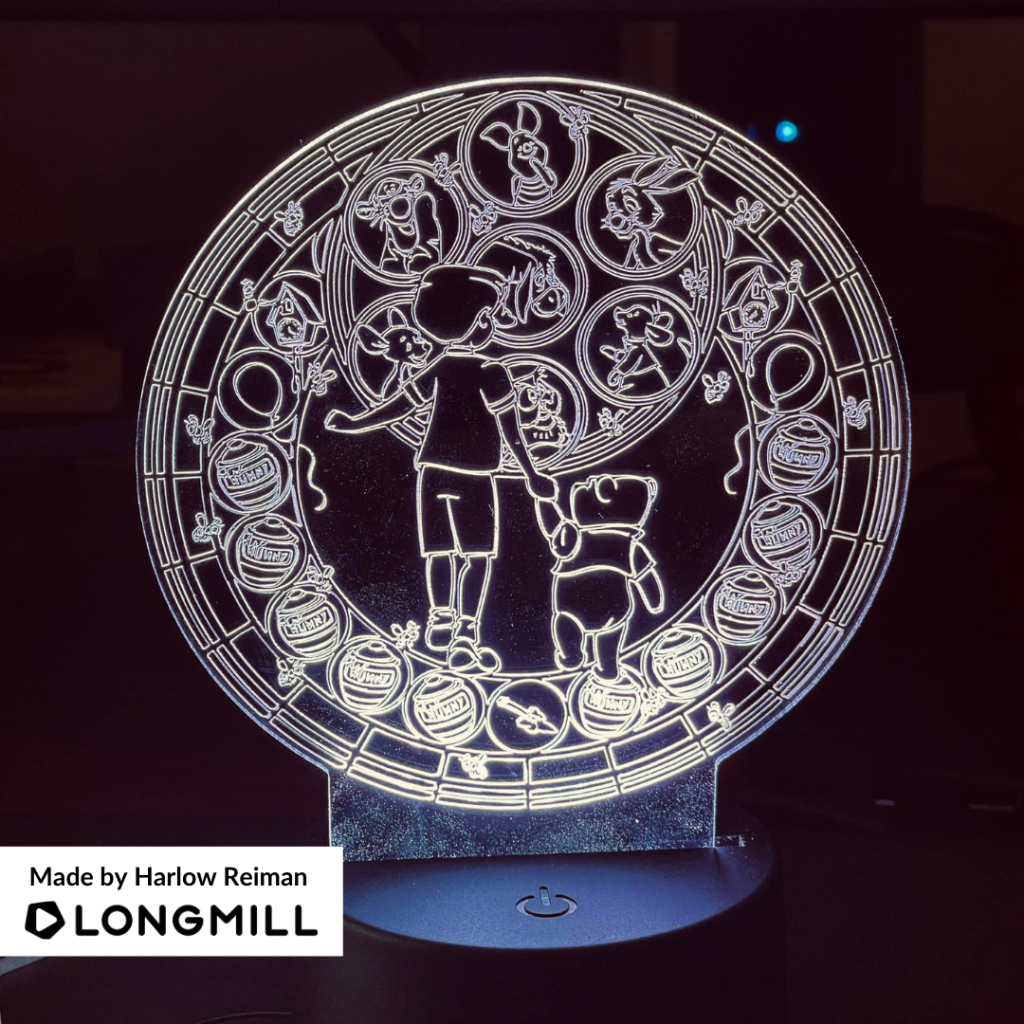
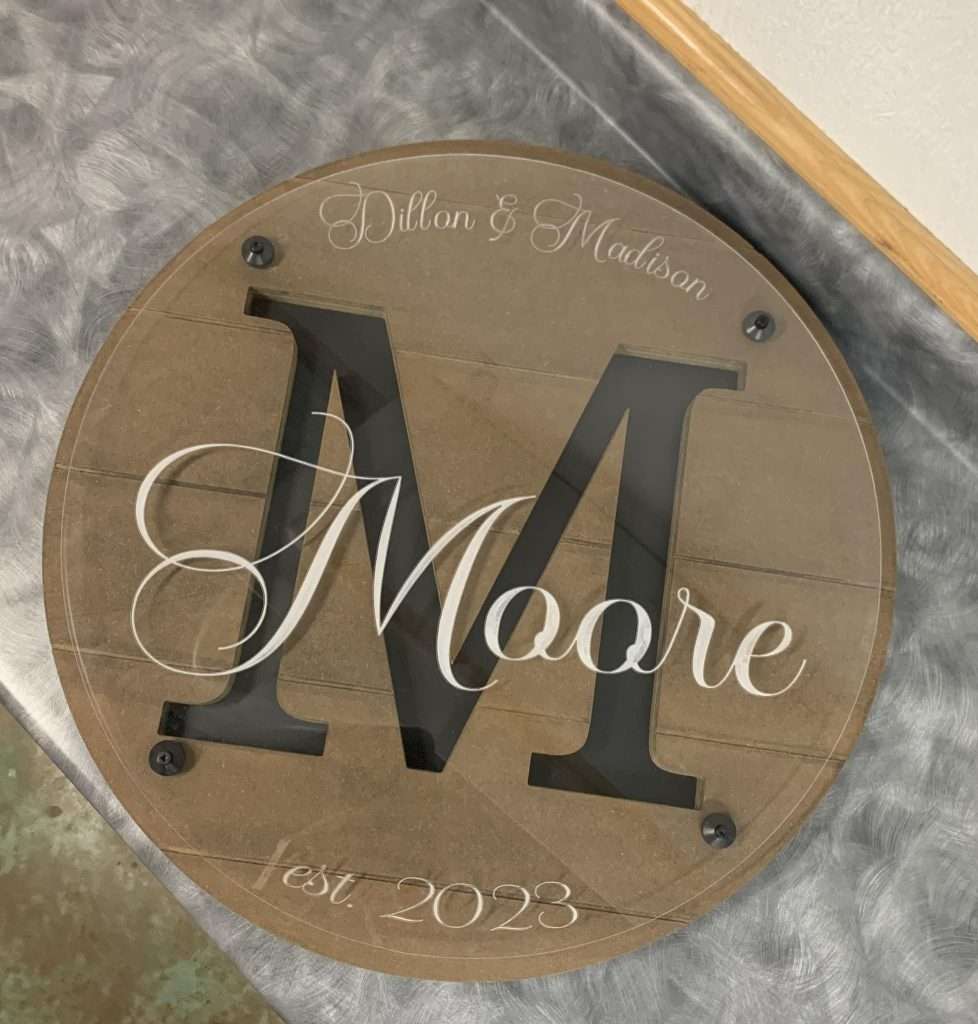
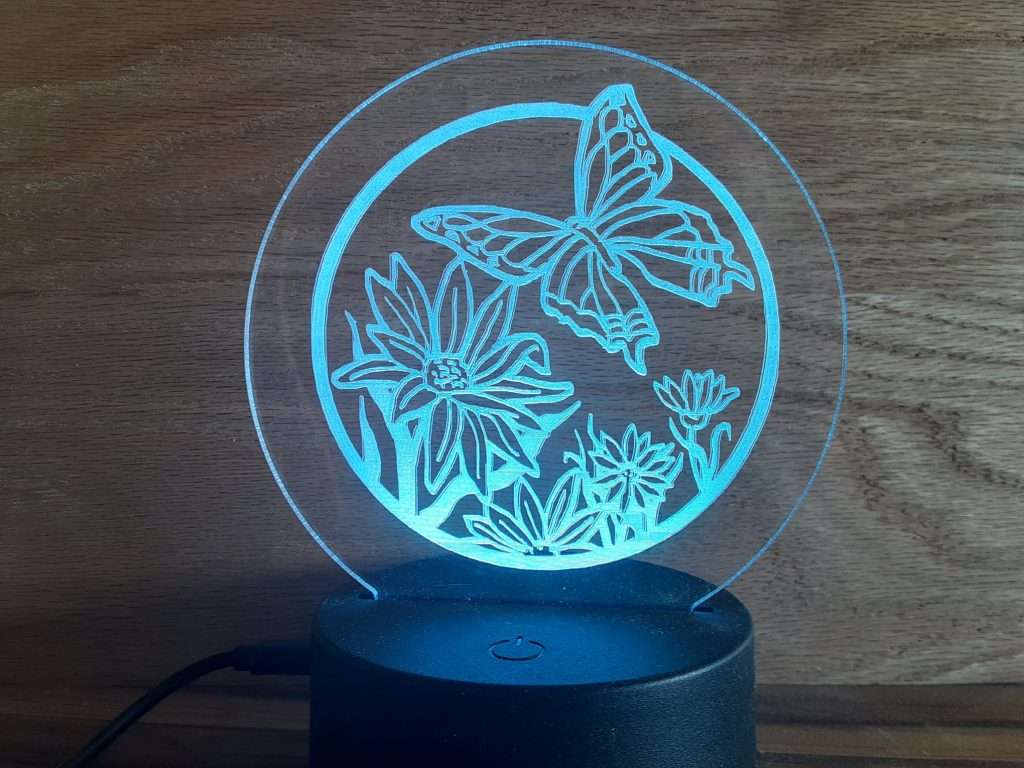
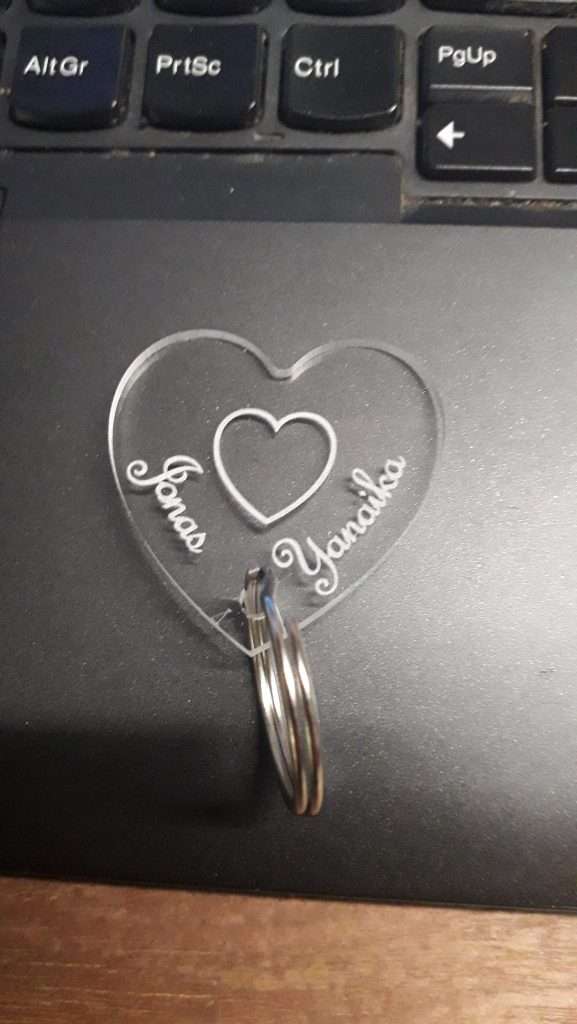
It’s weekly contest time! Thank you to everyone who participated in this week’s contest, where we asked you all to share your acrylic projects made on the LongMill.
Last Week’s Winners
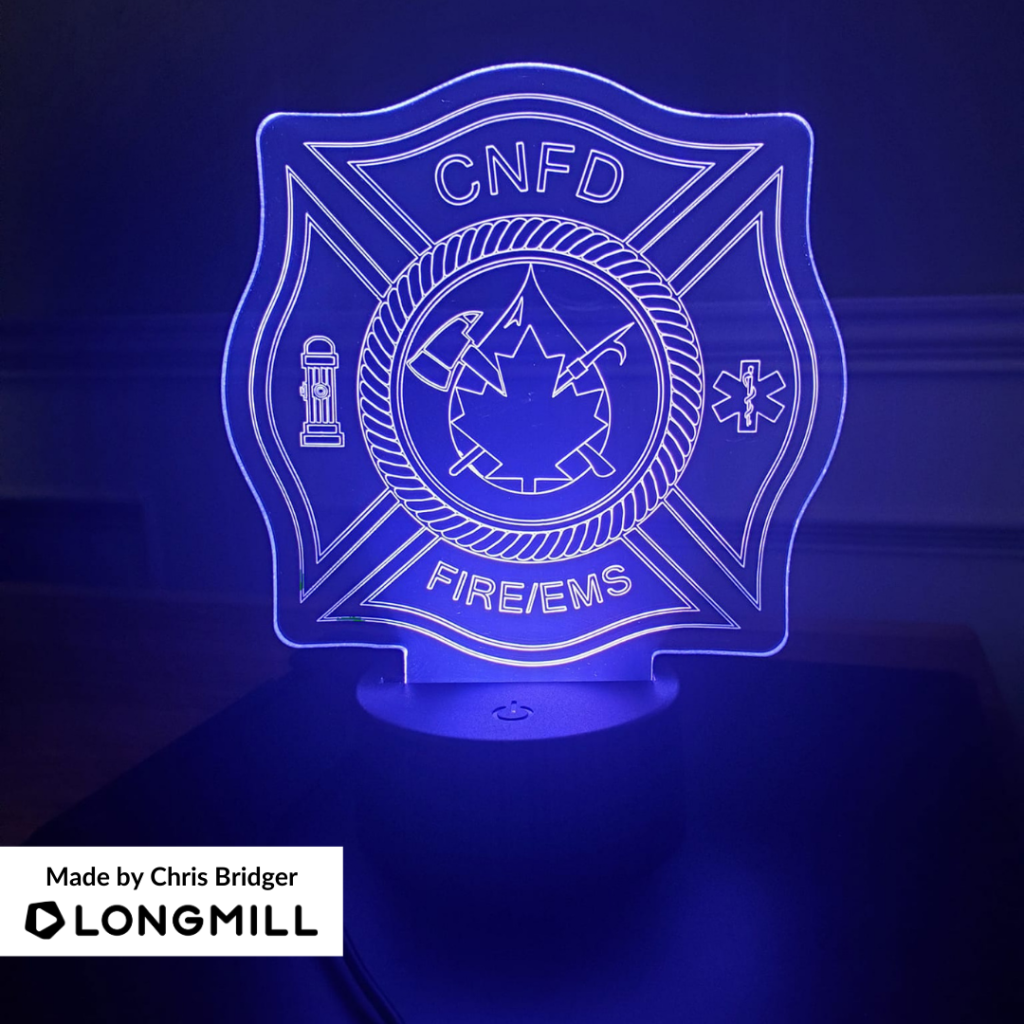
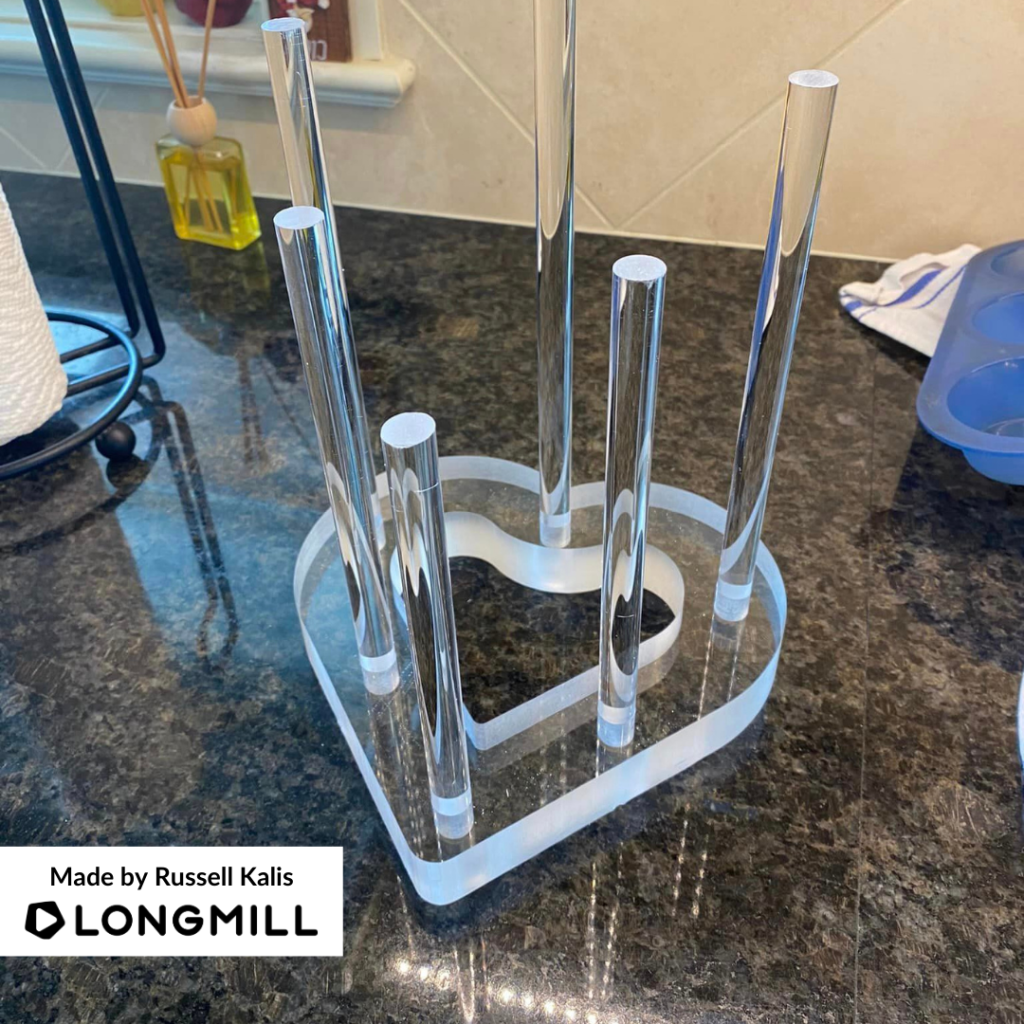
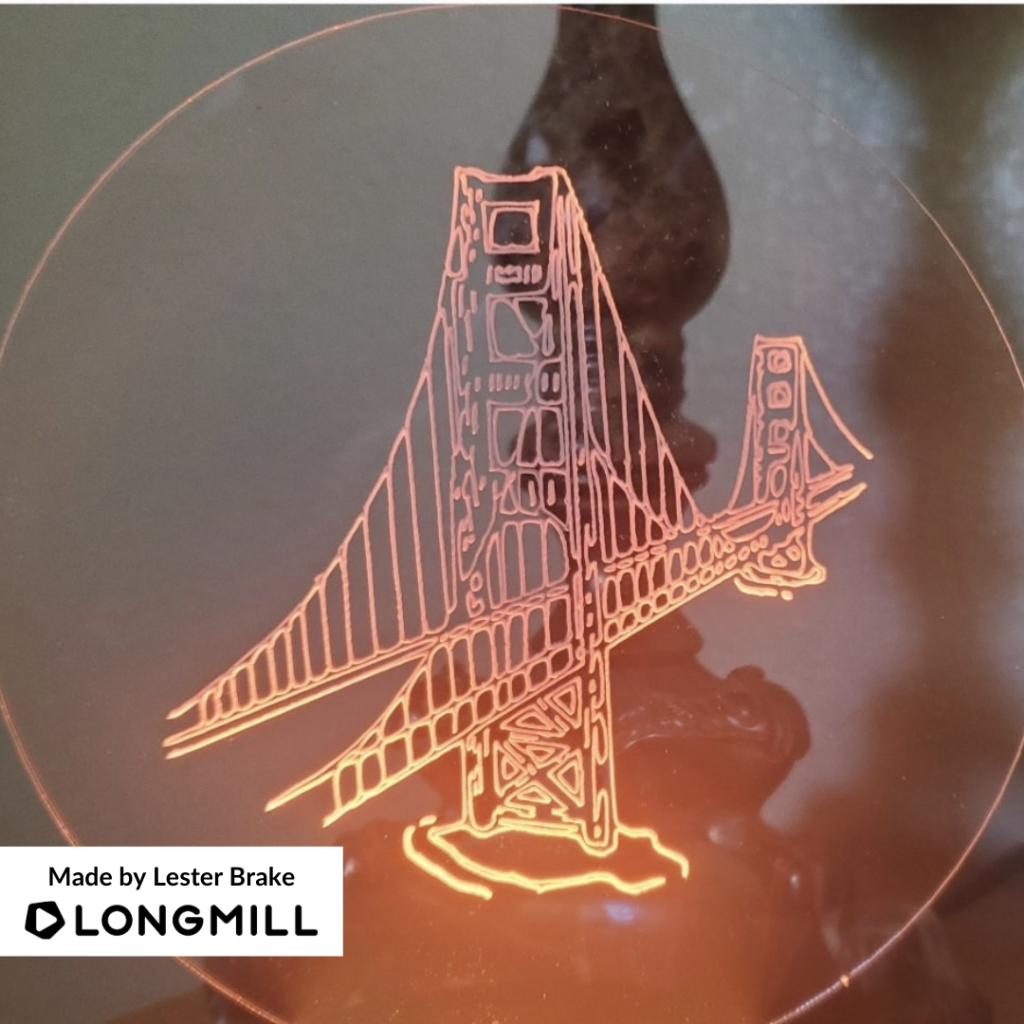
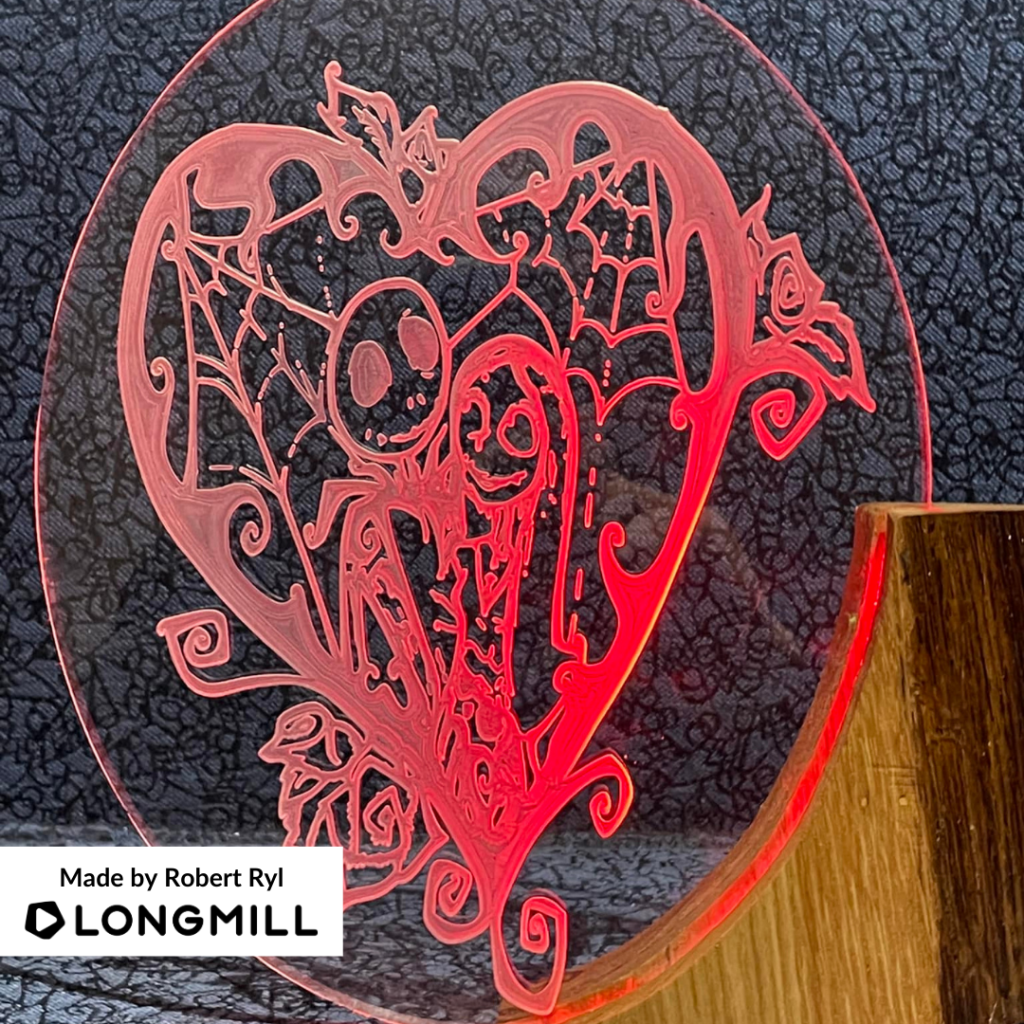
We are happy to announce that Harlow Reiman, Joe Owen, Chris Bridger, Russell Kalis, Lester Brake, and Robert Ryl are the winners of the “A Project That is Acrylic” contest! Lookout for a prize!
P.S. We will be closed Monday, July 3rd for Canada Day and back in the office on Tuesday, July 4th.
This Week’s Theme: A Project You Learned Something From Making It
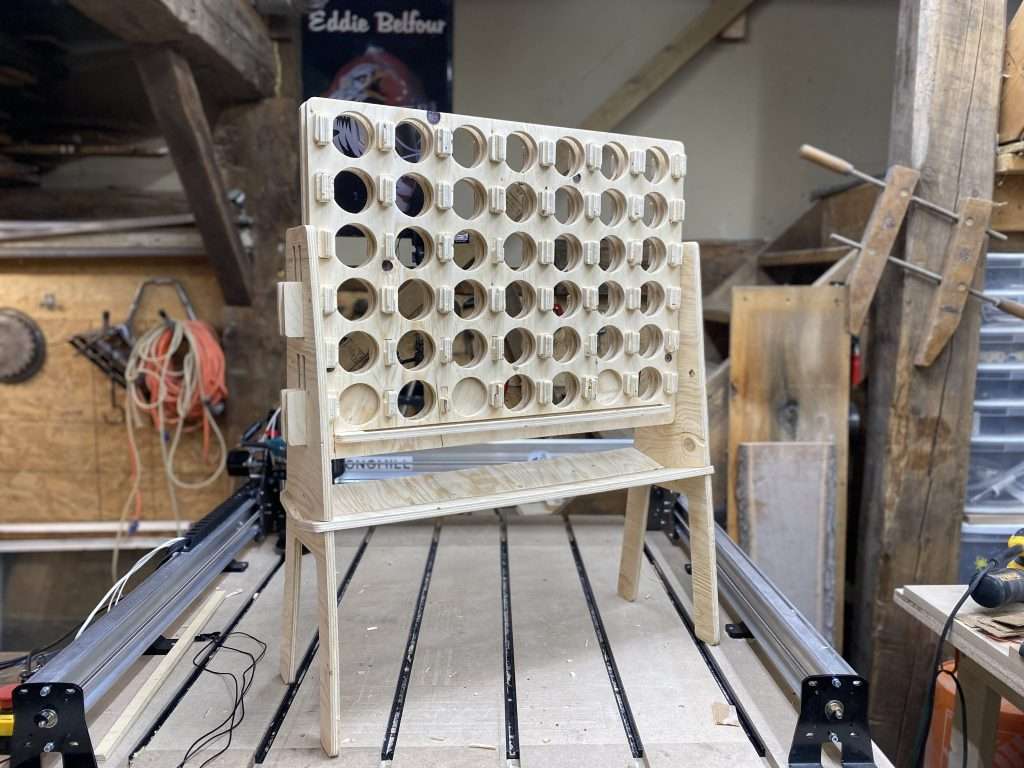
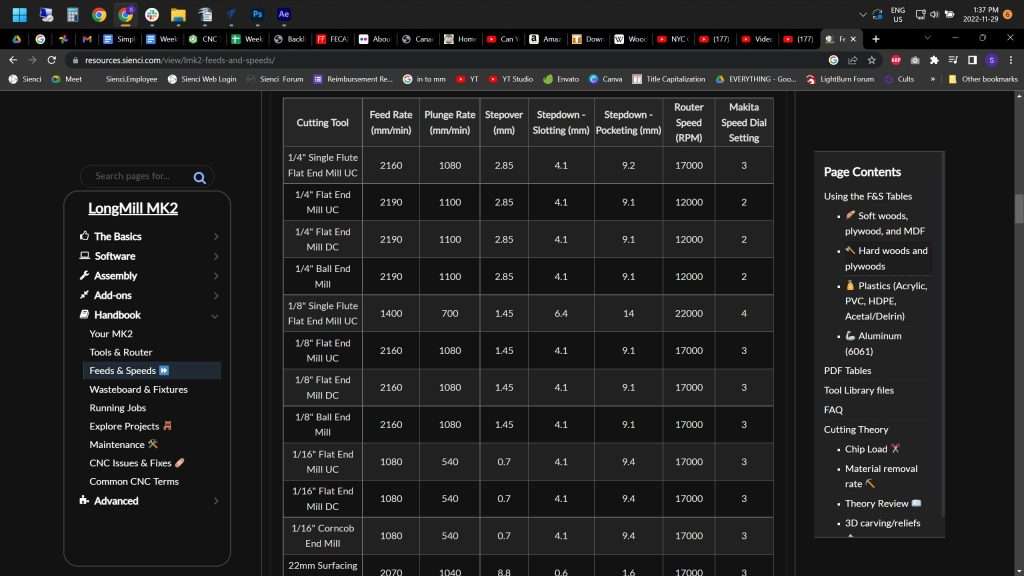
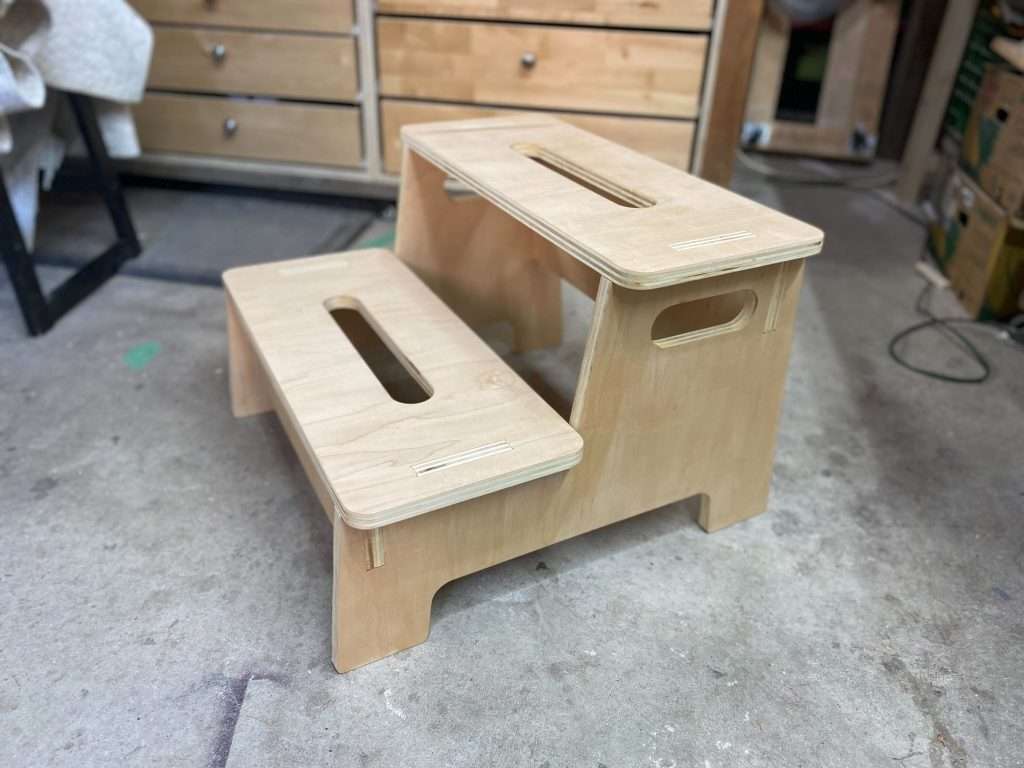
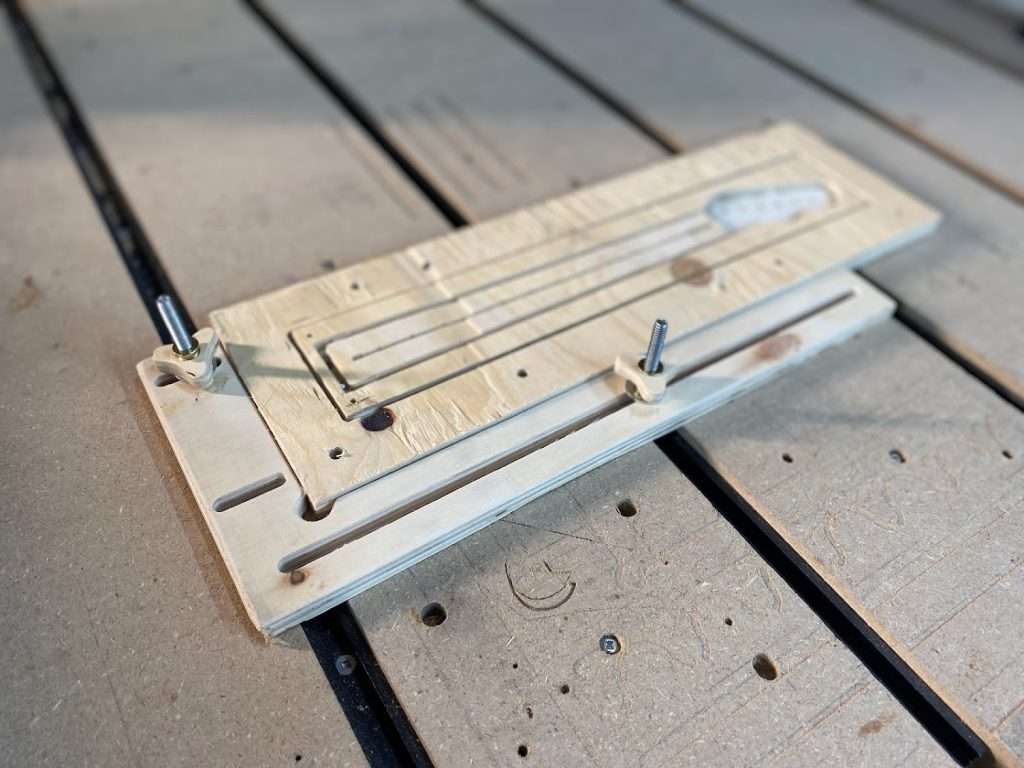
“From building my Giant Connect 4 project on my LongMill, I learned the right feeds and speeds settings for the bits that were used.”“From building my step stool on my LongMill, I learned how to properly use my clamps.”“From crafting my noodle board on my LongMill, I learned that it takes a lot of patience and learning when working with a CNC machine to create something beautiful.”“From making my charcuterie board on my LongMill, I learned that choosing the right bit to use is very important as it impacts the final results of the product.”
This week’s theme is a little different, but very interesting. We want you all to share a project that you have learned something from using your LongMill to make it. All you have to do is post your project and within the caption, share with us what you learned from doing it. We’ll choose our favourite projects and send awesome prizes to the creators.
Happy Friday, everyone! Thanks to those who entered the contest for this week, where we asked you all to post your best animal-themed projects.
Last Week’s Winners
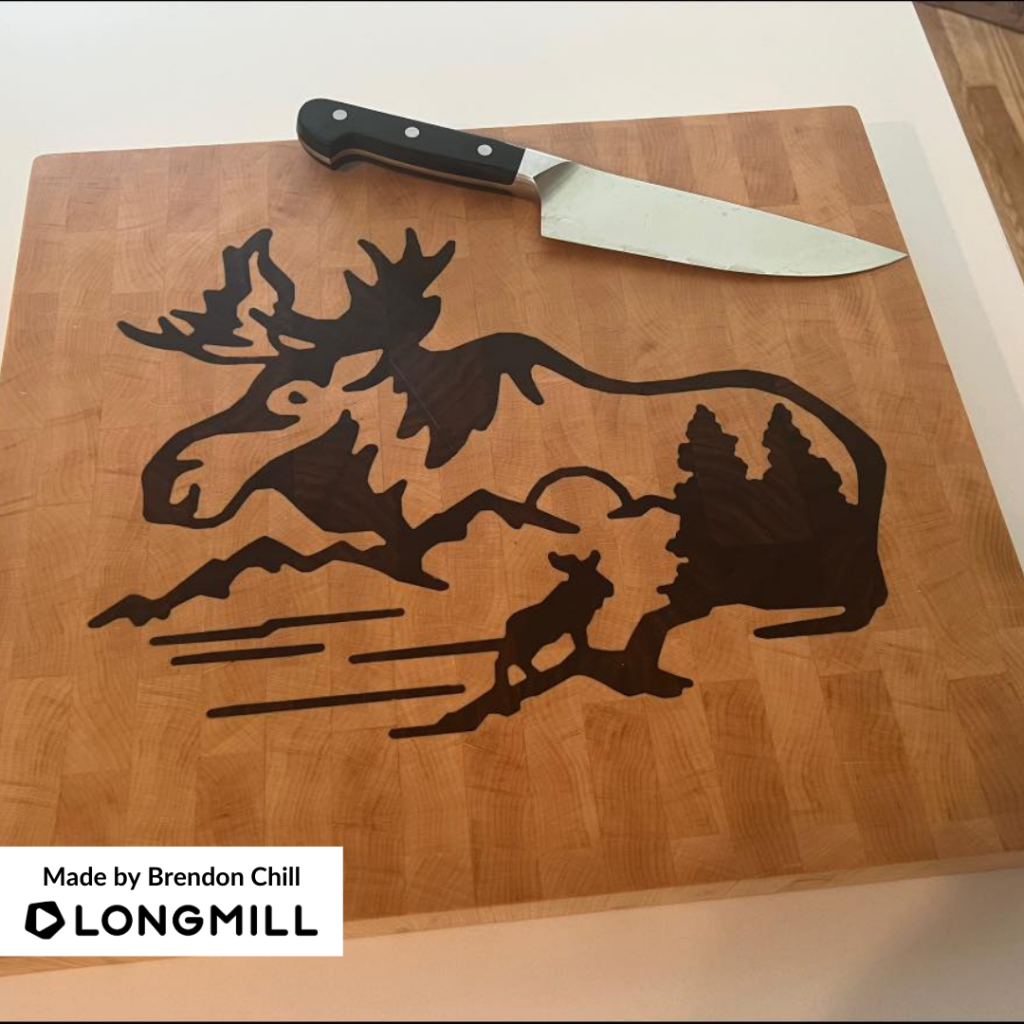
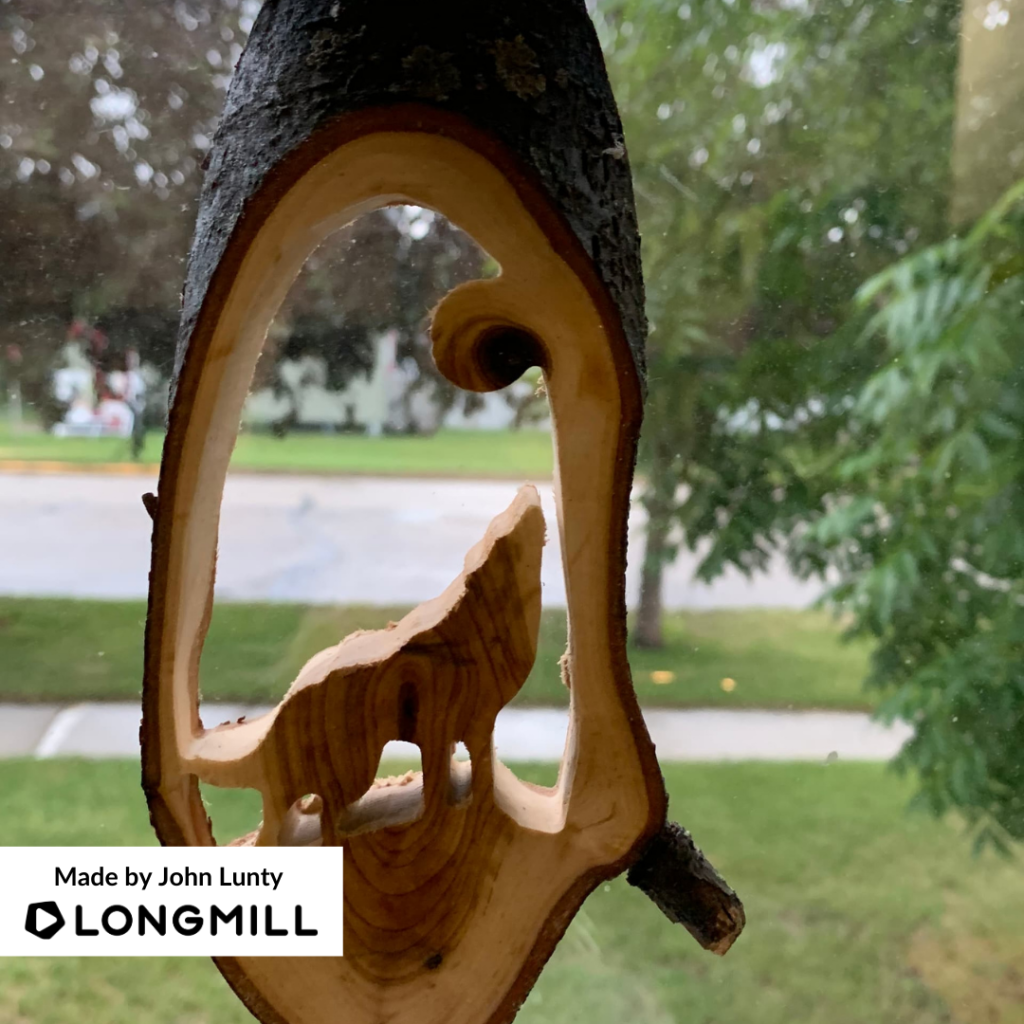
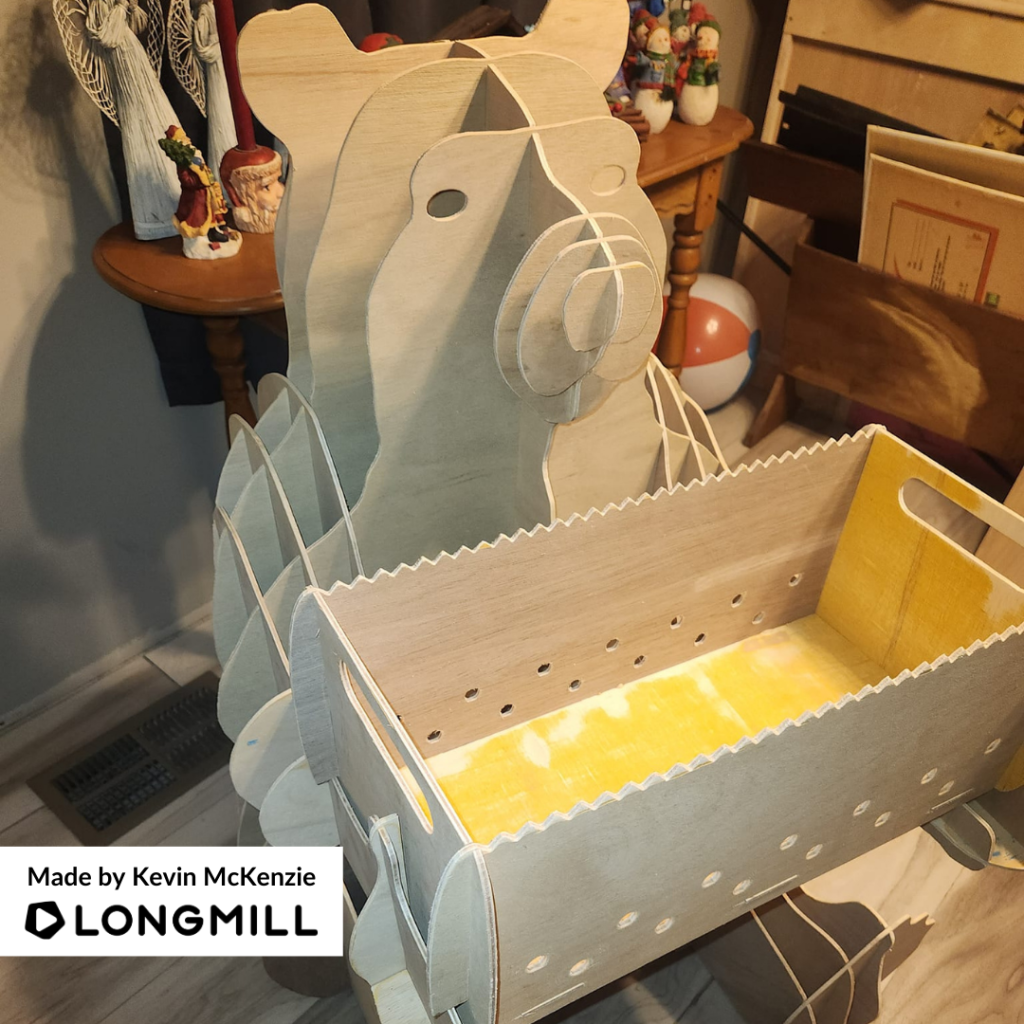
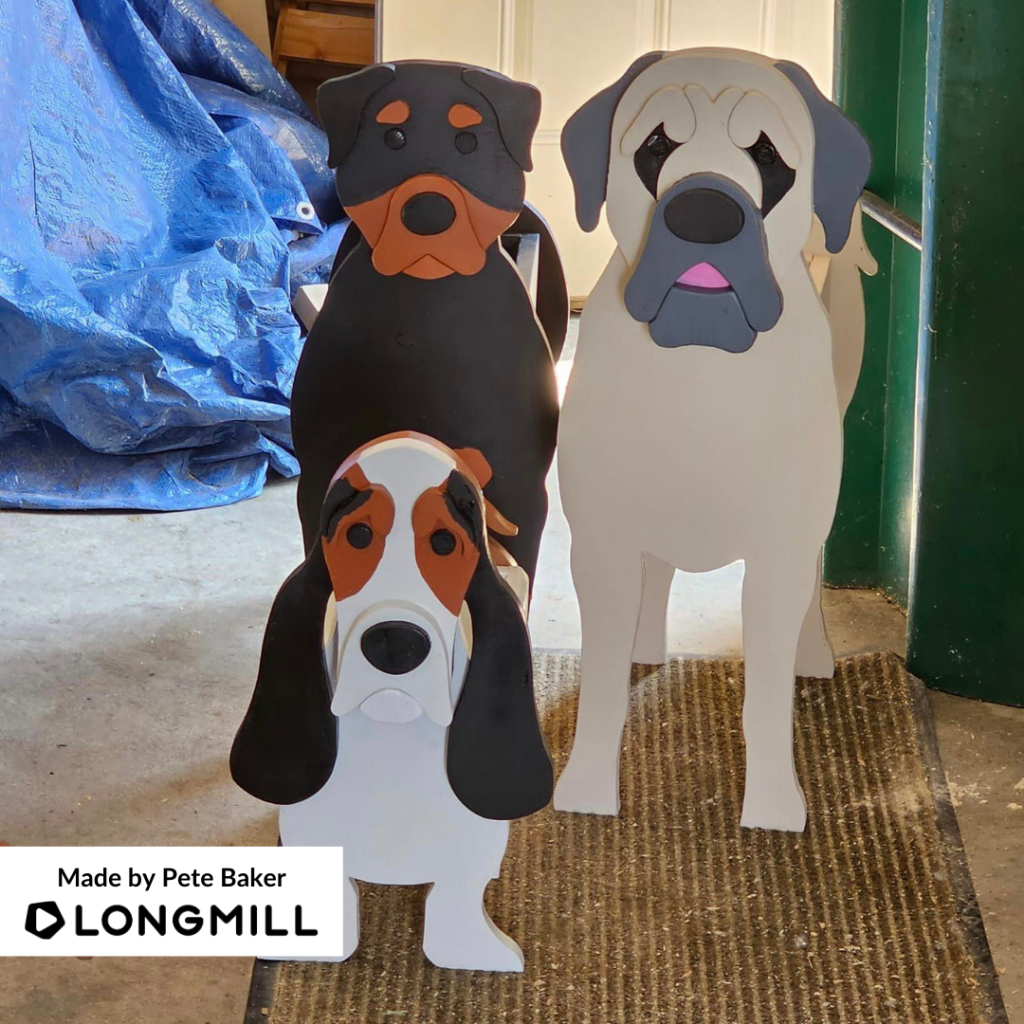
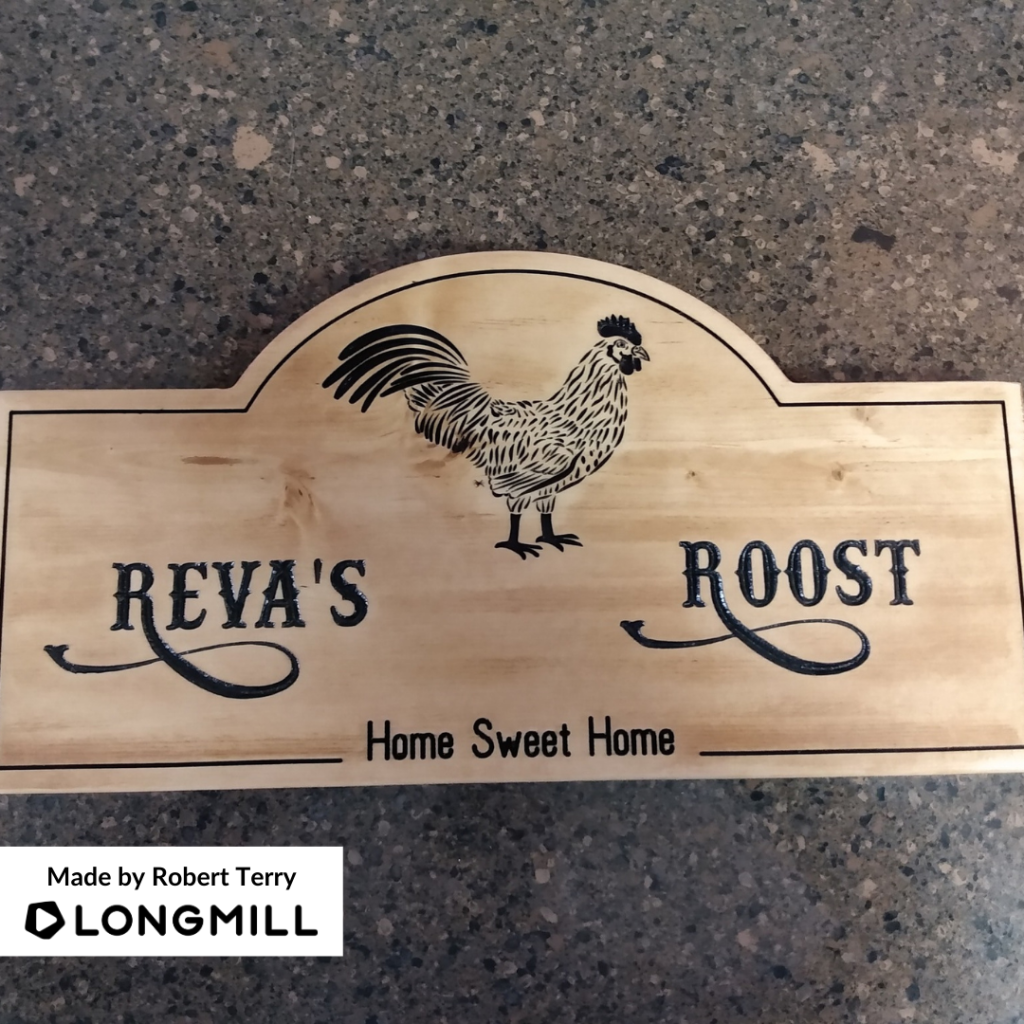
We are happy to announce that Brendon Chill, John Lunty, Kevin McKenzie, Paul Hawkins, Pete Baker, and Robert Terry are the winners of the “A Project That is Animal-Themed” contest! A prize is on its way!
This Week’s Theme: A Project That is Acrylic
The theme of the week is “projects that are made out of acrylic”. We want to see your LongMill projects where the main base is acrylic material. Share them with us for a chance to be one of the winners of this week’s contest and win free prizes!
So many first projects! Thank you to those who participated in this week’s contest, where we asked you all to post the first projects created on your LongMill.
Last Week’s Winners
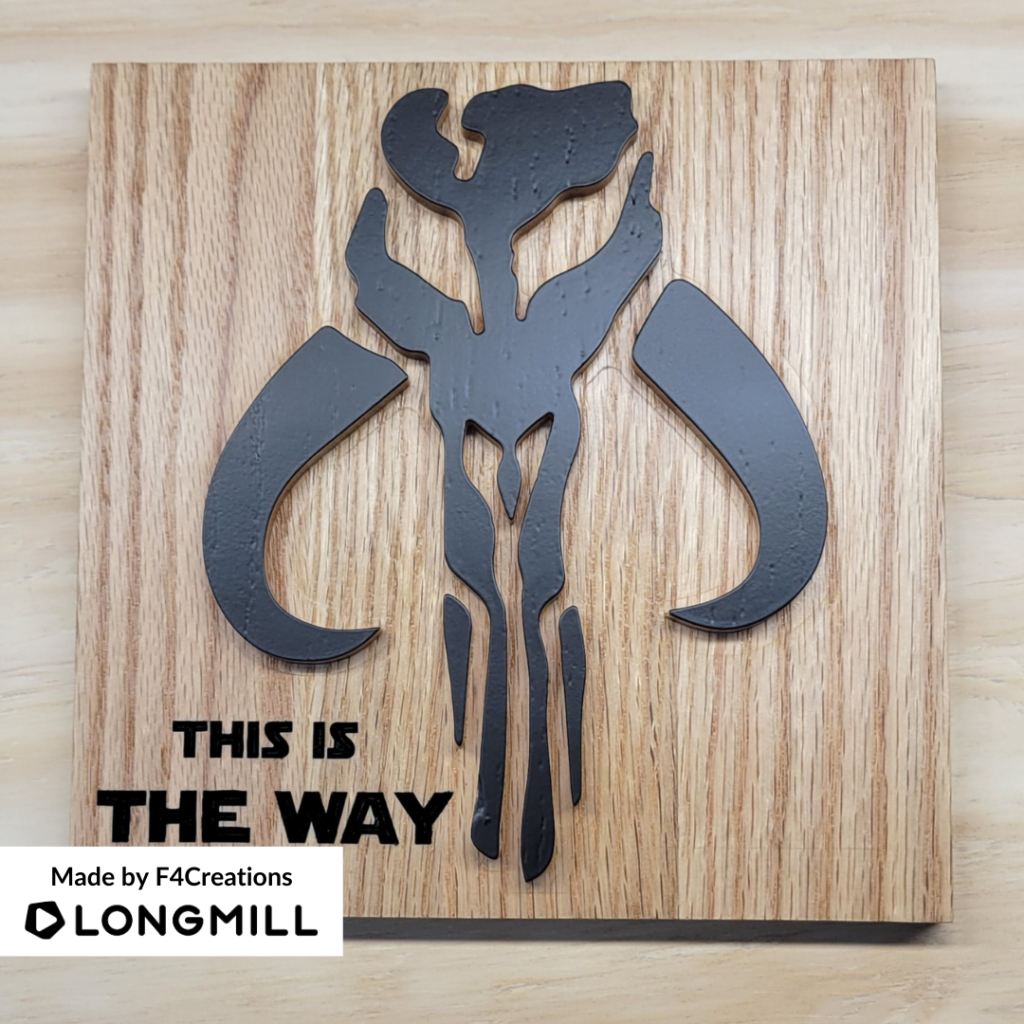
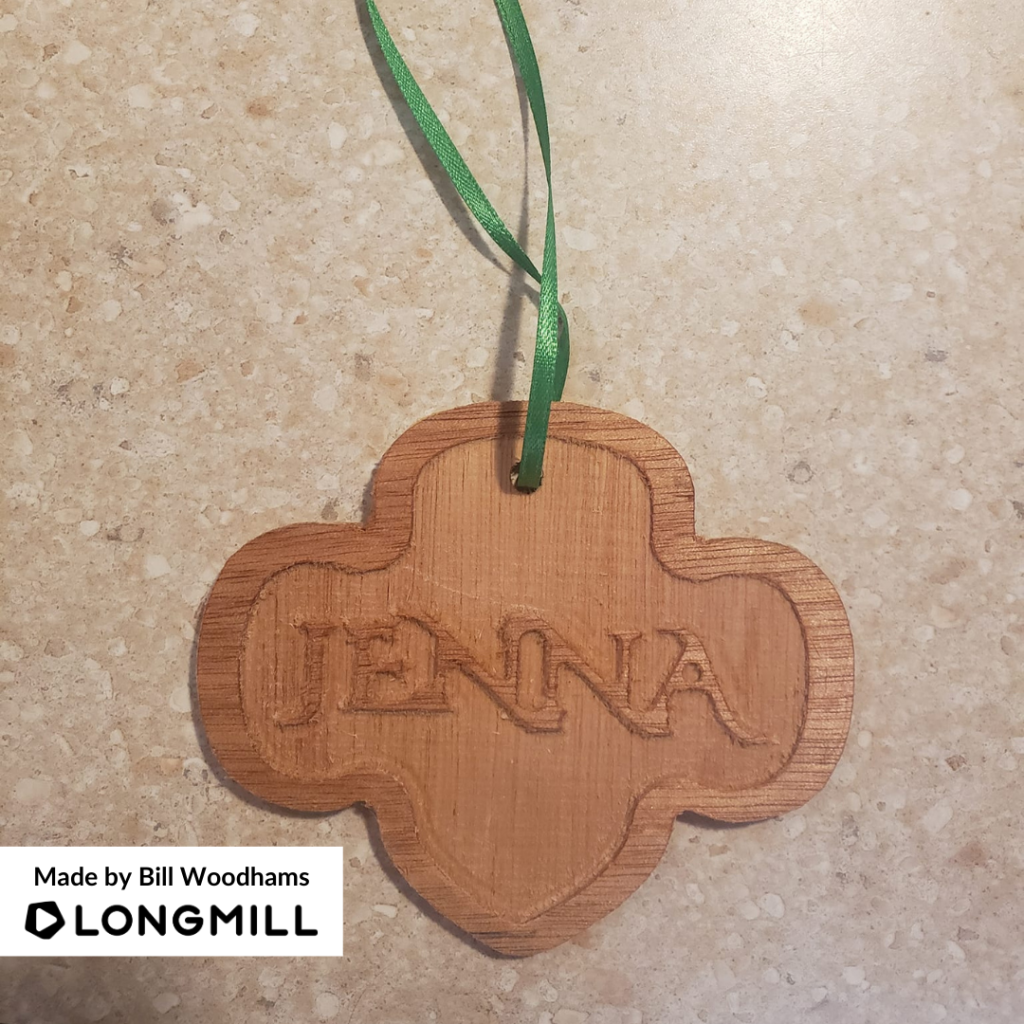
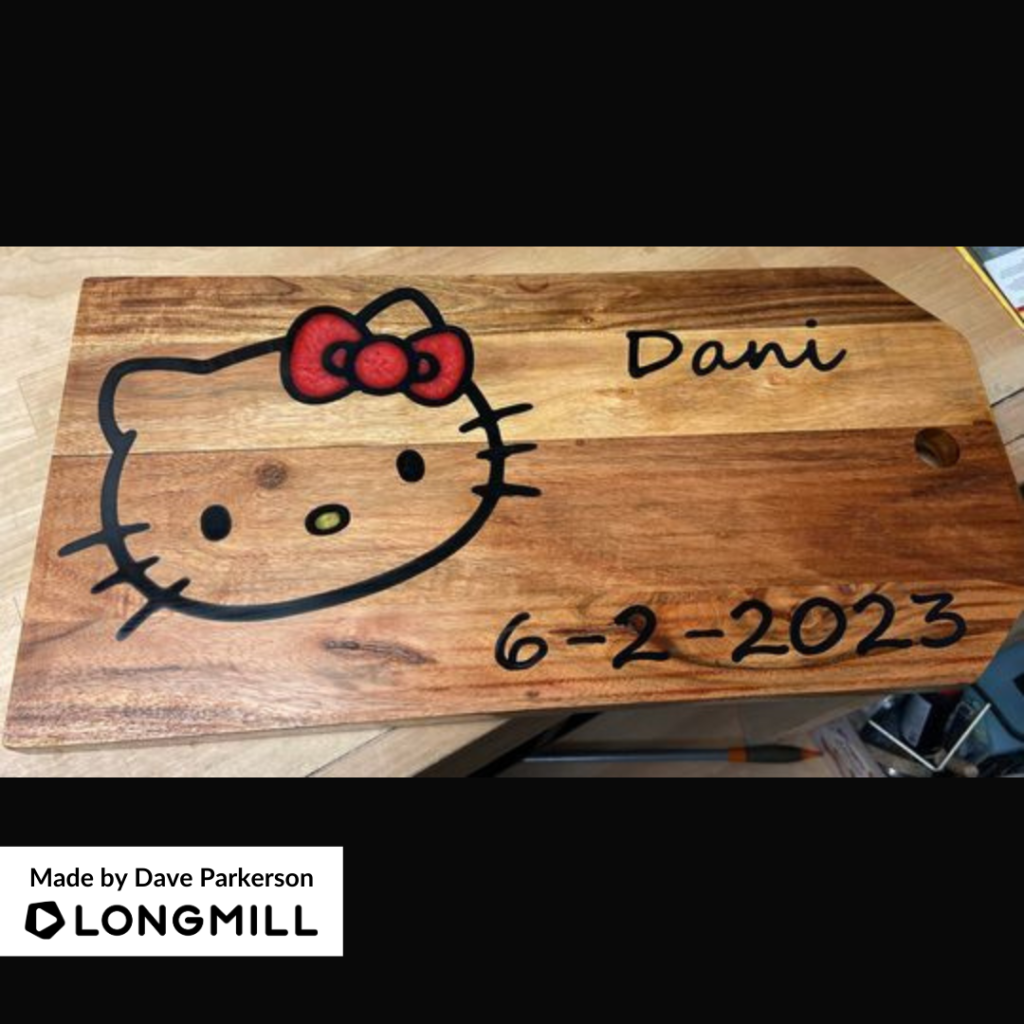
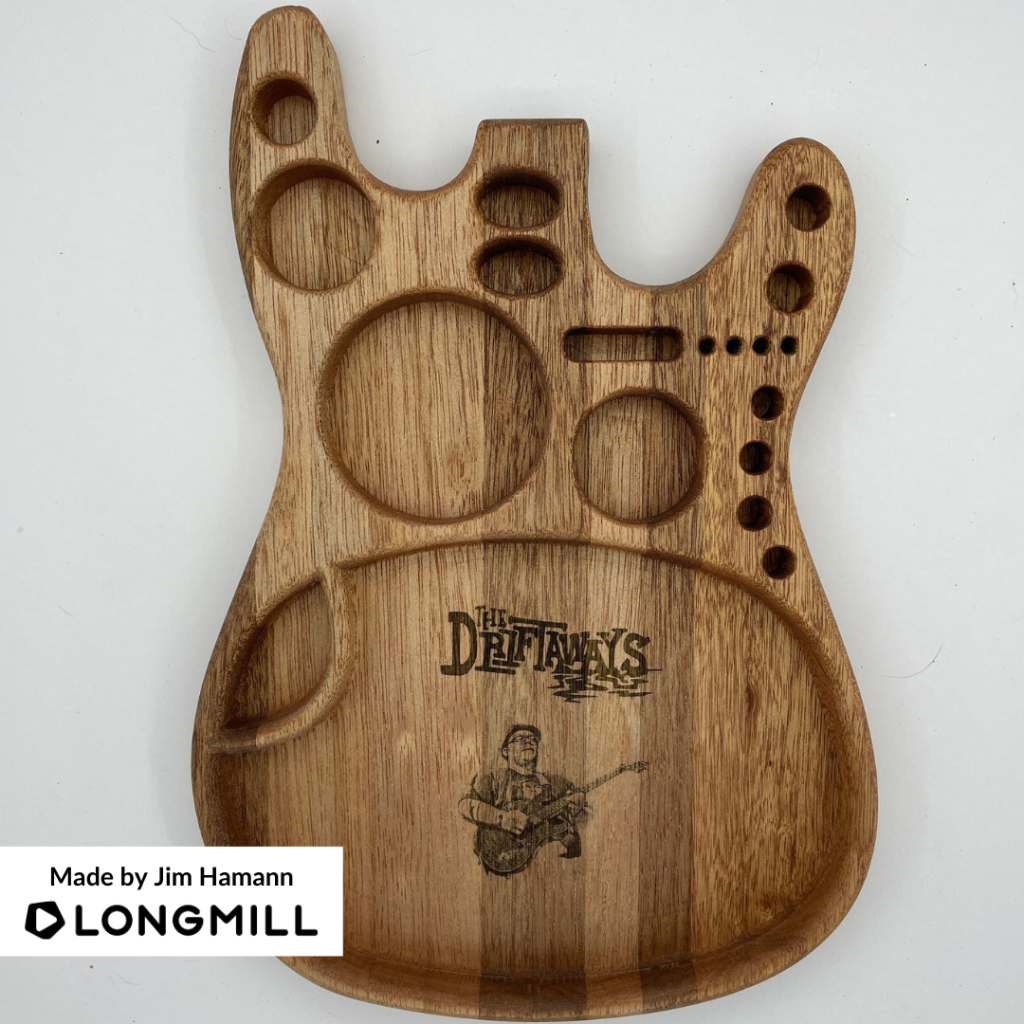
We are happy to announce that F4Creations, James Richardson, Bill Woodhams, Nykita Grimes, Dave Parkerson, and Jim Hamann are the winners of the “Your First Project” contest! Watch out for a prize!
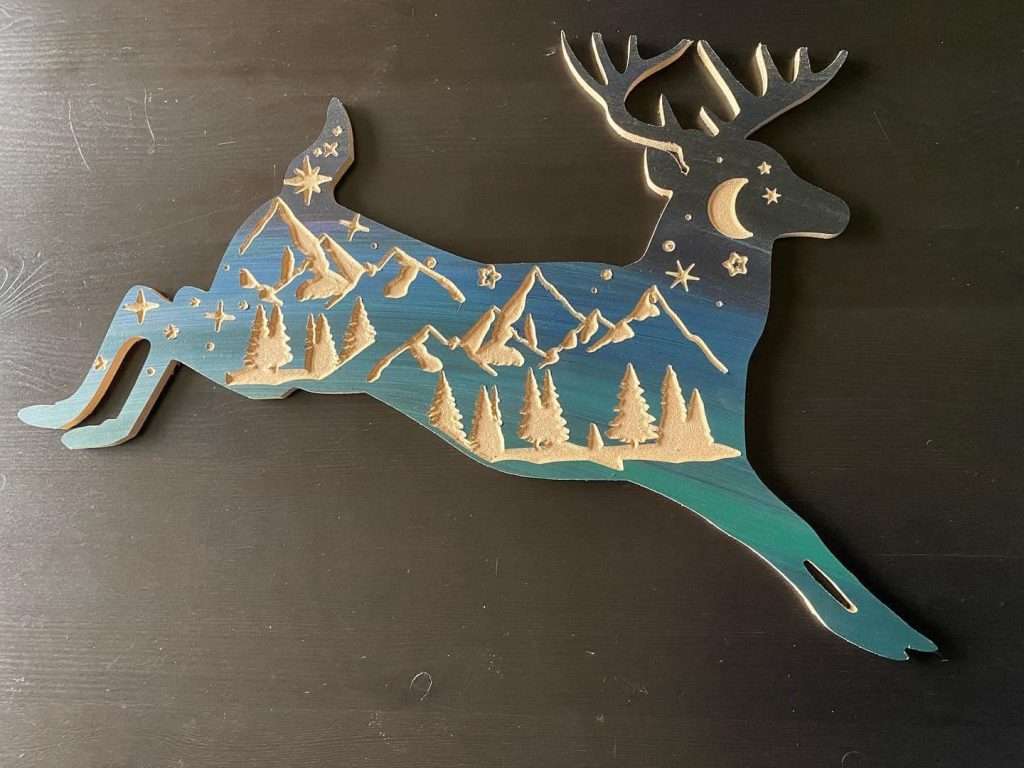
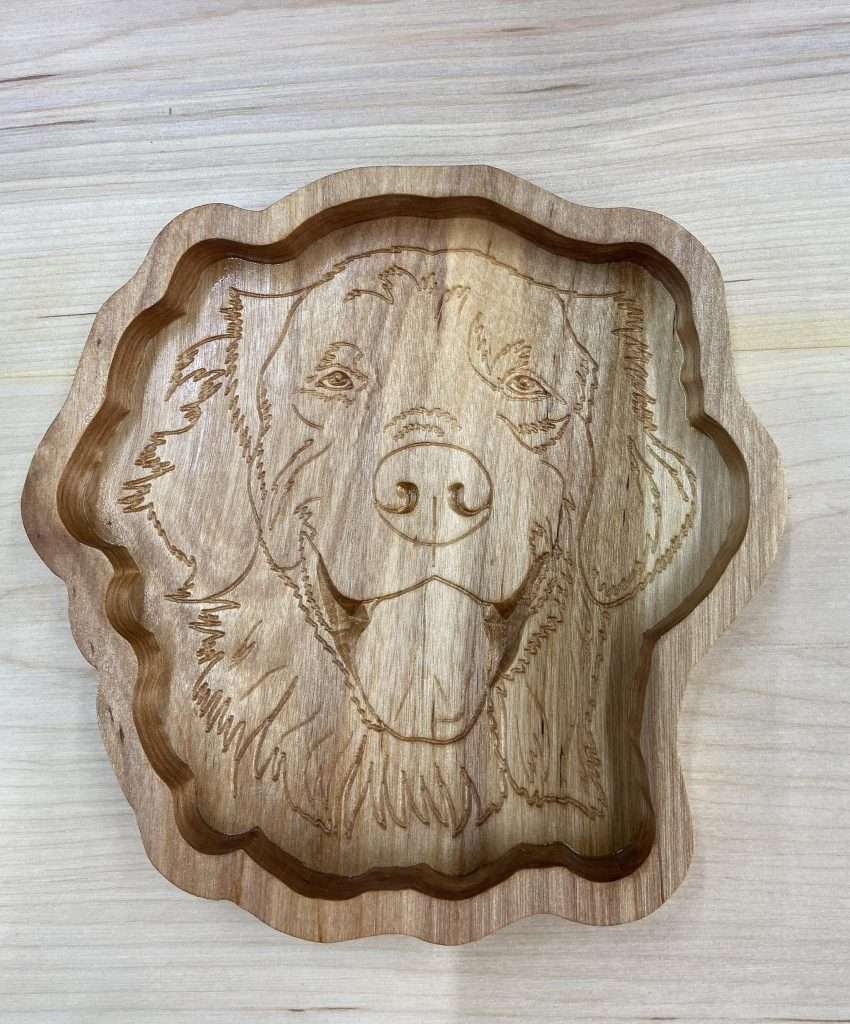
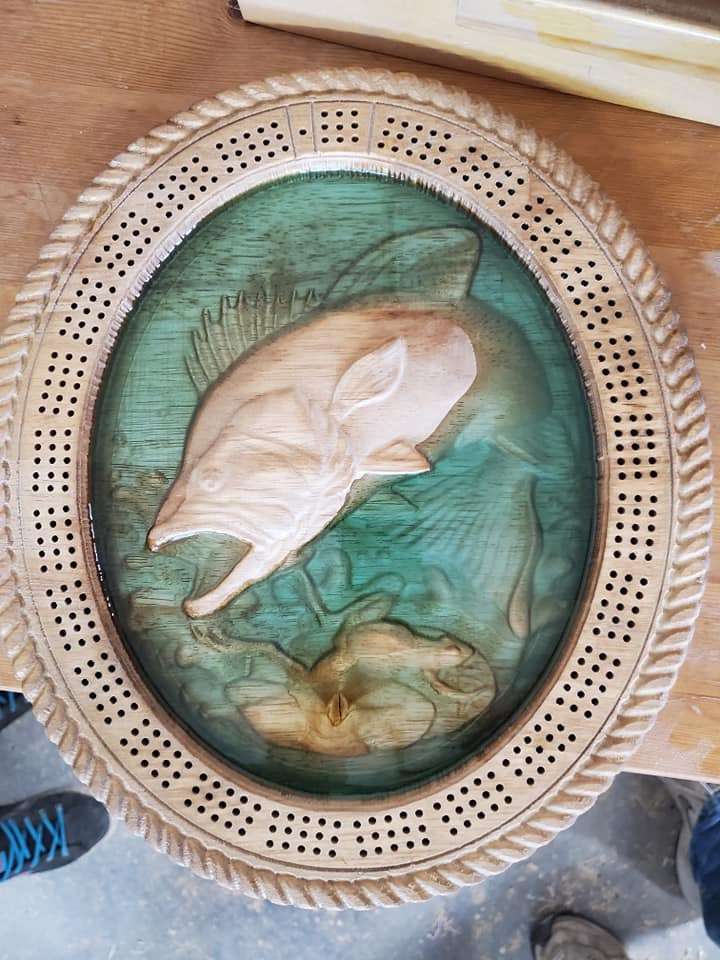
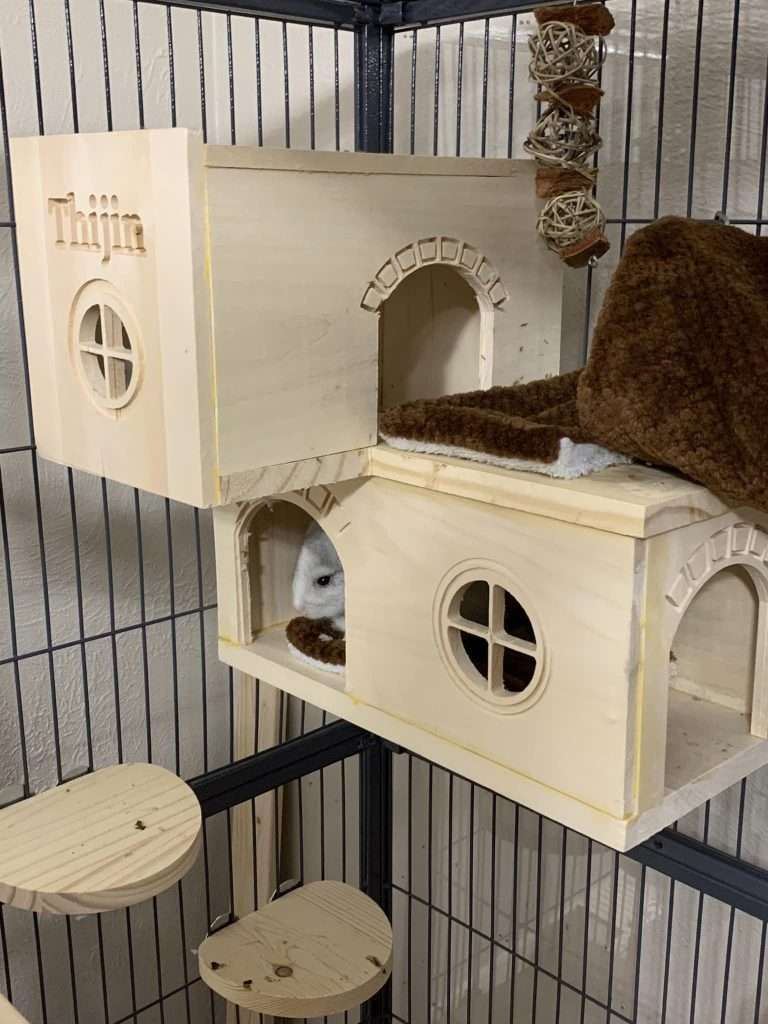
This Week’s Theme: A Project That is Animal-Themed
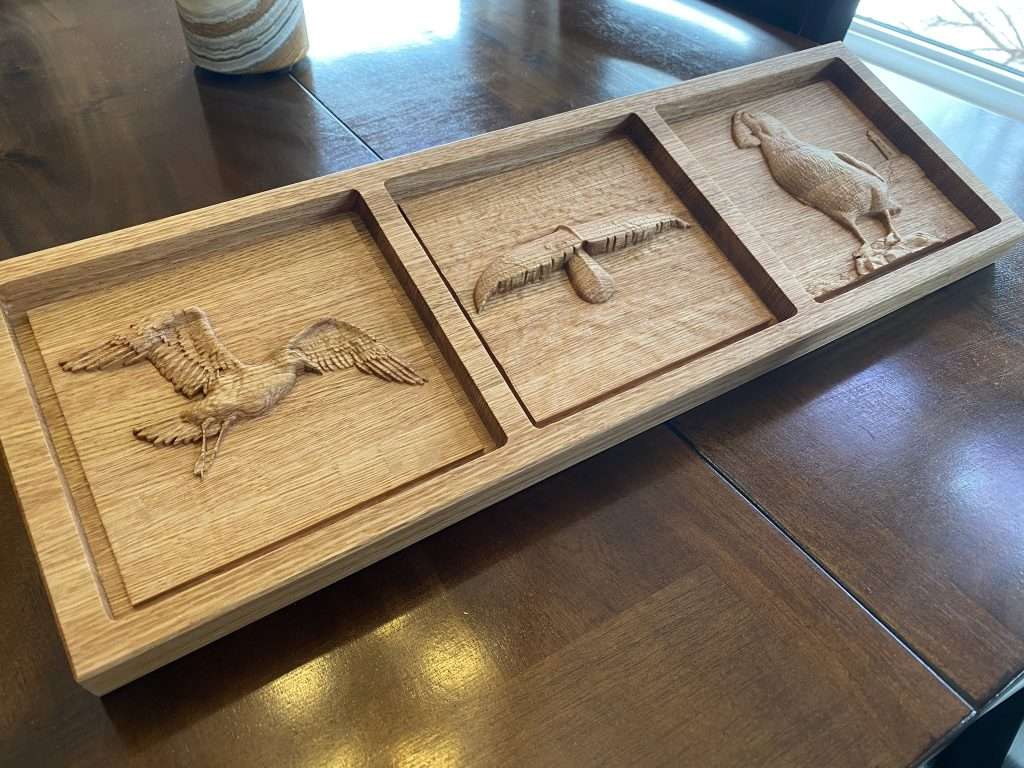
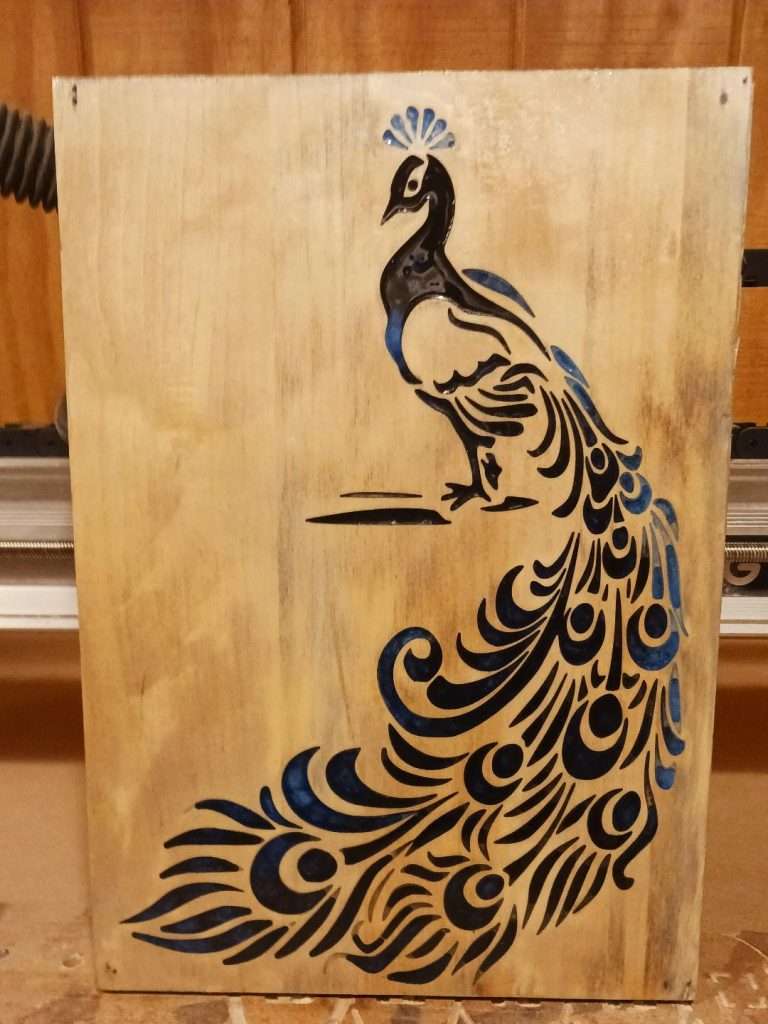
The theme of the week is “projects that are animal themed”. Post your favourite animal projects and share them with us for a chance to be chosen as one of the lucky winners of this week’s contest and win some free swag!
After over a year of testing, debugging, and iterating we are excited to share our biggest gSender update yet!
Several of the features being released today have been in development and testing for over a year, so a big Thank You to all of those that helped us test and offer your feedback and experiences. The entire Sienci Labs team has been hard at work refining, stabilizing and speeding things up in the background, and now everyone can share in all of the new and super cool features available.
Some Quick history
You might be wondering: “a year? really? Haven’t they been updating gSender continuously?” and yes you’re right we have been.
Many typical gSender users might not know this but while gSender HAS been getting continuous updates on average every month, we’d also ‘spun-off’ what you might call a gSender sibling that we call “gSender Edge” around a year ago. The purpose of gSender Edge was to answer the question of:
With now thousands of people using gSender, we didn’t want to risk the chances that a new feature or update could ruin everyone’s experience using their CNCs, so how do we work on these new features in a safer way?
Edge Lifecycle
Edge isn’t a replacement for gSender in any way – it’s a way for us to test and get feedback on new, bigger features without exposing them to users who may not be interested or causing unexpected bugs. This follows a cycle that can be several months long where:
A new Edge version is split off from Main in order to prototype some new functionality and features (you can tell when this happens because the numbering scheme will jump up from 1.1.6 to EDGE-1.2.0, for example)
Edge eventually stops adding major features so it can become more refined from user feedback and squashing bugs
Once everything seems stable, everything that’s been added to Edge becomes a part of Main gSender so that everyone can now enjoy the new features
The process repeats
We’re happy to announce that we’re now completing that cycle for the first time and flooding a whole lot of new features into gSender!
Get ready to see a whole lot of new features that this gSender update is bringing
We’ve spent a huge time commitment just revamping the resources with about 24 new page-lengths being added to describe all the new features and better explain existing ones; that means expanding our existing documentation by about 40%!
By the way, this means that YES this new update will be including everything from Edge 1.2.5 plus more, it also means that soon enough the Rotary/HAL version will receive all these same updates and be released as the new version of gSender Edge. Edge will always be available for anyone to try and will always be ahead of gSender by having more features albeit likely less ‘stable’.
So let’s take a peek under the hood at some of the highlights to see what all the excitement is about!
Faster and Lighter
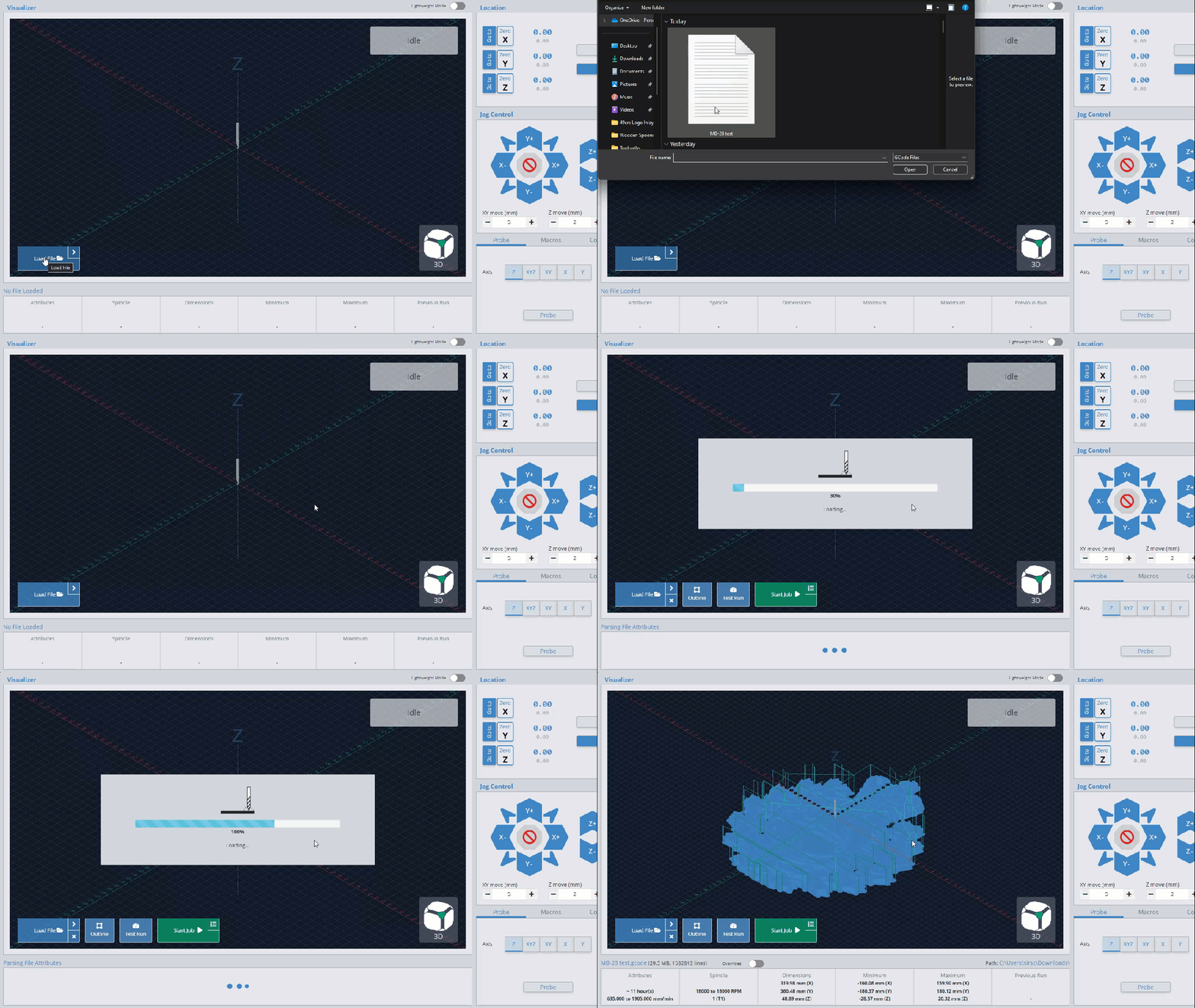
If you’ve ever found yourself waiting for a file to load, get ready to notice the speed increase! If your file still needs to load there’s even added in a fancy dancy new loading bar!
This was another big effort by our development team to speed things up under the hood and use less memory once files are loaded. There are multiple areas where on average files loaded 20% faster and gSender used 2/3rds less memory
If you’ve ever experienced disconnecting during a job, you will quickly wonder “where was I just now?”. We continue to have brainstorming sessions at the Lab to think of ways to help when problems like this occur and this is a new one we think will help.
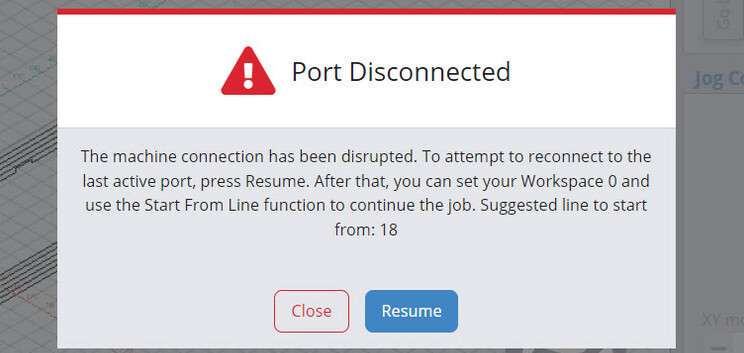
In specific cases where the USB port disconnects while running a job, gSender will now be able to recognize the problem and alert you about it, suggesting to reconnect and providing a line to resume from using our ‘Start from line’ feature. This allows you to restart close to the same spot you stopped on, saving time and materials.
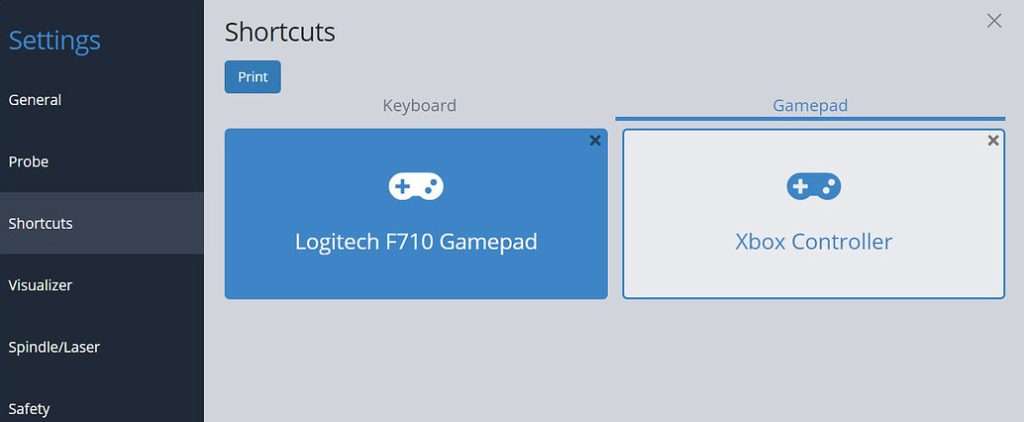
Keyboards are great, but gamepads are better! You’ve always been able to add your own gamepad profile to gSender but we’ve now done some of our own internal testing to validate some gamepads that we can recommend. With community help, we hope to continue growing this list of officially tested gamepads.
This shortlist of options are meant to be common, affordable, and easy to source. This currently includes: the YCCTeam Xbox controller and the Logitech F710. Now see that in gSender → Settings → Shortcuts → Gamepad you’ll find pre-made presets for these gamepads to easily load up and use.
Remember you can also now print a PDF of your personal keyboard or gamepad shortcuts for display in your workshop. They will quickly be committed to memory and you won’t be searching for that mouse any longer!
A laser diode in harmony with a CNC router can be great because you can clamp the material to carve and then laser engrave afterwards and know that everything is still aligned. As a diode user, enjoy some of gSender’s new unique features to support them when you turn ‘Laser Mode’ on.
Turn on the laser at low power when running a job outline (enabled in the Spindle/Laser settings). This will help you to better see where your project is going to be located on the material
Automatically apply an offset from the router/spindle to the laser so all your g-code files stay aligned (configured in the Spindle/Laser settings)
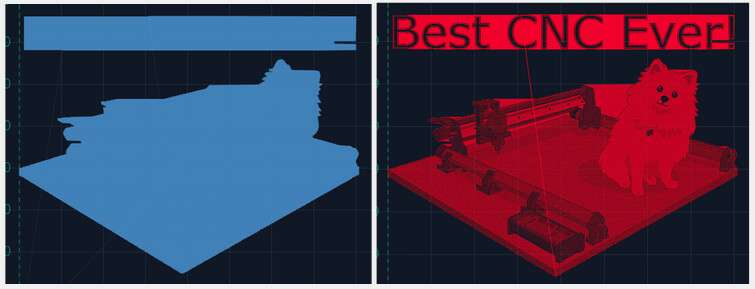
Switch to a specialized visualization designed to show raster engraving images better than typical g-code visualizers
Previous Visualization versus New Laser Visualizer
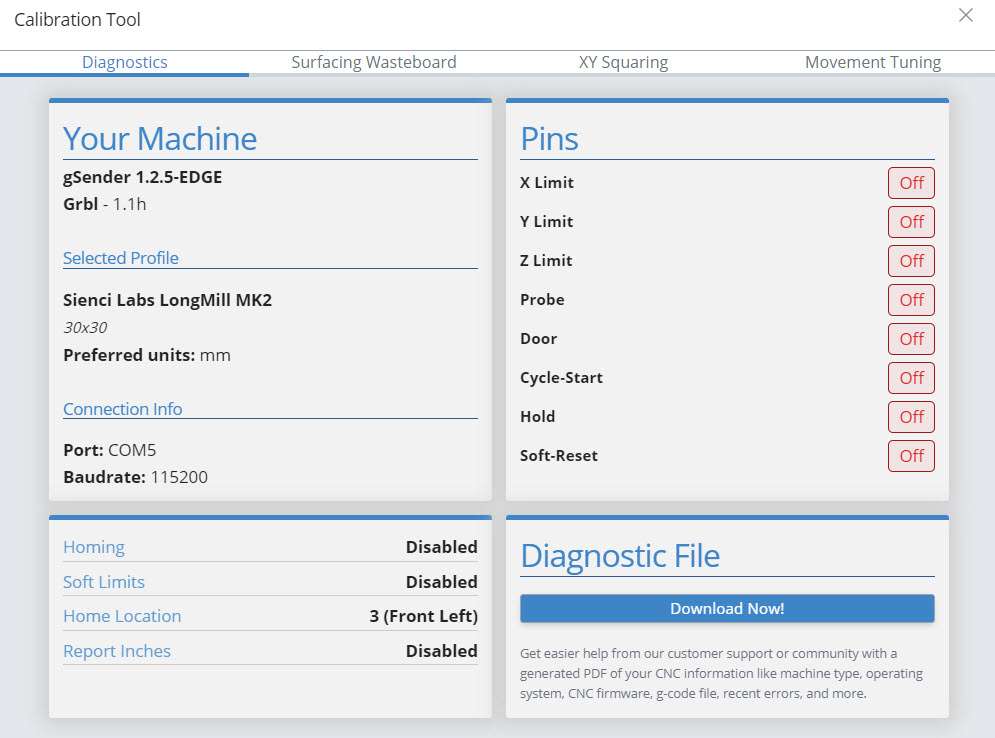
What’s up Doc? Now have a little bit more insight about your machine whether it’s testing limit switches, checking firmware or profiles, and now get all this information and more in a downloadable PDF for easy sharing!
Just click to ‘Download Now!’. This PDF file is meant to include information on your computer, your CNC, recent alarms / errors, any currently loaded g-code file, and more. It’s basically a treasure trove of information that you can share on community forums, Facebook groups, or with your CNC customer support; going a long way towards getting help from others on diagnosing CNC problems .
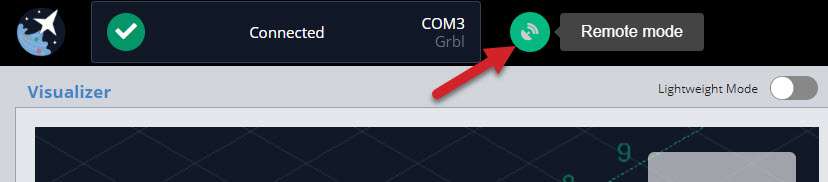
Look no hands! Remote mode is exactly how it sounds, giving you the ability to connect to any device running gSender from any other device on the same network through a web browser. You’ll be jogging and zeroing from your phone before you know it This feature allows you to:
Load in a file from your design computer outside your shop then run it on your computer inside the shop
Use a tablet as the primary means of controlling your CNC rather than a mouse and keyboard
Use your phone to jog your machine around or run other functions
Leverage a mini PC or Raspberry Pi as the inline (tethered) computer for cheap, fanless, and reliable operation with less effort to have a display, keyboard, and mouse
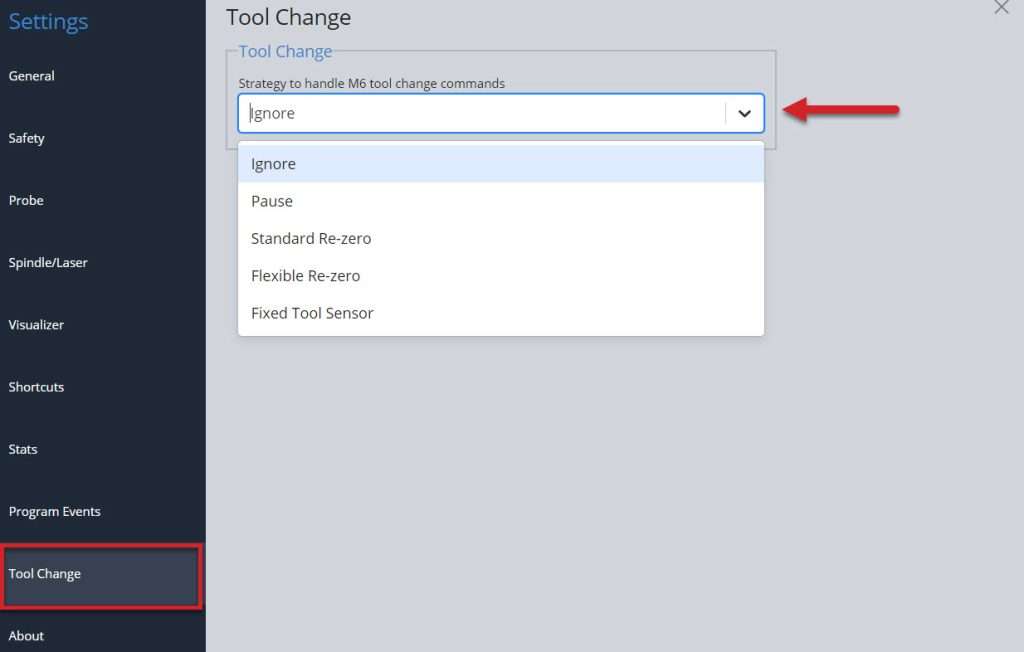
Isn’t it nice when someone offers to help out? We’ve hired a wizard to assist! Having options for doing some of the repetitive processes sure makes the job easier and decreases the chances of human error. Expanding on the initial options of tool changes, we’ve added new wizards that walk you through using the ‘paper method’, a touch plate, or using a tool length sensor for single file, multi-tool jobs.
Remember that all these new features have further reading can find in the gSender Resources! Learn about the 5 revised tool changing options, what they do, and which one would best suit you.
Completely optional, completely anonymized, can be turned off anytime, only works on internet-connected devices. More and more we’re finding it would be helpful if we knew certain features are widely used or certain errors are constantly encountered to understand how we can improve the gSender or its documentation. Remember gSender’s code is open-source and viewable by anyone so we don’t have anything to hide, so if you’re fine with us knowing things like the CNC profile you use, the computer you run gSender on, and other ways that you use the app then you can decide what you prefer for this particular setting
Some other assorted features include:
Slider overrides for easier feed rate and spindle / laser adjustment on the fly
Ability to toggle between job overrides and file attributes before starting a job to fine-tune feed and speed overrides before starting a job (Using gSender – gSenderDocs)
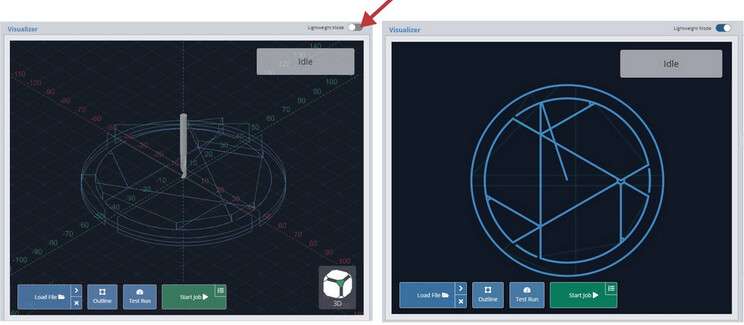
Get a top-down snapshot image of your job with the new SVG Visualizer that bridges the gap between a fully disabled visualizer or the full 3D one (useful for less powerful computers) (Additional Features – gSender Docs)
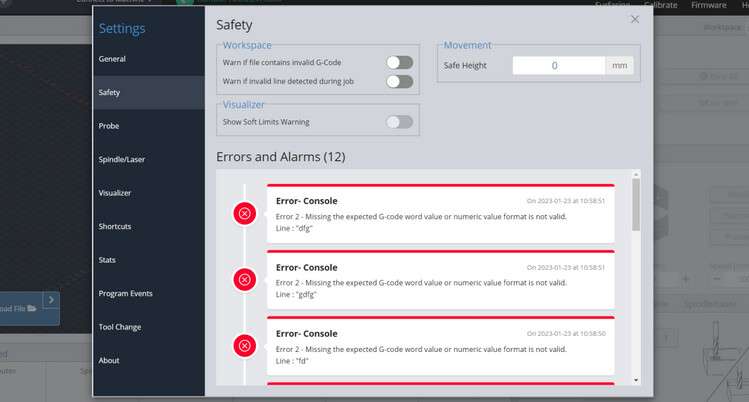
New safety tab for tracking alarms and errors and accessing safety settings
We hope you all enjoy everything new that’s been brought to gSender! We still have so many ideas that are in progress that either iterates on what’s just been release or brings even more new features to the table. If you’re already an Edge user, feel free to use this until the next Edge release comes out shortly where we’re working on supporting the new HAL firmware and Rotary axes
Remember that though the team has been working hard to make this a stable release and squash all of the bugs over the past 12+ months, we can’t guarantee that there won’t be the odd issue that needs to be addressed. Please let us know right away if you have any concerns or have found a new bug and our team will move quickly on it.
Many congratulations to the whole team that’s worked so hard to get to this point including the whole software development team of Kevin, Walid, and more, and to Jay and a new join Stephen for helping me with bringing all the new documentation up-to-date, as well as many other people behind the scenes!
@StephenCampbell actually also helped me to compile all this information together for this post and he wanted to add some words:
P.S. – I’m a new Sienci Labs team member! You may see me here in our community or helping out on the support side of things. I’ve been busy updating all of the documentation for this new update, check it out at Installation – gSender Docs 3 for more information on gSender. I’d love to hear your feedback!
Note: due to the large amount of changes from 1.1.7 to 1.2.0, we weren’t able to get the typical auto-updater to won’t so you’ll need to install the new version manually. This also goes for people with Edge installed that want to download 1.2.0
There were multiple areas where we were able to make file processing on average 20% more efficient and reduce overall program memory usage by an average of 2/3rds due to an increased node sandbox memory size and improvements to multiple run times
On files that still take a while to load we’ve now added a loading bar window to show file loading progress
Added new job recovery functionality
In specific instances where your machine’s USB port disconnects from gSender during a job it’ll be able to recommend where you should restart from
Updates to gamepad controller support
List of officially tested controllers if you’d like to select a gamepad that works more reliably with gSender
Tested controllers come with their own pre-loaded presets
Improved UI for creating controller profiles
Available PDF printout of shortcuts to hang up near your machine
Better support for Laser Diodes
Optional low-power laser enable on outlining
Laser-specific visualization: there’s a different style when laser mode is on and that colour can be customized
Laser offset now allows for negative offset values
New Diagnostic tab inside the Calibrate Tool
See at-a-glance information on whether your limit switches, touch probe, or other pins are activated
General summary on your CNCs firmware settings
The ability to generate a Diagnostic PDF file that includes information on your computer, CNC, recent alarms / errors, any currently loaded g-code file, and more! Very handy to share with our support team or other CNCers to help diagnose problems your CNC might be experiencing
Remote Mode, control your CNC remotely!
Connect to your CNC from a myriad of other internet-connected devices for loading files from other computers or jogging and zeroing from your phone
Easy to set up and configure
Tool changing is now more fully supported by our new Wizard
gSender already recognized M0 and M6 commands to initialize a pause in the middle of a file
New processes to support using the ‘paper method’, a touch plate, or a tool length sensor (choose based on your CNC setup) now allow more flexibility in handling tool changing and in some cases can pop up a Wizard to direct you through each step and without the need for custom macros
Other assorted features
Optional Anonymous Information gathering
Slider overrides for easier feed rate and spindle / laser adjustment on the fly
Ability to toggle between job overrides and file attributes before starting a job to fine-tune feed and speed overrides before starting a job
Get a top-down snapshot image of your job with the new SVG Visualizer that bridges the gap between a fully disabled visualizer or the full 3D one (useful for less powerful computers)
Colour coded Console on certain commands like alarms and errors that can also now pop-out
Assorted other settings
New safety tab for tracking alarms and errors and accessing safety settings
Soft limit warning on file load if machine has limit switches
Customizable probe fail distance in Z
More visualization theme customizations for ‘light’, ‘dark’, or your own fully custom design
New Shortcuts for controlling Probing, Visualization, and Macros and the ability to filter shortcuts by category to easily find and edit them
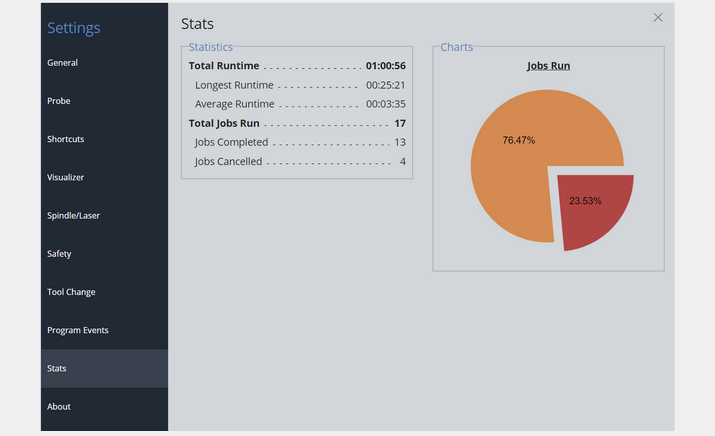
New stats tab for tracking jobs run on your CNC
Custom decimal places on the DRO
and other bug fixes for Linux auto updates, Settings exporting, Preferred units and file unit modals, Bounding box relative movement, Shortcut printing and more!











 This feature allows you to: