
Description
Sienci Labs is an official reseller of Vectric software. Read about our relationship with Vectric Ltd.
If you wish to upgrade to VCarve Pro or Aspire, you must do it through the Vectric Portal. This product is a full, brand-new license only.
Want to try it out first? Download a Free Trial.
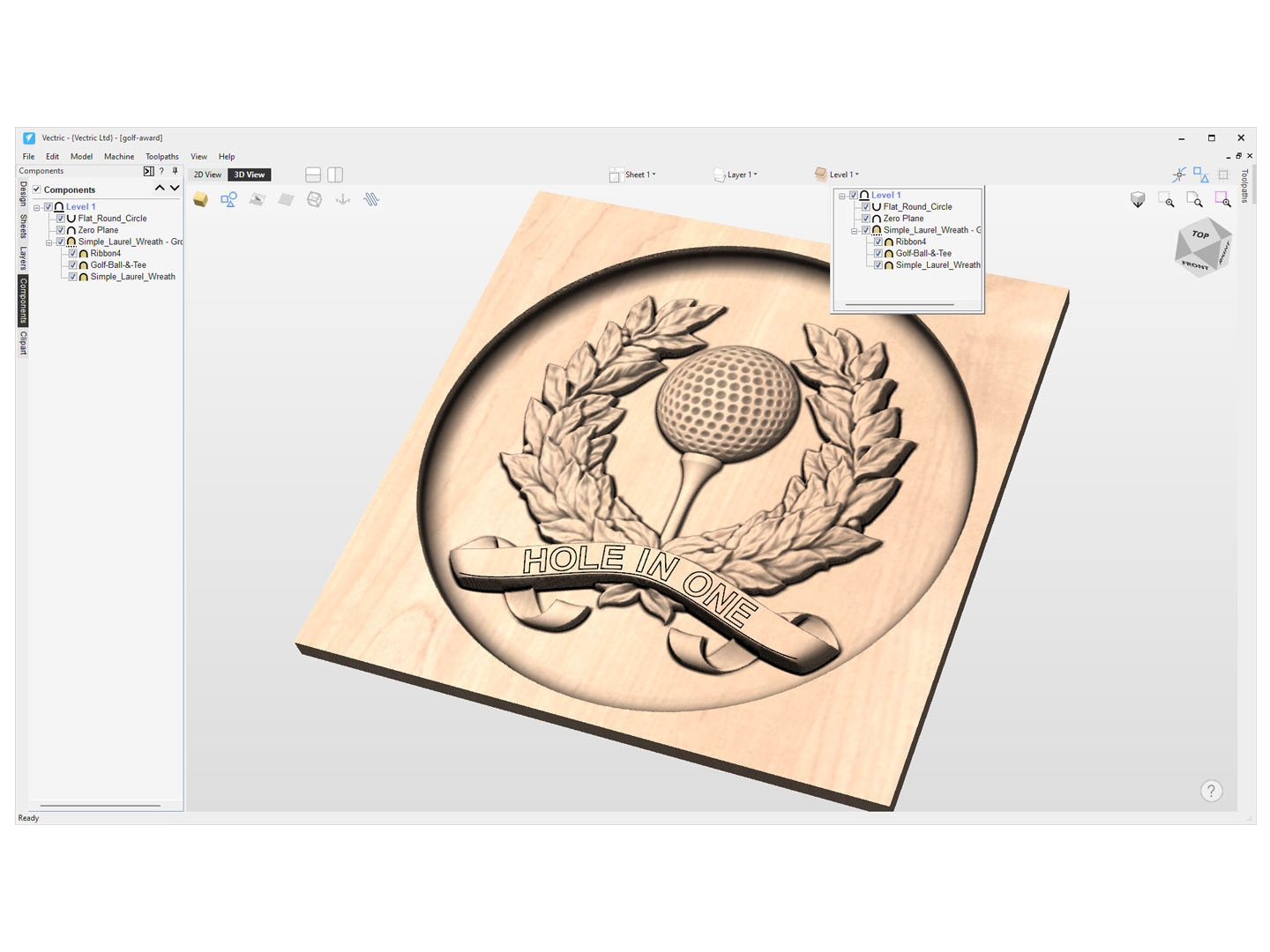
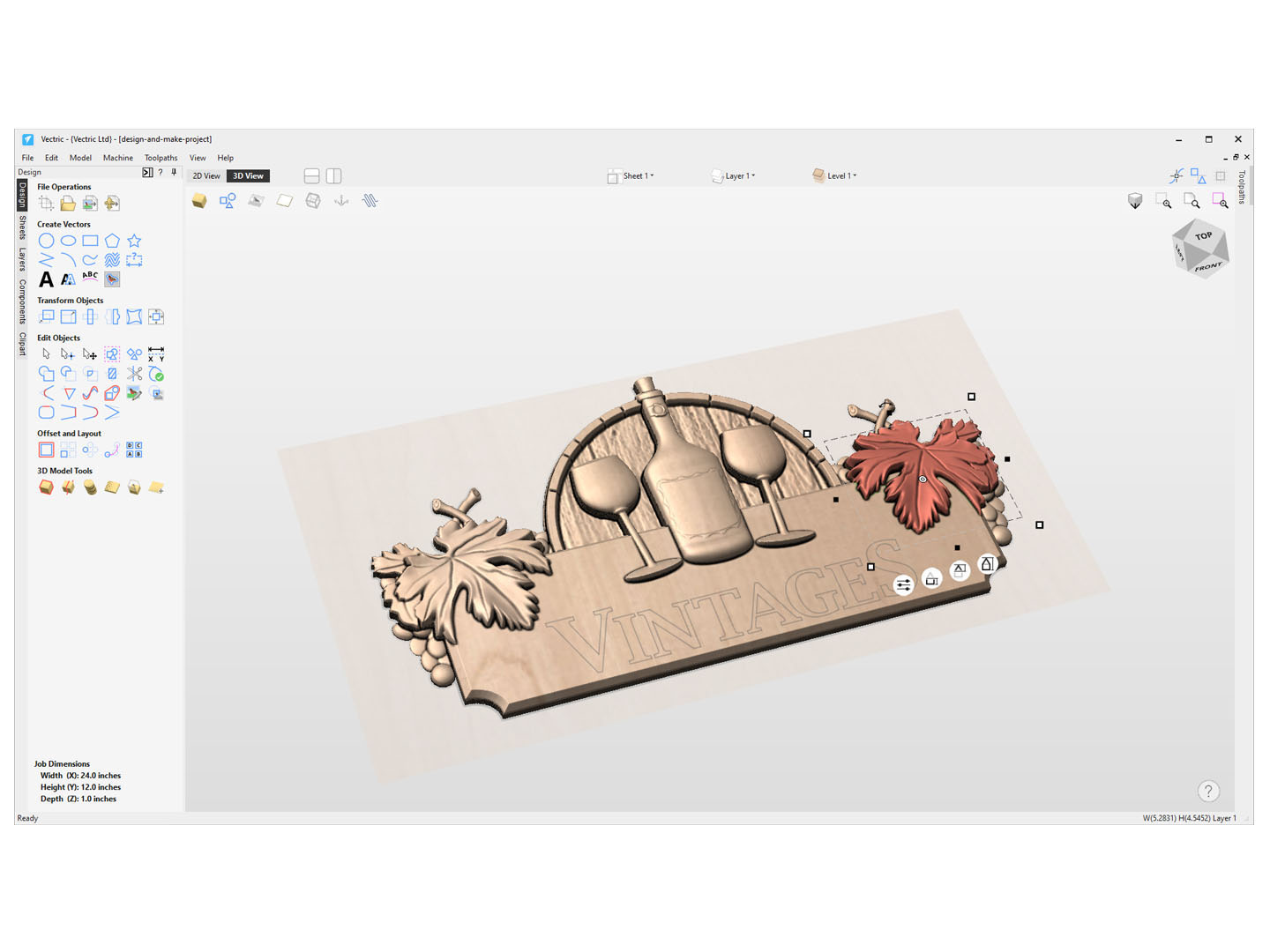
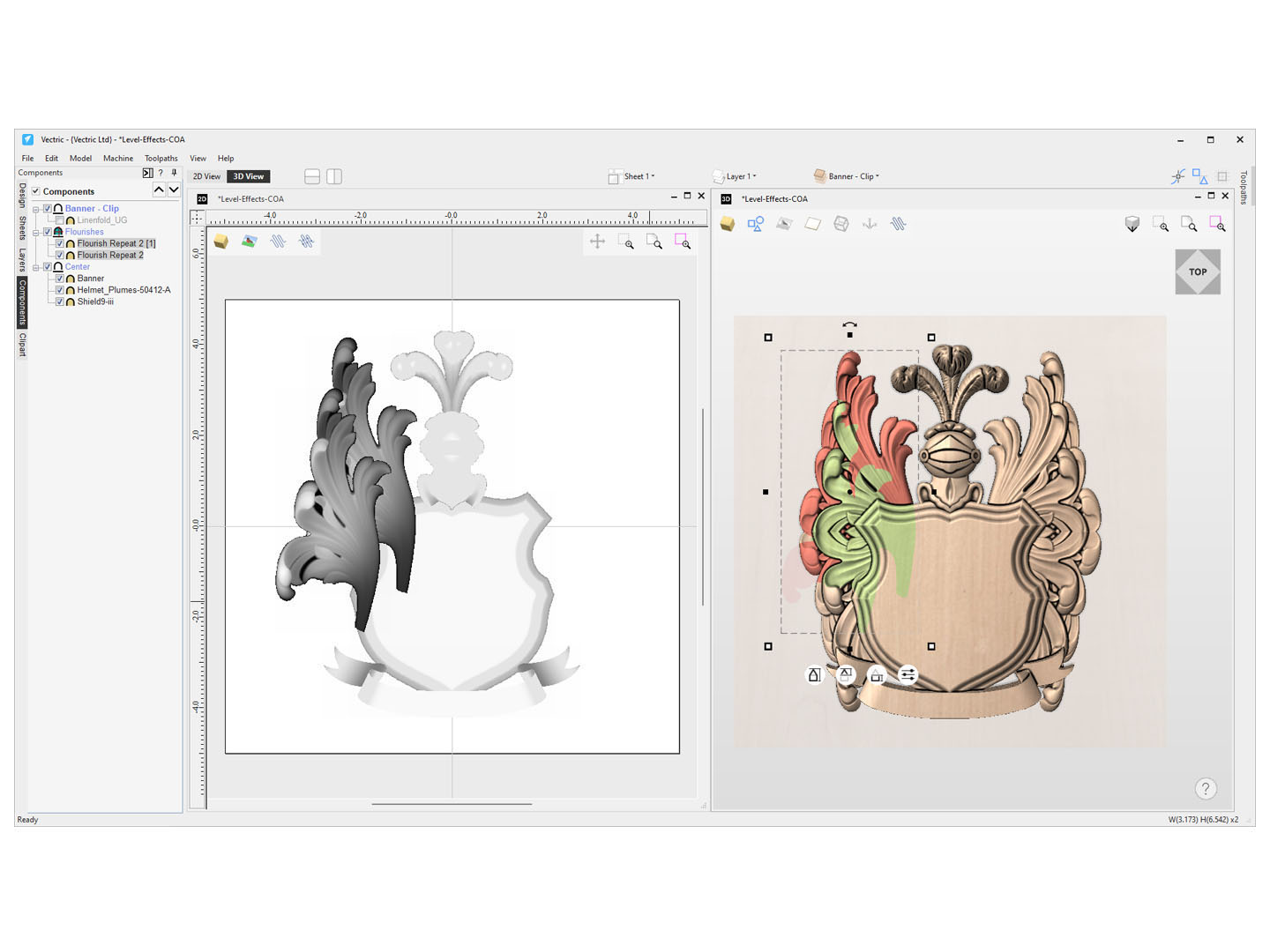
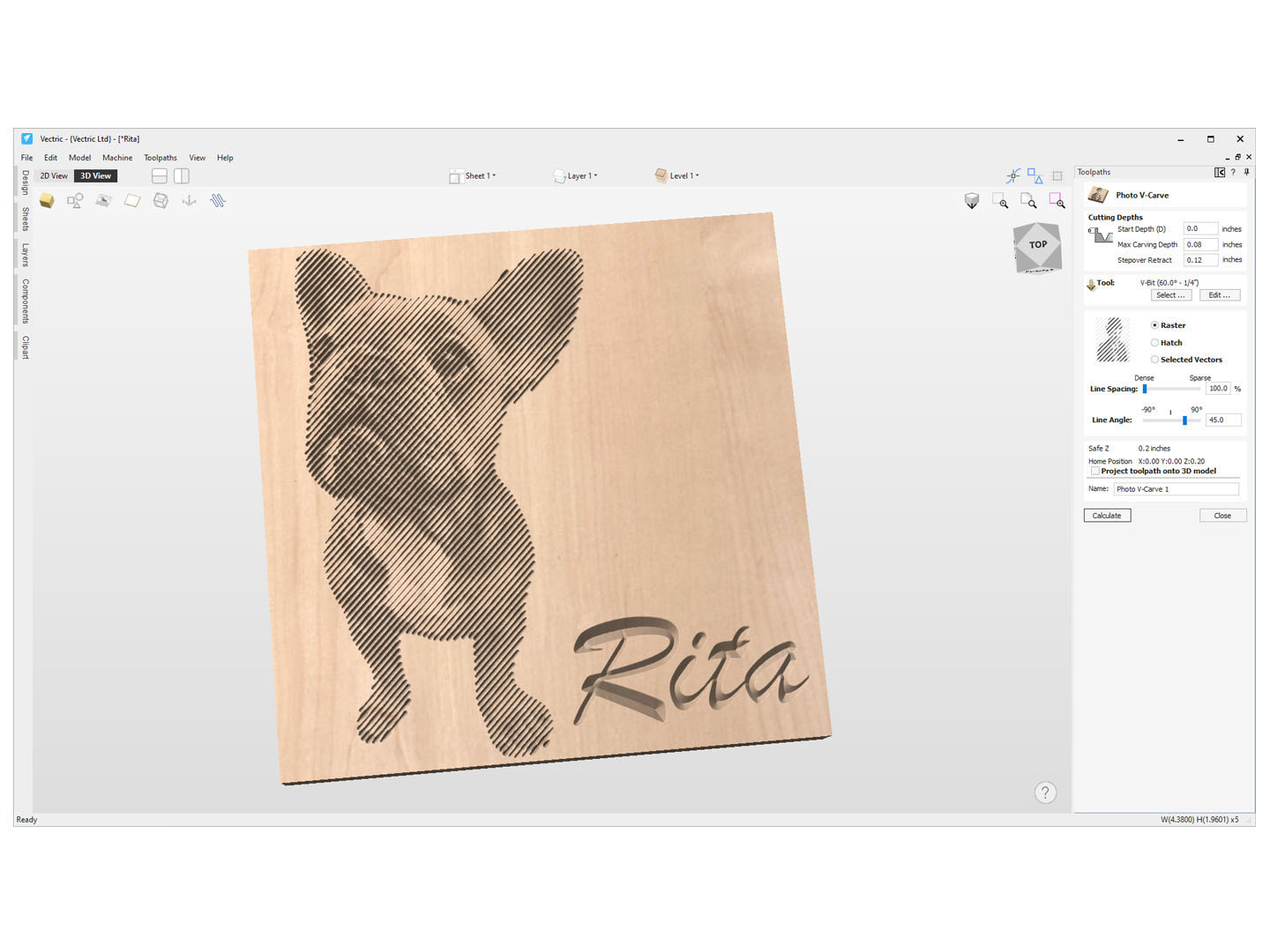
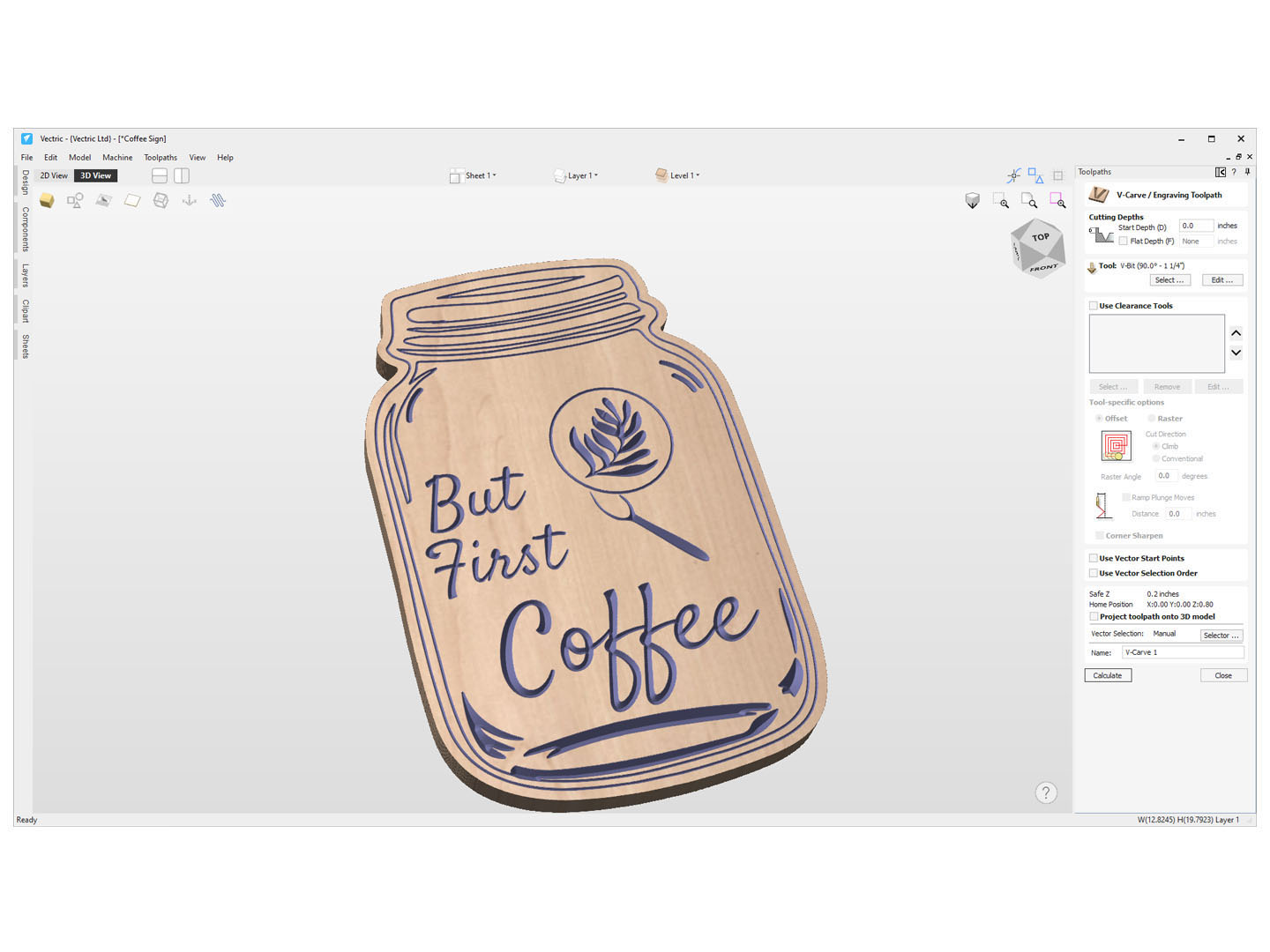
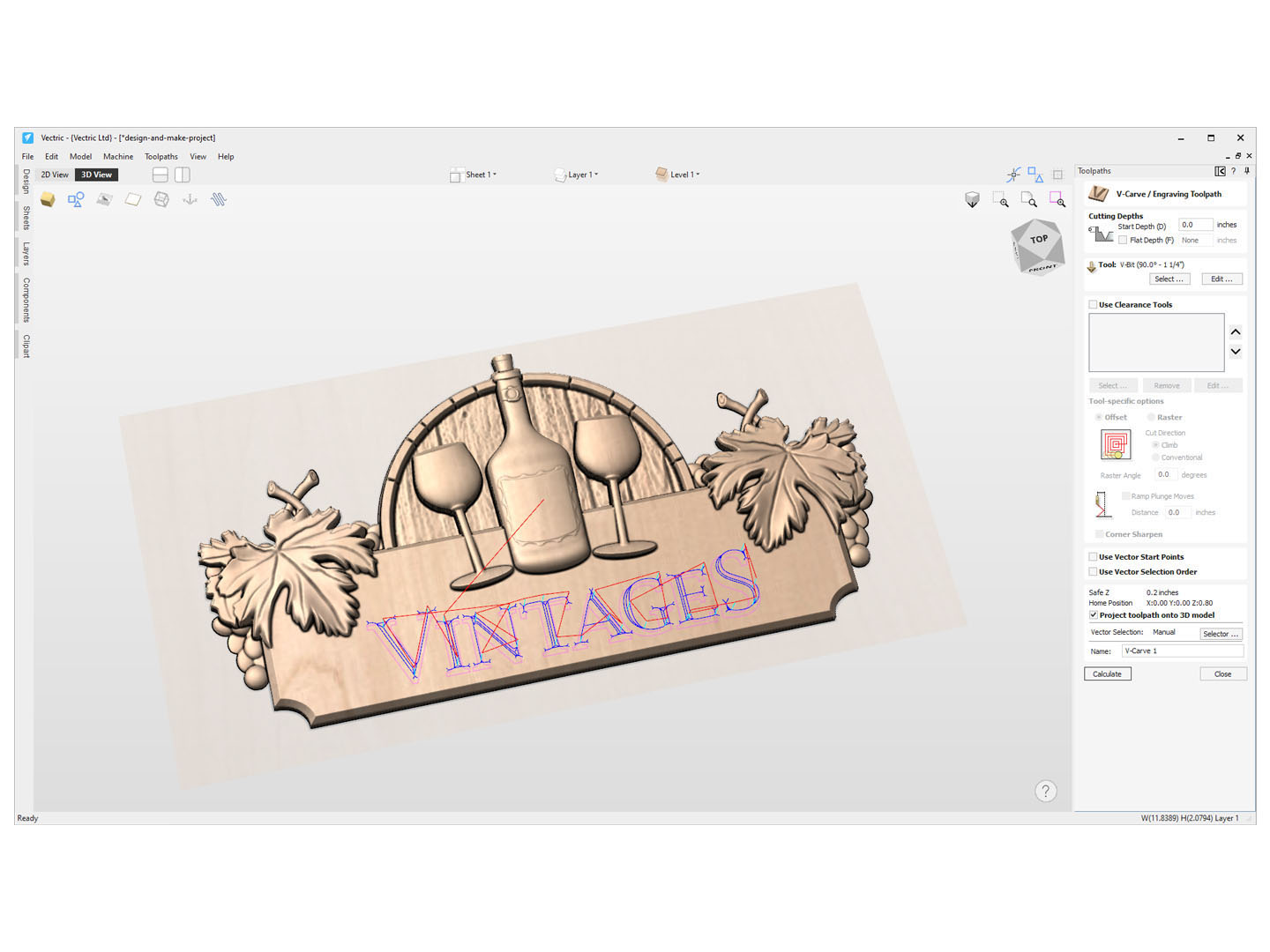
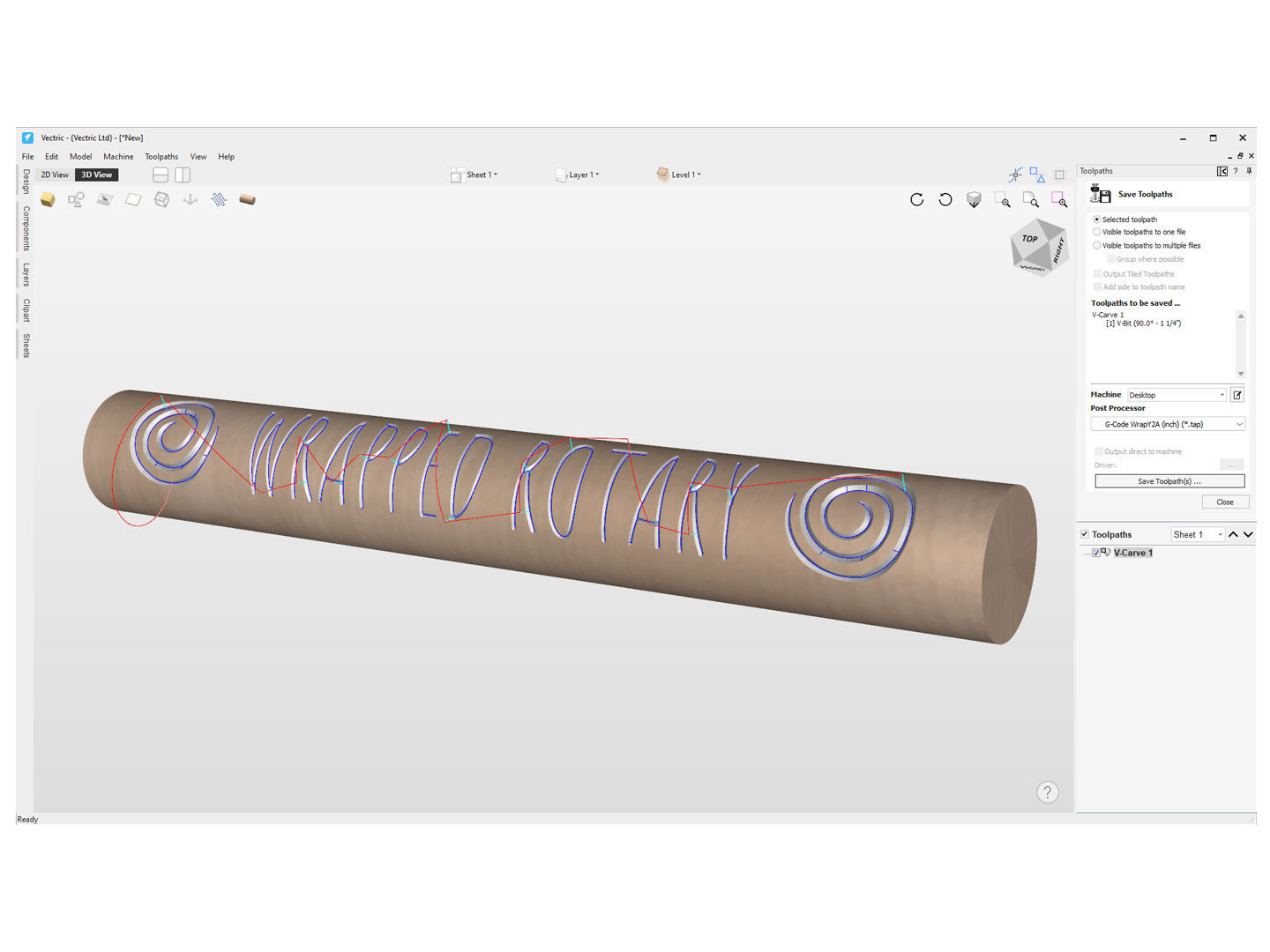
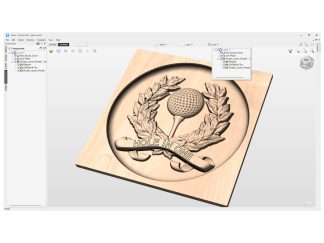
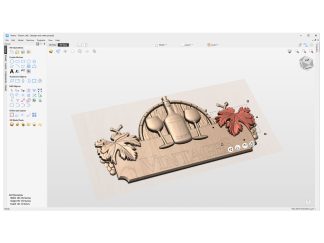
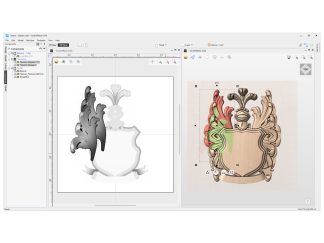
VCarve Desktop is a great option for entry-level CNC users, as it provides the ability to do both 2D and 3D projects and v-carving, as well as the ability to create and edit 2D and 3D files. Key features include:
- Toolpath tiling
- Toolpath previews
- Texturing
- Image tracing
***What you get with your purchase***
- A genuine fully supported license for the latest version of Vectric VCarve Desktop with free upgrades for one year
- Ability to upgrade to other software in the Vectric ecosystem (such as Vectric VCarve Pro or Aspire) through the Vectric portal
- Number of computer installs: https://www.vectric.com/terms
***Getting your license***
- Sienci Labs will send you an email with your license code through our automatic system within a few minutes, and a link to access your customer portal, where you can find support, downloads, and more. You do not receive a USB or CD for installation.
***Post-processor***
- Please set your post-processor when generating your toolpaths to GRBL (in) or GRBL (mm)


Daniel Stromback (verified owner) –
My initial thought about VCarve was that it was out of my financial reach. I plan to use my CNC for small projects and to make small pieces of a larger product. I began searching YouTube CNC videos and found endless CNC related information about the machines themselves as well as software to rent and some to purchase. There was a very limited amount of software use explanation. I did however find very helpful and well presented information from Garrett Fromme, about many CNC topics and it’s available software on several of the “IDC Woodcraft” videos. A beginner project Garratt will be walking us through, was using VCarve Pro, which he explained and demonstrated as being very rich in useability. As I watched the video, I saw a distinct similarity to the Microsoft Publisher software of years past, which I was quite well versed in. As Garrett explained and demonstrated all the positive and helpful features of VCarve in the creation of the project, the more it became the software I could understand and use. At 75 years old, even I could do the math that paying for top shelf software once was not really expensive at all. I definitely made the right choice!
Michael Monzel (verified owner) –
Taking Kyle’s course for pro.
Tom H. (verified owner) –
Coming into the cnc woodworking world, I expected a long learning curve to get started. With a background in AutoCad and some Fanuk robot training 20 years ago, the Vectric program seems well designed. There is a lot to learn but I was able to design, create a tool path and carve a sign that came out looking great. There is a lot to learn going forward learning all the shortcut keys, how to manipulate things and add 3D. Love Vectric Desktop so far.
Michael Doughty (verified owner) –
Enjoying it.
john pisch (verified owner) –
Thanks Jason, Great videos,LOL,learning Vcarve for now, just waiting for the new Longmill MK3, so I can put in my order, can`t wait. John
James Selkirk (verified owner) –
Enjoy the platform wish I could spend more time using it. But I will retire in a couple years and then I will have time to do more but I do an afternoon once a weekend now and enjoy it very much.
Robert (verified owner) –
The VCarve desktop software is ok. I have used better CAD software, but you get what you pay. Have watched many youtube videos to better understand the software.
Andrew (verified owner) –
It works
Ronald Gaylord (verified owner) –
I’m still learning.
Pete AMBROSE (verified owner) –
looks good