AutoSpin T1 Router zoom

Hover

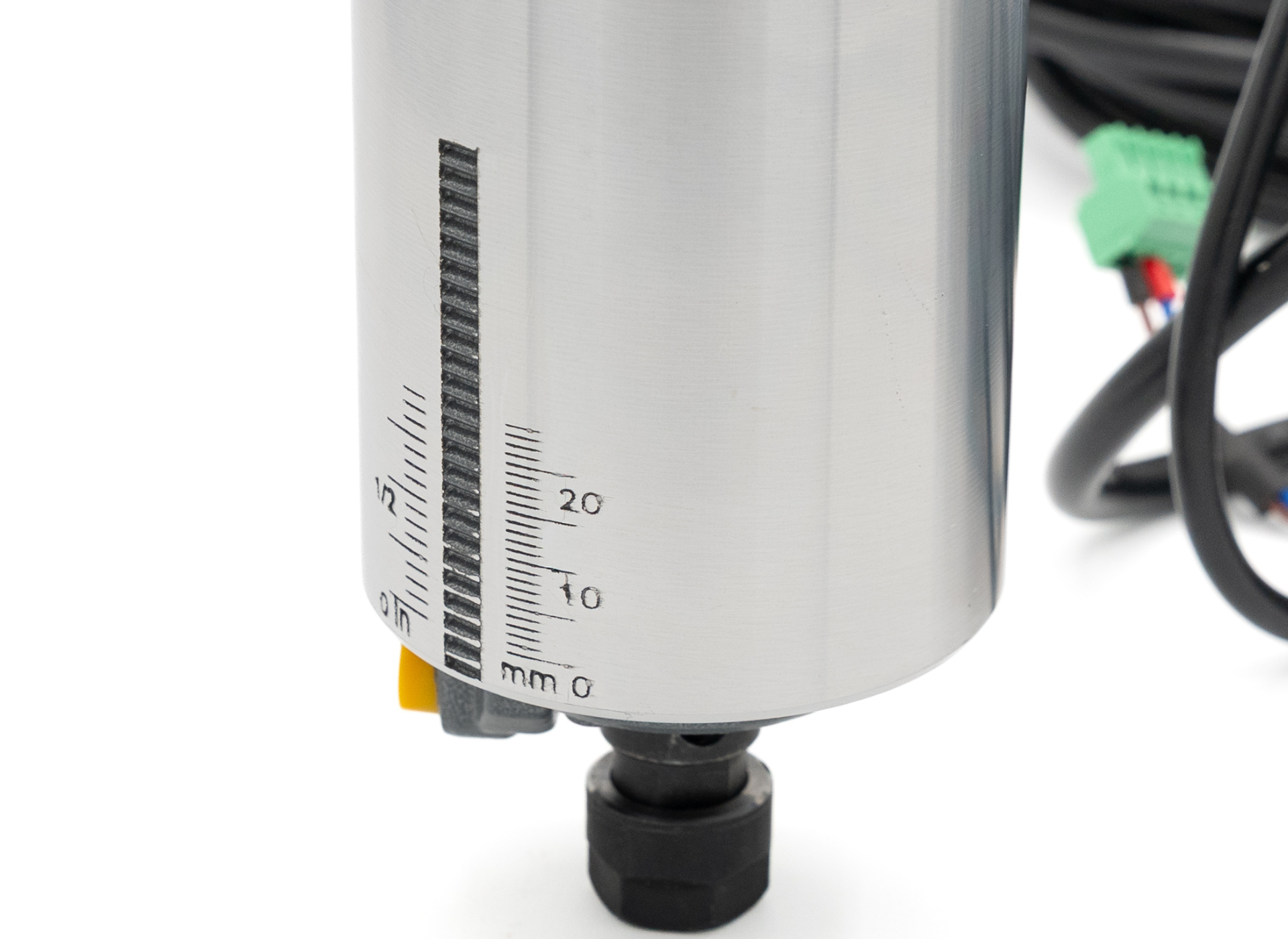
AutoSpin T1 Router – RPM Dial zoom

Hover

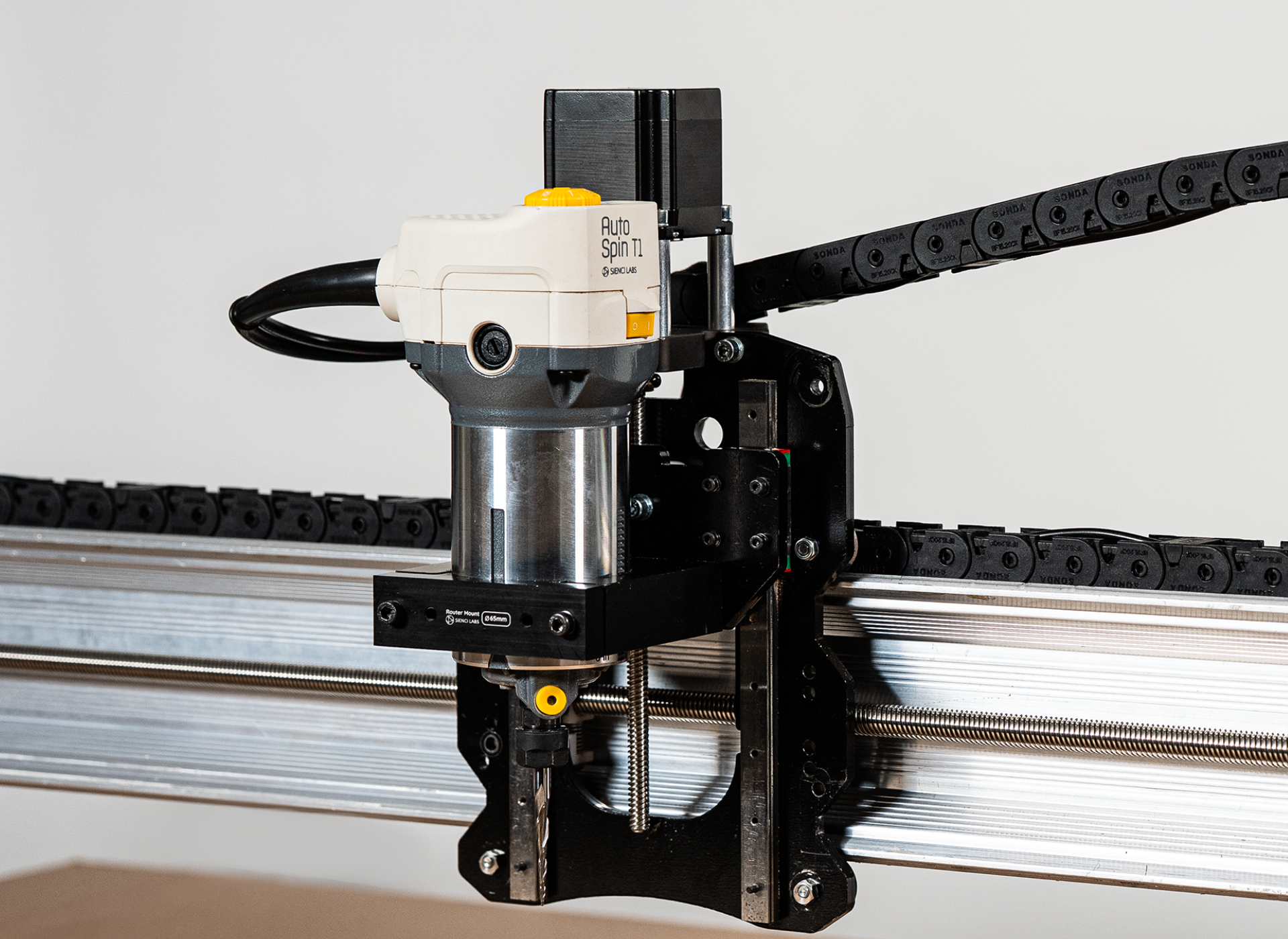
LongMill MK2.5 with AutoSpin – Mounted zoom

Hover

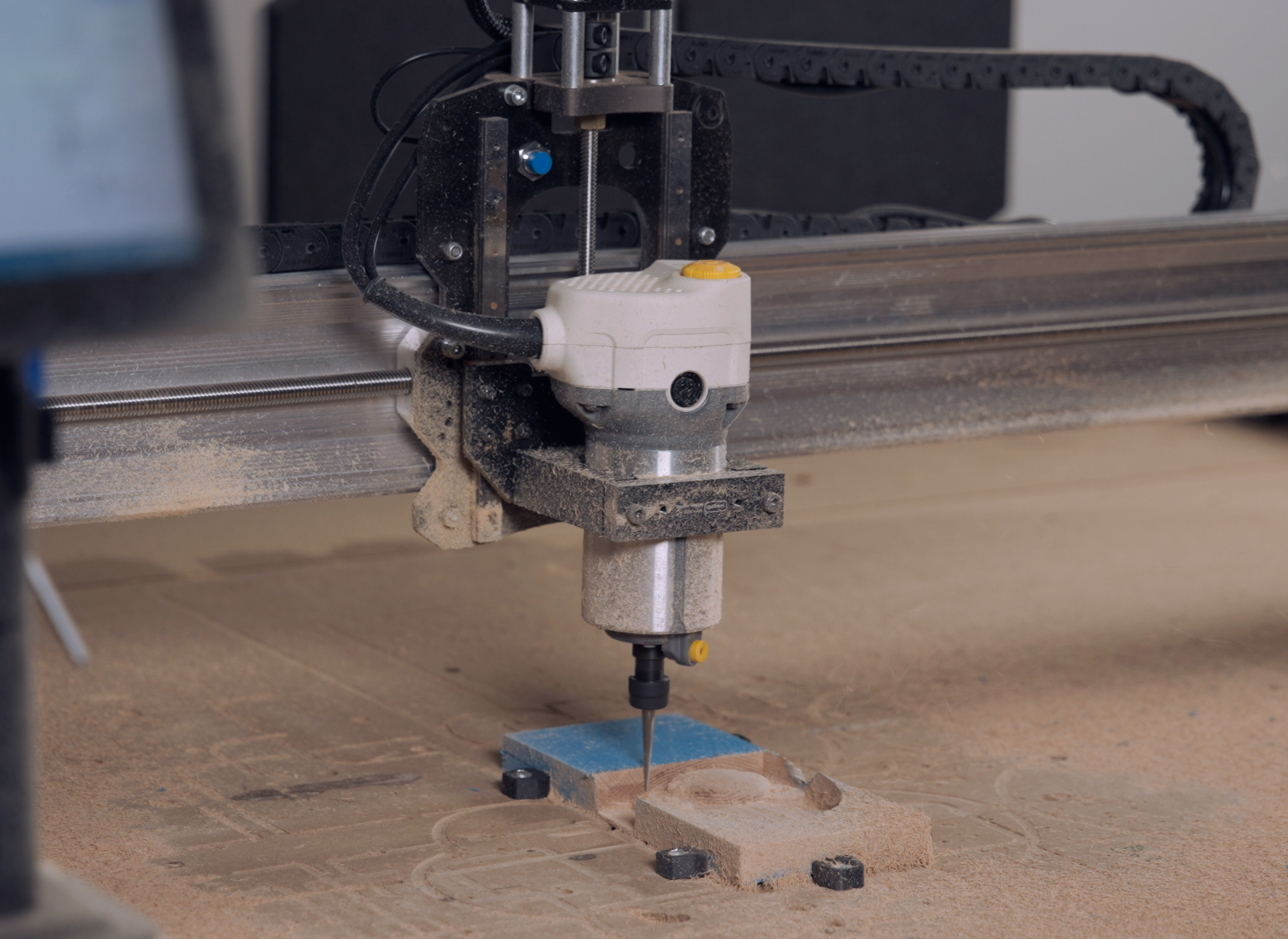
AutoSpin Carve zoom

Hover

AutoSpin T1 Router – Collet Nut Zoom zoom

Hover

AutoSpin T1 Router – Collet Nut Zoom 2 zoom

Hover

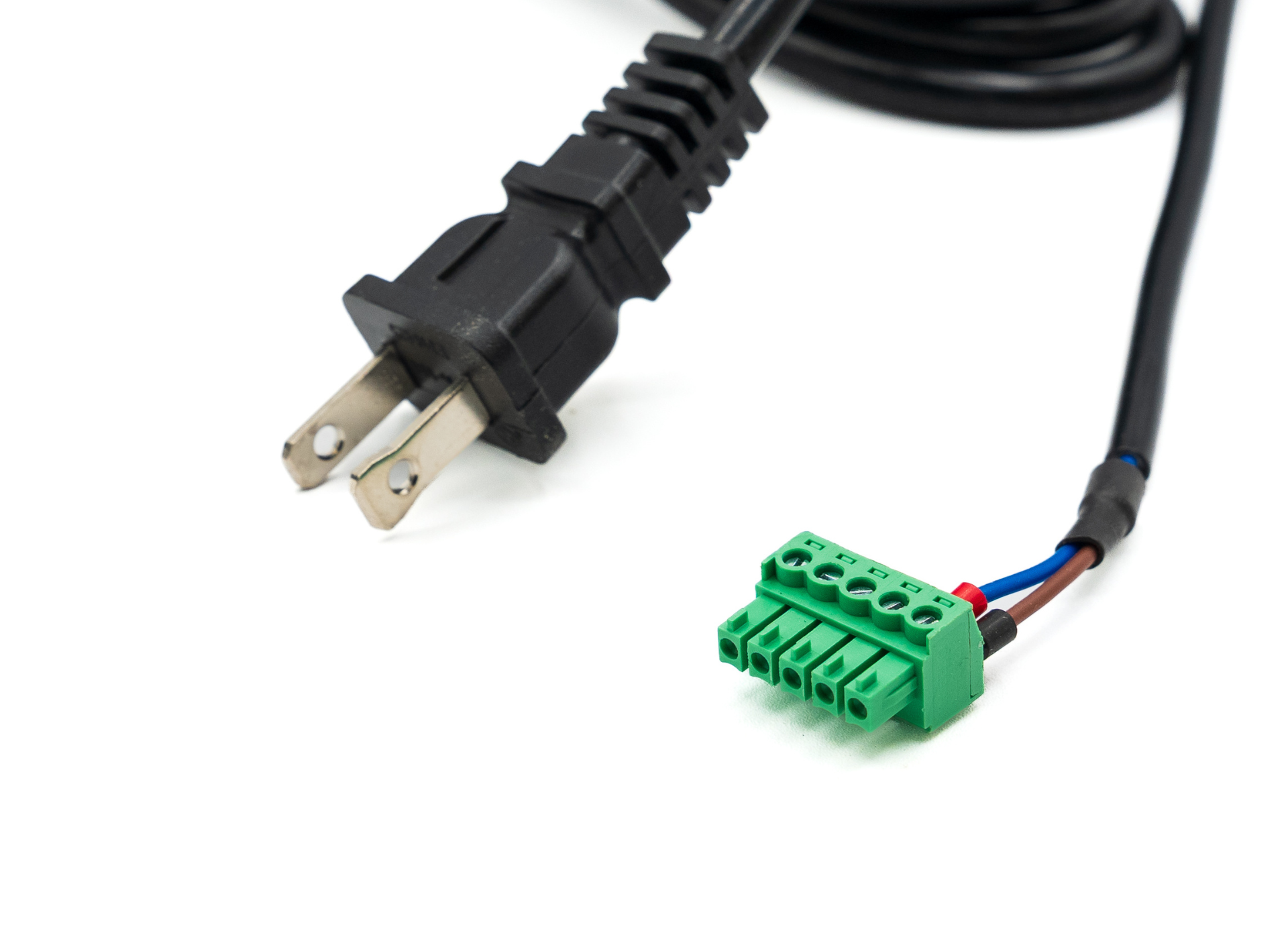
AutoSpin T1 Router – Cord and Connection zoom

Hover

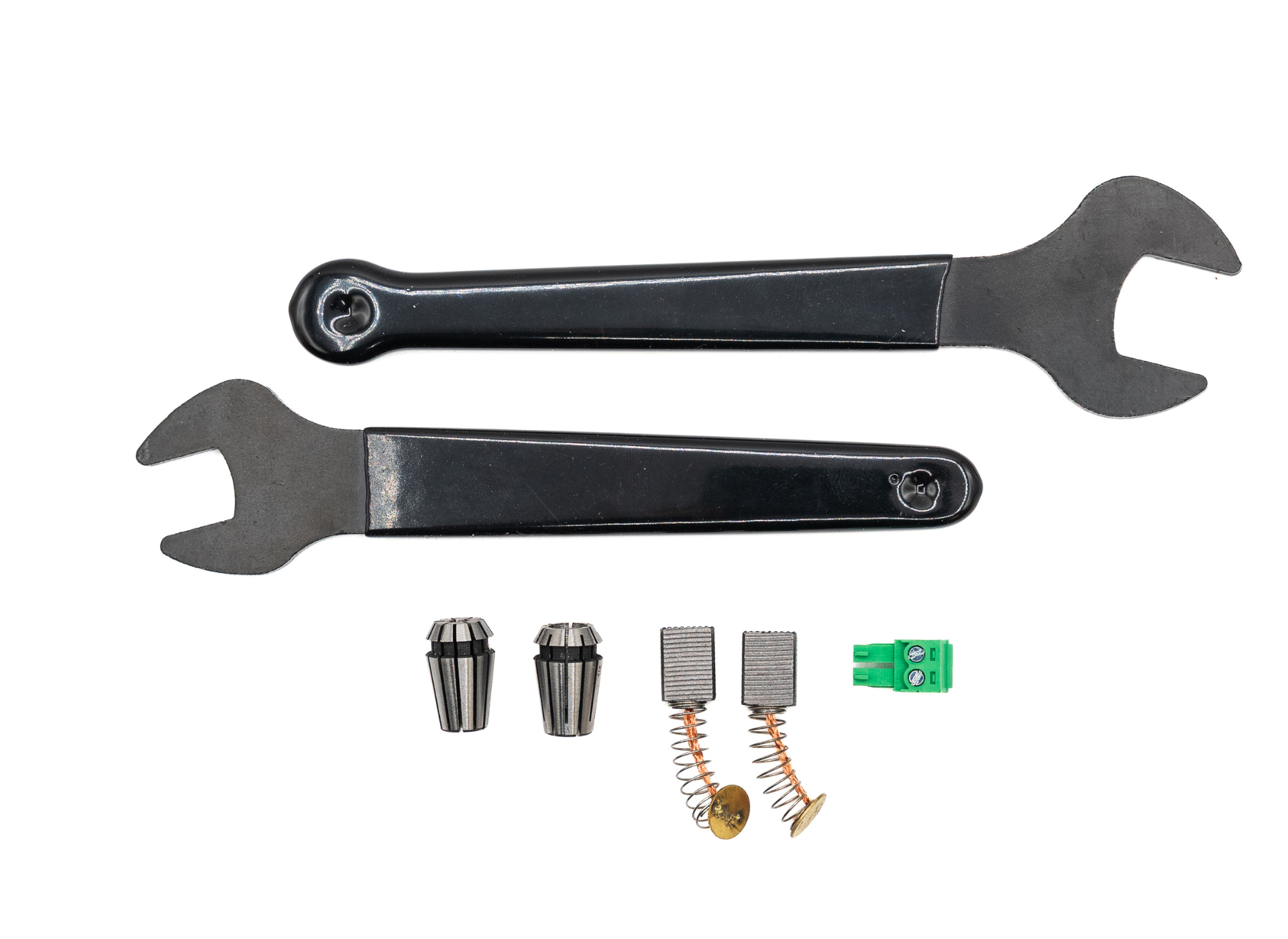
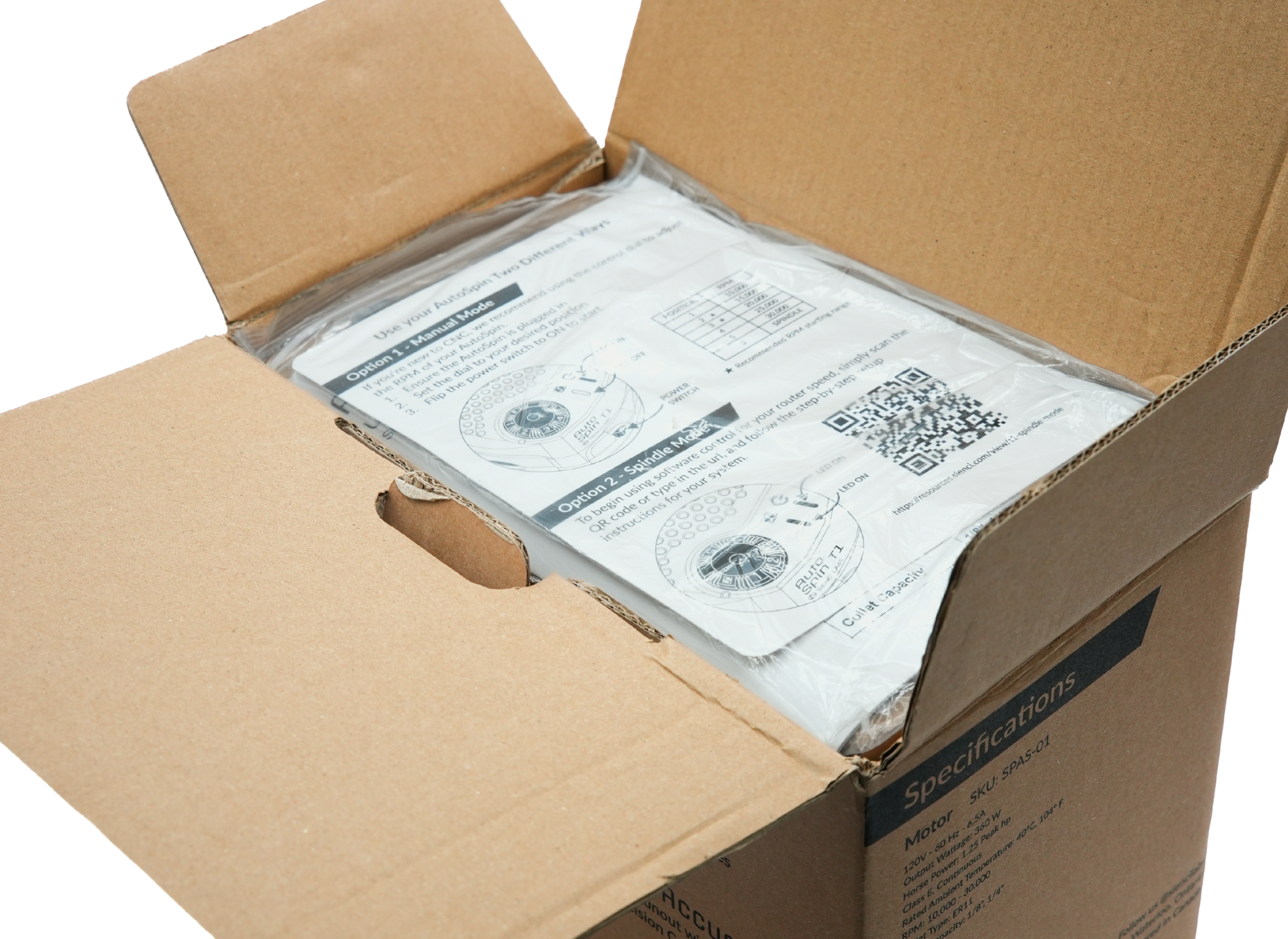
AutoSpin T1 Router – Whats in the Box zoom

Hover

AutoSpin T1 Router – Instructions zoom

Hover

Magnetic Dust Shoe – Side View 1 zoom

Hover

AutoSpin Carve zoom

Hover

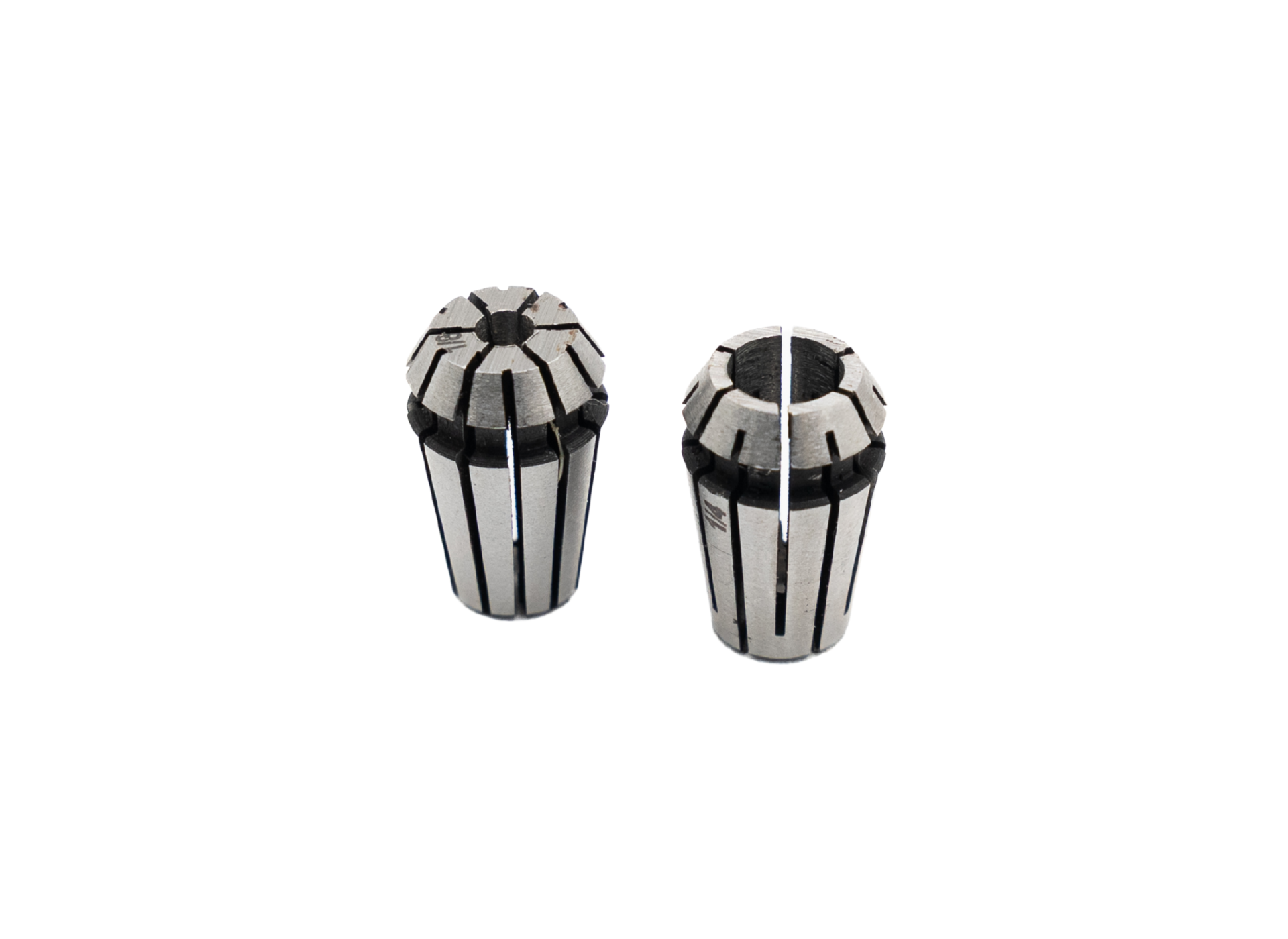
AutoSpin T1 Router – ER11 Collets zoom

Hover

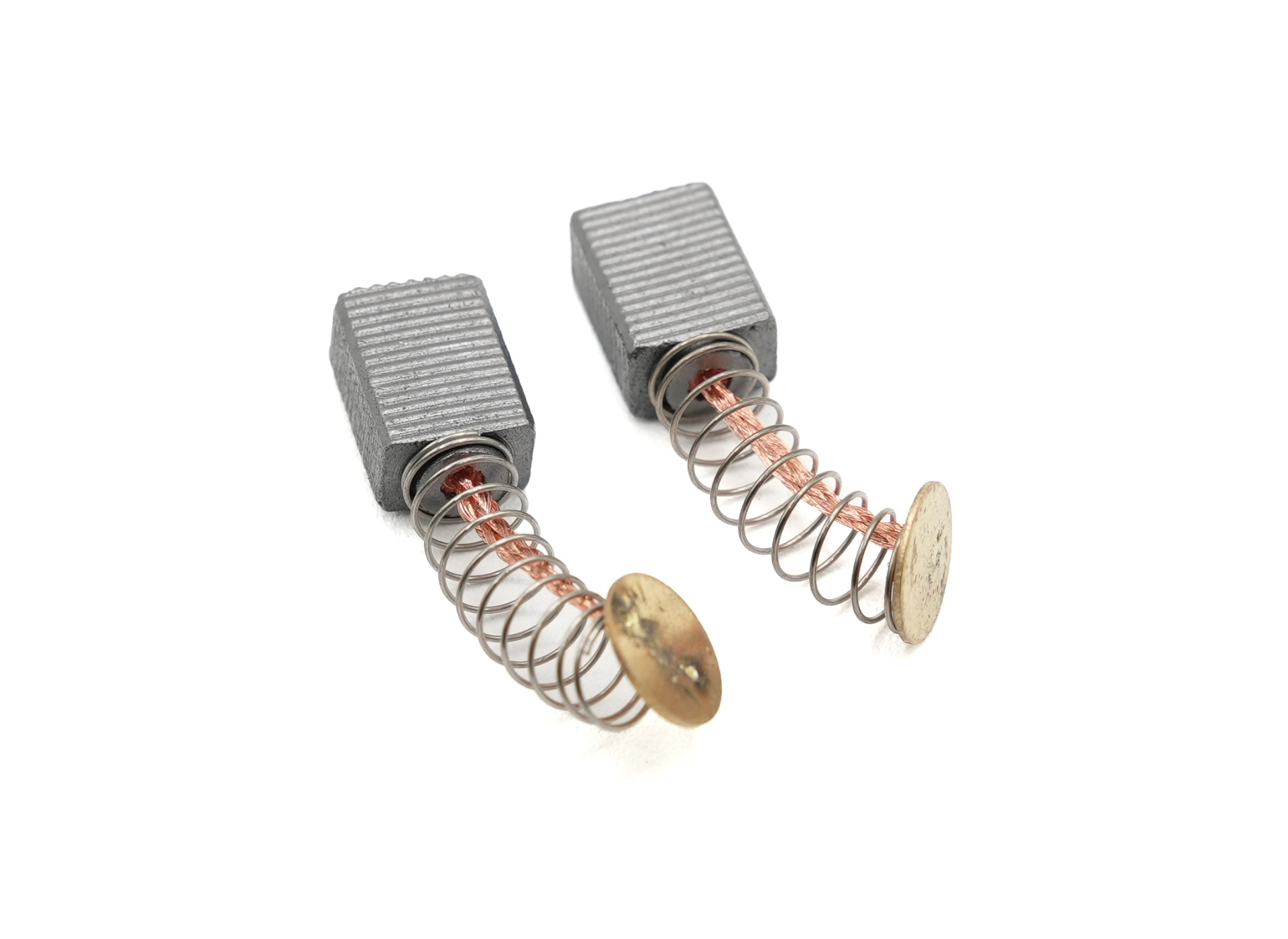
AutoSpin T1 Router – Replacement Brushes zoom

Hover

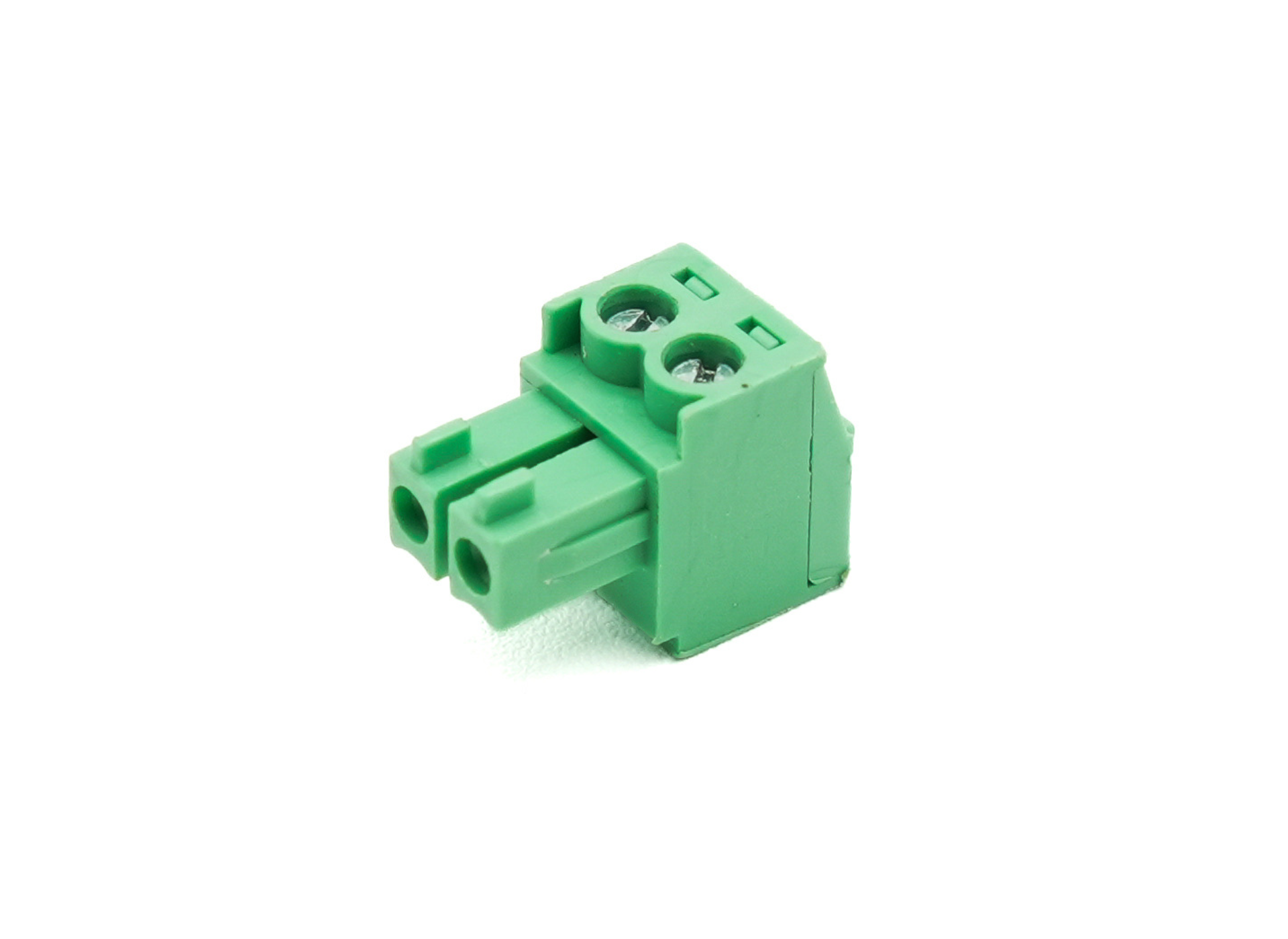
AutoSpin T1 Router – Connections zoom

Hover

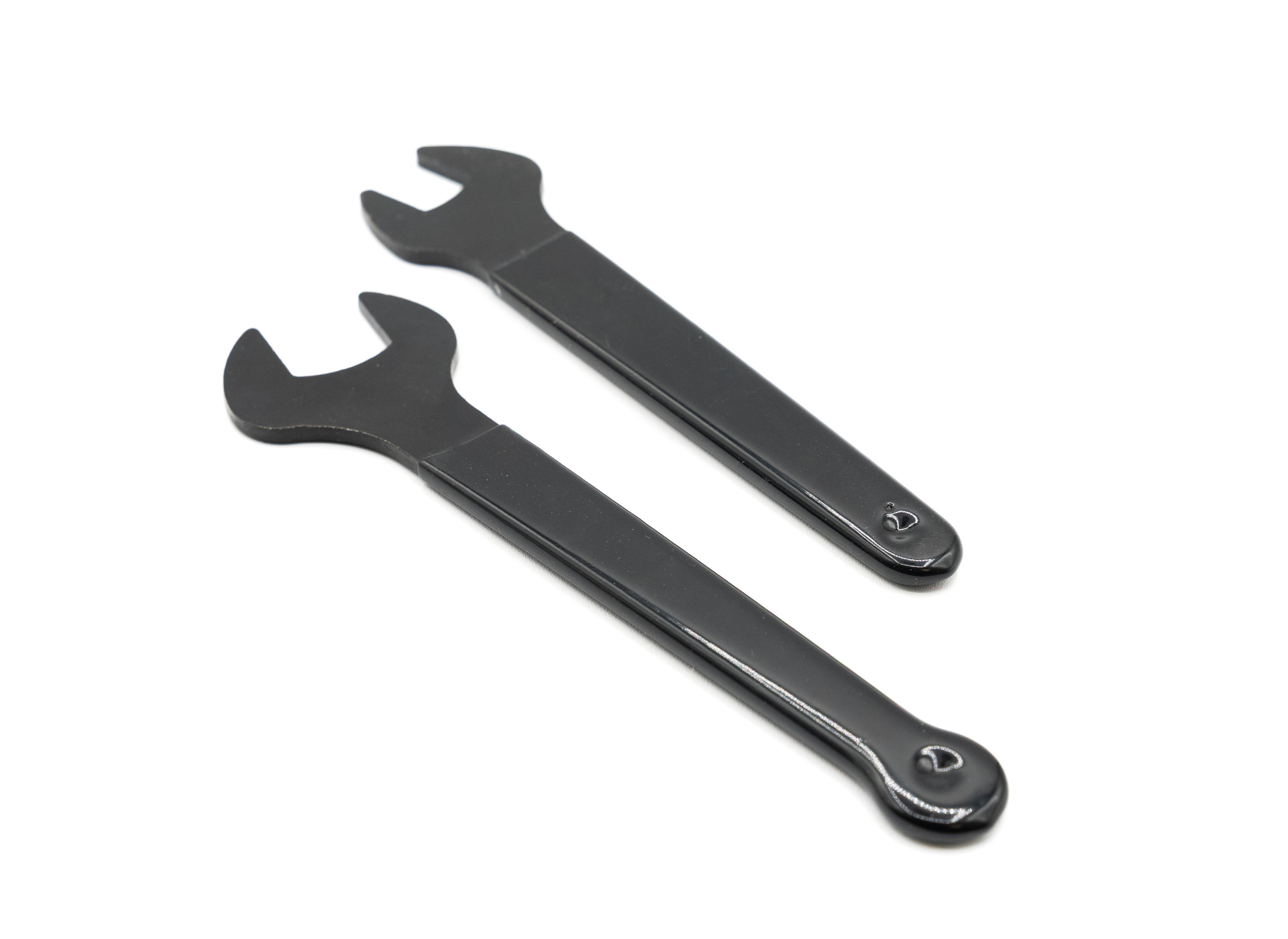
AutoSpin T1 Router – Wrenches zoom

Hover

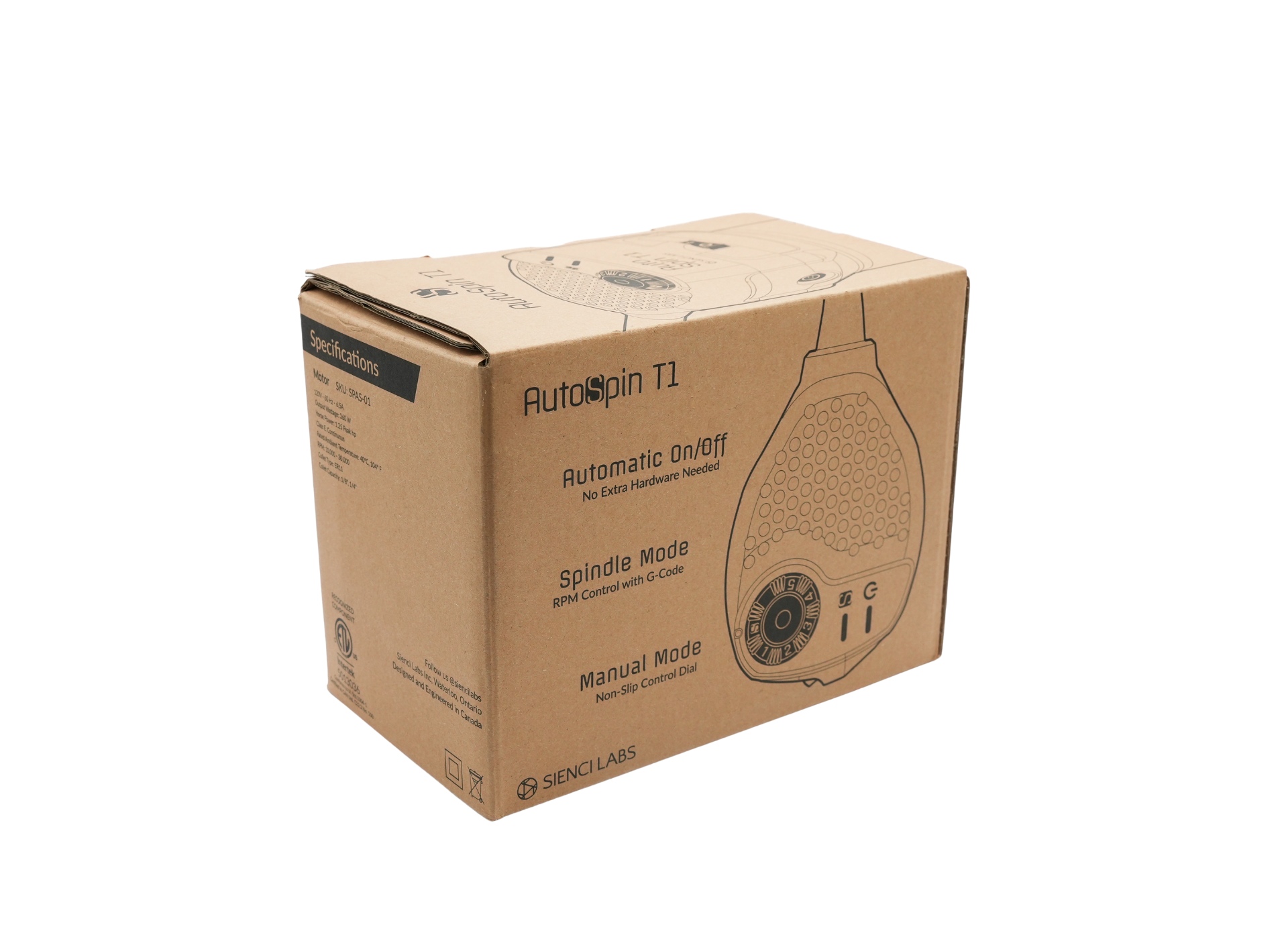
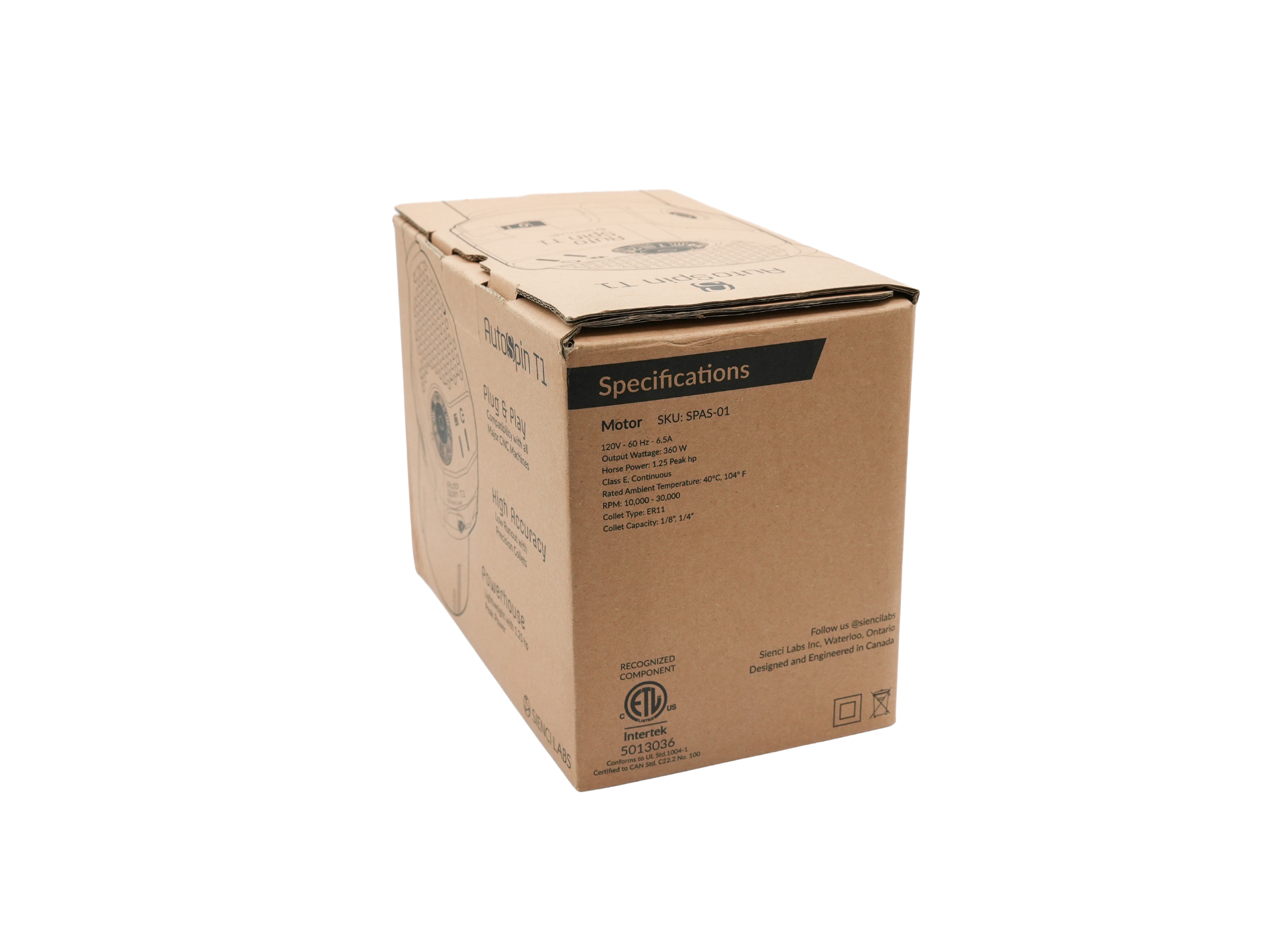
AutoSpin T1 Router – Side of Box 2 zoom

Hover

AutoSpin T1 Router – End of Box zoom

Hover

AutoSpin 2 zoom

Hover

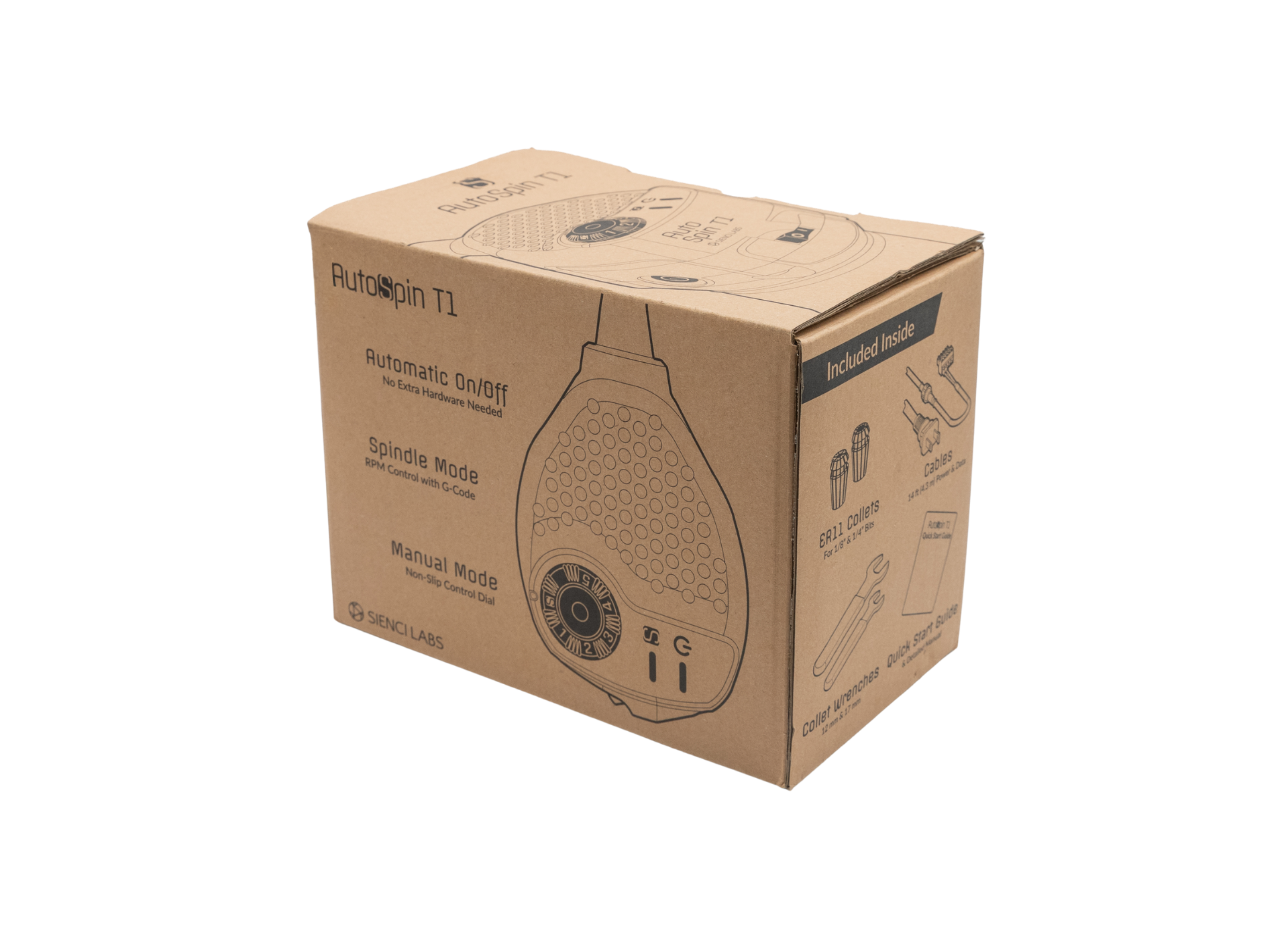
AutoSpin T1 Router – Side of Box 1 zoom

Hover

AutoSpin T1 Router – Side View zoom

Hover

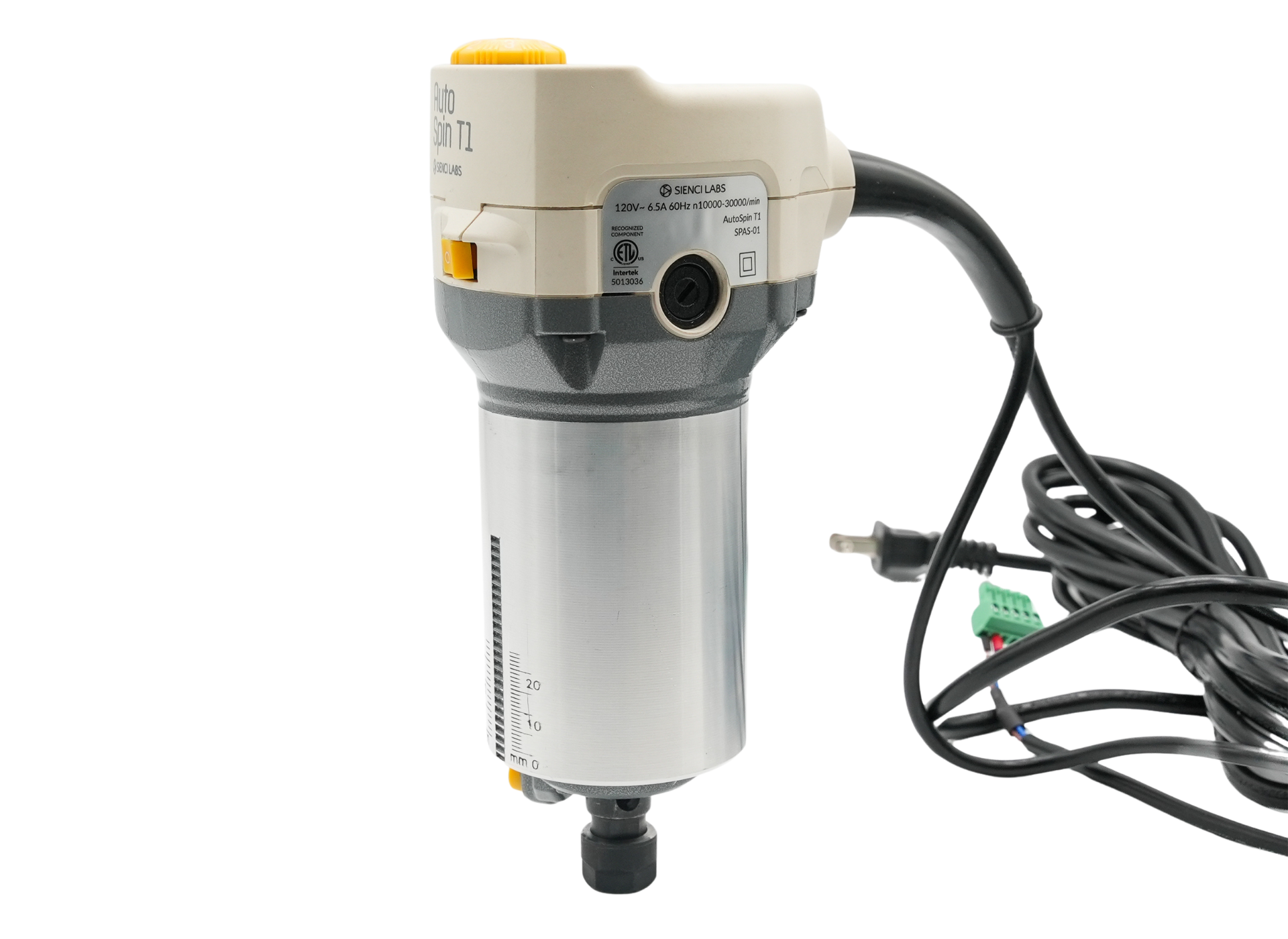
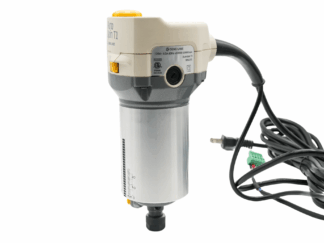
AutoSpin T1 Router
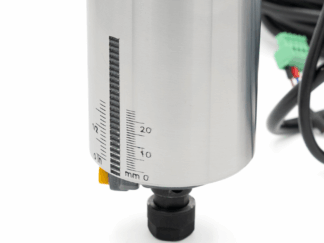
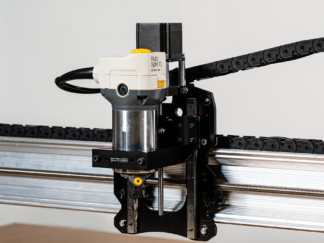
AutoSpin T1 Router – RPM Dial
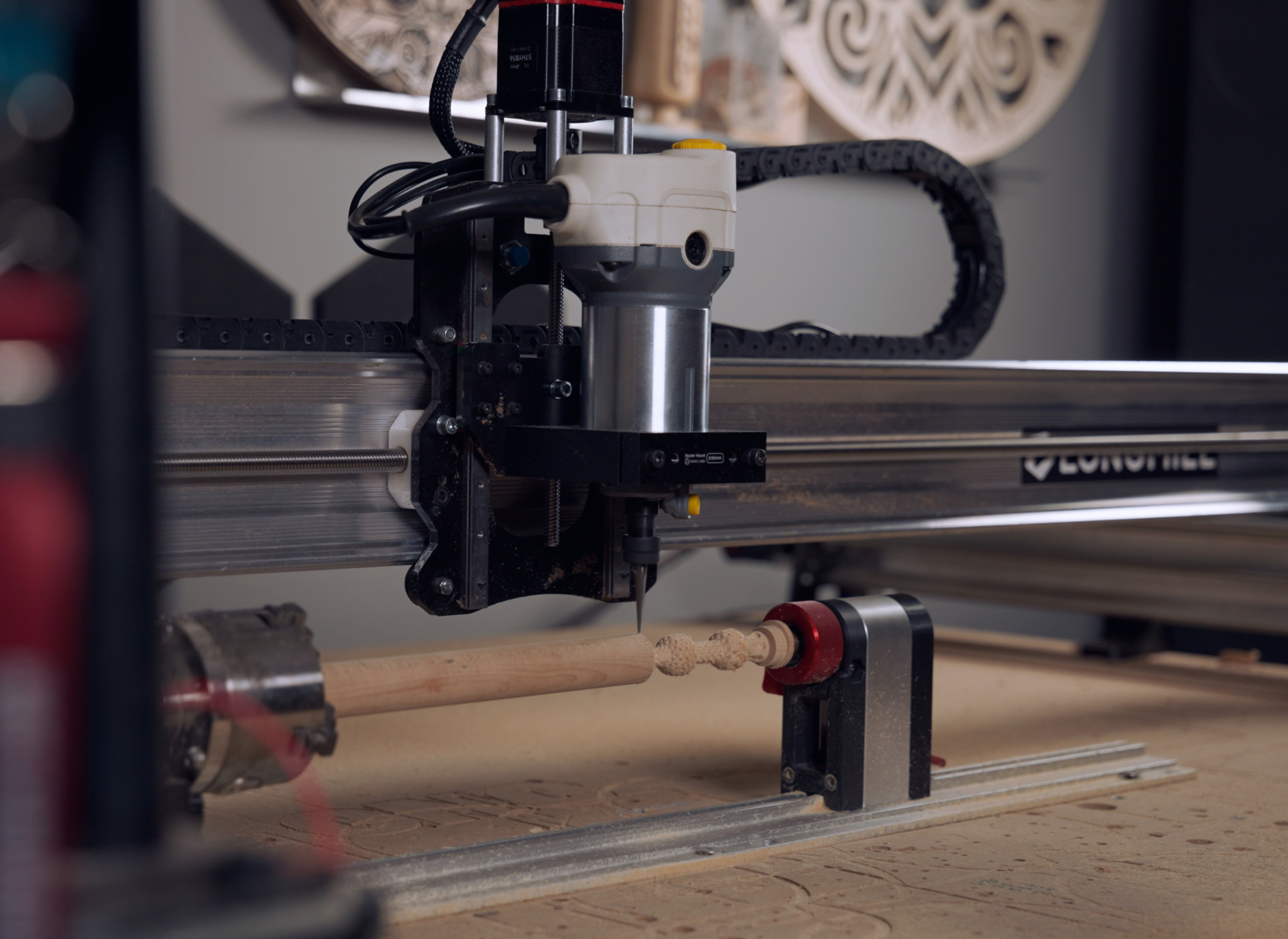
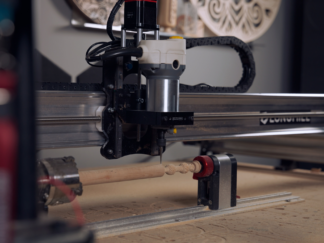
LongMill MK2.5 with AutoSpin – Mounted
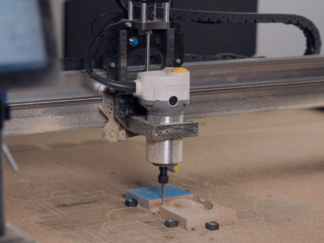
AutoSpin Carve
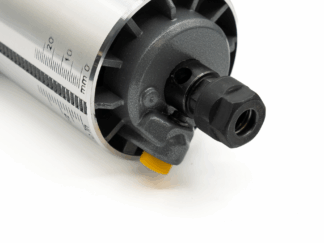
AutoSpin T1 Router – Collet Nut Zoom
AutoSpin T1 Router – Collet Nut Zoom 2
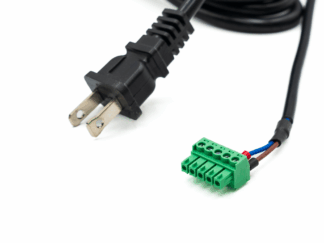
AutoSpin T1 Router – Cord and Connection
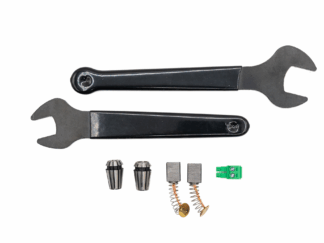
AutoSpin T1 Router – Whats in the Box
AutoSpin T1 Router – Instructions
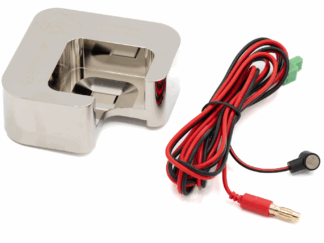
Magnetic Dust Shoe – Side View 1
AutoSpin Carve
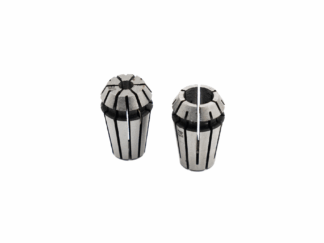
AutoSpin T1 Router – ER11 Collets
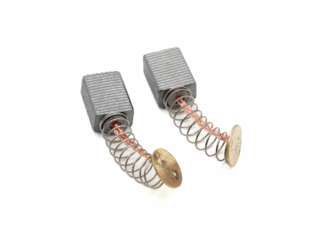
AutoSpin T1 Router – Replacement Brushes
AutoSpin T1 Router – Connections
AutoSpin T1 Router – Wrenches
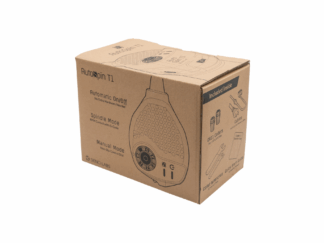
AutoSpin T1 Router – Side of Box 2
AutoSpin T1 Router – End of Box
AutoSpin 2
AutoSpin T1 Router – Side of Box 1
AutoSpin T1 Router – Side View
Full Screen

AutoSpin T1 Router

(35 customer reviews)

$199.00

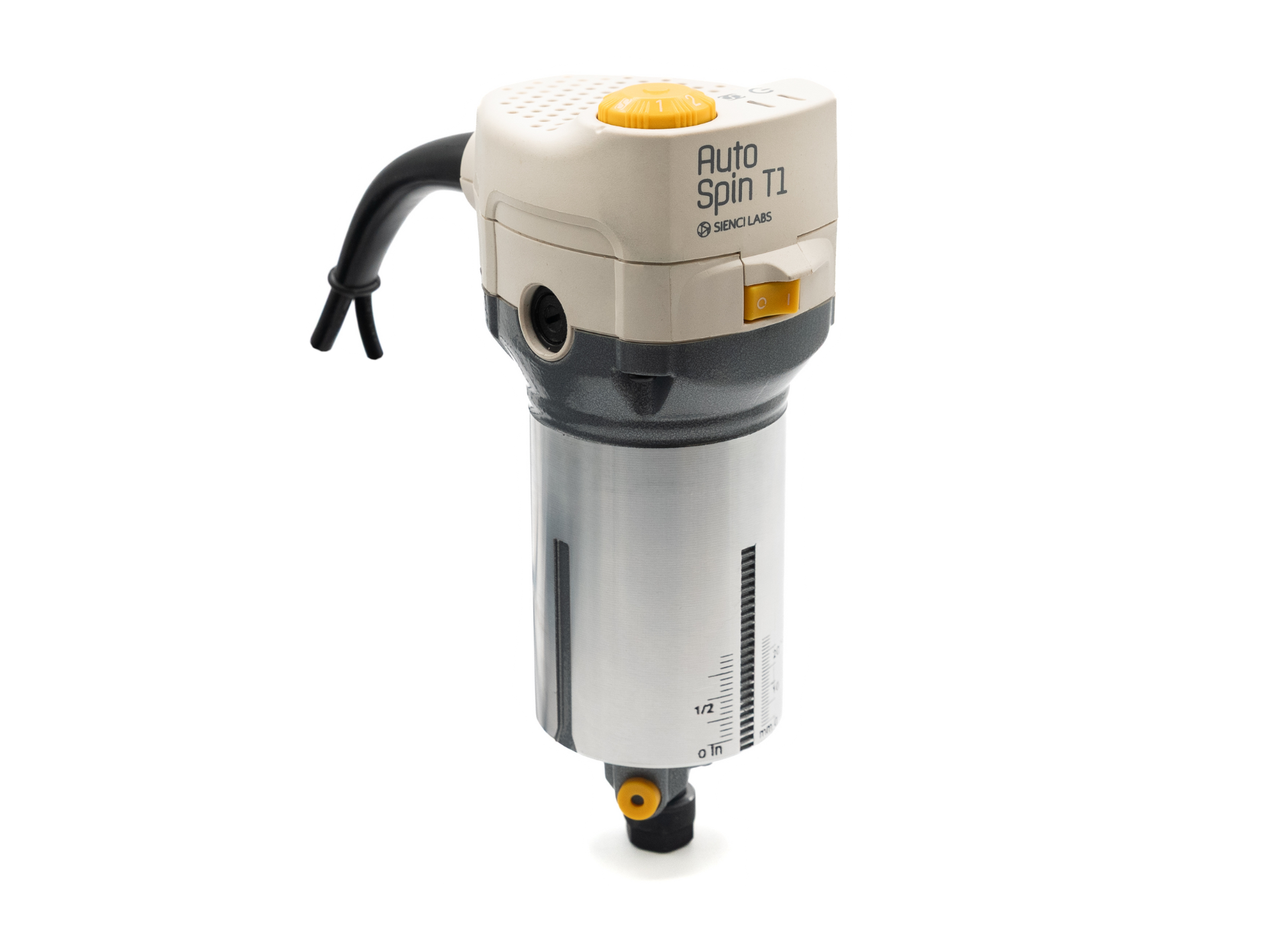
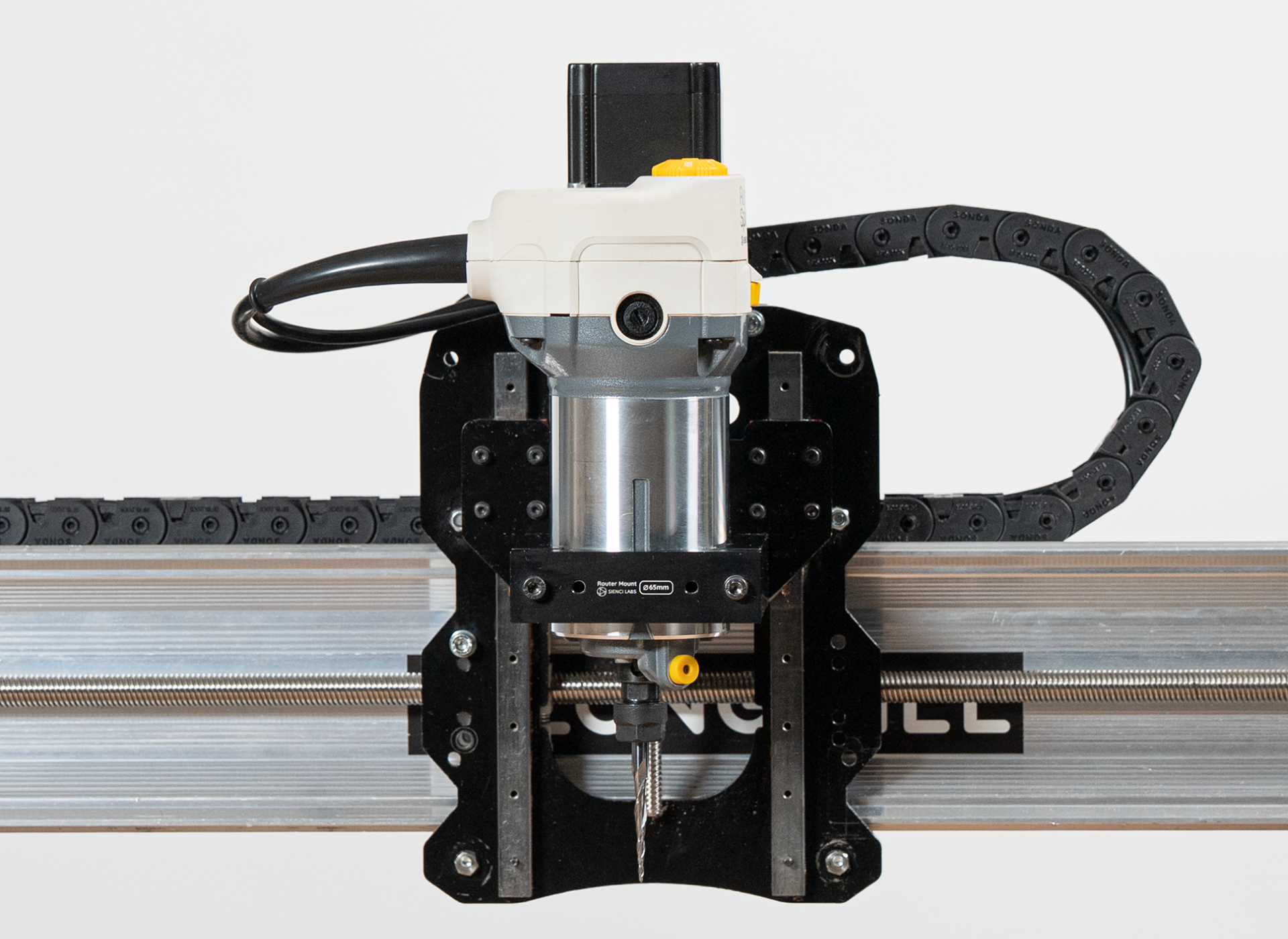
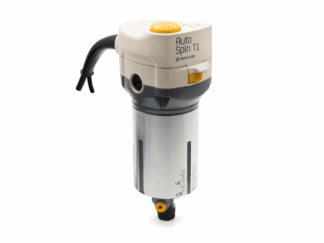
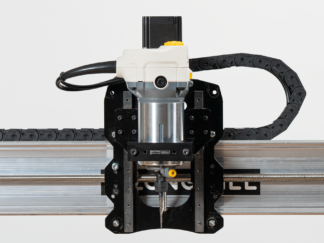
Our AutoSpin T1 Router is a universal router, ideal for hobbyists upgrading from a trim router or anyone seeking spindle-like performance without the hassle. It’s compatible with all versions of the LongMill and many GRBL-based CNC machines, such as OneFinity. Compatibility information can be found in this article. 

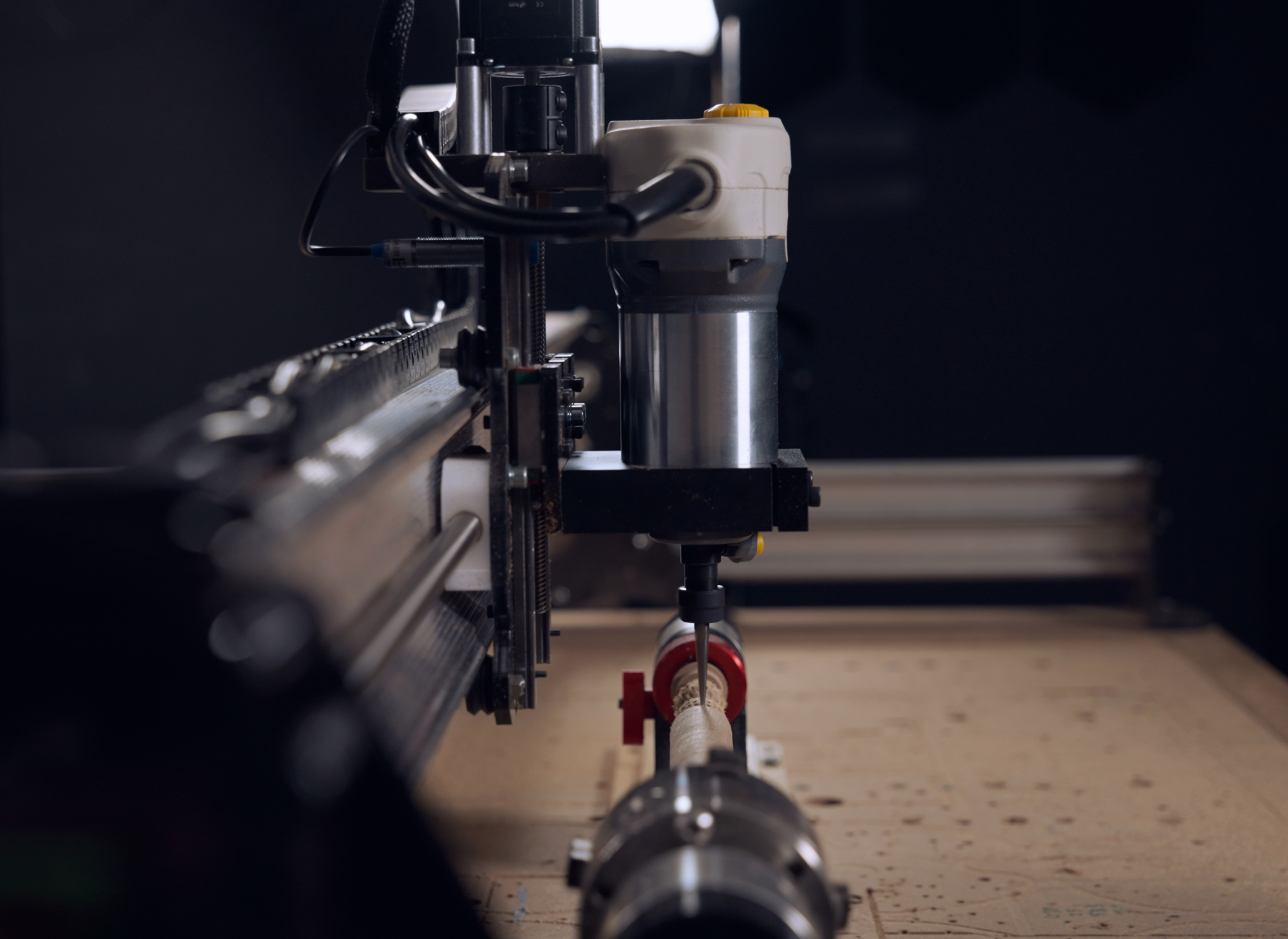
It stands above other trim routers because it lets you control RPMs and power directly from your CNC software. No need for complicated setups or extra equipment—just simple, precise adjustments. Plus, it lets you swiftly and easily switch between spindle mode and manual mode, with no extra VFD or programming required.

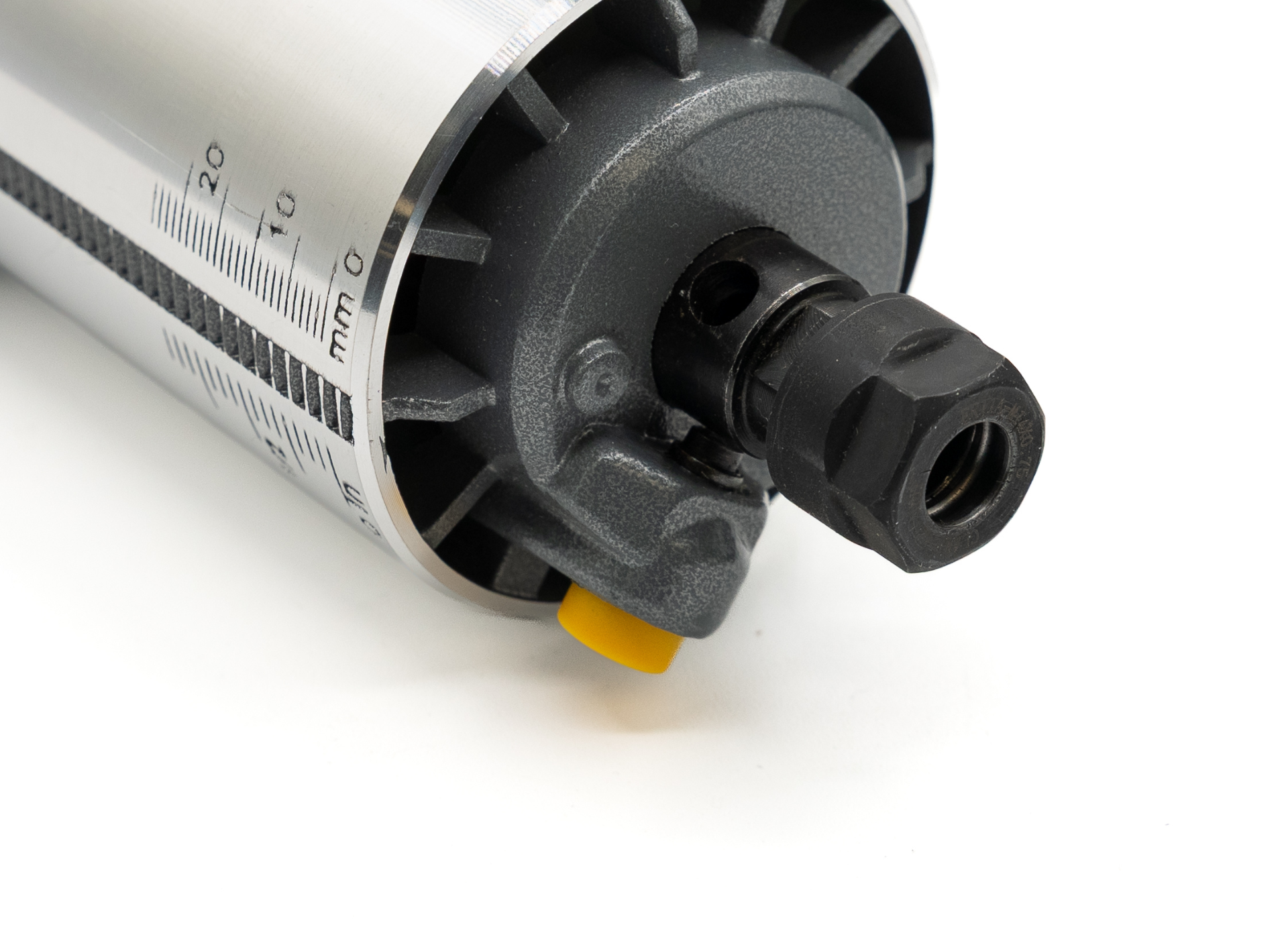
This 110V/120V router (with a North American plug) has a 10,000 to 30,000 RPM range, and is useful for working with anything from soft plastics to metals and soft to hardwoods. It works with a standard 65mm mount and is compatible with 1/8″ and 1/4″ collets and end mills.

Each order comes with one (1) AutoSpin T1 Router.

Description

Highlights:

  • Automatic on/off functionality (no extra hardware needed)
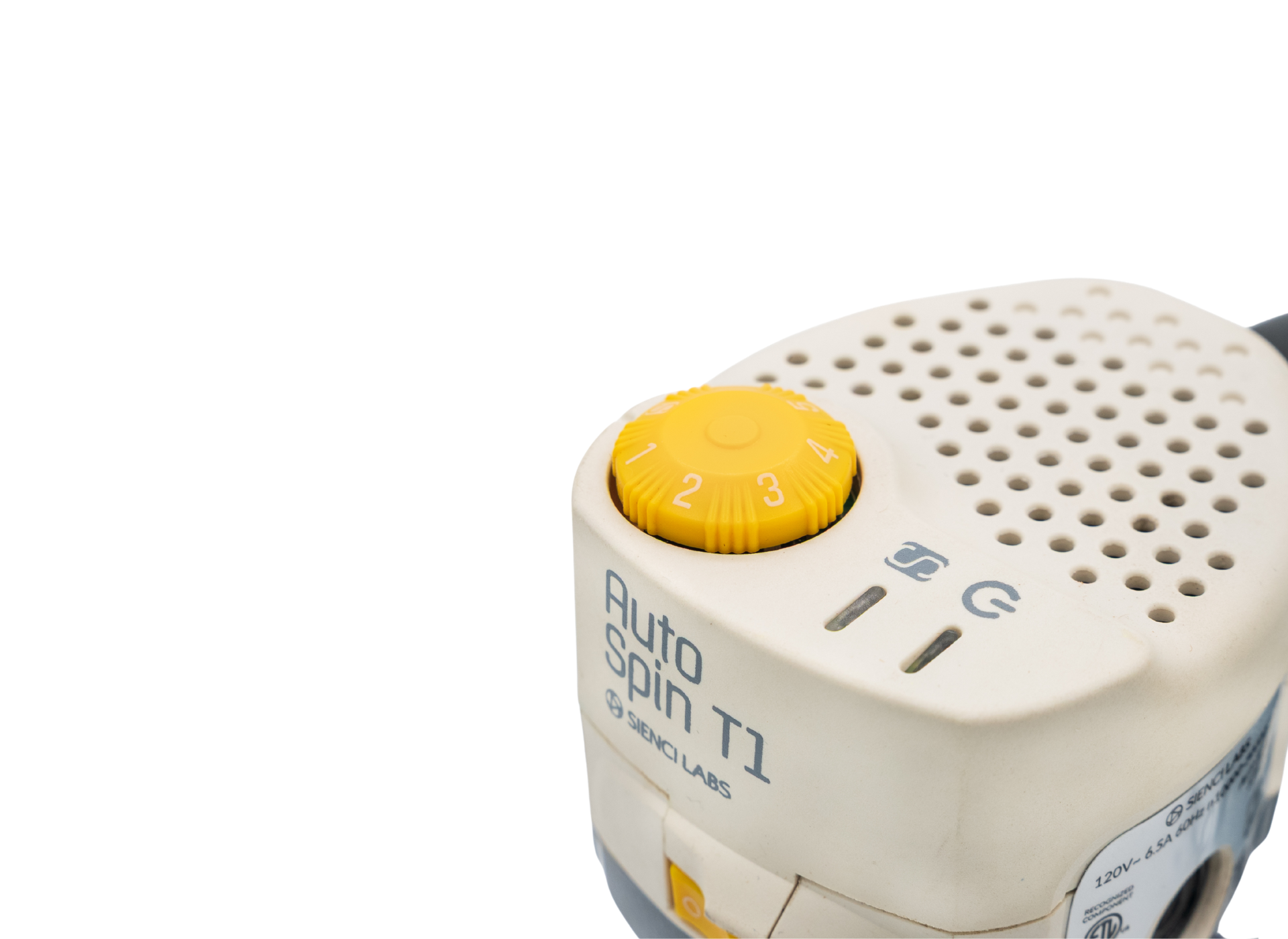
  • Switch between Spindle Mode (RPM Control with G-code) and Manual Mode (using a non-slip control dial with detent to prevent accidental speed changes)
  • Plug & play compatibility (with all major CNC machines)
  • High accuracy (low runout with precision collets)
  • Lightweight powerhouse (1.25 hp peak power)
  • Mode lock during use to ensure safety
  • No VFD or programming required
  • Sealed low friction bearings by NSK for cool operations
  • Tuned for stable cutting speed

This router is 110V/120V with a North American plug.

***Compatible with GRBL-based CNC machines. Setup guides only available for LongMill, and Onefinity with Masso or Buildbotics controllers.***

Each product comes with:

  • 1x AutoSpin T1 Router
  • 1x 1/4″ ER11 collet
  • 1x 1/8″ ER11 collet
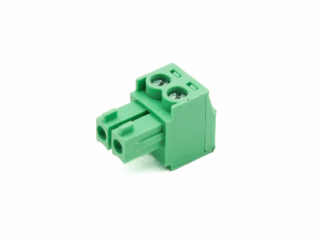
  • 1x Signal cable pigtail

Additional information

Weight 6 lbs
Dimensions 9.75 × 5.75 × 7.5 in

Motor Specifications

  • 120V – 60Hz – 6.5A (with a North American plug)
  • Output Wattage: 360 W
  • Horse Power: 1.25hp (at peak)
  • Class E, Continuous
  • Rated Ambient Temperature: 40 ℃ | 104 °F
  • RPM: 10,000 – 30,000
  • Spindle Mount: 65mm
  • Collet Type: ER11
  • Collet Capacity: 1/8″ and 1/4″
  • Shipping Weight: 6lbs / 2.7kgs
  • Shipping Dimensions: 5.75″ x 9.75″ x 7.5″

Dial Speed Chart:

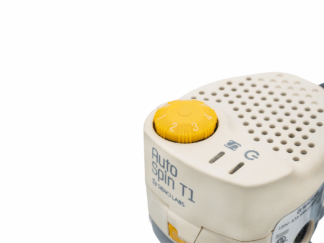
Position 1 2* 3* 4 5
RPM 10,000 15,000* 20,000* 25,000 30,000

*Recommended RPM starting range

FAQs

Is it compatible with my CNC?
This product is compatible with the LongMill with LongBoard, SLB and SLB-EXT controllers. It is also compatible with the Onefinity with Buildbotics and Masso controllers. See our resources for machine-specific guides. Otherwise for all other controllers, detailed compatibility requirements can be found in this article. 

Please note technical support is limited for third-party CNCs, but we will try our best to get you up and running!

What collet does the AutoSpin use?
It uses ER11 collet.

Will the AutoSpin use brushes common to any other off the shelf routers?
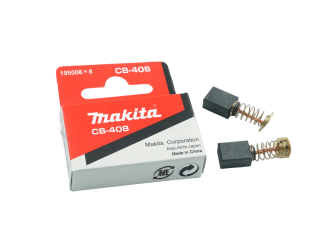
Yes! Carbon brushes. The router comes with an extra set of brushes and is compatible with Makita’s CB-408 brushes.

How often should I replace brushes?
On average, 1-2 years of regular use for most users (rough estimate of 100hrs of use.) Brushes should be replaced when your AutoSpin router starts to run poorly or lose power. The interval of how often they should be replaced can vary.

Will this product offer any noise advantages over other trim routers?
There is no noise advantage at the same RPM compared to the commonly used Makita RT0701C. However, spindle mode makes it easier to activate the tool only when cutting and switch to lower RPMs when needed.

What is the longevity of this product?
The tool’s lifespan is rated for 500 hours, though this may vary depending on the load.

Warranty

The AutoSpin T1 Router comes with a 1-year warranty starting at the time of arrival to the customer against manufacturing defects.

Help & Resources

35 reviews for AutoSpin T1 Router

4.9
Based on 35 reviews
5 star
94
94%
4 star
2
2%
3 star
2
2%
2 star
0%
1 star
0%
  1. Paul J. (verified owner)

    The AutoSpin router versus the Makita is a massive upgrade. With the option to control speeds while setting up the project in Vectric and using the spindle mode on the T1, this eliminates the guess work for the chip load and thus maximizes the Longmill’s capacity. The overall project times have been greatly reduced. The greatest benefit however, is that the router starts with the project and turns off when the project is complete eliminating the potential to reach in and accidentally touch a spinning bit. At some point I may want to upgrade to a real spindle, but for now there does not seem to be a reason to do so with the T1.

    (0) (0)
  2. Kenneth Swinehart (verified owner)

    awesome

    (0) (1)
  3. Robt Miller (verified owner)

    The Autospin is the logical next upgrade for my CNC hobby shop. The automatic start & stop eliminates one more possible cutting error. The ability to change spindle speed and IPM during a job on the laptop is really convenient. I haven’t noticed any big power difference from the Makita router use but then I haven’t pushed the Autospin into heavy cuts. For the small increase in cost, it is a real winner. PLUS I now have an extra palm router for my shop.

    (0) (0)
  4. Bill Stauffer (verified owner)

    I have been waiting on the development of this unit since it was first announced! This upgrade has been one of the best for me and my MK1. Totally worth the wait. The speed control from the screen is a major plus for me. At 82 years old, I make and sell charcuterie boards, helping hands crosses, puzzles, toys, and items too numerous to mention. Thanks, Sienci Labs. The MK3 looks very appealing!

    (0) (0)
  5. Michael B. (verified owner)

    Works great I really like that it shuts down when job is done.

    (2) (0)
  6. Bob (verified owner)

    It’s Great.

    (0) (0)
  7. Eric Brundage (verified owner)

    It’s plug n play i love it. Works fabulous . I highly recommend it

    (2) (1)
  8. Ardell Dobson (verified owner)

    I really like the fact that the software turns the Autospin on and off. Installation was easy after I looked online for the latest version and everything worked right off the bat. I was expecting to have to go into gSender and make some changes, but everything was already set up. Good job!
    I would also like to say I really like the changes made to gSender with all the new features, especially the tool path diagram. Keep up the good work!

    (0) (0)
  9. Maxwell (verified owner)

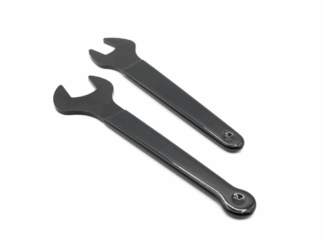
    Great product! Awesome to be able to control speeds from gsender without upgrading all the way to a spindle. The er11 collets hold bits better I think, haven’t had any slips like I did with the Makita. Feels more premium than the Makita router, except for the collet wrenches. They seem to dent when tightening the collet, even with just one hand pulling on both wrenches.

    (0) (0)
  10. Stephen Stoner (verified owner)

    This is an outstanding option for my long mill and provides all of the advantages of a spindle at a much lower cost and in a lighter and smaller package!!

    (1) (3)

Only logged in customers who have purchased this product may leave a review.

You may also like…