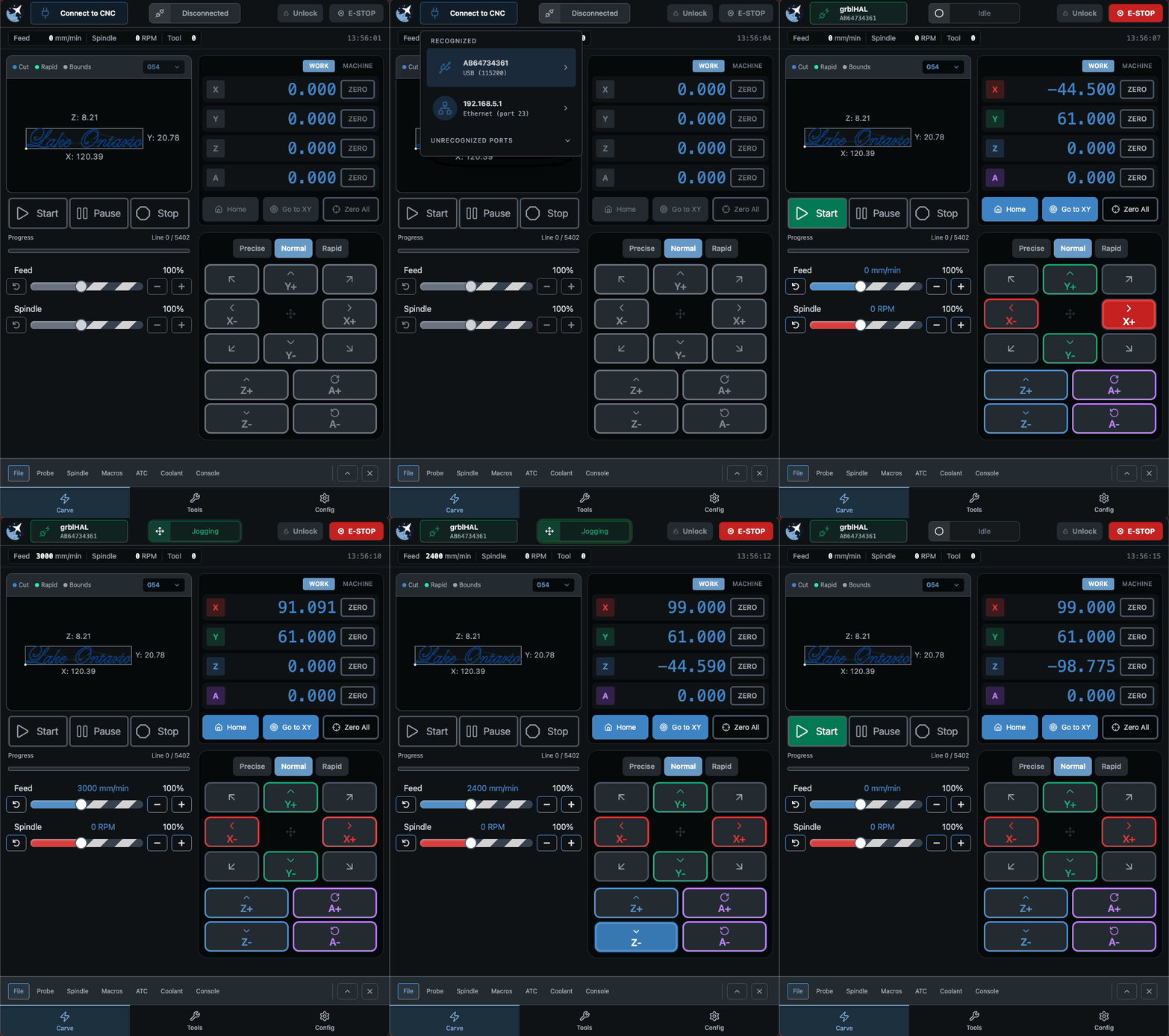
gSender 1.6.2 is a smaller follow-up release focused on polishing up some edge-case issues that cropped up after 1.6.0, along with a number of workflow and usability improvements across the application. A lot of this work targets firmware compatibility, ATC/tool change flows, and smoothing out a few rough edges reported by the community over the last little while.
Data collection and analytics
You may also notice that gSender prompts you again about analytics/data collection preferences after updating. If this feels familiar, you may have already responded to this prompt quite a while ago and simply forgotten about it. We’ve recently changed analytics providers, so we wanted to give everyone another opportunity to review and update their preferences.
The data collected is primarily general usage metrics, operating system information, and tool usage data that helps us understand what parts of the application are being used most often and where issues may be occurring.
As always, analytics participation is completely optional and can be enabled or disabled at any time in the Config section of the application.
General Fixes and updates
Updated firmware defaults to better account for TLS/probe misconfiguration scenarios
Various firmware default updates and compatibility improvements for newer firmware versions
Uploading to SD cards over ethernet is working correctly again
Laser power slider now behaves as expected on newer firmware
Spindle selector now works correctly on newer firmware
Laser offsets now map correctly to the updated Config key structure
Flash utility will now automatically select grblHAL firmware when SLB_DFU is detected
Exiting rotary mode will once again properly restore previous machine values
Non-enabled spindles will no longer appear in the spindle dropdown list
Spindle dropdown will now attempt to refresh itself automatically if empty in the Spindle/Laser drawer
UX and Visual
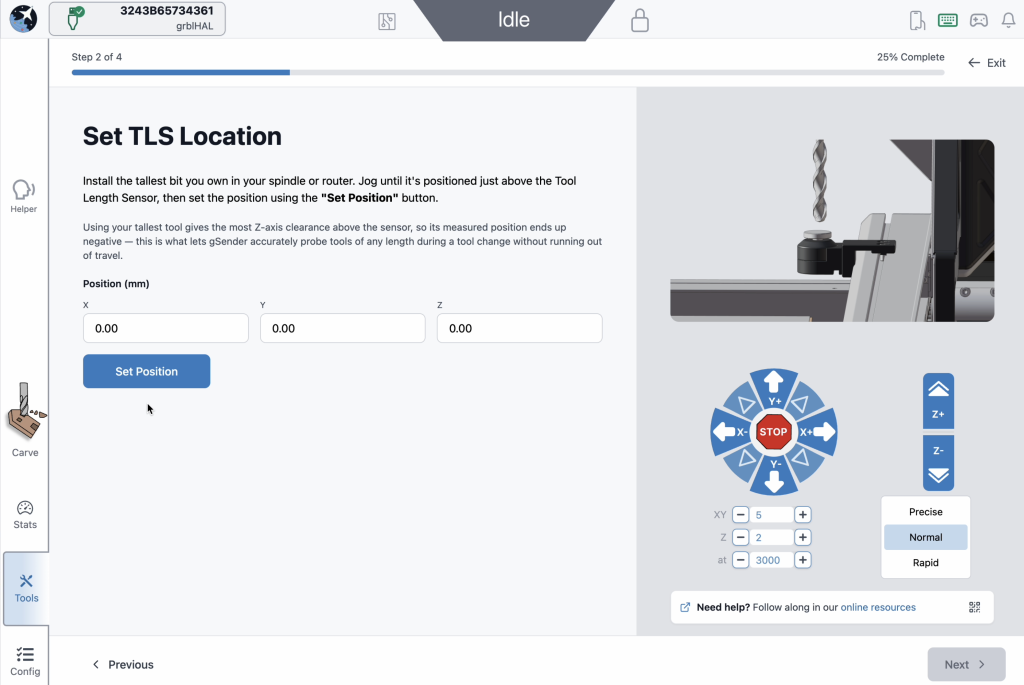
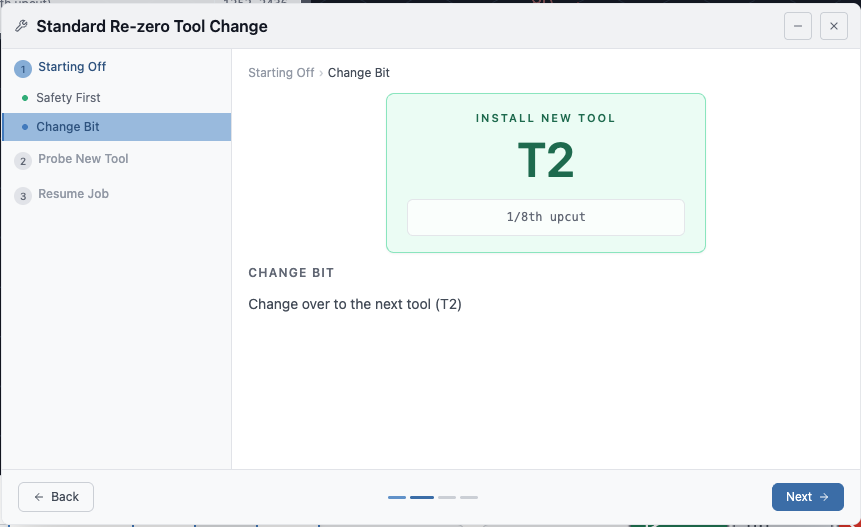
Numerous visual and workflow improvements to the tool change wizard
New Wizard
Tool change wizard will now resume the spindle before returning to the previous XY position.
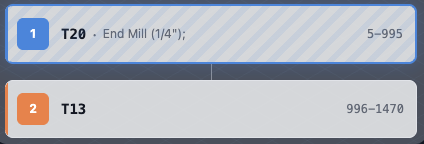
Tool change wizard and tool timeline now display annotation comments when no ATC nickname is set
Parsed Comments
Removed probed/unprobed status on firmware versions without a tool table
ATC Config will now store default values on first install instead of stored values
ATC Config will now warn in situations it failed to read the stored configuration file.
Squaring and motor tuning workflows now share the same jog popover for a more consistent experience
Spindle delay behaviour has been updated and is now an explicit configurable option for forced insertion when needed
Functionalities
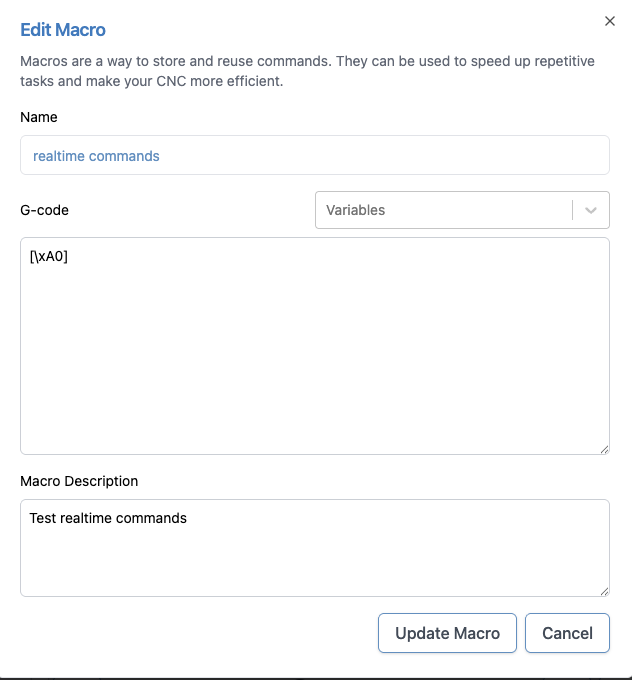
Macros can now send realtime commands using the [\xNN] format
1.6.0 was well received (thanks for all the feedback), but a few issues and edge cases popped up across different setups that we wanted to address quickly. 1.6.1 is focused on tightening things up, improving consistency, and smoothing out some rough edges.
Changes
Added option to skip the first tool change when using fixed strategy, with a prompt to confirm
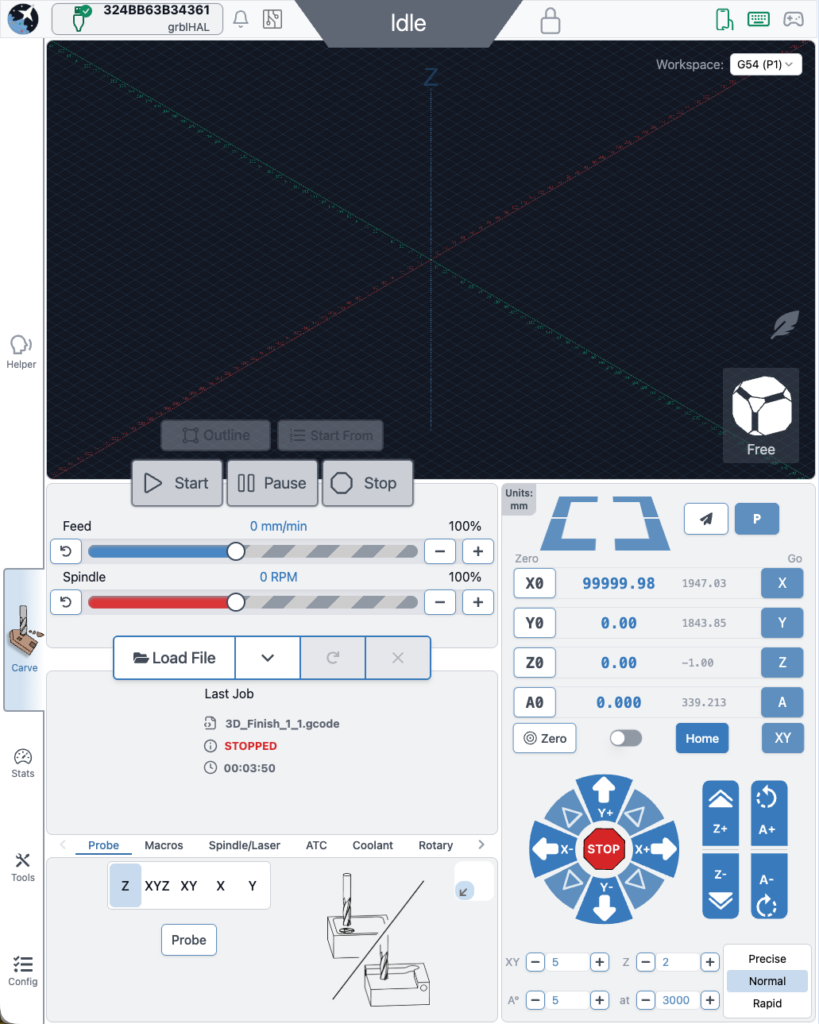
Added application scaling support for larger monitors and devices (Config → Accessibility)
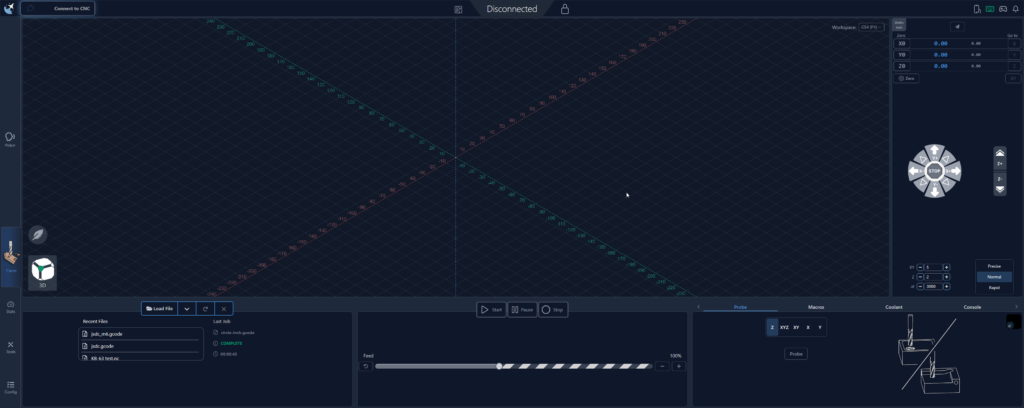
Widescreen – 100 percent scaling
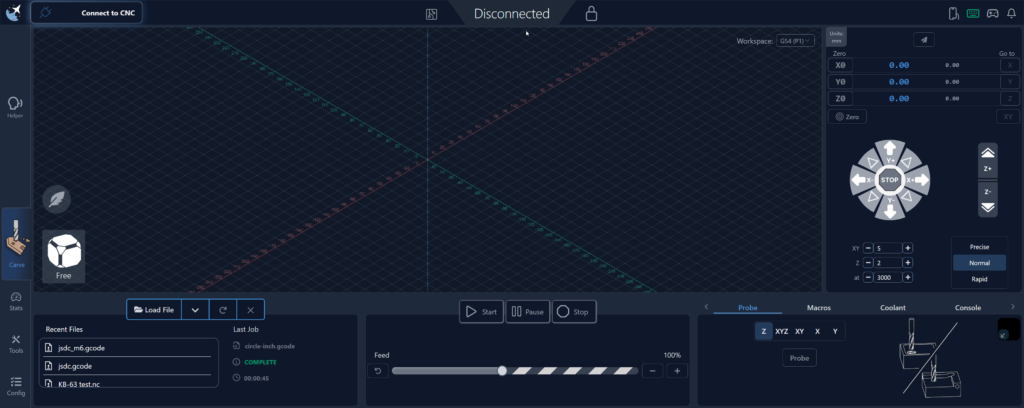
Widescreen – 200 percent scaling
Rapid Position and Park buttons now enable correctly after homing on grbl controllers
Spindle Delay config now properly reads $392 on older firmware versions
Go To flyout can now move in machine coordinates (MCS) when homing is enabled
Go To flyout now uses the same safe height logic as other Go To actions
Machine defaults selector will now prompt to apply changes where needed
Gamepad Park shortcut now works as expected
Gamepad Fixed Rapid Position shortcut using stale position data
Macro keybinds should persist again
Continued improvements to rotary time estimation
Fixed issue where tool table was assumed as compiled in from PRB: output (not always present on some grblHAL setups)
Laser test now calculates max values using $30 (grbl) or $730 (grblHAL) instead of local state
Added iOS application icon support for better branding on handheld shortcuts
Added option to toggle probe type directly in the Probe drawer for quicker swapping of probe block types
Improvements to Automations editor (variables dropdown + general UX tweaks)
Added option to disable Electron power saving (allows screen blanking)
Lite mode toggle is now more obvious when enabled/disabled
Macros now show again in Remote Mode
Updated 3D Probe instructions to better match the selected probe type
After several months of Edge releases, testing, and community feedback, gSender 1.6.0 is here.
This release represents a large step forward for gSender. Much of the work throughout the Edge cycle focused on building out deeper tooling workflows, expanding controller capabilities in order to support newer versions of grblHAL, and improving performance and stability across the application.
A huge thanks goes out to everyone who tested the Edge builds and provided feedback along the way — many of the improvements below came directly from that input.
Below is a look at the biggest changes that made it into 1.6.0.
Firmware Compatibility
This release expands compatibility with newer grblHAL firmware cores. Updates were made across the communication and configuration layers to better align with recent firmware changes and ensure gSender can properly take advantage of all new features in more recent grblHAL versions.
These improvements help maintain compatibility as the grblHAL ecosystem continues to evolve, allowing gSender to work more reliably with newer controller firmware, updated settings structures, and additional capabilities exposed by newer firmware releases.
Performance and Infrastructure Improvements
Several foundational improvements were made for 1.6.0:
Faster Startup Times
Startup performance has been significantly improved in this release.
A number of internal optimizations were made to the application initialization process, reducing the amount of work that needs to happen before the UI becomes usable. These changes include improvements to module loading, background initialization, and general application startup flow.
In practical terms, this means gSender launches noticeably faster, especially on systems where startup time was previously a concern.
For many users the application should now feel much more responsive when opening, getting you connected to your machine and ready to work sooner.
Build System Improvements
The internal build pipeline was updated, resulting in:
Faster development builds
Smaller packaged application size
Improved overall maintainability
Mac silicon version now provided and added signing for both Mac releases
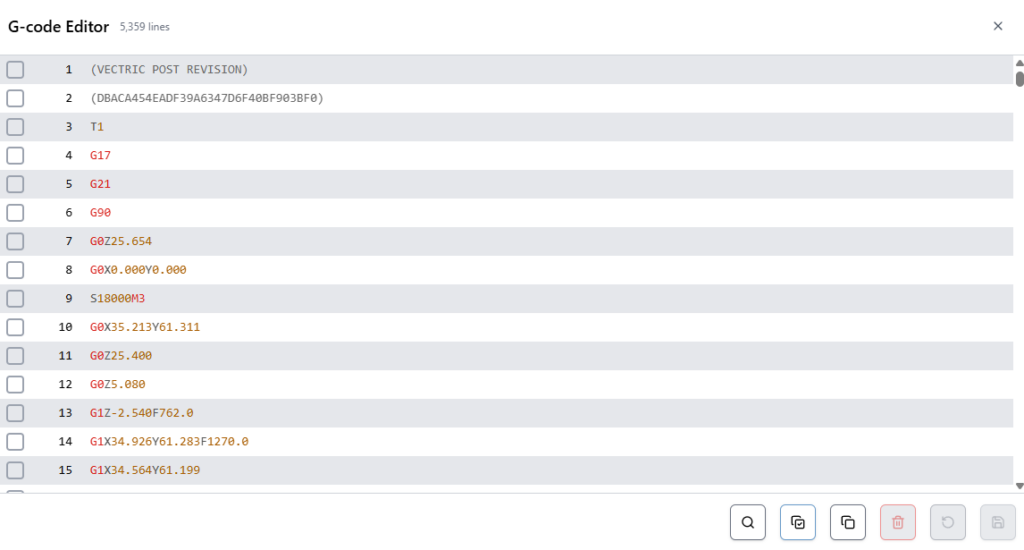
Built-in G-code Editor
gSender now includes a built-in G-code editor for inspecting and modifying files directly inside the application.
The editor includes:
Syntax highlighting
Search functionality
Quick navigation to specific terms or lines
Basic editing and saving capabilities
The editor also acts as an additional progress indicator while running jobs, highlighting which lines have been processed.
Editor
SD Card File Management
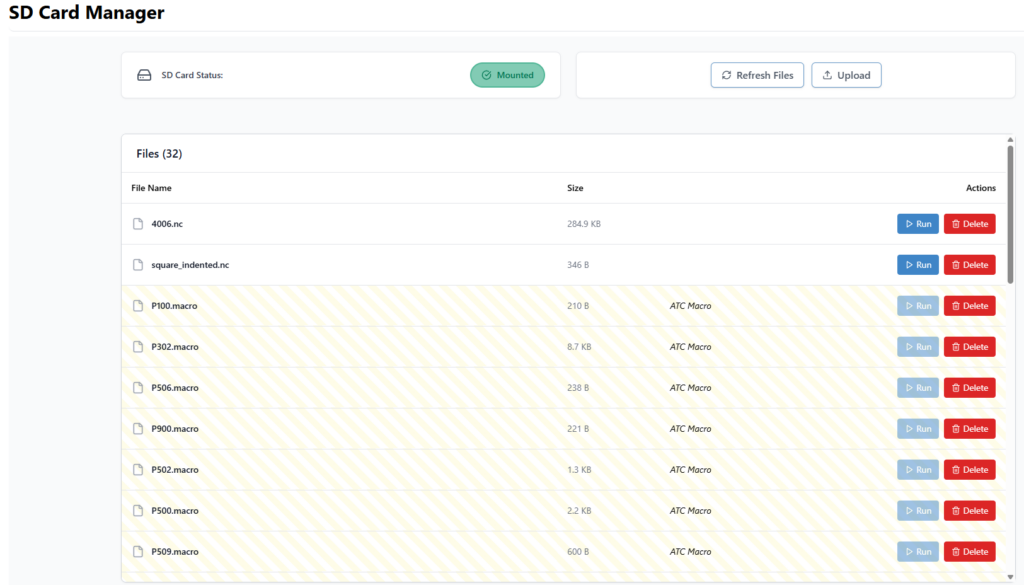
SD card functionality has been expanded significantly.
gSender can now interact directly with files stored on the controller’s SD card for grblHAL devices. It uses yModem protocol for USB connections, and FTP when connected over ethernet.
You can:
View files on the SD card
Upload files
Run files
Delete files
Files can be uploaded using drag-and-drop or file selection, making it easy to move jobs onto the controller.
When running jobs from the SD card, gSender now displays progress feedback similar to streaming jobs directly from the application.
SD Card Tool
Automatic Tool Changer (ATC) Support
One of the largest areas of work this cycle was full ATC workflow support.
gSender now includes an integrated system for managing tools, tracking tool changes, and working with the Sienci ATC more easily.
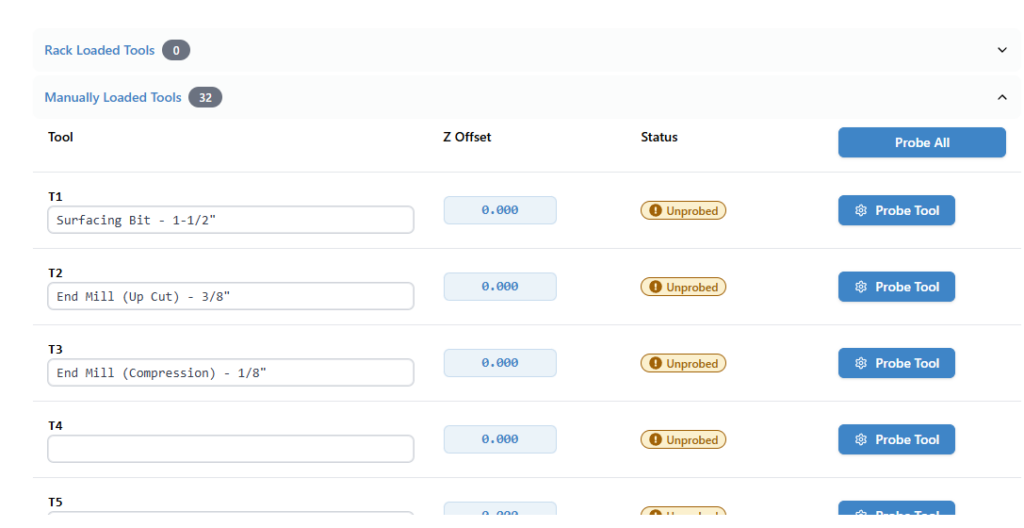
Tool Table
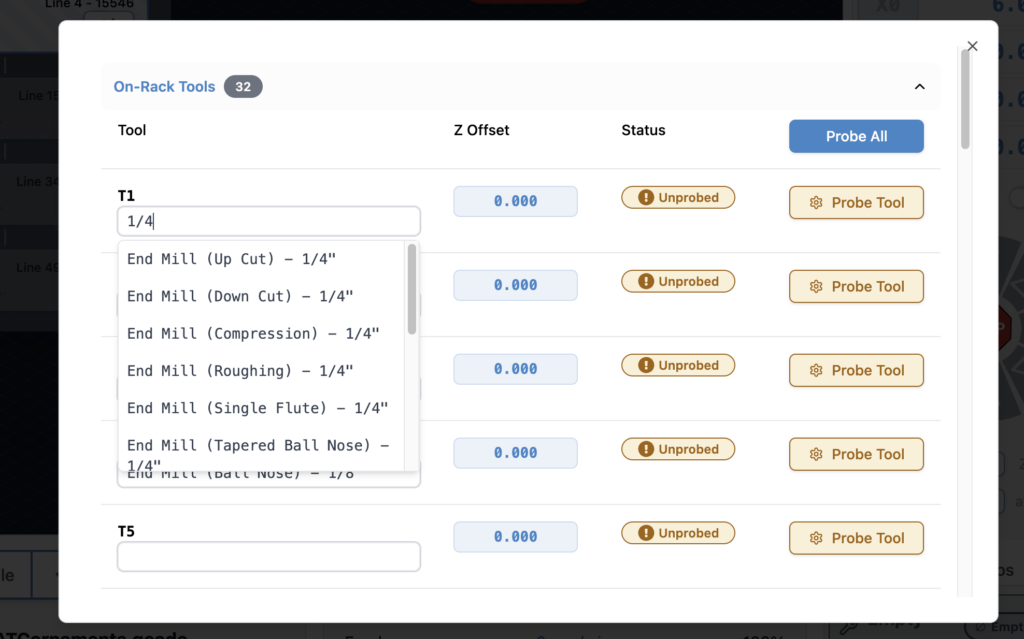
A new Tool Table allows you to manage all tool-related information in one place.
You can now:
Store tool offsets
Assign nicknames to tools
Probe individual tools or complete racks
This makes it much easier to maintain consistent tool setups across jobs.
Tool Table – now with easier nicknames!
Tool Timeline
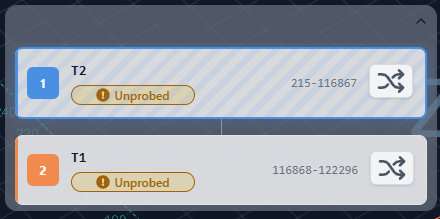
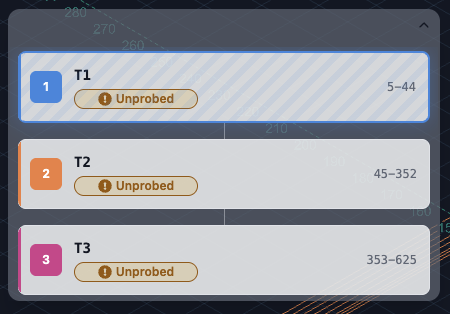
Tool changes during a job are now represented in a Tool Timeline, giving a clear view of when tool changes occur and which tool is currently active.
This helps users quickly understand multi-tool programs and track job progress more easily.
Tool Timeline
Tool Remapping
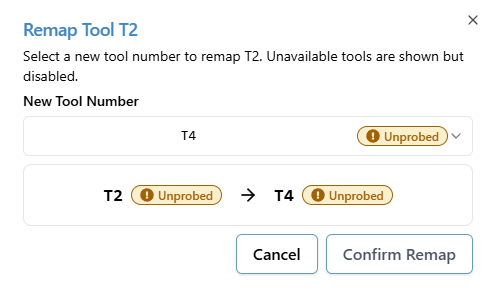
Tool remapping allows you to adapt a G-code file’s tool numbers to your machine setup without editing the file itself.
This is particularly helpful when:
CAM tool numbers don’t match rack positions
You want to run the same job with a different tool configuration
Tool racks change between jobs
Remapping can now be configured directly inside gSender before running a job.
Remap Dialog
ATC Workflow Controls
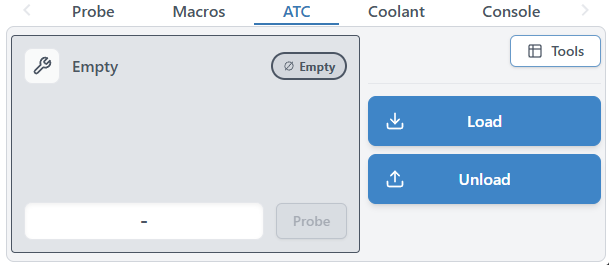
New controls were added to support day-to-day ATC operation.
You can now:
Load tools – both manually and using the rack
Unload tools – both manually and using the rack
These actions tie directly into ATC macros and make managing tool states much easier during operation.
ATC Widget
Accessory Installation Tool
To make getting started with an Automatic Tool Changer easier, gSender now includes an ATC setup tool that helps guide users through the initial configuration process.
The setup tool walks through the core steps required to configure an ATC system, including importing macro templates, defining rack size and behaviour, and writing the required configuration files to the controller’s SD card. This removes much of the manual setup that was previously required and helps ensure the necessary macros and configuration files are installed correctly.
The goal of the setup tool is to simplify the process of bringing an ATC system online, reducing the chances of configuration mistakes and making it easier for users to get up and running with automated tool changes.
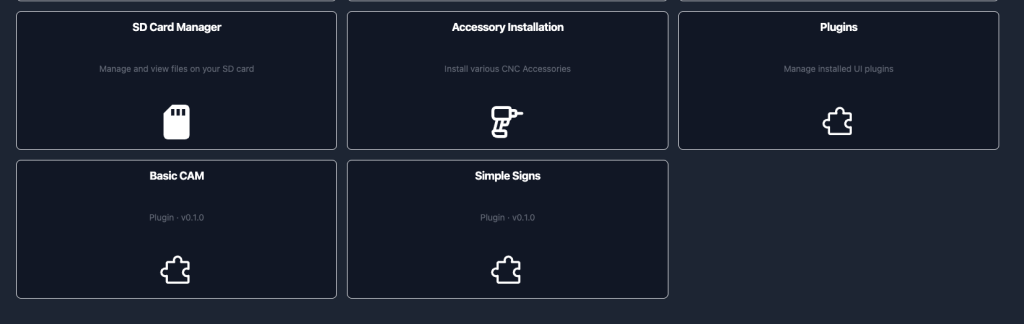
We’ve already also implemented a spindle install tool, to help users with setting up their spindle accessory on arrival.
Improved Visualization
Visualization has seen several improvements in this release.
Rotary Visualization Improvements
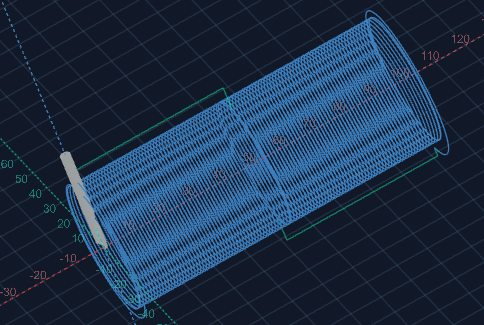
Rotary jobs are now visualized more accurately, with fixes to geometry rendering and preview alignment. This provides a much closer representation of the final machined result.
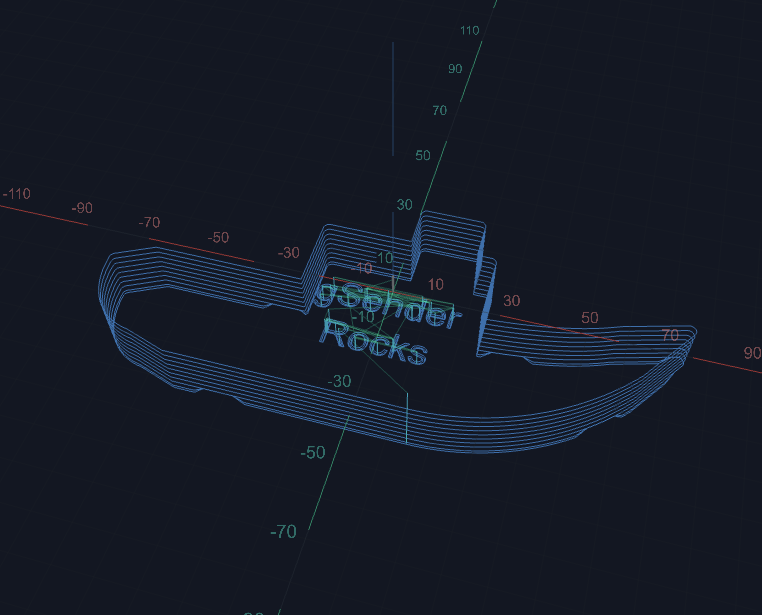
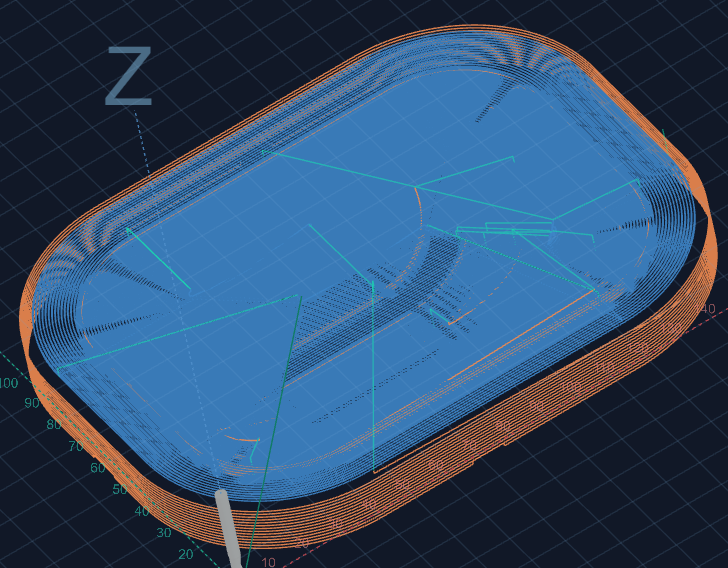
Surfacing file no longer two straight lines
Tool-Based Visualization
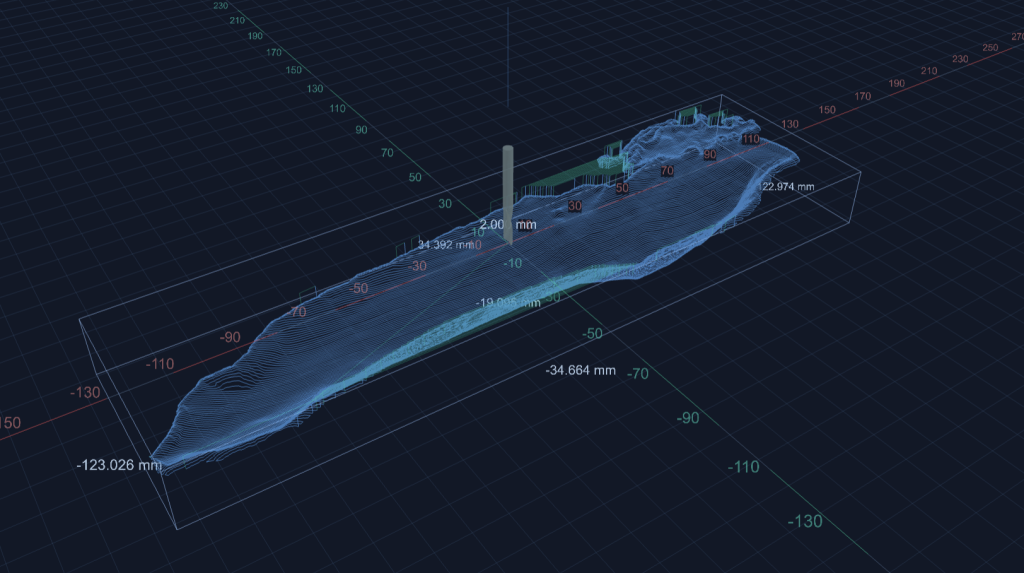
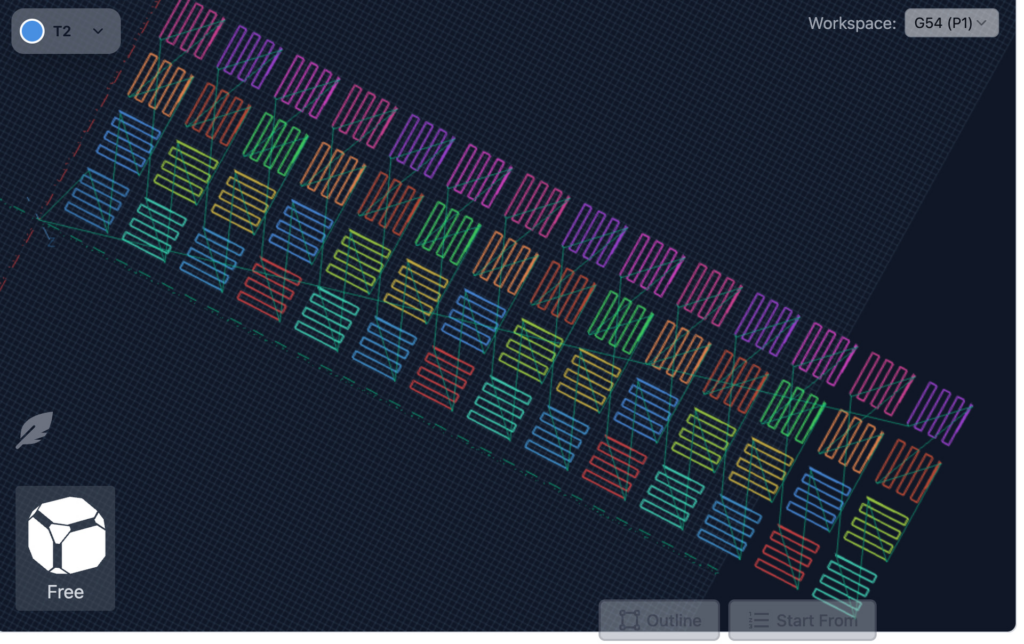
Tool changes are now visually separated by colour, making it easier to follow complex multi-tool jobs directly in the visualizer. What colour represents which tool is indicated in the tool timeline.
Toolpath separation
Processed Line Display
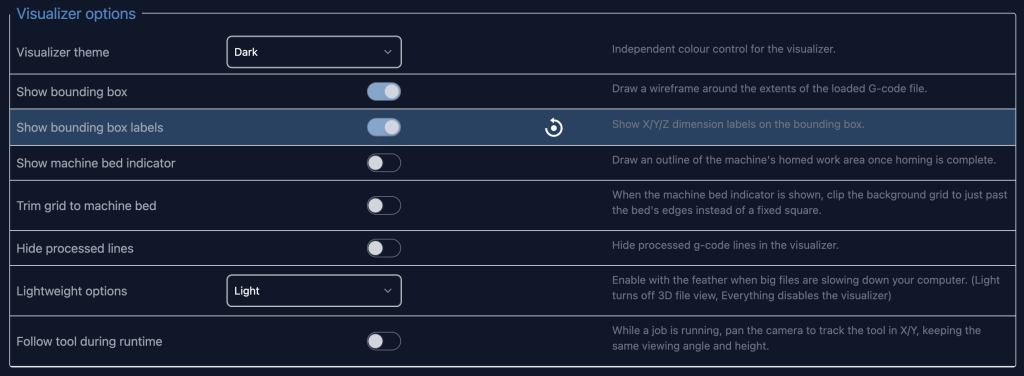
A new option allows you to hide processed lines entirely instead of greying them out.
For long jobs this can make the preview significantly easier to read.
Improved visualization speed
Visualization parsing had significant improvments on both speed and memory usage. The end result is that users should be able to visualize larger files faster.
Benchmarks indicate about a 50% increases in visualization and a 35% reduction in memory used.
EEPROM Editor
Advanced users now have access to a new EEPROM editor.
This tool allows you to:
View EEPROM values
Modify configuration parameters
Search for specific settings
This replaces the older legacy firmware tool and provides a more flexible interface for working with controller settings. You can find it in the Config section of gSender.
EEPROM tool in Config
Check Mode File Validation
A new Check Mode automation feature makes it easy to validate jobs before running them.
With this option enabled, on job load, you will be prompted if you want to check. If you select yes, gSender will:
Enable GRBL check mode
Run the loaded file
Report any errors found
This helps catch issues before starting a real job.
Additional Improvements
Alongside the major features above, this release also includes a wide range of smaller improvements and fixes.
Some highlights include:
Custom Ethernet ports are now supported
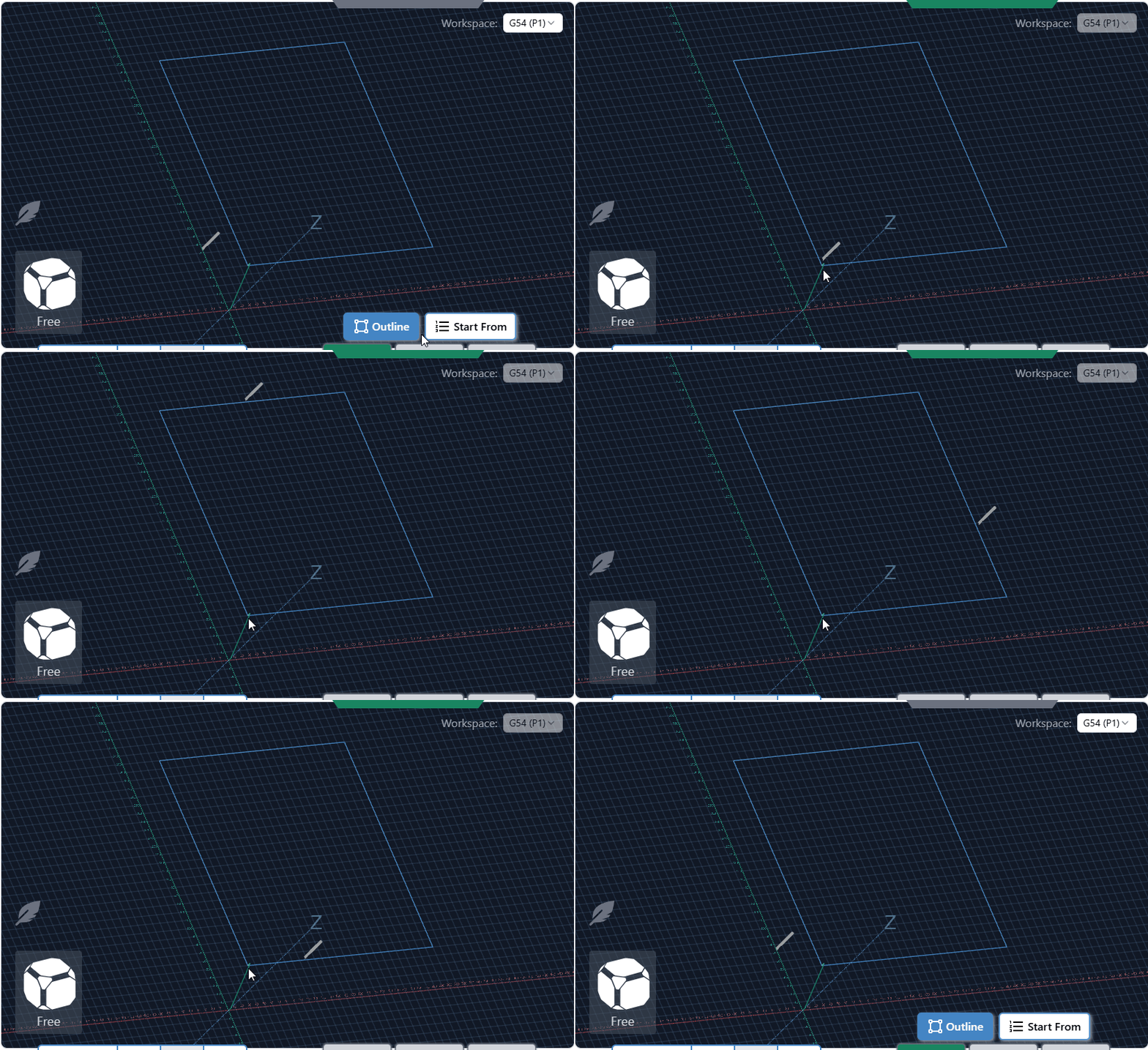
Improved outline behaviour and new outline options (Rapidless square – generate a square that ignores G0 movements and just reflect cutting movements)
Ethernet auto-reconnect improvements
Better portrait mode space usage (larger buttons!)
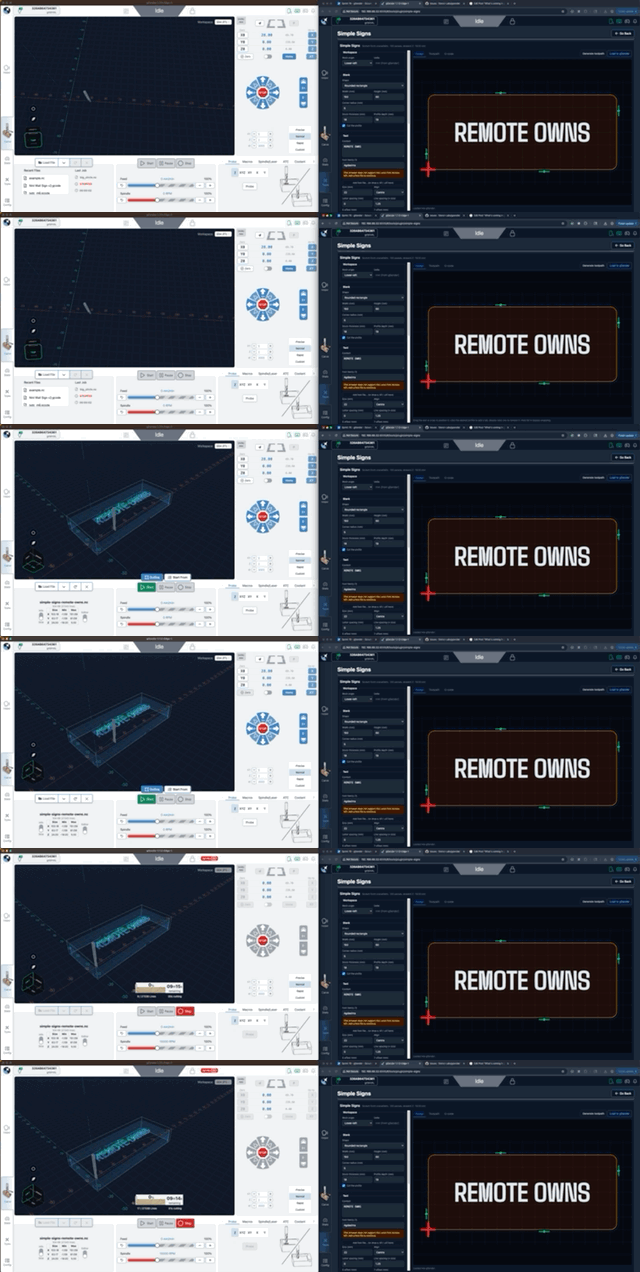
Remote mode – config is now accessible, settings are now synched between the main app and remote clients
Config tool performance adjustments
Improved job time estimates when feed overrides are active
Improved rotary job time estimation
Option to backup settings over specific time periods.
M0 / M1 pauses now properly display associated comments
Better application responsiveness on small resolutions
Better application responsiveness/use of space on portrait mode
Remote mode configuration access improvements
Updated library dependencies
Numerous bug fixes and stability improvements
Better Config reactivity when updating options that allow new options.
File associations so you can load a gcode file by double clicking it in your file explorer of choice.
Functions that require the machine to have been are disabled until homing is reported by the firmware for grblHAL devices.
Gamepad options and configuration updates – some new behaviours related to jogging.
A number of other behaviour and performance tweaks and fixes
Thank You
This release wouldn’t have been possible without the community members who tested the Edge builds, reported issues, and provided feedback throughout the cycle.
Your input helped shape many of the features and refinements included in 1.6.0.
As always, if you run into any issues or have ideas for improvements, we’d love to hear from you.
gSender 1.6.0 Edge-4 is now out, bringing a solid round of improvements, fixes, and general polish.
We’re officially in the part of the Edge cycle where the focus shifts away from big new features and toward testing, optimization, and cleanup. A lot of this release is about making things faster, smoother, and more reliable based on feedback from everyone testing Edge so far.
If you’ve been waiting to try Edge, this is a really good time to jump in. As always, reports from early testers are extremely valuable.
Visualizer parsing improvements
This release includes a major rewrite of the file parsing and visualization worker used when loading G-code files.
Performance gains:
~55% faster visualization time for most files
~75% faster visualization for rotary files
~35% less memory usage for typical files
~86% less memory usage for rotary files
What this means in practice:
Bigger files load faster
Less RAM usage while previewing
Much better handling of large jobs
For reference, we successfully loaded an 85 MB / 5.5 million line file, which wasn’t possible in previous versions.
Connection process is generally smoother and more reliable
Better handling of reconnect scenarios
No resets in the connection workflow
Should reduce Alarm 14 and error 1s on connection and clearing alarms
We no longer assume ethernet is always grblHAL, so fluidNC/non-vanilla grbl users connecting over ethernet should properly fallback to grbl if configured as such
Responsiveness
Better support for smaller screens
Wide-but-short resolutions (like ~13xx × 7xx) should no longer cut off UI elements
Fixed some Remote Mode responsiveness regressions
Cleaner spacing in the top bar on smaller displays
Packaging
Fixed slow startup on AppImage builds caused by ASAR compression
Continued build pipeline cleanup
Smaller installs overall
Example: Mac .app size reduced from ~550 MB → <400 MB
ATC – status updates and other
Probed, unprobed, and off-rack/manual states are now separate statuses
You can always see both offset status and manual/off-rack state when applicable
Tool Timeline received a visual refresh for better clarity and information layout
Tool nicknames are now included anywhere a tool number is shown in the UI
Config and Templates moves into Accessory Installation Wizard
Extremely professional placeholder images added to ATC Installation wizard while we wait for marketing
New timeline look
New machine profiles & grblHAL Core support
Updated AltMill 4×8 machine profile
Added support for new/remapped firmware values and keys for grblHAL Core
Config automatically adapts based on firmware version
Affects EEPROM-related areas including:
Restore Defaults
Config Tool
Outline improvements
Outline process improved – should be faster, should work better for all types of files. Travel direction is always consistent.
Added new option – Rapidless Square – which computes a bounding box of only the cutting movements (G1/G2/G3) and ignores G0.
Can now configure outline to use custom feed rates and G1 rather than G0 (Thanks, kieraneglin)
Inner islands no longer considered when generating hulls for details outline – so file outline should be more consistent overall
G0 ignored, just outline cutting motions
Config updates
Various logic changes to config area to improve performance
You should notice the population of entries and search to be more performative
No delay when connecting on the config page
Various improvements & fixes
Selecting the current jog preset now resets values back to configured defaults
Config imports are validated before being applied
Diagnostic PDF now clearly shows when disconnected data isn’t available
Improved Run Check on Load workflow:
Prompts before enabling check mode and running the file
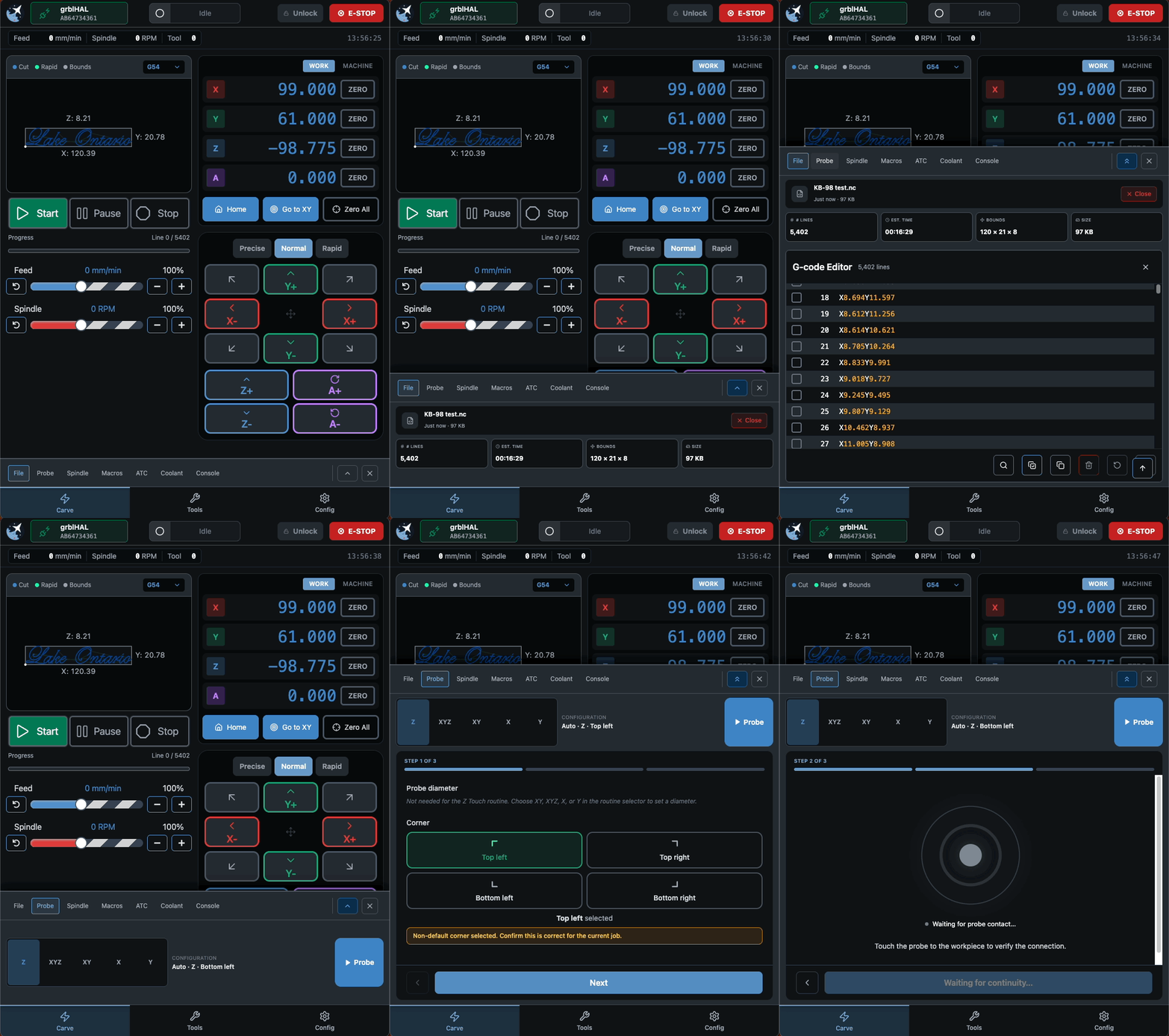
Probe corner can now be changed directly in the Run Probe dialog
Warning shown when using a non-default corner (no more probing the wrong spot)
Improved grblHAL flashing UX
Spindle selection now updates correctly when configurations change
Fixed connection widget interaction issues when dropdown menus are open
Alarm descriptions now pulled directly from grblHAL firmware
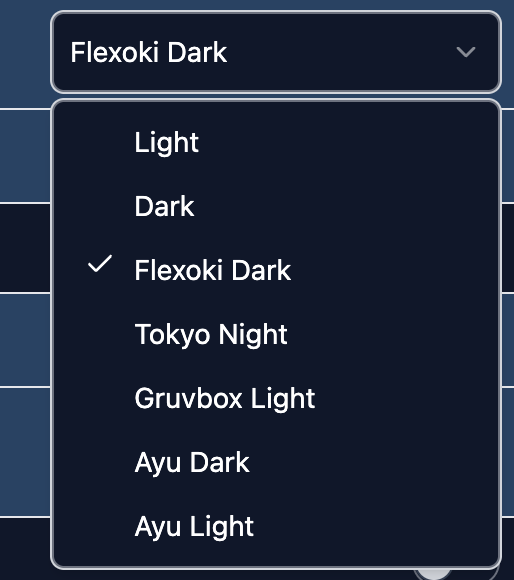
Various Dark Mode polish improvements
Fixed diameter parsing for DeskProto rotary files (for real this time). This must be toggled on inside the config section under “Rotary Diameter offset”
grbl Rotary – can now pass A through natively rather than always hijack Y when rotary mode switched off. This is mostly for compatibility with fluidNC/non-standard grbl variations that natively support A axis commands.
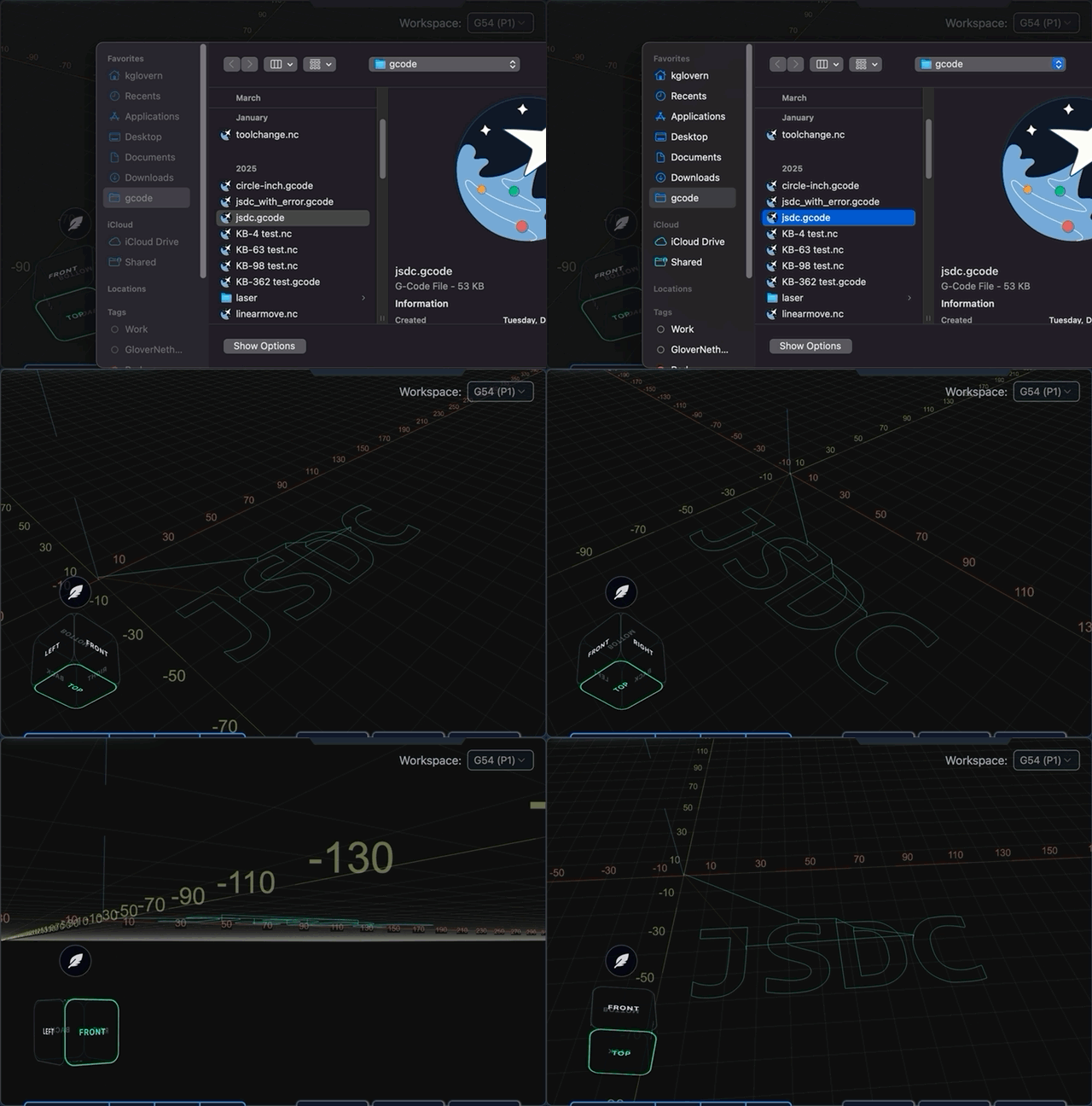
Camera cube added to visualizer in surfacing and rotary surfacing tools
No longer show the special animation for spindle/coolant when disconnected and spindle/coolant state is indeterminate
Download
gSender Edge is beta software, so expect the occasional rough edge. You can safely install gSender and gSender Edge side-by-side.
Huge thanks to everyone testing Edge and sending feedback — it directly helps shape the final 1.6.0 release.
gSender 1.6.0-Edge-3 is rolling out with a solid set of improvements and long requested fixes.
We are approaching the feature freeze for 1.6.0, so most remaining work before the March release will focus on stability, polish, and small behaviour adjustments. It’s likely we have one more Edge release that’ll prioritize various bugs and remaining improvements. If you have been waiting to try Edge, this is a good moment to jump in. As always, reports from early testers are extremely valuable.
This update includes several notable enhancements, including major gains in load time and improvements to remote mode.
Faster load and install times
Significant changes to the packing system and build process have produced much faster startup across all tested devices.
A load time of roughly 25 seconds or longer has been reduced to about 4. Similar improvements appear on every device, including gControl.
This has been one of the most common complaints about gSender, so we are pleased with the progress and expect further gains.
Check out the load time comparisons below:
1.5.7 on PC (~25 seconds)
Edge on PC (~5 seconds)
Edge on gControl (~7 seconds)
Installation is also noticeably faster.
Silicon Mac builds, Mac Signing, and new Electron version
We’ve updated the Electron version for packaging to the latest release, which means dropping support for earlier macOS versions. The minimum OS requirements are now as follows:
macOS: Monterey (v12, released 2021) and up
Windows: Windows 10
Linux:
Ubuntu 18.04 and newer
Fedora 32 and newer
Debian 10 and newer
We are building and providing both an Intel (universal) build and now a Silicon (ARM64) version of gSender for macOS. Silicon users should notice a performance improvement.
We are now also signing our macOS builds, so hooray! Coming soon to an app store near you!
Better portrait mode
We continue refining layout behaviour to make better use of space across different display configurations.
Larger, clearer buttons in portrait mode and elsewhere
Improved spacing and alignment
More adjustments planned throughout the Edge cycle
A new guided installation tool walks users through setting up supported CNC accessories.
First supported workflow is ATC setup
Future plans include spindle, laser, and first time CNC setup guides
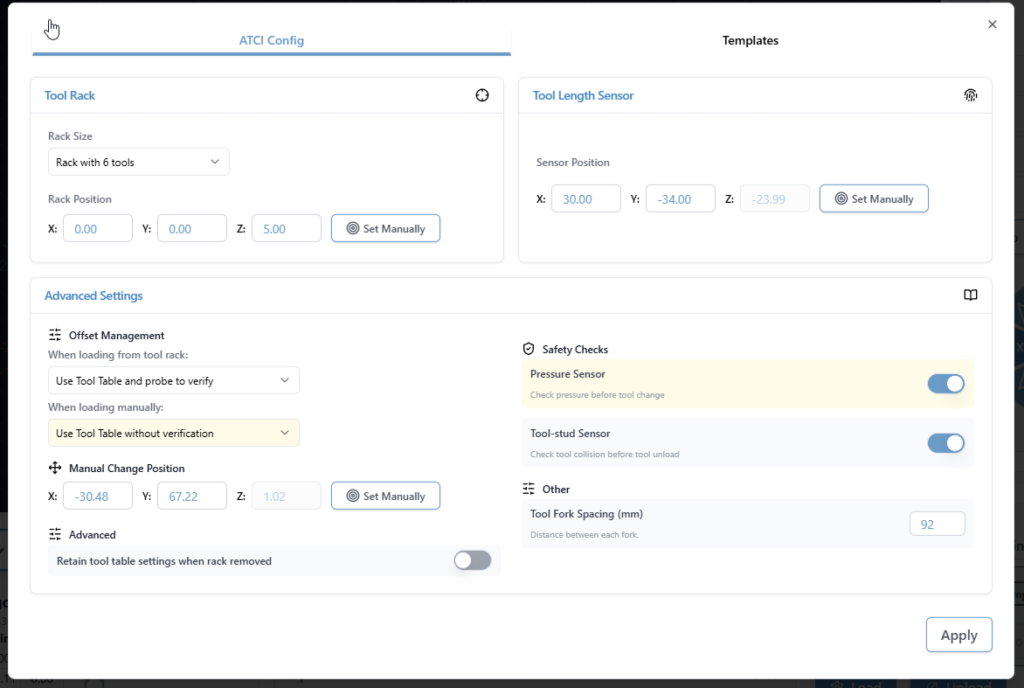
ATC configuration
The ATC configuration tool has been streamlined.
Combined and reorganized options
Improved flow and clarity
Updated interface for a smoother configuration experience
Look at all the options when it comes to ATC configuration
ATC Visualization and Tool Table
Updated colours to a designated set of 12 for better toolpath distinction. It’s now funky fresh
Tool table tool nicknames are now selectable from a database of common bits, which includes search and still the ability to type in a custom note for a specific T command.
New toolpath colours
Tool table – selectable tool database
SD and FTP support
FTP support added, allowing uploads over Ethernet instead of USB only
Simplified workflow with a single refresh/list button
Automatic SD mount attempts when the tool opens
Dark mode and portrait mode updates
Progress bar improvements
Safety checks to disable the tool when connected to grbl or grblHAL devices without Ymodem or FTP support
EEPROM and configuration improvements
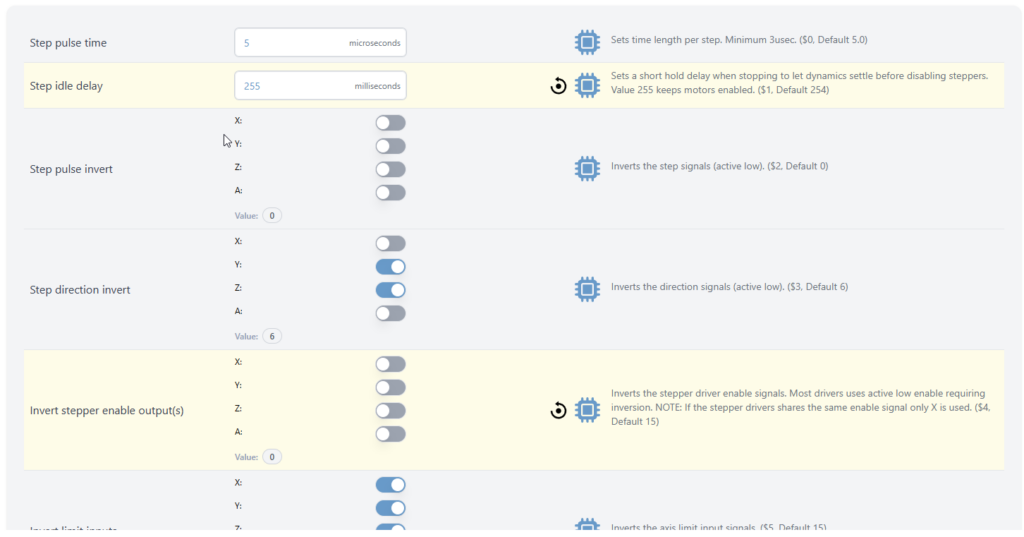
Added support for new settings in the upcoming grblCore release
EEPROM tool now handles all reported EEPROM settings, not only those surfaced in Config
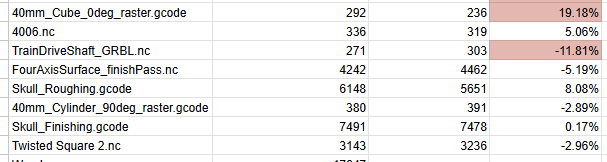
Rotary time estimation
Time estimation for rotary jobs is now more accurate. Travel distance calculations now correctly account for A axis rotation, bringing estimates closer to real world results. Accuracy is approaching within 10 percent, with more refinement planned.
Some of the test file results for new rotary estimation
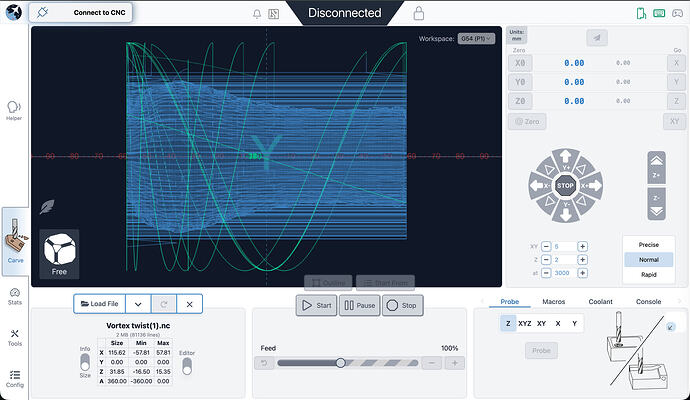
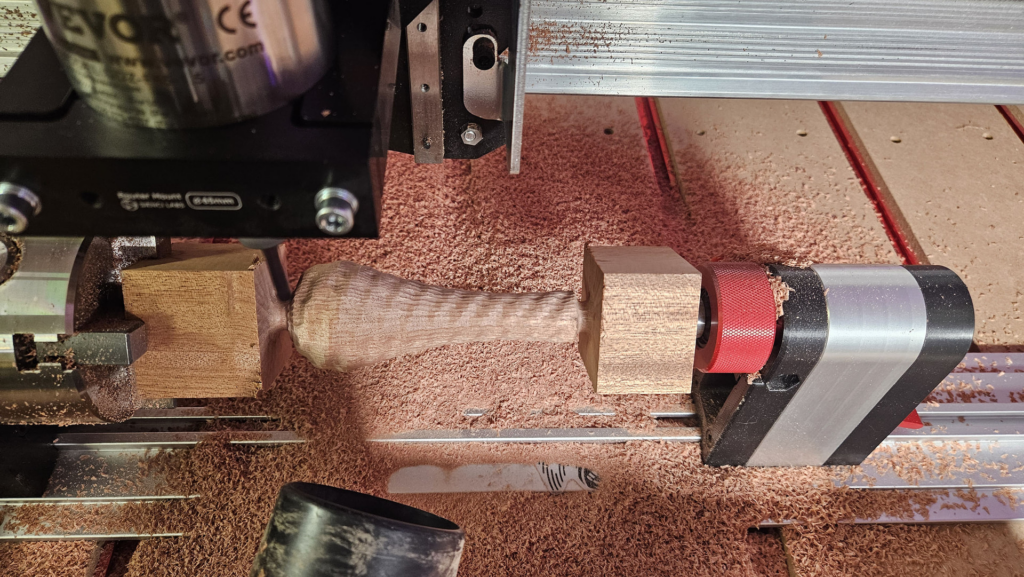
Visualization for rotary files has also improved. DeskProto typically sets Z to the surface and stores workpiece diameter in comments. gSender now uses that information to produce correct visualizations. Most gcode viewers cannot do this without explicit diameter data, so this is a meaningful improvement.
Better Rotary Visualization
Visualization matches end results
Remote mode
Updated look and feel
Settings now sync between desktop and remote clients, ensuring consistent preferences such as jog speeds, probe type, and units
Gamepad Updates
Fixes to certain shortcuts on gamepad firing twice, specifically the park button and probe popup
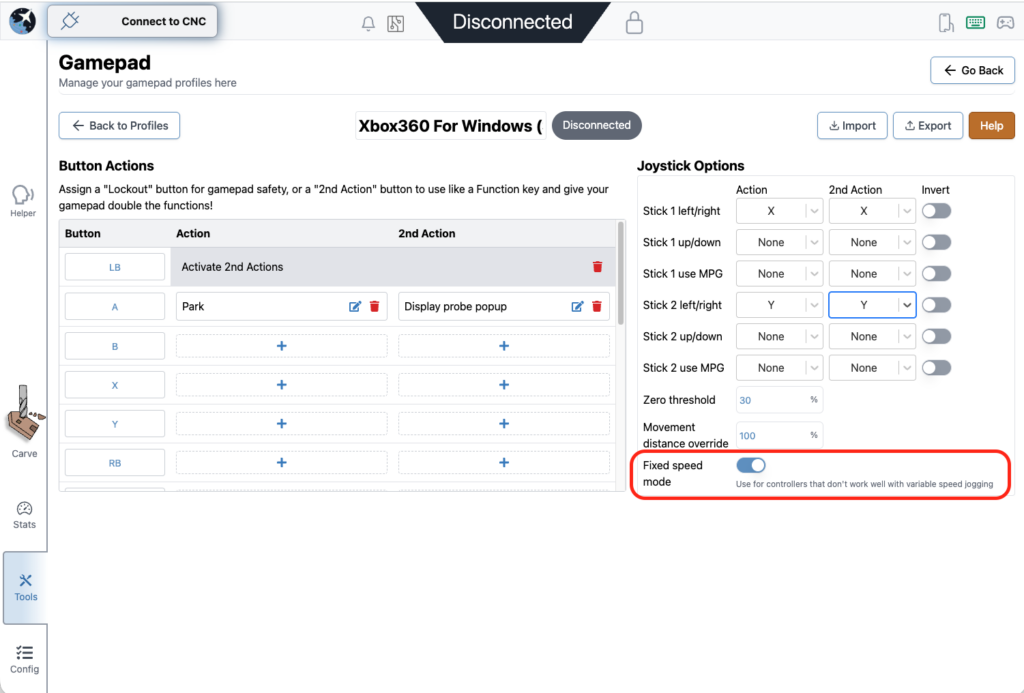
Added a new feature to disable dynamic speed and use a fixed value for thumbstick jogging
All these changes were done by a community member. Thank you for your contribution Kesmit13!
Fixed speed mode
Various fixes and improvements
ATC functionality updates
Fixed issues where tool offset was being incorrectly zeroed out on board reset
$SpindleESH now sent correctly on spindle select for core firmware
Gamepad jogging improvements, including fixed speed jogging
TLO probe offsets captured mid toolpath to keep UI elements current
Error and Alarm descriptions populated by grblHAL firmware
Helper accessible across all gSender tools, not only the carve page
Optional prompt on program close to prevent accidental exits
AltMill 4X8 machine profile added
Now using grblHAL error and alarm descriptions throughout the application
AltMill ZxY plus Spindle configurations removed
Added probe profile for BitZero 2 probe block (thanks Krudoy)
Download
gSender Edge is beta software, so expect occasional instability. You can install both gSender and gSender Edge side by side.
Thank you to everyone testing Edge and sending feedback. Your reports help shape the final 1.6.0 release.
We’re excited to announce the release of gSender v1.5.7, a version focused on refining performance, fixing long-standing quirks, and adding new functionality to make your CNC workflow smoother than ever.
Check below for a full list of changes. Updates are available via Github or follow the update prompts in-app on gSender startup.
v1.5.7 Changelog
Fixed issue with start job shortcut not firing in some situations.
Park shortcut now persists between sessions.
Unlock button now has same logic as large Alarm unlock button for Alarm 10 and 17 where it will reset and unlock for you.
Corner selection hidden for Z-only probe type.
Squaring tool calculations for custom distances are now correct.
Added support for Teensy boards in recognized devices.
Error line reporting mismatch fixed.
Stopping on start event codes should now correctly clear the planner and reset the board.
Added cut depth validation to Surfacing tool.
Auto-reconnect should work for Ethernet again.
Added import/export functionality for gamepad profiles.
Homing location now shows correctly on stats page.
Fixed issue with terminal history order.
Added new config option to run check on a file when it’s loaded in.
Fixed issue with rapid position shortcuts not memoizing positions.
GRBL spindle max/min again correctly updates the eeprom on change.
Config search behaviour updates to be more consistent with modified flag enabled.
Probe shortcut no longer causes an error 2 due to stale distance modal.
Rapid position shortcut no longer has a stale homing location value.