Everything You Need to Know about the ATC

Probably one of the most requested products we’ve gotten in recent years has been an auto tool changer. While the concept seems simple, the actual execution of an ATC system is extremely complex, especially as both the software and hardware must work in concert perfectly to ensure that tool changing is fast, simple and reliable. It’s taken quite a while for us to get to the point at our company to develop the engineering manpower and funding to be able to undertake such a complicated project. 

I can safely say that the ATC is by far the most technically challenging product we’ve developed, but we’re excited to share it with the world as one of the most affordable, full featured CNC spindles with an auto tool changer. We believe this paves the road towards not only mechanical and electrical advancement, but also that the development in the user experience and systems design of the software experience takes this type of product to the next level.

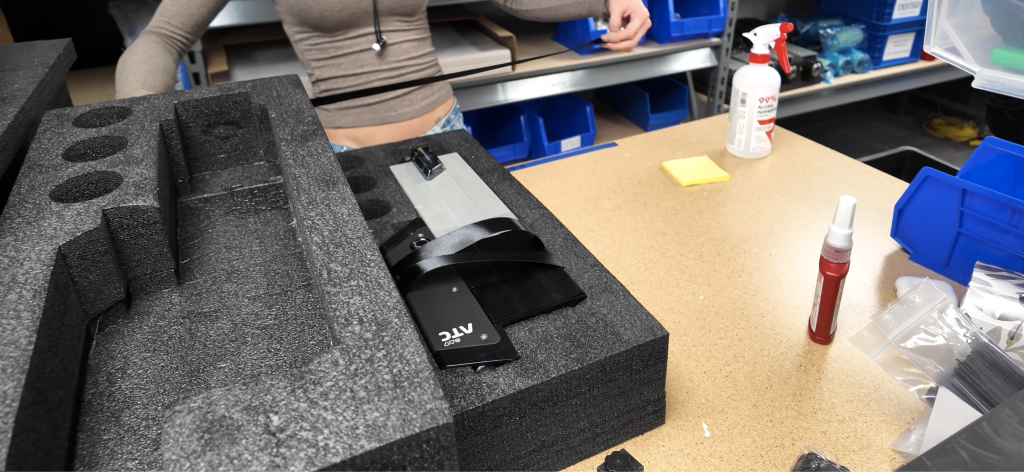
The ATC is a spindle with an integrated auto tool changing functionality which works with gSender to provide a seamless experience in changing tools. Users are able to load and remove tools with a press of a button (manual mode) or by ejecting and loading tools onto a rack. 

Automatic Tool Changer
ATC on AltMill 4x8 on Angle 1
ATC Dust Shoe Front View
ATC Air Filter Regulator Kit - Front Side

Who is this for?

The ATC was designed for users that aim to improve their productivity with their CNC machine by automating the tool changing process. We believe that the best fit for this product are users that have experience with their machine and CAM programming, and want to get into small to medium scale production. 

The ATC system is designed to be plug and play with any AltMill system, including the MK1 and MK2 2×4 and 4×4, plus the new AltMill 4×8. This makes it particularly attractive for users that want to get up and running with an ATC system as quickly as possible.

While we know that lower cost, collet-changing based ATC systems exist, we chose to focus on the ATC spindle system instead because we believe that this system will work at the level of reliability and performance that is required to our standards of being able to do hundreds and thousands of toolchanges without error.

We do also acknowledge that this product falls outside of the realm of a price point affordable to the average hobbyist, and we expect our general demographic to be folks that have higher expectations from their machine.

How does it work?

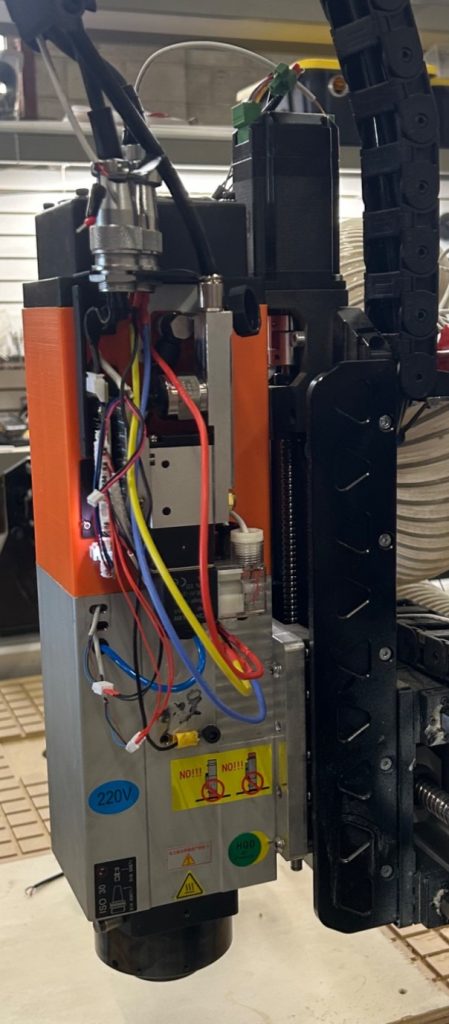
The ATC is essentially a spindle with additional electromechanical systems that allow for the change of tools controlled by the CNC controller. You can almost think of it as a spindle with extra hardware attached.

A system of pneumatic solenoids activates a piston which allows the tool to be pulled in or released during a tool change. Each end mill is mounted to a ISO20 tapered tool holder which allows the reliable interface with the spindle. As the ISO20 tool holder is a standardized design, virtually all high quality tool holders will work with the ATC.

Single Tool Holder
6-Tool Rack Front View

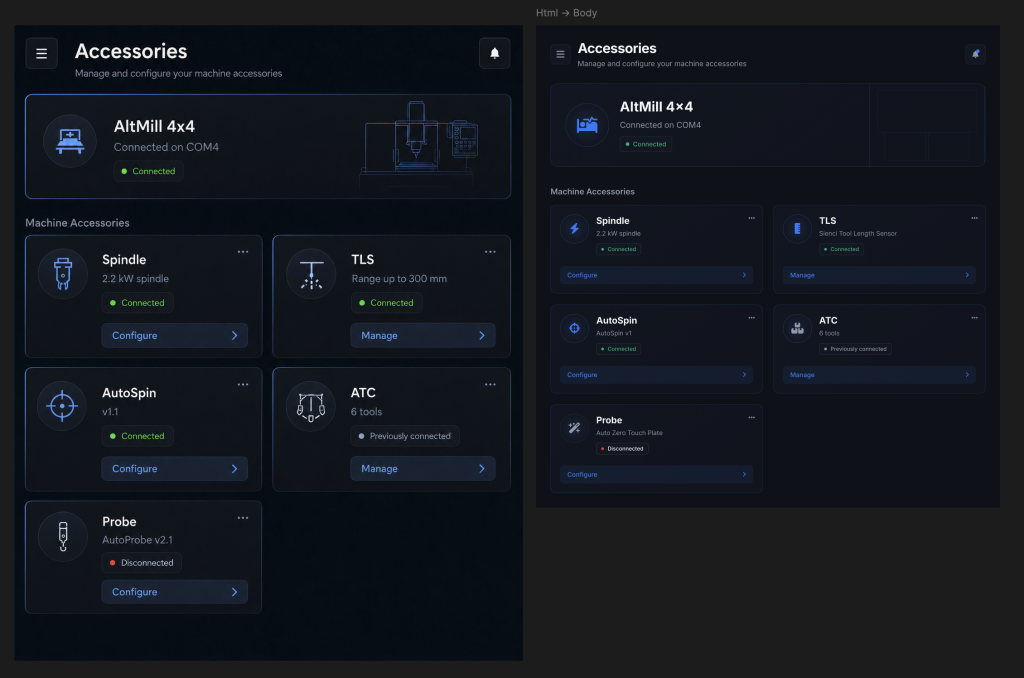
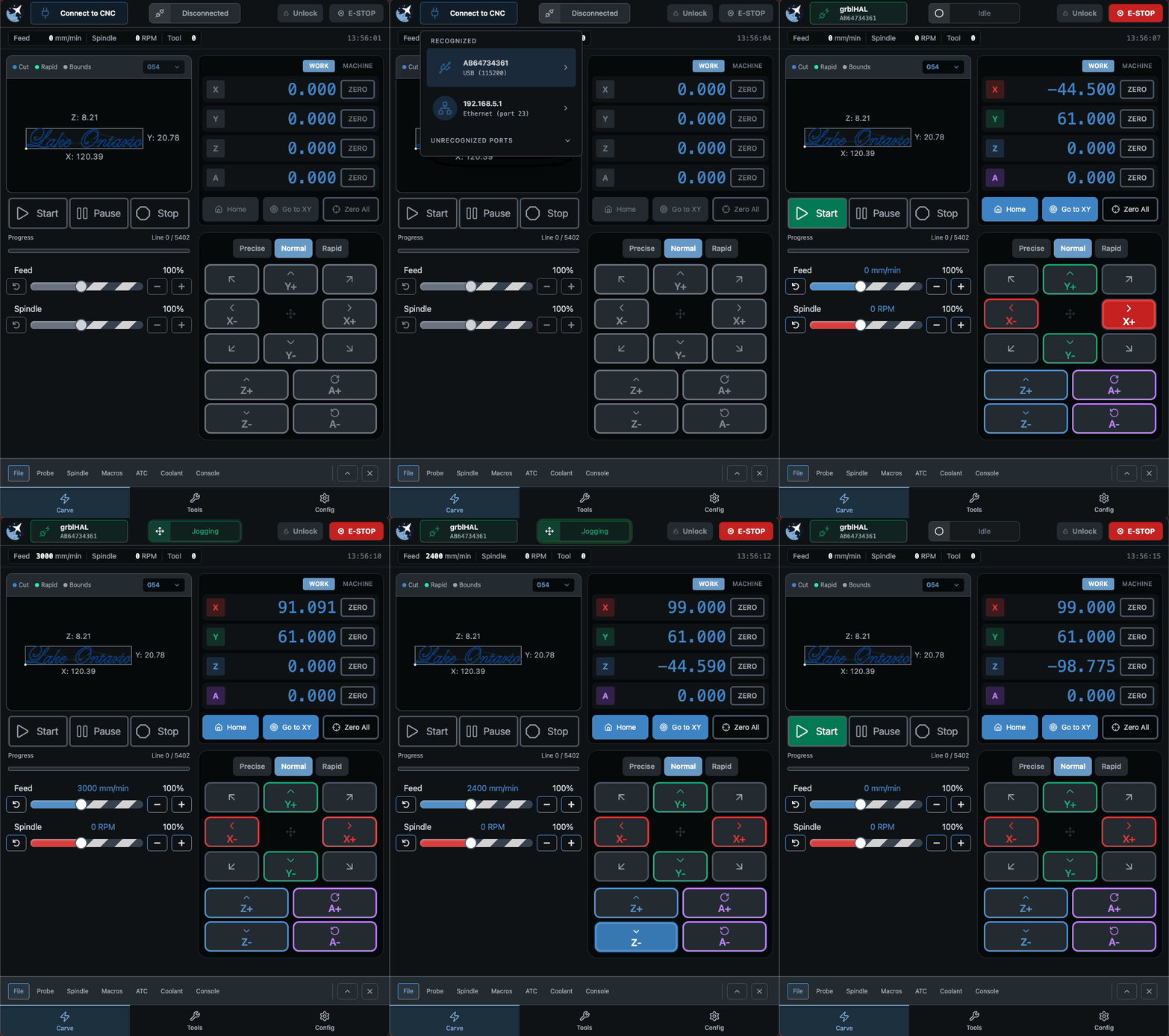
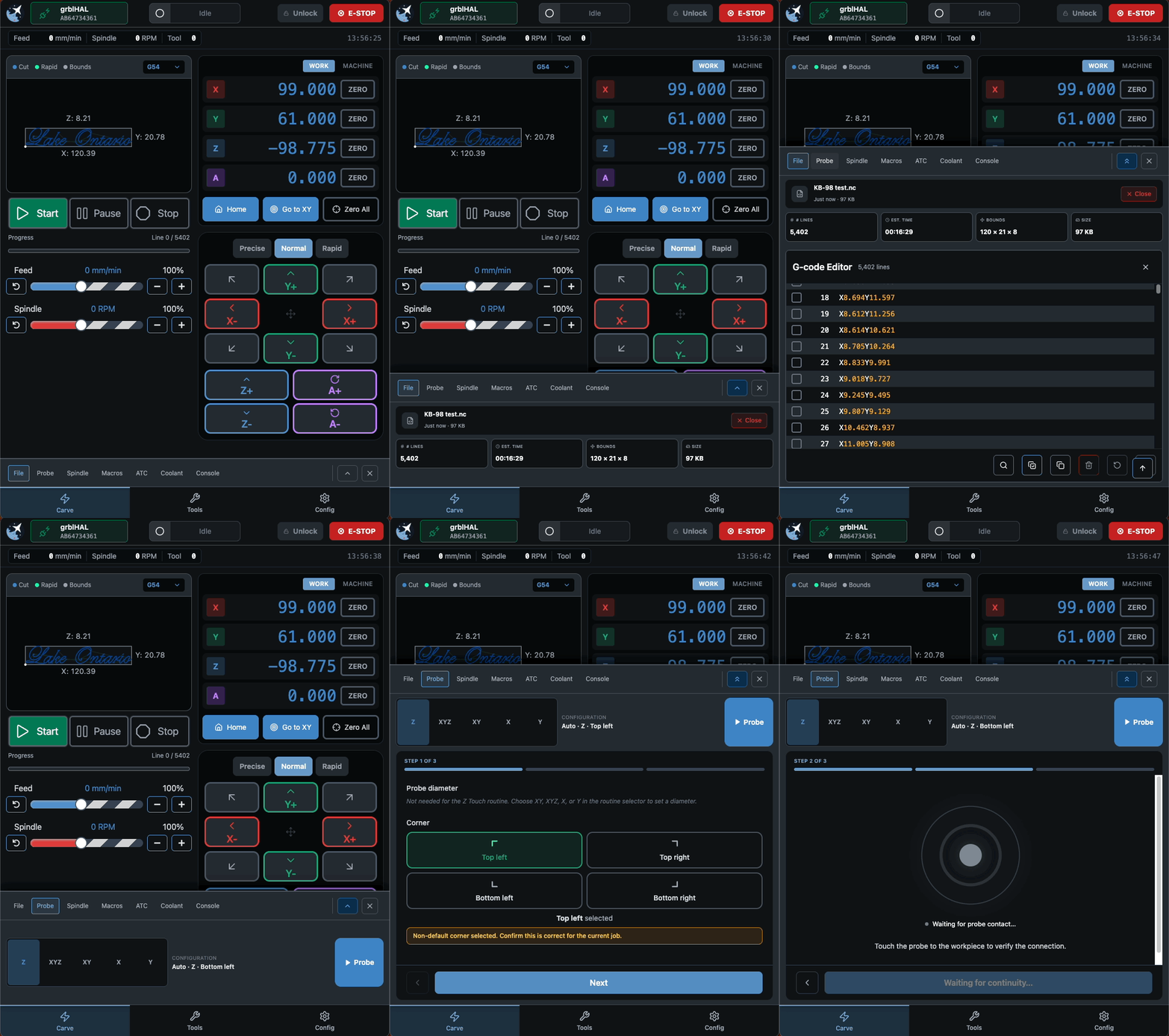
Integration with gSender

One of the most important aspects, and what makes our ATC unique compared to nearly all other ATC systems, is the native integration with gSender. This allows functions such as:

  • Automatic switching between automatic and manual tool change modes when the tool rack is removed or not detected
  • Added safety features and warnings such as low pressure, tool missing and temperature
  • Optimized tool loading and loading motion planning
  • On-the-fly changes to tool holder position mapping
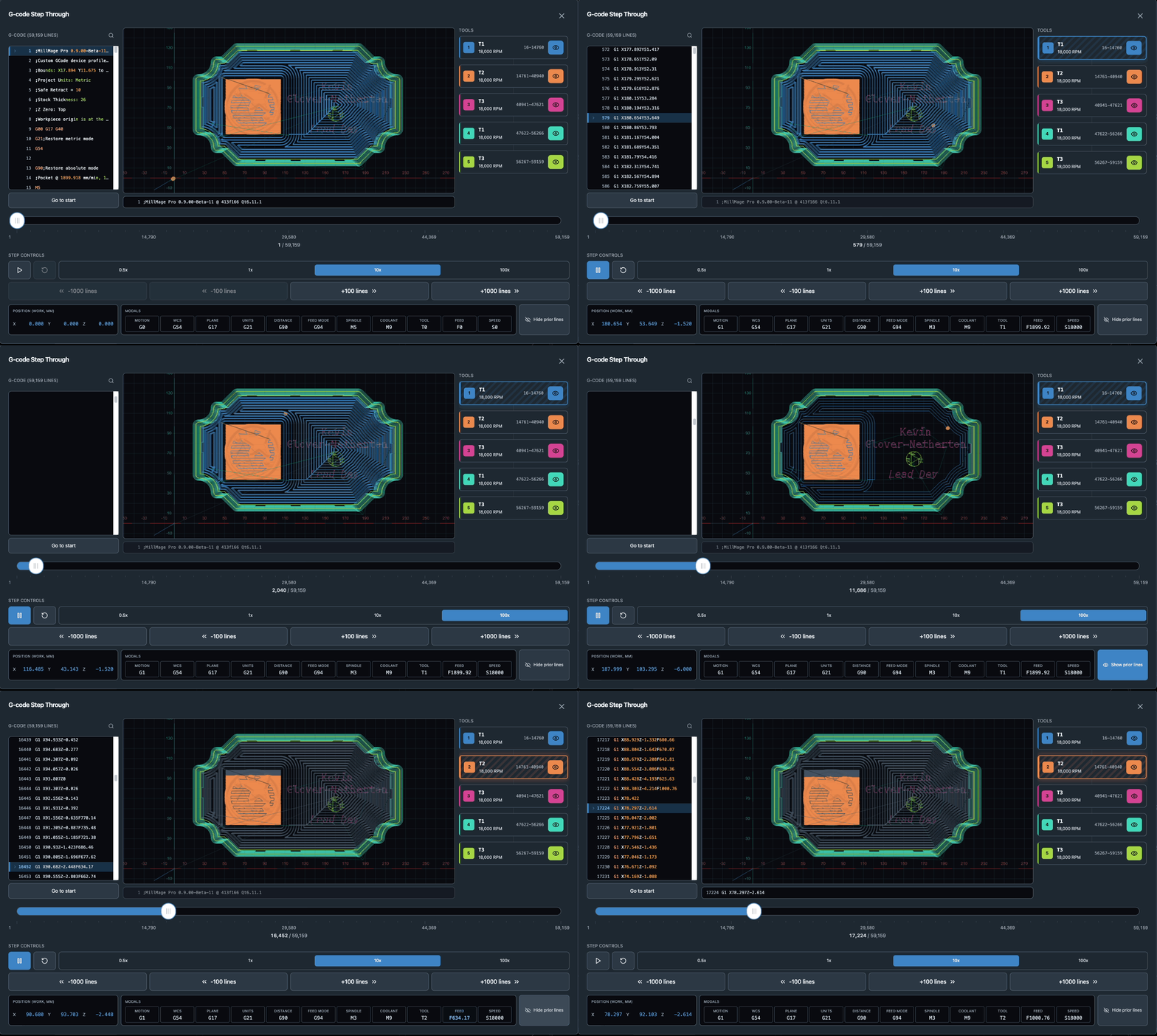
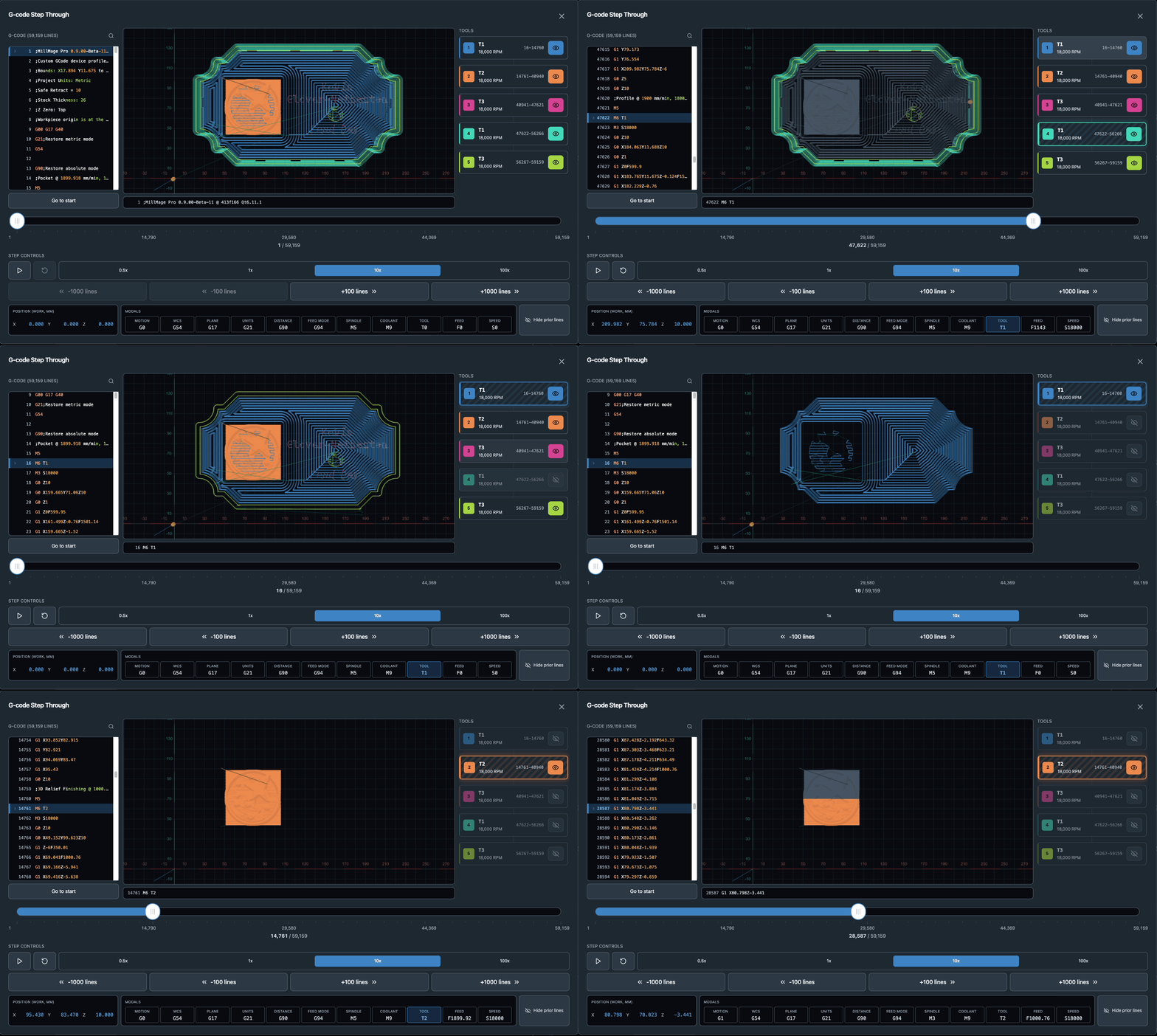
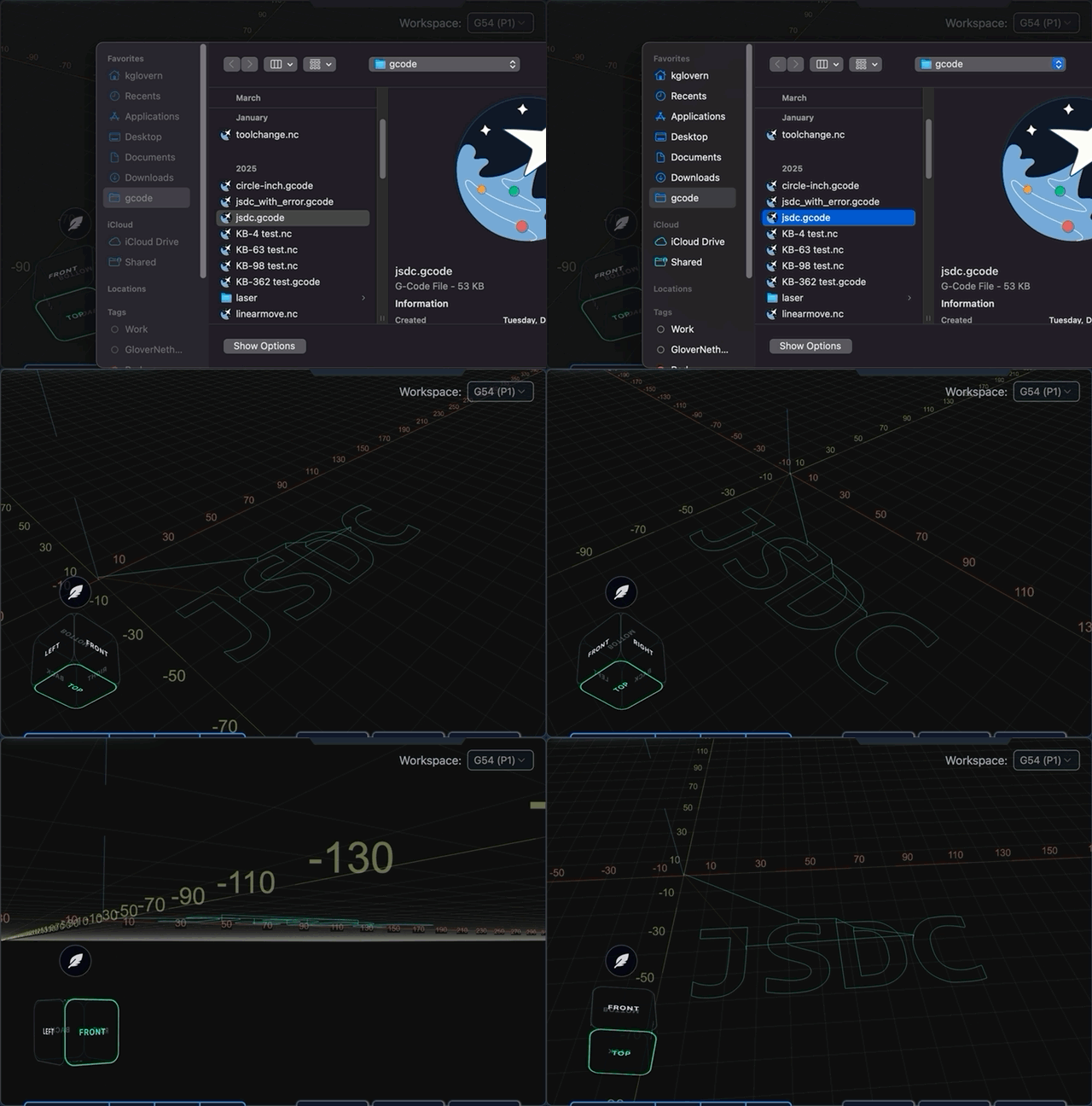
  • Colour assignment in the gCode visualizer based on tool
  • “Run-from-tool” functionality, which allows users to run toolpaths specific to each tool

…and more.

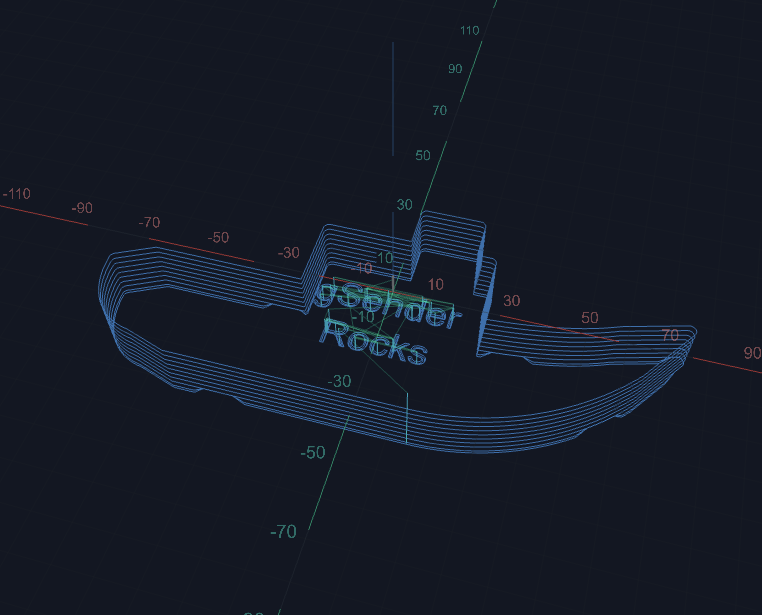
ATC - Tool Path Visualizer 1
ATC - Tool Table

Engineering the ATC

The ATC comes with a series of unique engineering challenges:

  • The use of low pressure air
  • To have maximum reliability
  • Sensor integration
  • Installation and integration

Custom PCB

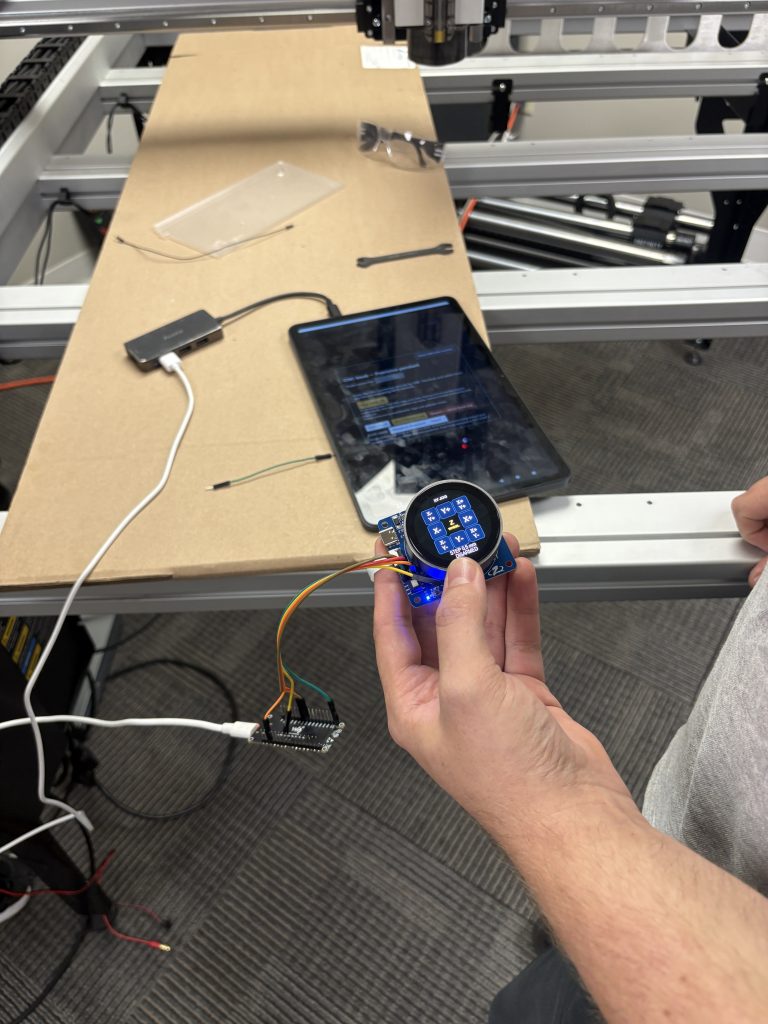
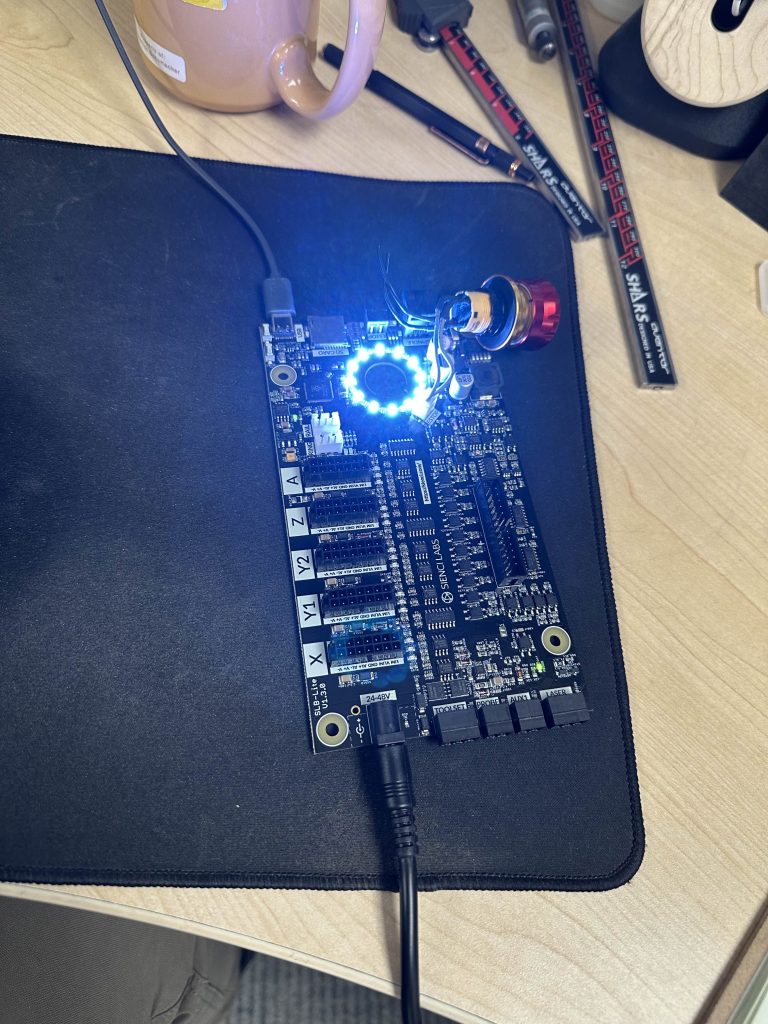
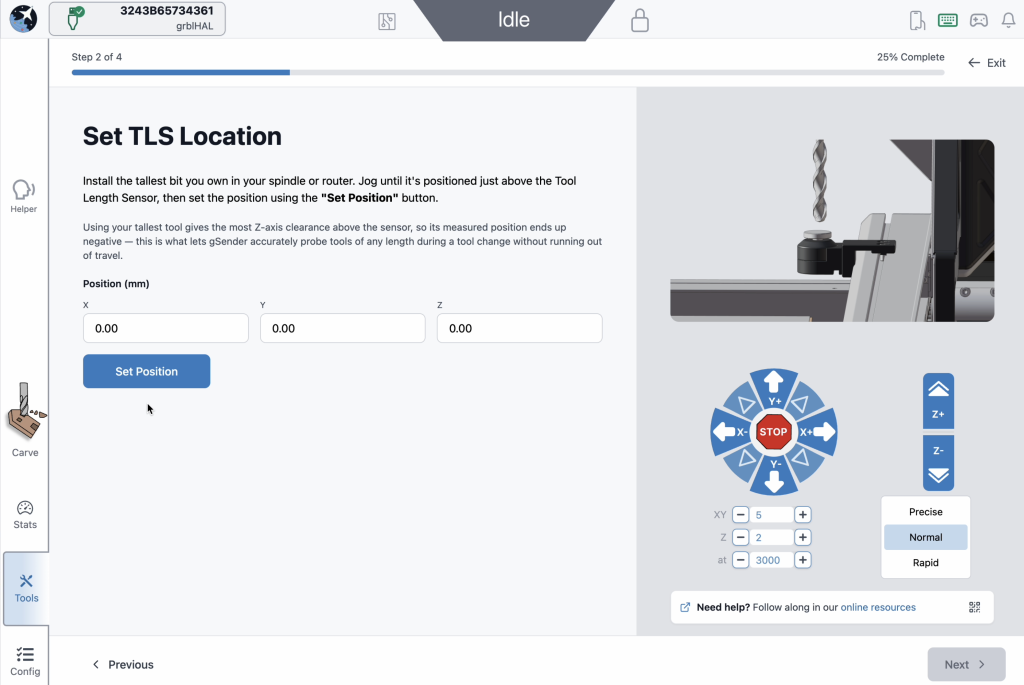
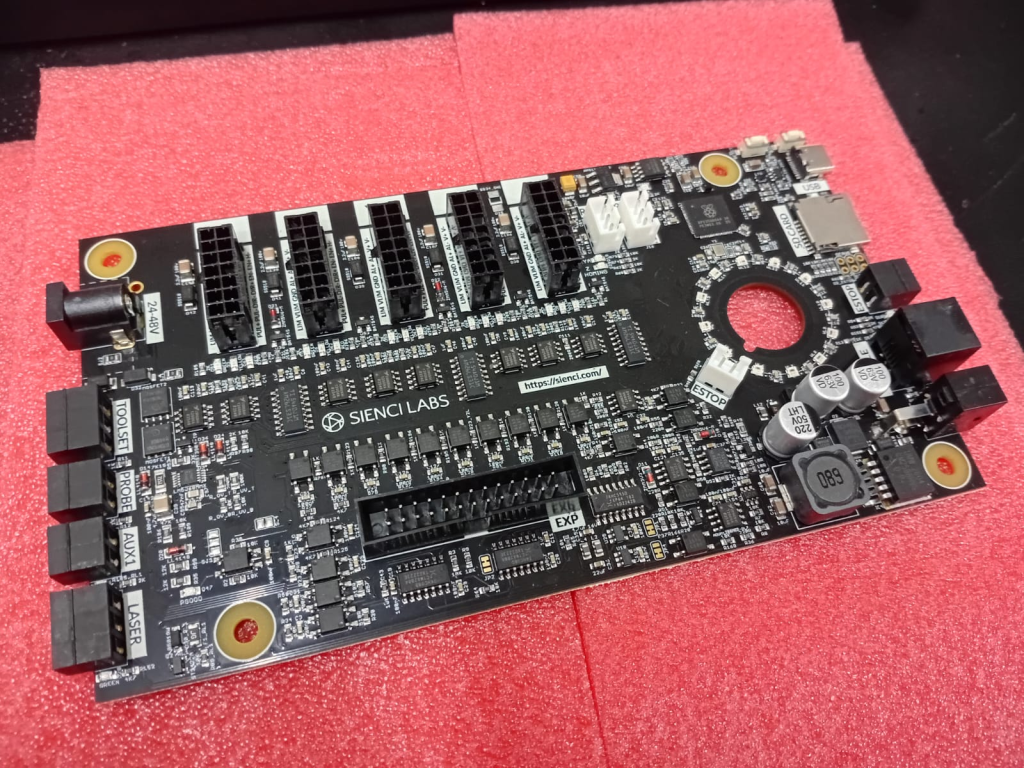
To integrate all of the communication and sensors into the ATC, we developed a custom PCB board that lives on board the spindle. One of the most notable features includes the LED status button, which shows the status of the spindle based on its colour, as well as allowing the user to use the button for functions like executing a manual tool change. 

Quiet Cooling System

Since we first started building spindles, we’ve felt pretty strongly that air cooled spindles are the best choice for the majority of people for these reasons:

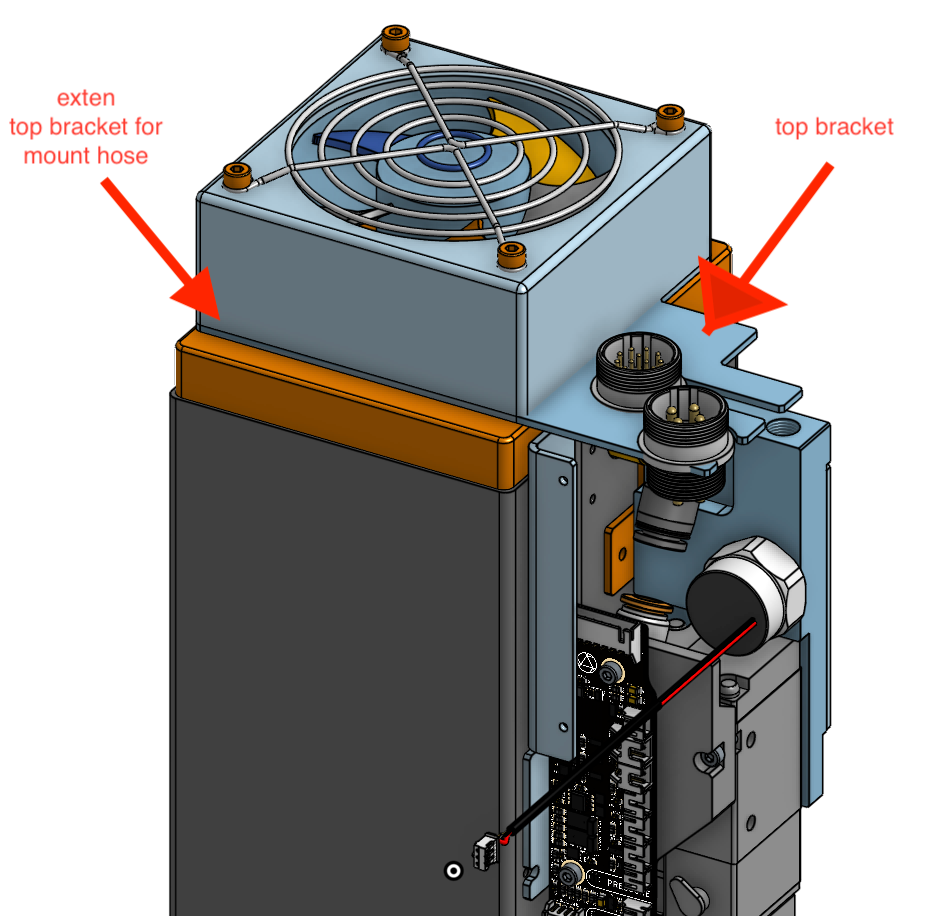
  • Watercooling relies on an external pump, which adds a significant failure point. A failed or disconnected water pump can cause the motor to overheat and in the worst of cases, the wiring to burn out. Most air cooled spindles on the other hand (although not the ATC specifically) use a mechanically mounted air impeller that drives air through the spindle to provide cooling. The ATC specifically uses an electric cooling fan to do the same job as the impeller, but uses a combination of a temperature sensor and controller to adjust the cooling and turn off the fan automatically. 
  • Watercooling requires a send and return hose looped through the drag chains, requiring not only hoses but larger drag chains as well. This adds additional cost and set up complexity. 

By using a separate electric cooling fan, we are still able to get very low levels of noise, as the fan runs at a lower RPM in comparison to a mechanical air impeller. Additionally, since we can turn the fan on and off as needed, this impacts the overall noise of the spindle as well. It should be noted that the fan will primarily turn on when the spindle is running and cutting, where the sound of the spindle is masked by the sound of cutting anyway.

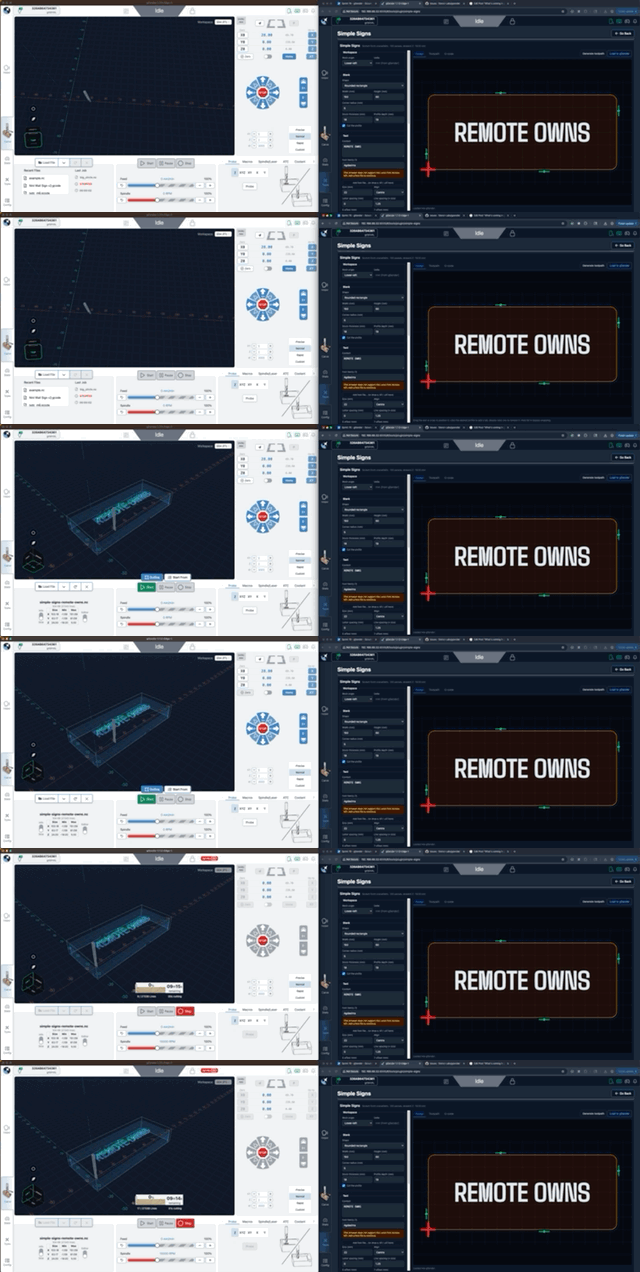
ATC - Carve 1
ATC - Installing Rack 2

Installation and integration

As with all of our accessories, the ease of installation and the focus on a tool to be as plug and play as possible is critical for adoption. From our research, third party ATCs, while many exist, come with a large barrier to entry as the installation process varies significantly based on the type of machine, controller, and tool rack system the user chooses. Given the cost and difficultly of development, we’ve seen a split between ATC manufacturers and CNC manufacturers, where one company handles the resources and integration and the other builds the machine. This means the ATC manufacturers need to work out how to make their systems compatible with CNC machines they didn’t develop in the first place, which makes it more difficult to make it operate as a streamlined and optimized system.

In this ATC project, we have the opportunity to design the machine, mounting, wire management, air management, and software all as a cohesive system.

One of our key accomplishments in this project was also to build a toolrack that was flexible, easy to install, and easy to remove. Given that installing and having an active toolrack reduces the working area slightly, we also wanted to optimize its footprint as well. One important feature is the ease of removing and replacing the toolrack. When users want to use the full area of their machine, users can remove their rack in seconds with two hand screws. In this mode, the ATC can be used manually, where users can press the button on the spindle to release the tool holder, and pushing the button again with another toolholder allows the tool to be secured back to the spindle.

Pricing

Users should expect to invest around $2,600 USD to $3,300 USD before tax for a complete system, including the spindle, VFD, rack, and toolholders. Users should expect to pay around $150-300 USD for an air compressor, which is needed for this system, if they don’t have one already.

  • ATC 6-Tool Kit: $2,890 USD / $4,040 CAD
  • ATC 12-Tool Kit: $3,340 USD / $4,670 CAD
  • ATC Spindle Only Kit: $2,590 USD / $3,620 CAD

Additionally, our new “Clear Cut Dust Shoe” was specifically designed for all of Sienci Labs’ lineup of spindles, and comes standard with the ATC. This allows for tool changes to happen without any interference from the dust shoe.

Additional add-ons are available as well:

  • Separate Tool-Rack: $245 USD / $340 CAD
  • Single Tool Holders: $28 USD / $38 CAD
  • Air Filter Regulator Kit: $80USD / $120 CAD

All available products are sold here

Air compressor compatibility

For proper operation of the ATC, users must provide a reasonable sized air compressor, with 3 CFM at 90psi or better, and 100psi minimum. The ATC spindle will only consume significant amounts of air during a tool change, but not while cutting, which keeps compressor requirements minimal.

FAQs

Some common questions are below but on Thursday, December 4, our project lead engineer Johann will be hosting a Q&A with Kevin our lead gSender software developer, and will answer any technical or work flow questions you may have. Watch for more formal announcements but you can quickly find live the streams on YouTube.

And if you haven’t already, check out what all the engineers have to say in this breakdown video:

Does the ATC work with the LongMill?

Due to weight and mounting constraints, no. The ATC is not compatible with the LongMill.

Why do I need an air compressor?

The air compressor is needed for several functions on the ATC, including supplying power to engage and disengage the tool holding mechanism, as well as providing a de-dusting function, where a blast of air is shot onto the tapered part of the tool holder to ensure that dust and debris have been removed before loading a tool.

Can I get the tool length sensor separately?

As discussed earlier, the tool rack system integrates a tool length sensor to calibrate the Z position of the tool, as well as confirm the existence of the tool itself. We will provide the tool length sensor for mounting to the machine as a separate add-on at a future date, such that LongMill and AltMill users can automate the process of finding the Z-height of their tool before cutting.

How many tools can I have set up with the ATC?

The ATC and gSender can be programmed to hold 32 tool offsets (coded into grblHAL core.) However, we believe one of the 6 or 12 position holders provides an adequate number of tools and fit within the working area of the machine.

Does the tool rack take up some of my working area from my machine?

Yes, the tool rack takes up a few inches of space in the Y direction. However, during the development of the AltMill, due to our anticipation for this to be the case, all AltMills come with some additional travel space beyond the listed capacity so that in practice, the impact is minimal. Additionally, the tool rack comes with an easy installation and removal system, which means that tool racks can be installed and removed in minutes, allowing users to get the extra space for tiling and other pass-through jobs when needed. The system intelligently detects when a rack is removed and prompts the user to swap tools when needed using the manual tool change button on the side of the spindle.

Is the ATC air cooled or water cooled?

The ATC is air cooled. We have specifically chosen to use an air cooling system to reduce the complexity of the system for the user and integrate additional functions such as automatic control over the fan, based on the spindle’s cooling needs and to provide quiet operation when not in use. A temperature sensor built into the spindle provides an additional safety mechanism to prevent overheating. 

It should be pointed out that both air cooled and water cooled systems are both designed for full duty cycles, which means that the cooling system is scaled in both systems to ensure full time use. Neither system is superior to each other with regards to performance or durability.

Is the ATC compatible with other CNC machines?

In theory, yes. We will provide mounting drawings, wiring diagrams, and schematics that may allow users with machines outside of the AltMill family to integrate the ATC into their own system. However, the use of gSender, gControl, and other Sienci specific hardware may be required to use the full capabilities of the tool. We are not providing support for third party use at this time.

Will you come out with more powerful spindles in the future?

Although we do not have specific plans for a more powerful spindle option in the future, we are expecting to work on a more powerful version, especially as we continue to develop our 4×8 line of AltMills and grow our production focused customer base.

Can I take an existing spindle motor and add the ATC parts onto it?

Unfortunately no, due to differences in the design they are not interchangeable.

Can I run the ATC on 110V power?

For the ATC to run properly, a user must provide 220V power and at least 10A. Some users may choose to get a step up transformer which can allow for the use of this spindle with 110V power outlets, but caution should be used to ensure the current capacity of your breaker is not exceeded during operation.

December 2025 Production Updates

We’re now in the final month of the year! What a crazy year it’s been, especially with the growth of the AltMill platform, the launch of the ATC, new tools, accessories and more. We’ve seen significant growth in 2025, with our company and sales doubling from 2024.

Holiday schedule

Our offices will be closed for the holidays from Dec 25 to Jan 1, and we will reopen Jan 2, 2026.

We will continue to ship orders up to Dec 24th, however, we recommend placing orders in advance if you need them to be shipped out beforehand.

Customer service, shipping, and other company functions may be limited at this time.

ATC

The ATC has now launched!

Production is now underway, with our intial batch of parts ordered for the first 160 units. We are aiming to start shipping units in Jan 2026 based on our current schedule.

We also have a livestream scheduled on YouTube, so make sure to check that out.

AltMill 4×8

AltMill 4×8 was just launched and is currently in production as well. Most parts have been ordered, but a few major parts such as the extrusion and gear racks are going through final sample checks before full batches are ordered.

Now that the 4×8 is launched, we’re mostly in a waiting game for parts. We are slowly starting set up processes to get ready for the assembly.

AltMill 2×4 and 4×4

AltMill 2×4 and 4×4 are continuing to ship. However, we’re currently waiting on more 1.5KW and 2.2KW spindles to arrive, expected in the second week of December. This means that the machine and spindles may ship for some orders at different times. Once the spindles arrive, we are expecting to clear out of the remaining queue fairly quickly.

AutoSpin T1

We’re excited to announce that the AutoSpin T1 is now in production. We received our first production sample at the end of October and started our final set of testing. Although the performance and function of the tool met our standards, we had to get a second unit built to ensure our text and logo matched our standards for packaging and silkscreening, since they were a little bit off. However, we have checked the latest version and were able to accept it for final production.

We now have the first 2,000 units in production. We are expecting production to complete around mid-December, and we should have them arrive at our shop around the end of January.

AutoSpin T1 Router - Side View
AutoSpin T1 Router - Collet Nut Zoom
AutoSpin T1 Router - RPM Dial
AutoSpin T1 Router - Side of Box 1
AutoSpin T1 Router - What's in the Box

Closed-Loop Stepper Motor Kit

A few months ago we put out a post to test the waters for interest on a closed-loop stepper motor kit. Since then we’ve received quite a lot of interest for a kit for adding CLS motors to the LongMill, as well additional inquiries to retrofit the motor and control systems on non-Sienci Labs machines.

Otherwise, we are currently wrapping up the remaining ordering of parts and finishing the resources and documentation that will be available to help users do the installation at the time of launch.

We’re excited to share that we are reaching the final stages for supply chain, testing, and resource development for a kit. We are now working on figuring out pricing as well as the potential tie in with the LongMill MK3 in development. Keep an eye out for launch info coming out in the next 3-4 weeks!

Closed-Loop Stepper Motor - X-Axis Motor
Closed-Loop Stepper Motor - Y2 Sensor Placement
Closed Loop Stepper Motor Kit Testing

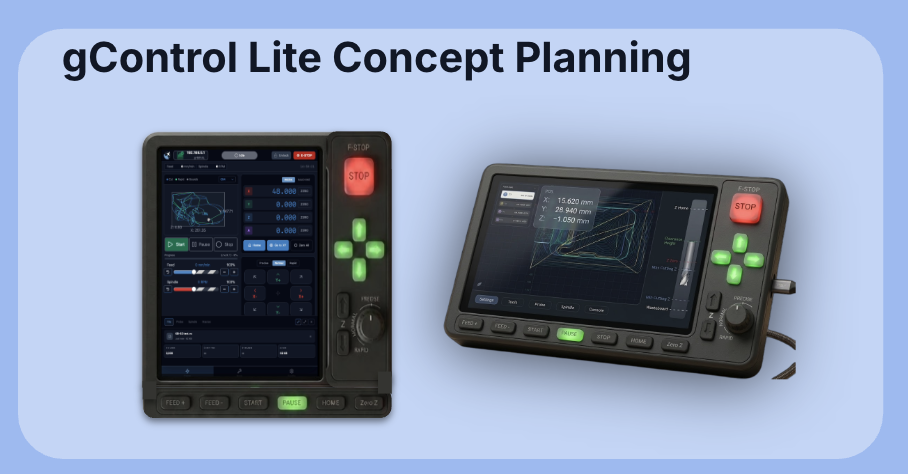
gControl Panel Computers

We’re happy to have received another batch of gControl Panel Computers, so we’re shipping out to folks who have been waiting first (roughly a month.) We are expecting to have stock until January or February. We have also ordered another batch of computers expected to arrive early next year as well.

gControl 1
gControl set up
gControl
Gilberto looks like a DJ spinning the 1s and 2s.

We are experiencing a new potential issue. RAM and memory prices have skyrocketed in the recent months, with news reporting that demand for these parts have increased due to AI. Because of this, the newest batch of computers that are currently in production will ship to us without SSDs and RAM. We are hoping that the price of those components will go down early next year. If not, we will have to reconsider pricing for the computers.

November 2025 Production Updates

Hey everyone, we have another exciting month ahead for November. I am currently on vacation, so you might not see me for the typical video update, but here’s the blog that covers everything. This post might be a bit shorter as well, but rest assured there is a lot going on. A lot of news is a continuation of prior months, so make sure to check out the previous updates to learn more.

Updated Shop Layout

We have now fully removed the floor from our main production space, opening up area to put in new racks and getting prepared to scale up production of AltMills. While our overall floorspace didn’t change, being able to use the taller racking and getting our forklift to other parts of the office will allow us to build more vertically.

Removing the Elevated Floor

A lot of stations use a system of having the assembly on the ground floor, and then materials above, which allows us to store a lot of materials for quick access. The racking is also fairly modular, allowing us to build different configurations.

Reconfigured Floor Space

Shipping Issues

We are still seeing a large volume of shipments coming back from the border, largely due to issues with customs handling. Unfortunately this means that returned orders need to be repacked and reshipped, especially if we see shipping damage.

Undelivered, Damaged Boxes
Message from UPS

We are continuing to work on several different things, like updating our customs documents and forms, submitting forms proactively, and working with UPS to understand where errors are happening. However, we ask that at this time – and thank you in advance – that customers are patient if shipments take a few extra days to arrive.

AltMill 4×8

The AltMill 4×8 is now available for pre-order! You can now order it on the product page. If you want to learn more about the product itself and what it stands for, make sure to read our article, Everything You Need to Know About the AltMill 4×8

In other news, we have now acquired beta testers and have started working with them for testing machines as we go into production based on our first initial sales numbers in the pre-order. Certain parts, especially parts like motors, fasteners and electronic components (which will be shared between other AltMill size variants) have been ordered earlier as part of a larger batch of components.

Most of the work with the 4×8 this past month was mostly making final design tweaks and decisions, plus lots of testing and filming in house to get marketing materials ready. This also happens to be a good time to make some new furniture around the office!

ATC

The launch of the ATC comes this month, with some final considerations and tweaks being done in ATC development over the past 30 days. We’ve decided to move our launch date to mid-November, rather than on Oct 29th (same day as the AltMill 4×8) as we are doing final testing and refinement design work before a full launch. We need to have our bill of materials and kitting configuration decided on, as this will determine the pricing and packages we can offer for customers.

LongMill

Last month we launched a price decrease on LongMill kits across the board. We haven’t seen a big difference in sales volume, although it is present, which seems to suggest that pricing isn’t playing as big of an impact on the demand as it is currently. Perhaps this means the LongMill is due for a revision, or perhaps it means that there is less demand in this market segment in general?

Most of our efforts are in the LongMill redesign, and production isn’t quite ready yet as we wrap up development with our two larger projects, the AltMill 4×8 and ATC, but we’re currently doing some preliminary testing with the close loop steppers designed for LongMill. As we mentioned in a previous post, we are currently in consideration and progressing with offering the electronics (SLB-EXT and close loop stepper motors) in a way to allow for conversions to close loop stepper for the LongMill and other CNC machines.

While this is still a work in progress, we now have the SLB-EXT available for sale on our store. While not officially tested and supported, customers can order them on our store.

AutoSpin T1 Router

First test with the pre-production AutoSpin

We’re excited to announce that the AutoSpin, which had been in rocky territory for the last few months with certification and supplier issues, has seen a lot of progress. I didn’t want to share too much, just in case things didn’t work out. However, we’ve hit one of the main milestones of completing certification, which means we can move towards production now, and we’ve started doing testing with our pre-production units, and if that all goes well, we will move onto production. This could mean that we’ll have AutoSpin T1 routers ready to ship in a little over 2 months.

While we are optimistic we are approaching the end of the process of launching the AutoSpin, due to the complexity of the project, we may still run into issues, and so we will not have pricing or a release date provided until we are confident that we’re able to deliver a product that is up to our quality standards, and on a firm timeline.

Everything You Need to Know About the AltMill 4×8

We’re excited to share the next member of the AltMill family with the AltMill 4×8. This has been a big collective effort to bring a well thought out, productive and affordable full format CNC machine to the hobby market. 

The AltMill 4×8 launches for pre-order on Oct 29th. Stay tuned on our email list, blog and social media for more info. We will have a series of informative videos coming out during pre-order, including an in depth feature from our engineers. Plus, we have a Live Stream Q&A with our engineers scheduled for Thursday, November 6, 7pm to 8:30pm.

What is the AltMill 4×8?

AltMill 4x8 Product Shot
AltMill 4×8 Rendering

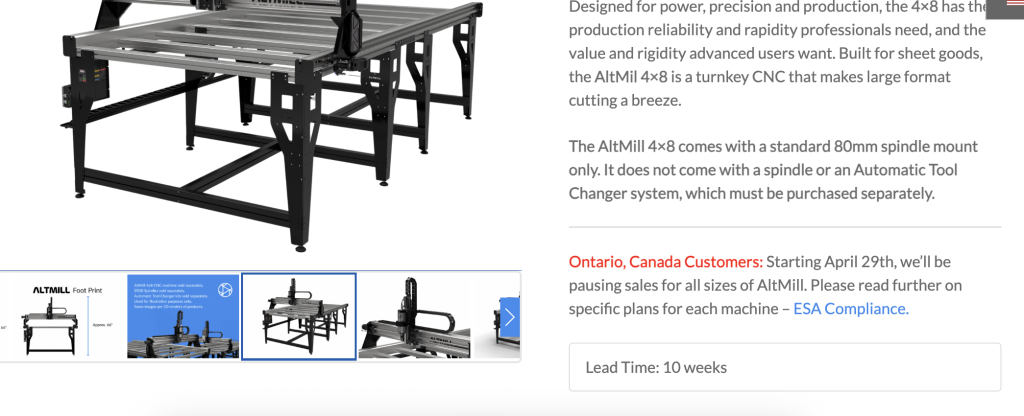
Our goal for the AltMill platform was to find the best balance between cost and performance, offering production level productivity at a price point affordable to beginners and hobbyists. The 4×8 variant takes this to the next step, allowing users to process full 4ft x 8ft sheet materials. 

The AltMill 4×8 has some similarities with the 2×4 and 4×4 sizes, but uses redesigned components to extend the Y axis travel to just over 8ft. The fundamental design of the original AltMill was scaled up to achieve high performance with a larger working area, including increased Z-axis travel and clearance.

The 4×8 format is especially important as it represents one of the most standard sizes used in professional and industrial shops, for most materials like plywood, MDF and plastics. We expect more users to focus on building a business and scaling up their work for making money with this type of machine.

Who is the AltMill 4×8 for?

The AltMill 4×8 was designed at a price point that makes it accessible to the hobbyist and prosumer user, but it has the rigidity and precision capabilities that align with production and industrial focused machines. This makes it suitable for people who are intermediate or advanced hobby CNCers intending to scale into a business; or people who are already running a business and want to supplement or augment their existing production capacity. Entry level hobbyists will need to undergo a learning curve, but luckily we have year-round support and industry-leading resources to guide users on their journey. Learn more here.

Differences Between Industrial Machines & the AltMill 4×8

Software & Programming

For the most part, the CAM processes for both types of machines remain identical. Any CAM software you use for industrial machines can be used with the AltMill. Some industrial machines have more advanced software features on the CAM side, such as version control, managing stock of materials, and distributing jobs between multiple machines. Some software may need specific machines to do these functions, whereas some software is machine agonistic. These are advanced features found on very, very high production machines.

For controlling and sending gCode to your machine, some industrial machines use a custom interface, while some use a third party interface. Common ones include UCCNC, Centroid Acorn and Mach 3. 

We offer official support for the AltMill with gSender, our free, actively developed, and powerful gCode sending software. If you’ve already used one of our other machines or used your machine with our software, you’ll already be familiar with it. 

Speed

We’ve seen a pretty wide range of advertised speeds in the industrial machine space, with rapids from a few hundred to thousands of inches per minute. There are a few practical limitations to speed. First is bit deflection. In the industrial machine, the deflection of the end mill plays the largest role in the accuracy of the cut. This is a little bit different compared to the hobby space, where deflection of the structure of the machine generally plays a bigger role. Second is material or chipload limitations, or the amount of material the end mill can pull out based on the rotational speed of the bit and travel within the material.

The productivity of a machine is also dependent on the acceleration settings. Sort of like how a drag car might go faster in a straight line, but it can’t take corners as fast as an F1 car. Machines are the same. An industrial machine may not complete a job much more quickly than a hobby CNC in practice in some cases, for projects that require a lot of acceleration and deceleration. 

In my opinion, it’s important for customers to consider unit economics. If an AltMill costs 5x less than an industrial unit, but cuts at half the speed, then getting two AltMills might make more sense than one industrial machine.

Cost

We generally would consider 4×8 machines under $15,000 to be in the hobby range, whereas industrial machines are generally above $15,000 and can run hundreds of thousands of dollars. 

There are some industrial style CNC machines that can cost much less, typically built in China, but this generally doesn’t take into account the cost of shipping and importation, setup or modifications to work in North America which can cost more than the machine itself.

Buying Experience

Most industrial machines don’t have a single price and require the buyer to get a quote. This makes the buying process longer and harder for the average buyer to cross shop or compare pricing.

Our goal has always been to make pricing as transparent as possible. Pricing for all products are listed on the website, and shipping quotes can be automatically generated in the cart. 

Shipping

Industrial CNCs almost always need to be shipped by freight. Depending on where you’re located, it can cost hundreds, if not thousands of dollars in cost to be able to get it into your shop. Additionally, you will likely need to have some method, such as a loading dock or forklift, to be able to unload and move your machine, which adds to the cost.

The AltMill on the other hand comes in a series of 6-7 boxes, which all get shipped by courier, and can be delivered to almost any resident or shop in the world. We estimate that the shipping cost for most parts of the US and Canada to be around $300-500 USD.

AltMill 4×8 Base Machine Packaging

Weight

As we mentioned before, the weight of the machine impacts the shipping cost and acceleration settings. Another factor to consider is the ability for the user to relocate the machine. Industrial machines weighing thousands of pounds require special equipment to move, whether it be around the shop or to a different location. Additionally, many industrial machines need a special pad or mounting to the ground for stability and safety reasons. This can cost a few thousand dollars to install if it doesn’t exist in a shop yet.

The upside of having a heavier machine is that it absorbs vibrations, which means that cuts can come out smoother and with less chatter. However, a heavier machine also requires more energy for it to move its axes. This means larger motors, bearings, and other hardware, offsetting some of the benefits of having a heavier frame.

The AltMill 4×8 weighs several hundred pounds and simply uses levelling feet to work with the typical shop or garage. This makes it easier to move around and ship. Although it may not have as much vibration dampening capacity, we believe that it provides more than enough rigidity to get clean and accurate cuts. It’s important to note that the AltMill is designed for cutting woods and plastics primarily, which is considered a fairly soft material.

Features

There are a lot of features that are found with both hobby and industrial machines, but are usually more common or standard on industrial machines. For example, automatic toolchangers and vacuum tables and hold downs are generally more common options that are built in mind for the system. 

At the moment, the AltMill ecosystem does not have every feature to match industrial systems. Some of these features can be added with 3rd party kits from other manufacturers. That being said, we’ll likely work on new features, especially for the 4×8 machines, since we expect more customers to be production focused as time goes on.

Power Requirements

The larger the machines are, the larger their power requirements typically are as well. With the AltMill, the machine itself can run off 110V power from your outlet, but we expect a lot, if not most customers will want a 220V spindle as the 110V spindles may be underpowered. If speed is not your concern and you don’t mind running your machine slower, while being able to not need any additional electrical work, the AltMill is still a great option for a budget friendly 4×8.

Because it’s expected for industrial machines to be used in industrial settings, which typically have access to 220V and even 3 phase power, industrial machines likely will use higher power input options that typical hobbyists don’t have in a home shop or similar. 

Maintenance

The more expensive and complicated a machine gets, the more likely it is to require more expensive maintenance. At minimum, all machines need proper lubrication on all moving components including the linear motion systems, power transmission, and bearings. Industrial machines may require service by a technician or specialist for maintenance and repairs.

Maintenance on the AltMill on the other hand is designed to be done by the user, which means that it can be done without the need to schedule a service. Additionally, parts for replacement are relatively inexpensive. Because there is a self assembly portion of the machine, users also get an opportunity to understand the workings of their machine better.

Engineering

The engineering of the 4×8 combines development and innovations from the other AltMill versions and adds on top of it.

Linear Rail, Rack and Rail Coupling

One of the main challenges of bringing a 4×8 form factor machine to market is getting it to the end user. Simply put, limitations to the size and weight of packages shipped through courier cannot allow linear motion components used in the Y axis to be shipped in a single piece, unlike with the 2×4 and 4×4 machines. This means that these components need to be aligned and coupled together by the user. A significant amount of engineering was done to ensure the smooth and accurate coupling of these components.

Some designs and innovations in this space include developing:

  • A special bracket and process for joining the two lengths
  • Adjusting the spacing between linear motion parts and tolerancing to reduce the impact of gaps in between components
  • An easy to follow process to reduce assembly error 
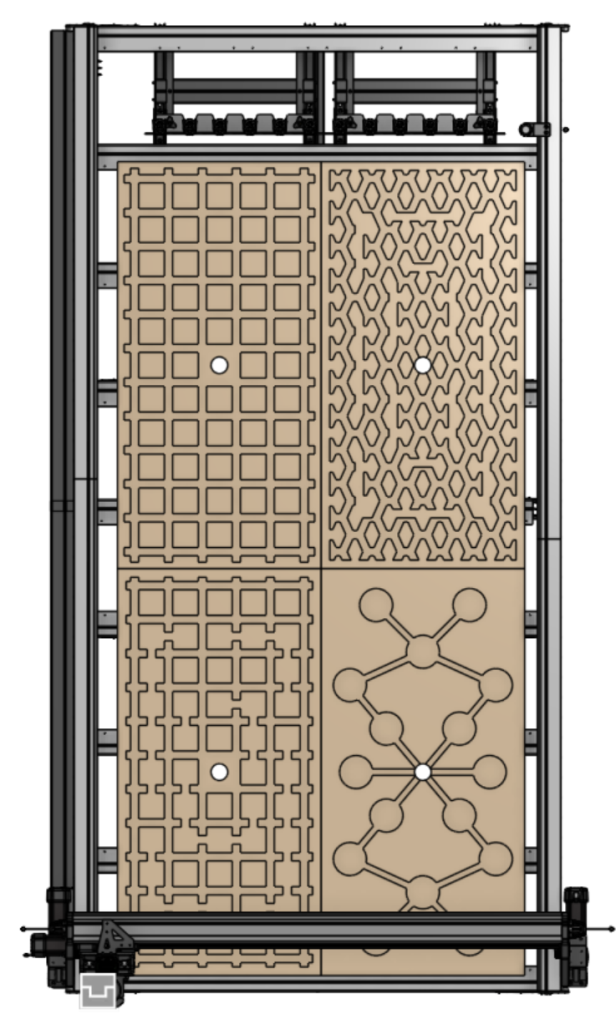
Easy assembly identical tables halves, joined together

Rack and Pinion Engineering

A big debate when it comes to choosing rack and pinion versus ball screw has revolved (haha) around the accuracy and precision differences between both tools. While ball screws can generally achieve higher precision, ball screws come with several downsides that make them less accurate over longer distances.

First is that a longer ball screw can flex more easily. Since the ball screw is only secured at each end, it means that it can bend from cutting forces. This also can be exacerbated with any whipping that happens, which can introduce vibrations and limit the speed of which the machine can move.

Rack and pinion on the other hand is mounted along the length of the rack. This means that there is much less flex in the system. 

Additionally, ball screws cannot be joined together. Due to shipping limitations, the Y-axis parts must be separated and shipped in segments. Since racks can be butted together to make longer racks, this is not a problem with rack and pinion. 

It’s also important to note that the theoretical differences between rack and pinion are more relevant in very high precision applications such as commercial vertical machining centers, and less so in the application of CNC routers, where your material and cutting tool is more likely to influence the accuracy of your parts.

Wear and Hardness Testing

We have conducted a significant amount of testing and research to ensure a high degree of longevity of the rack and pinon system. Much of this came down to understanding the effects of hardness between the rack and pinon. We’ve explored many aspects of the materials used for the rack and pinion including:

  • Post processing the parts including nitriding and heat treatment
  • Working with different alloys
  • Adjusting the gear profiles
  • Long term testing of the use of different lubrication
afdda
Early prototype pinion sample showing wear during extensive testing

Pinion Tensioning System

To ensure proper meshing of the pinion to the rack, we’ve also developed our own pinion tensioning system, which allows for the pinion to have the proper preload for eliminating backlash against the rack and adjusts for wear over time. This also allows for slight misalignments and tolerances in the machine and assembly process.

Gearing

To ensure high levels of precision, the motors are geared down to increase torque and increase resolution of the motor. We found that stepper motors also have a small amount of “elasticity”, which means that when they are held stationary, they can turn very slightly when a load is applied. Given the lower friction and higher distance to rotation ratio, this effect makes a bigger impact to the precision of the machine position while it is stationary. By gearing the motor down approximately 5:1, it effectively reduces the impact of “elasticity” as well.

Spindle options

The AltMill 4×8 will work with 1.5KW, 2.2KW ER20 spindles,, and our up and coming ATC spindle and natively support a toolchanger. 1.5KW and 2.2KW spindles are identical to the ones used on the 2×4 and 4×4 except with a longer spindle cable.

ATC

For those who don’t know, we have been actively working on an ATC spindle. We’re wrapping up development and production, but here’s some details to share before we do a full announcement:

  • Price: 2500USD-3000USD
  • ISO20 toolholders with ER20 collets
  • Capable of expansion up to 12 slots/tools
  • 220V, 2.2KW
  • Air-cooled via low-noise electric fan

Users must provide an air compressor and dryer (such as a desiccant dryer). The ATC has been developed specially to be compatible with most consumer grade compressors (around $300).

ATC Spindle Rendering
ATC Tool Rack Rendering

Our ATci is specially developed as one of the most integrated, advanced, and beginner friendly ATC systems, with features including:

  • Plug and play operation, with native integration with gSender allowing easy re-mapping/selection of tools for a given job
  • Advanced safety features, including integrated: pressure sensing; temperature monitoring; tool in spindle check; and tool in rack sensing to monitor the state of the spindle at all times
  • Easy to remove toolrack to allow users to switch to allow passthrough/tiling operations
  • Designed for quietness. Low noise cooling fans and air seal that turns off when not in operation

We are expecting to do a full announcement and launch in November.

Production Schedule

Batch 1

We are building approximately 150 AltMill 4×8 in the first batch. We expect units from this batch to start shipping mid-Feb to early March 2026. 

Pricing

Pricing for the AltMill 4×8 without a spindle will start at $7,490USD/$10,390CAD. Spindles can be purchased and configured to the user’s needs and will have different pricings.

Shipping will vary based on location, but customers should expect to pay between $300-500USD in shipping within North America.

FAQs

How much do I need to pay upfront?

A full, 100% payment for the AltMill 4×8 is required to hold your place in line. Customers may cancel and get a full refund for their machine anytime before their machine ships.

Will there be any upgrade path to a 4×8 from a 2×4 or a 4×4?

It is under consideration but it will not be a priority for us to provide an upgrade path. First, given that so many additional new components are needed to go to a 4×8, the cost difference between the upgrade kit and the full kit will not be that significant. Additionally, there is a significant overhead cost to do version tracking and ensure compatibility between machine versions that will add to the cost of the kit. It’s likely that it will be more cost effective and reduce waste if customers sell their existing machines and order a full machine. 

Eventually we will have parts available for purchase which allows us to pave the way for a potential modification or upgrade path, but this will not be available until later next year.

Are you going to make a 5x10ft AltMill?

Not until we get the 4x8ft machines out the door first. But if we get enough interest or demand, we may consider it.

Will the AltMill 4×8 work with an ATC?

We expect to have our ATC system available for pre-order closer to the end of the year. However, the ATC system will be compatible with all AltMill variants and will ship around the same time as the first AltMill 4x8s start shipping.

If you’re ordering an AltMIll 4×8 before all of the spindles are available, we recommend placing your order for one closer to when your machine is slated to ship.

What are the power requirements of the AltMill 4×8?

All AltMills use a 110VAC, 48VDC 10A power supply, consuming up to 500 watts. The power supply comes with a North American Standard Type B NEMA 5-15P plug.

Users will also need to account for power use from the spindle, which have separate specifications.

How big is the AltMill 4×8?

The footprint of the AltMill is approximately 114″ long x 66” wide, and over 66” tall (when including spindle height).

October 2025 Production Updates

Initial assembly of the AltMill 4×8

We have another action packed month to share.

Removal of the US De Minimis Exemption

If you’ve been following the news, especially if you’re from the US, the exemption that previously allowed for products entering into the US under $800USD to pass without customs or duties has been abolished. This has caused disruptions in the shipping industry, with new rules being enforced for packages entering into the US.

With much of our products being produced in Canada, we have already certified our products under USMCA/CUSMA, which allows for products from Canada going into the US to be shipped duty free. This means that for the most part, our US customers will be unaffected by these changes. However, we have already removed the ability for US customers to purchase certain items, namely t-shirts and routers, to be bought individually since they do not comply with the USCMA trade agreement.

Due to the changes, Canada Post/USPS shipments going to the US have been suspended due to the need for shipments having to be cleared and duties paid before they enter the US. It will take us some time to implement this system. Instead, US customers currently are only able to ship their products through UPS. Due to our longstanding relationship with UPS, we have been working closely with them to reduce errors and issues with shipping, as well as continue to comply with changing regulations.

It should be noted and expected that shipping delays and errors are more susceptible to happen across all shipping carriers, due to ongoing changes with US regulations. We’ve had a more than normal number of shipments get returned or missing than usual.

Floor Removal and Production Space Shuffling

The past year has been pretty crazy in getting things organized for inventory and production. We’ve been using offsite warehousing to help store inventory, and getting things into our production space for assembly and shipping. To add some more space, we’ve taken out the old flooring used for power and HVAC. This means that we can increase the load capacity on the group and use more high racking and lifters to keep inventory.

LongMill MK2.5 Pricing Changes

We have some pricing changes coming down the pipeline!

Check out our new post for more info

AltMill 2×4 and 4×4 Production

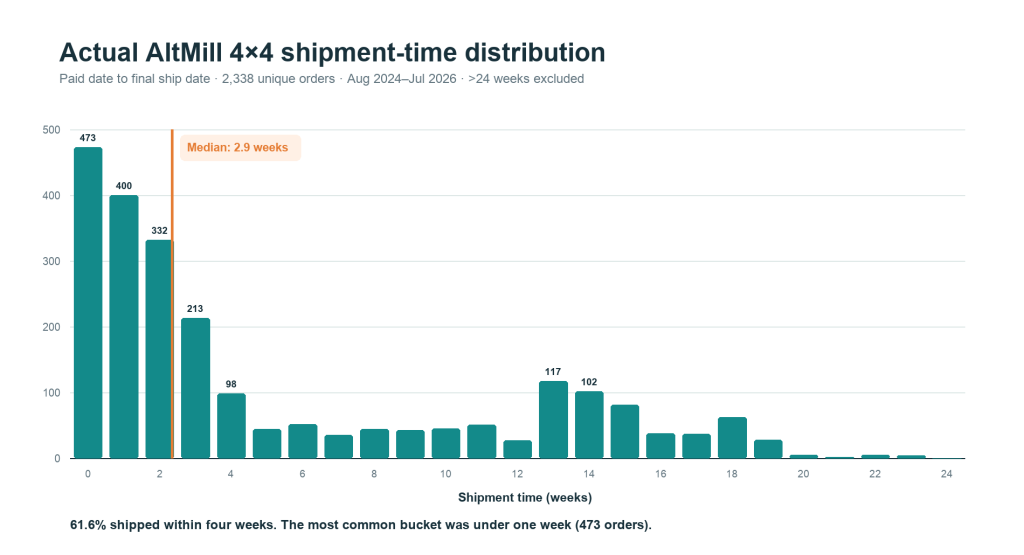
Production for 2×4 and 4×4 has moved very quickly and we have pretty much cleared the queue, with some orders shipping in less than one week. We are now waiting on Batch 6 parts to arrive, and we expect the queue to fluctuate, but remain relatively short moving forward.

While most shipments are shipping much quicker than 5-7 weeks, we are keeping this estimate in place as we expect some slowdown in shipping while we shuffle around our production space.

AltMill 4×8 Development

The AltMill 4×8 launches Oct 29th!

AltMill 4×8 Render

In other news, lot of progress continues to happen in AltMill 4×8 development, more focus being put on:

  • Long term wear testing on the rack and pinion system
  • Improving the assembly process and structural rigidity of the base/table
  • Demo projects with our prototype machines.

We’ve now built two full prototype machines, and we are expecting to have some go to beta testers shortly.

New Endmills for the AltMill Now On the Store

Bigger machines and bigger spindles means we need bigger bits! We’ve added more end mills to our store. Check out all the new bits at the link below.

https://sienci.com/product-category/end-mills-bits/new-2025

gControl Panel Computer

gControl Panel Computers have been selling more quickly than we expected and we are currently out of stock. We are waiting on new stock to arrive and expect it to arrive in early November.

I should note that the new version of the gControl will come with a slightly upgraded processor (N150). The older chip, the N100, is expected to be phased out over time, so we’ve gone ahead with having the next batch use the new chip. This new chip is slightly more expensive as well, so expect a small price bump.

For more info, please check out the article: gControl N150 Update.

Automatic Tool Changer

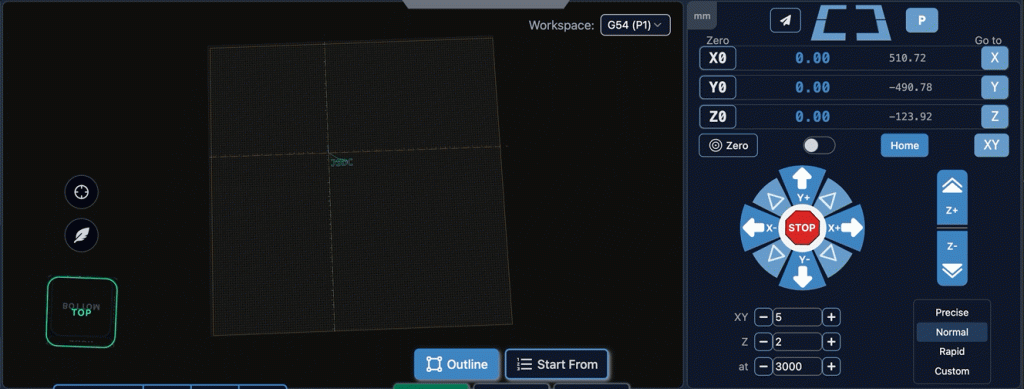
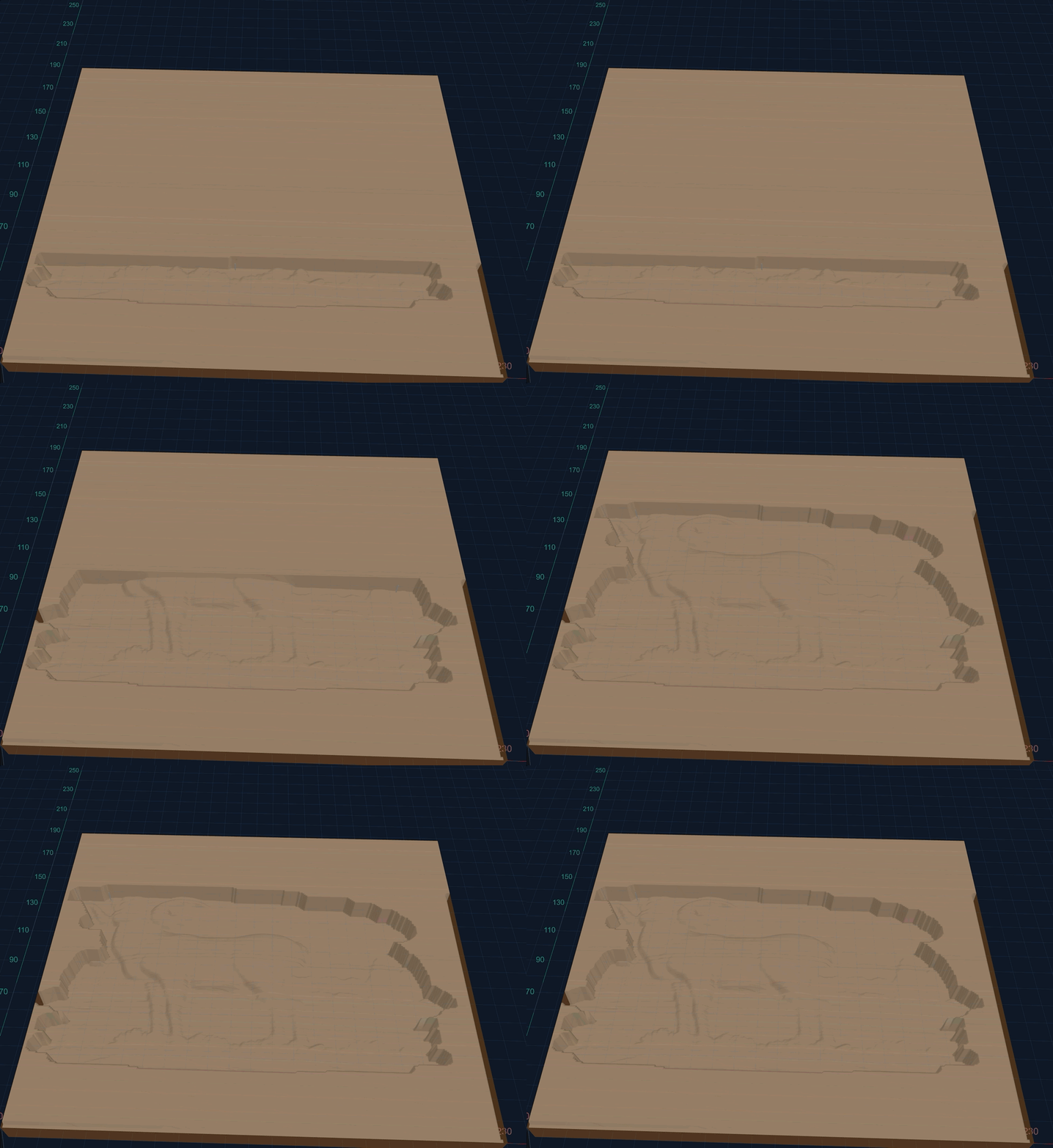
Automatic Tool Changer development continues on at lightning speed. Here’s a cool new update for gSender and ATC integration, which will show different tool path colours based on which tool is being used.

A couple of notable parts of development include:

  • Stress testing the cooling system
  • Toolsensing system

Certified VFDs

As we discussed in our previous updates, we have been working on building our first batch of certified VFDs. We’re excited. We have now shipped the replacement VFDs to Canadian customers who have been waiting, and we have started taking orders for new customers. The new batch of VFD with certification is expected to ship in Jan 2026. In the meantime, customers outside of Canada will still be able to order our regular line of VFDs and spindles.
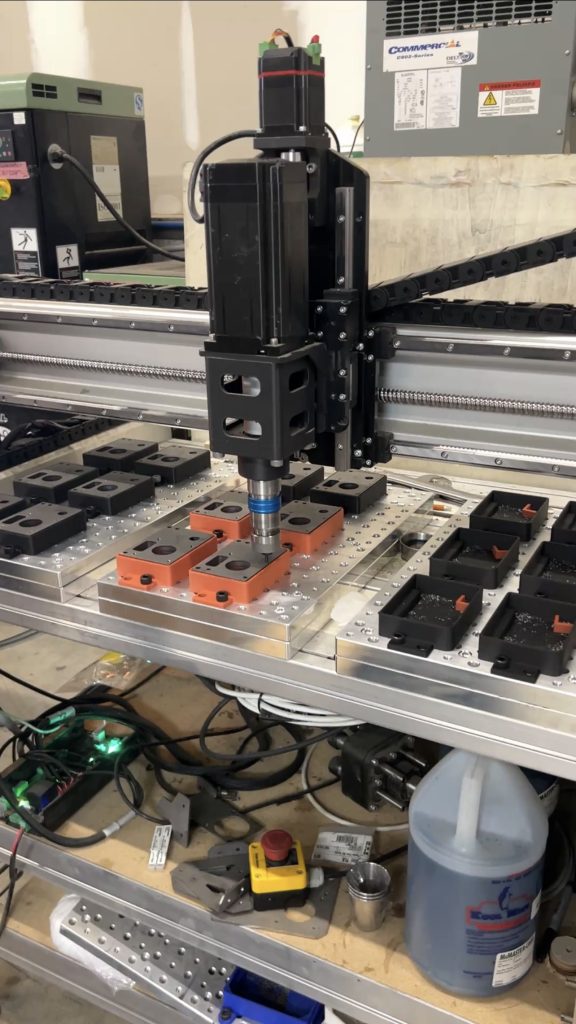
While certified VFDs are only being sold to Canadian customers at the moment, we are planning to change over to this design completely once the remaining VFDs for the US market have been sold out.

Clear-Cut Dust Shoe

Clear Cut Dust Shoe
Clear Cut Dust Shoe

Dust shoes go through a lot of abuse. While 3D printing has allowed us to scale up our dust shoe production quickly and make changes on the fly, 3D printed material isn’t the most durable. We are updating our 80mm dust shoe with our own, polycarbonate dust shoe.

Not only is polycarbonate stronger, the fact that it’s transparent allows users to see dust going through the dust shoe more easily and see how the bit is cutting.

Additionally, the new latching system makes it much easier to take the new dust shoe on and off the spindle, and the new magnet bristle holding section makes it much easier to remove for tool changes.

New spindle kits will start to ship with the new dust shoe soon, and we will start taking order for the new shoe soon as well. Early November is the estimated sale date of dust shoes as single items, and they will cost approx. $95 CAD.

gControl N150 Update

Hey everyone, we have a small update to share for the gControl. New gControl computers will start shipping with the latest N150 processor. This comes with a small performance bump over the previous N100 processor, as well as a small price bump. This article explains the changes below.

Future supply chain considerations

The N100 chip was first launched in the first quarter of 2023, making it just over 2 years old at the time of writing. In the modern era, this still makes the N100 a pretty new chip. The N150 on the other hand, was released just a few months ago, in the first quarter of 2025. From discussions with our manufacturers, Intel is working to discontinue the N100 in favour of the N150 in the longer term, which has caused the price of the N100 to increase, and for the N150 to only be a few dollars more than the N100 (after the price increase.) We are anticipating that pricing availability for the N100 to continue to be volatile as it becomes discontinued in favor of the N150, so we have decided to move over to having the N150 processor in computers in our latest batch. 

Unfortunately, the pricing for both the N100 and N150 have both increased, which means that we are increasing the price of the gControl computer to accommodate this change.

N100 vs N150

Overall, with the architecture between N100 and N150 being nearly identical, differences are minor as well. Users may see a 5-10% general improvement in performance, due to the ability to boost to slightly higher clock speeds. (https://www.cpubenchmark.net/compare/6304vs5157/Intel-N150-vs-Intel-N100)

In practice, users will not notice a significant change between the processors, and computer assembly and form factor will remain the same.

External power supply

In the previous generation of computers, the power supply for the computers were placed inside the computer. N150 computers will now come with an external power supply over an internal one for two reasons. 

First, is to reduce the cooling needs of the computer. Moving one of the heat generating components outside of the case will allow the computer to run cooler, which is especially difficult in a fanless system. We believe this will help the overall performance of the computer by reducing the chance of thermal throttling, where the computer will reduce its performance by reducing the speed of the processor.

Second, is to better comply with EU standards for safety compliance. Having a certified power supply used externally is considered “safer” and limits the chance for issues with shipping computers to this market. Users will get a power supply that plugs into a DC port, rather than the AC cable previously. Otherwise, the use and assembly of the computer remains identical.

Future of gControl?

To preface this section, we discuss some of the aims and goals for the gControl project here: https://sienci.com/2024/10/17/everything-you-need-to-know-about-the-gcontrol-panel-computer/

One of the main reasons we went with a Windows based industrial computer with this version of gControl was largely due to the power requirements to have the graphics interface of gSender, as well as limitations of graphics driver support. However, we do have to acknowledge that one of the biggest limitations to offering a lower cost option is how we can optimize gSender for a lower powered device. 

Price changes

Pricing for the gControl Panel Computer will be updated to $459USD and $619CAD. 

LongMill Pricing Changes and Plans for the Future

A lot of things are going on at Sienci Labs, and it’s time to talk about what the future looks like for the LongMill product line.

As you might know, the goal for the LongMill was to build an entry level, hobby-focused CNC machine with these characteristics:

  • Price affordably
  • Features that both beginner and experienced users wanted
  • Large enough to do a wide variety of useful projects

A shift in the entry level market

When the LongMill first came out as a Kickstarter project in 2019, it was a radical addition to the hobby market. Not only was it significantly less expensive than some of its earliest competitors and popular machines of the time (like the Shapeoko and XCarve,) it introduced the use of leadscrews, which was (at least in our consideration) far superior to the use of belts.

Over the years, the LongMill was iterated with notable changes including:

  • Transitioning to using 3D printed structural parts to metal and injected molded parts
  • Custom aluminum extrusions
  • Introduction of T12 based power transmission systems
  • Introduction of gSender as the most advanced and intuitive hobby CNC control software
  • Integration of notable accessories such as the Vortex Rotary Axis, Autozero Touch Plate, and more
  • grblHAL and the SuperLongBoard, bringing next generation CNC electronics and control
  • Introduction of a 4ft wide format, allowing the use of full width (4ft) sheets

Over time, we’ve seen a lot of changes in the hobby CNC landscape. The first is most hobby CNC producers going upmarket, focusing on “prosumer” machines in the $3000-6000USD range in favour of entry level machines in the sub-$2000 range. This left the LongMill as one of the only mid-format hobby CNC machines in the market.

We also saw a big wave of Chinese hobby CNC brands like Foxalien and Sainsmart enter the market, allowing users to get a taste of CNCing for a few hundred dollars. This created a big gap in the market, where users could get a very entry level CNC machine for a small amount, or move up market to a machine that could be used for small scale production for a few thousand dollars. The LongMill sits somewhere between.

#image_title

Where does that leave the LongMill today? First, this presents a unique opportunity for the LongMill to combine the best of both worlds. The current design of the LongMill has not seen much change in the last 2 years. With access to new technologies and resources, we believe it’s time to implement advancements into a new version of the LongMill to make it relevant to the times.


Pricing

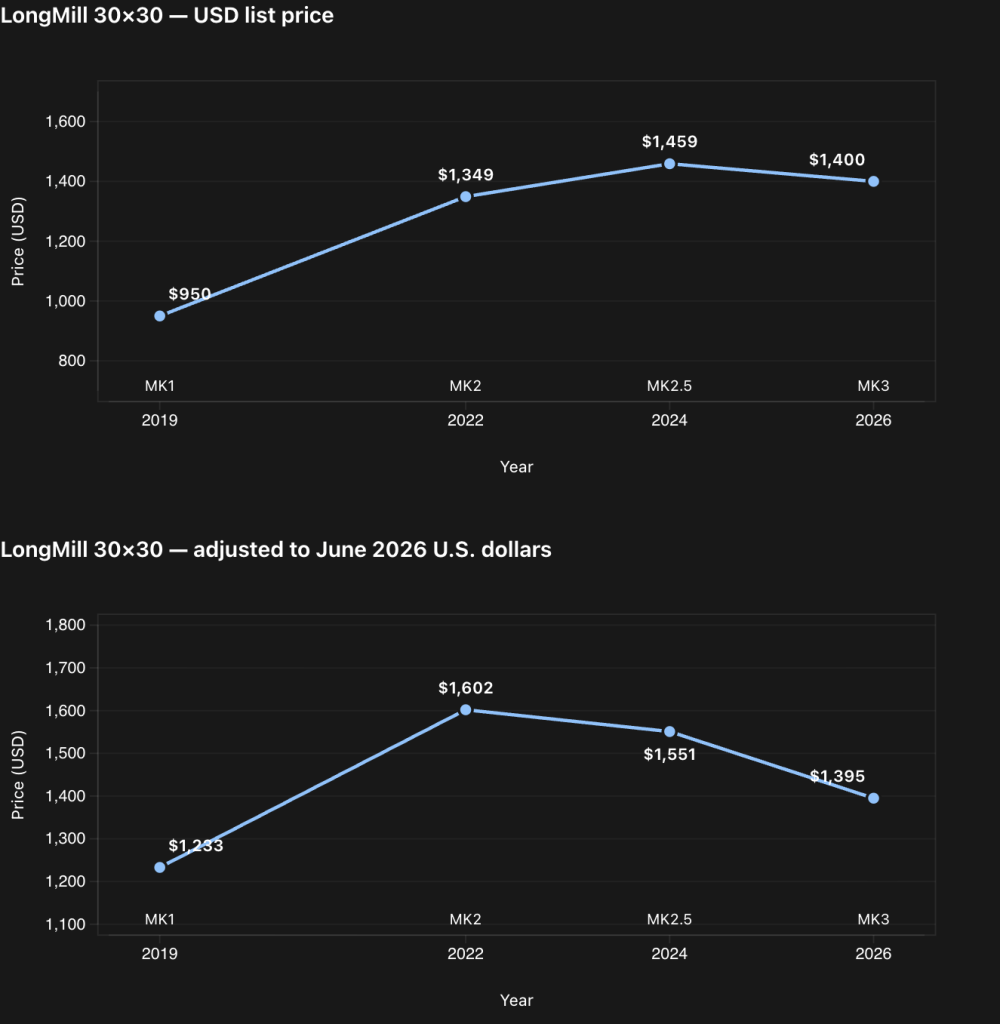
We will be lowering the price of the LongMill MK2.5. There is a market reason and strategic reason for this change. Over the last two years, we’ve seen a slow decline in LongMill sales. We believe that there are several factors to this, but the two main factors come down to competition and the price delta between the AltMill and the LongMill:

  1. We believe that the LongMill now competes more closely with entry level Chinese hobby machines rather than North American built hobby CNC machines, and thus we should adjust pricing to reflect this. 
  1. We’ve noticed the price difference between the AltMill and LongMill is small enough that most customers are choosing the AltMill instead.

The LongMill MK2.5 is still a fantastic entry-level CNC machine. We still have customers who actively use their LongMills, and regularly see examples of the MK1 versions being used on a daily basis too. We don’t know exactly how many LongMills are in the wild, but we’d estimate that there’s been nearly 10,000 shipped since the launch of the machine. However, to adapt to these external factors, we’re also making some changes.

New pricing for the LongMill MK2.5 will be available Oct 13, 2025. All machines and their variants will be reduced by $300CAD or $220USD, until supplies last.

We believe that these pricing changes make the LongMill a more competitive option in the current market, aligning with other, more direct competitors.

With regards to the strategic factor, we want to make some space for the new version of the LongMill. We’ve started prototyping some initial designs and want to start prepping for production early to mid next year. This means that we want to liquidate some or most of the existing stock of the current LongMill MK2.5.

What is the new LongMill?

In many ways, the new LongMill will be the same as the old LongMill, aiming to serve the same target demographic at a similar price point. However, the LongMill will be updated with all of the new technologies and development we’ve implemented between the LongMill and AltMill. 

We don’t have too many details to share at the moment, but keep an eye out near the end of the year for more info!

Future of the LongMill MK1, MK2 and MK2.5

Support for all prior generations will continue to be available in several different formats:

  • Wear components like the Delrin ACME nuts and v-wheels will continue to be available on our store
  • Cross compatibility with the SLB, motors and power supply across all generations of the LongMill will continue to allow for replacement options
  • All design generations of the LongMill will continue to be open source, which allows users to fabricate their own parts if necessary

We expect the new version of the LongMill to have a lot of similarities and shared parts, allowing some cross compatibility. However, we don’t expect there to be a simple or affordable upgrade path for the core structure of the machine.

Final thoughts

We’re excited to navigate through this new hobby CNC landscape. We’re excited to see this market grow and new competitors come into the space. With new developments and advancements we’ve made in the AltMill line, plus everything we learned from shipping thousands of LongMills, we’re excited to bring new advancements to a new line of beginner focused, entry level CNC machines.

September 2025 Production Updates

Here’s your Sept 2025 production updates!

AltMill 2×4 and 4×4

AltMill production has been moving forward at a breakneck speed, with us shipping out nearly 100 AltMills per week. We are now stocking up for Batch 6 units for Oct 2025.

We have been addressing issues that some of our new customers have faced, some of which frankly are a little embarrassing, like sending two left side rails instead of one left and one right.

We appreciate everyone’s patience as we get some of these things ironed out. The team has been working to put in the proper checks to ensure that things like this don’t get missed, both as we understand it can be frustrating for the customer to have to wait a little longer to get their machines together, as well as our time and cost to do the replacements.

A lot of this is housekeeping to get production tidied up and streamlined, and we expect the overall experience for the user to be improving as we go along.

We did take a short pause on shipping to wait on restocking for power supplies, however we are expecting them any day now and expect lead times to stay within 5-7 weeks for customers that ordered in August. Once we get these parts in, we’ll be able to ship out the next few hundred machines and get prepped for the next batch!

AltMill 4×8

We’re excited to have done our first round of test cuts with the first prototype of the AltMill 4×8. Want to follow along on the development process? Check out Ben’s videos! These will be a series of videos coming out every few weeks, so make sure to subcribe to our Youtube channel if you want to keep up to speed!

We are now deep diving into longer term stress testing for the 4×8. One of the key areas we’re digging into is the long term wear impact of the rack and pinion system. Some of the areas of consideration to improve longevity include:

  • Lubrication of the rack and pinon
  • Hardness of the rack and pinion components, and the impact of wear based on the difference of hardness between the rack and pinion
  • Teeth count, profile and shape of the pinon
  • Hardening methods including nitriding and carbourizing
Photos of rack comparison before and after
First cut on the 4×8

We have now ordered parts to build three beta machines that will have production parts and we should have of them to start by the end of the month.

Auto Tool Changer

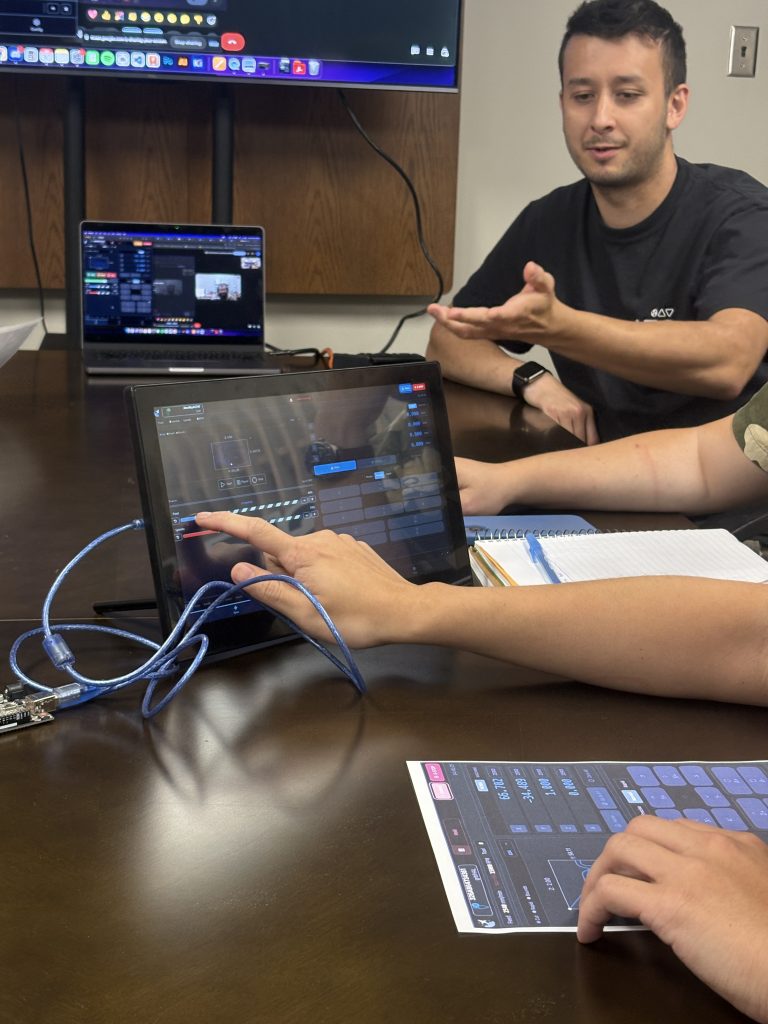
A lot of progress on the ATC this month. Here’s a quick look at testing the software integration of the ATC.

A lot of new developments for the ATC system. We’ve now 95%-completed the mechanical design for the spindle and we’ve tested it to be powerful and reliable. A couple of features that come along with this include:

  • Manual mode button, allowing for tools to be changed by button press rather than with a programmed sequence
  • Status lights to indicate proper pressure before use

Some of the core focuses for this month have been with the tool rack, a couple of features developed or in development include:

  • Pivoting mechanism to prevent damage during crashes
  • De-dusting process to prevent dust and chips from getting caught in the spindle
  • Positioning and mounting to preserve work area on the machine
  • Tool length sensor

Also check out this video that shows off the early version of the ATC system!

AutoSpin T1

Last month we mentioned that we had put the router production on hold to resolve some issues around the certification. We are glad to say we’ve been able to work out the details and continue the production. We are in the process of recertification and expect it to be ready around the end of September. This is still in progress so we will have a more solid update by the next production update.

We’re tentatively expecting to complete production in early October. Our general plan right now is once we have our production units ready, we can open up units for pre-order after we’ve inspected the first batch of production units. If we stick to this timeline, we should see the new routers ready to ship in late November to early December.

Based on current estimates, here’s the general plan:

  • Receive updated certification mid-September
  • Receive first few units off production line end of September
  • Test first few units. If units work successfully, we will launch pre-orders
  • Production for approximately 2000 units completes early October; with shipping to our warehouse, we should expect to have units ready to ship by early December

We will continue to provide more info as we move forward, so stay tuned!

These are of course still tentative plans, and we will provide more news as time goes on.

110V 1.5KW ER20 Spindles and 220V 2.2KW ER20 Spindles

Both 110V and 220V spindles are now shipping! These are uncertified VFDs for the US market. These are shipping with AltMills (if ordered with machines) or have an approximately 3 week lead time currently.

We also have started shipping replacement certified VFDs to customers who have been waiting on them. More info in our blog post here: https://sienci.com/2025/08/12/everything-you-need-to-know-about-certified-vfds/. We are currently working on manufacturing for a new batch of certified VFDs to sell to the Canadian and international markets. We have now certified around 90 units and have started shipping them out to customers who are waiting on them. We are expecting to have these available to sale once we have completed shipping out the first batch.

Between the Racks Fireside Chat

For Waterloo Tech Week, we are hosting a small talk about hardware! Event will be Sept 11, from 6:30pm/

Learn more here: https://lu.ma/rxneke6j

Everything You Need to Know About Certified VFDs

Earlier this year, we were asked by the ESA to restrict the sales of VFDs within Ontario, Canada, until we had received certification. Since then, we have been working on a design of our VFDs to certify their use. We did not have to do any further certifications for the spindle as they were already certified.
The short answer of whether an electrical product needs certification or not is yes, or more officially, complying with CSA standards qualified by UL or equivalent. Certifying a spindle and VFD system ensures:

  • The system is tested to be “safe”, which takes into account factors like fire resistance, shock prevention, mechanical durability and more
  • Protection against liability in the chance of an issue arising from the device
  • Ability to be imported into certain regions

However, in practice, most spindles and VFDs sold in North America for hobby use do not carry a certification. In fact, based on our research, at the current moment, spindles and VFDs from Carbide 3D and PWNCNC, as well as Amazon, don’t have certifications. The only systems that carry the proper certification is Redline CNC, which describe themselves as the “industry’s first and only safety approved plug-and-play spindle kits”. 

As far as we understand, there is no specific requirement for hobby or home users to need certified spindle systems for the US*, especially if they are putting together their own systems which is why we have been able to keep selling to the US. For commercial use, insurance companies may require the electronics used to have certifications, either as a field inspection or with the use of certified equipment.

*Somewhat ironically, given that we are restricted from selling uncertified VFDs in Canada, Canadian customers have been purchasing other uncertified (perhaps less safe) spindles and VFDs instead from the US.

As a whole, I believe that it is the responsibility of the manufacturer to design and develop their products to ensure they are safe. Certification is a good representation of compliance of established standards designed by experts in the field. However, certification can cost thousands, if not tens of thousands of dollars, on top of thousands of dollars in yearly inspections needed to keep the certification active. For a full certification of a product like a VFD, we could be looking at spending around $35,000 USD, plus a few thousand dollars per year to upkeep the certification. We believe that the cost restriction is a big barrier for most manufacturers to get full certification for their products. In fact, through this process we learned that our manufacturer of VFDs had received certification for the same VFDs that we currently offer a number of years ago, but due to cost reasons, let the certification lapse. One-time certification at the scale at which we operate also prohibits us from continuously improving our product to meet the changing needs and feedback from users.
There is a secondary option, called SPE-1000, which is a field certification, where an inspector can individually inspect electronics instead. This option is more practical at lower volumes, as we simply need to pay for the inspector’s time, so that the cost to inspect units would work out to only $30 a unit. The cost for this in the short run would be less than getting a full certification.

For the short term, we will offer both certified and uncertified systems to US customers once they are available. Canadian customers will only be able to purchase certified systems. In the long run, we will likely consolidate all of the systems so that all systems will have the same hardware, and have a price difference for models with the certification. In the future when the production volume gets large enough, it may end up being more effective to move from field certification to a different certification standard.

Design Differences

The new VFD comes with several changes considering improved safety and ease of use.

Ease of use improvements:

  • Pluggable spindle cable: the cable for the spindle is no longer wired in with a screw terminal but instead uses a plug on each end allowing for the user to easily connect and disconnect the cable without tools
  • Pluggable AC cable: like the spindle cable, rather than needing to use a screw terminal for the plug, the NEMA 5-15P style cables. Note that this cable must be rated for 15A (these are provided in the kit)
  • Pluggable RJ12 connector for controlling the spindle via RS485
  • Fuse is easily accessible and swappable
  • Switch allows for user to easily turn on and off their VFD

Safety related changes:

  • Components are tested for fire resistance, and all bear appropriate UL/CSA safety markings
  • Enclosure designed to prevent shock, with proper spacing and mechanical strength to prevent shorting
  • Proper safety warnings and stickers

Customers waiting on certified VFDs

Currently we have a small number of users waiting on certified VFDs within Canada. These are either people who ordered and received a spindle kit (uncertified), or ordered but are waiting for their kits to ship, before we took it down from the store. Customers had the option to return their kits for a refund or wait until we provided the certified version.

We’re currently assembling the first 100 units for the 110V 1.5KW, some which will go to the initial customers, and the remainder will be available to Canadian customers once the batch is complete.

We are working directly with these customers to issue the replacements.

Current Production

Along with the first 100 units, an additional batch of roughly 300-400 of 110V 1.5KW VFDs, and 300-400 of 220V 2.2KW VFDs are also being lined up for production. Whatever units we have left from the first batch will be available to the general public; the other units will be available once we have an expected ship date for everything else.

Pricing

Here’s a timeline and estimated sale price for each variant. Please note these are estimates only and may change – watch for emails and social posts for formal announcements over the next few weeks

Enclosed VFD refer to the certified versions

Unenclosed VFD refer to H100/uncertified VFDs

1.5kW ER20 with unenclosed VFD – $555 USD

2.2kW ER20 with unenclosed VFD – $700 USD

1.5kW ER20 with enclosed VFD – $650 USD

2.2kW ER20 with enclosed VFD – $790 USD

August 2025 Production Updates

This past July was a busy month. Here are August 2025 Production Updates!

AltMill 2×4 and 4×4

Probably the biggest news of the month: we had our batch of materials we were waiting on to continue shipping on time. It’s sort of funny how we talk about when a shipment is on schedule, because we’re so used to things being late, we say it’s “on time”. This is why were letting people know that there was a good chance that we would have to start shipping in August. However, given that all the materials came in July, we have already started shipping and customers may be seeing their machines a few weeks earlier starting July 11th. Over the last three weeks we’ve hit about a hundred machines shipping out per week.

Additionally, we have reduced our lead times down to around 5-7 weeks, and we’re expecting lead times to continue go down gradually as we clear the queue. If we’re on track with our shipping rates, we should get there at the end of August and for us to complete Batch 5 in the first week of October.

We’ve brought a few extra staff members and have continued to hire more people for production to prep materials to get out the door. Batch 6 production is now underway, with parts completing in October as well, hopefully in time for when we run out of parts in the previous batch.

We also recognize that we do have a couple housekeeping things that we need to tackle, including more resources for the AltMill maintenance and offering replacement parts on the store. Our team is continuing to work on that, especially as we continue to grow our community.

In other news, Mike has set up some automation in the print farm to help print the dust shoe parts with a little less human intervention. We’re currently working on the injection molded version to soon take over 3D printed shoes, but we expect the manufacturing process to take another few months to complete.

AltMill 4×8

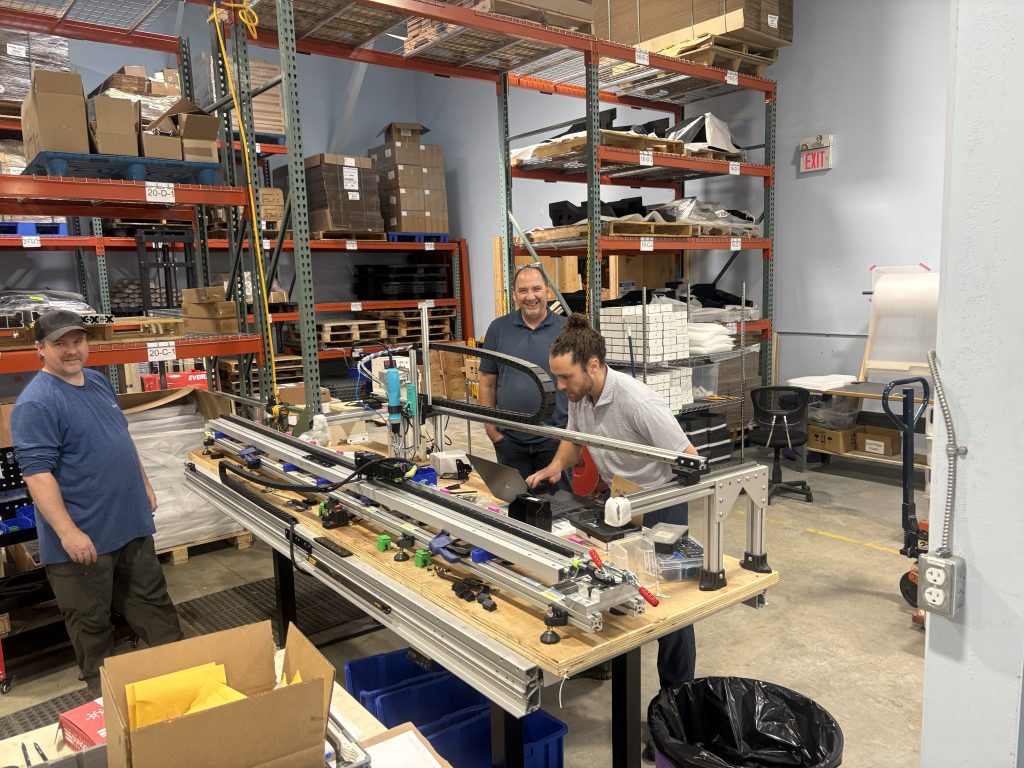
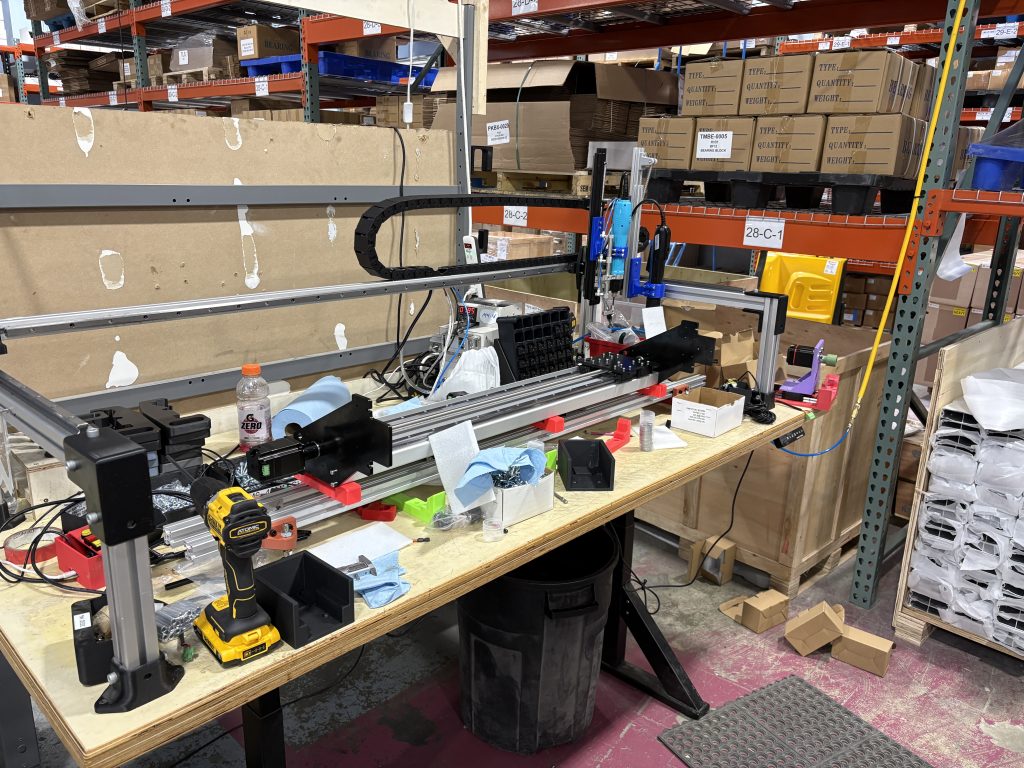
Version 1 of the AltMill 4×8 was constructed this past month. This was to get a general idea of scale, assembly, and everything that we can’t from 3D modelling it on the computer. We took parts from the original AltMill 4×4 to build this prototype. We’re expecting to start testing the full machine in the next week or so. We’ll post some testing and project videos showing the new machine soon.

While the X axis of the AltMill 4×8 will be more or less the same as the 4×4, version 2 and the final version of the 4×8 will use different Y axis rails to support the rack and pinion hardware. Another set of dies and extrusions are being produced now and we are expecting these to be arriving sometime at the end of August. We also have some of the production version parts on order so that we can have potentially a small beta testing run before going into full production to iron out any bugs. Based on our current timelines, we should have these around the end of September.

We are also starting to work on how big our batches are going to be, since we’re expecting a lot of interest. However, we’re already quite packed in our current production space, so there’ll have to be a bit of extra planning involved.

Bengineer on the AltMill 4×8 V1 prototype
First Assembly of the V1 prototype

AutoSpin T1

Due to some issues with working with our supplier, we are not certain of what direction we will be taking this project. Over the last few months working with this supplier, we had some general small communication issues, however, we ran into an issue with the the way the router was certified. One of the key aspects of the design is the control cable and electronics to allow CNC controllers to control the speed of the router. However, in the official certification documents, this was not included. From our perspective, this is a critical part of the product, and without this part included in the certification, we open ourselves up to additional liability.

There are a couple of ways forward from here:

  • Let the current supplier properly certify with the correct specifications
  • Find a new supplier to work with
  • Put the project on the backburner

We’re still going back and forth with the supplier to determine how we want to move forward, but we expect the project to be delayed until we get this part back on track.

New (Larger) Bits Coming Soon

With the growing community of AltMill users, we’re also expecting to launch larger tooling soon. We are currently working on documentation and testing for a new batch of end mills that are more specifically designed for the AltMill. This includes larger diameter bits, surfacing tools, and more.

We are quite close to releasing a 2.2KW version of the spindle using ER20 collets, which will also play nicely with the new bits, more details for that to come as well.

New Spindles and VFDs

We have a couple new VFD and spindle kits coming down the pipeline. We’ll have a separate post and pricing for this in the next few weeks, but this includes:

  • 220V – 2.2KW ER20 Spindles (AltMill only)
  • 110V – 1.5KW ER20 Spindles (AltMill and LongMill)*

*We had initially stated that we didn’t recommend the ER20 spindles for the LongMill. The engineering team has let me know that we want to retract this statement, and also to provide some more context.

The spindle is NOT plug-and-play compatible for machines with the original LongBoard (MK1 and MK2). Support and resources are limited for implementing this set up. Please read this article for more details. Customers who have the LongMill MK2.5 can use the spindle.  

These kits are currently only available for customers outside of Canada. Kits certified for Canada are coming soon. More updates to come.

The 1.5KW ER20 spindle kit for the LongMill can be found here.

Working on assembly of our own VFDs

Close Loop Stepper Motor Kit

As we talked about in the last blog post, we had gotten a lot of feedback for interest in a “close-loop stepper motor kit”. We got nearly 400 respondents with a strong interest in this type of kit. Given the interest, we believe that this would be a viable kit for us to make available.

There are a couple of practical considerations before we move forward with this sort of kit:

  • There is a lot of documentation that needs to go into helping users set up their systems
  • We need to buy more inventory, which eats into the capital that we are already allocating to our AltMill production currently
  • We’re already working on several projects, including the ATC and the AltMill 4×8, which means that we need to consider how thin we’re spreading ourselves with the development

It’s likely that when we get to purchasing Batch 7 in around October, we’ll look again at ordering parts for the kit, or figure out some ways to work on this kit without overburdening our engineering resources in the meantime to get this kit available sooner rather than later.

Automatic Tool Changer

A lot of work continues to go into the ATC project, with a lot of focus in the software and user interface side of things.

We’ve also been ordering some more parts and doing some design work in July as well. We’ve ordered some more parts for this which should arrive in the coming weeks. We’ve now finalized the manifold design and electronics, leaving us with finalizing the design for the toolholder.

ATC Exchange

gControl Panel Computer

A small piece of exciting news, in July, we shipped our 1000th gControl Panel computer. Which was something that we were expecting to be a minor accessory has been a surprising success in our books. With the popularity, our team is working to offer more resources to help support users. If you haven’t checked out the latest video, here it is: