Sienci Labs will be closed on Friday, April 3 for Easter weekend. Customer Support services will not be available. Orders can be placed as usual. Please use our online resources and help videos until the team is back on Monday, April 6. Dismiss
Hey everyone. We really appreciate those who participated in the contest this week. It was hard for us to choose the best useful household item projects since they were all so unique. We always look forward to seeing all the projects shared within our community.
Last Week’s Winners
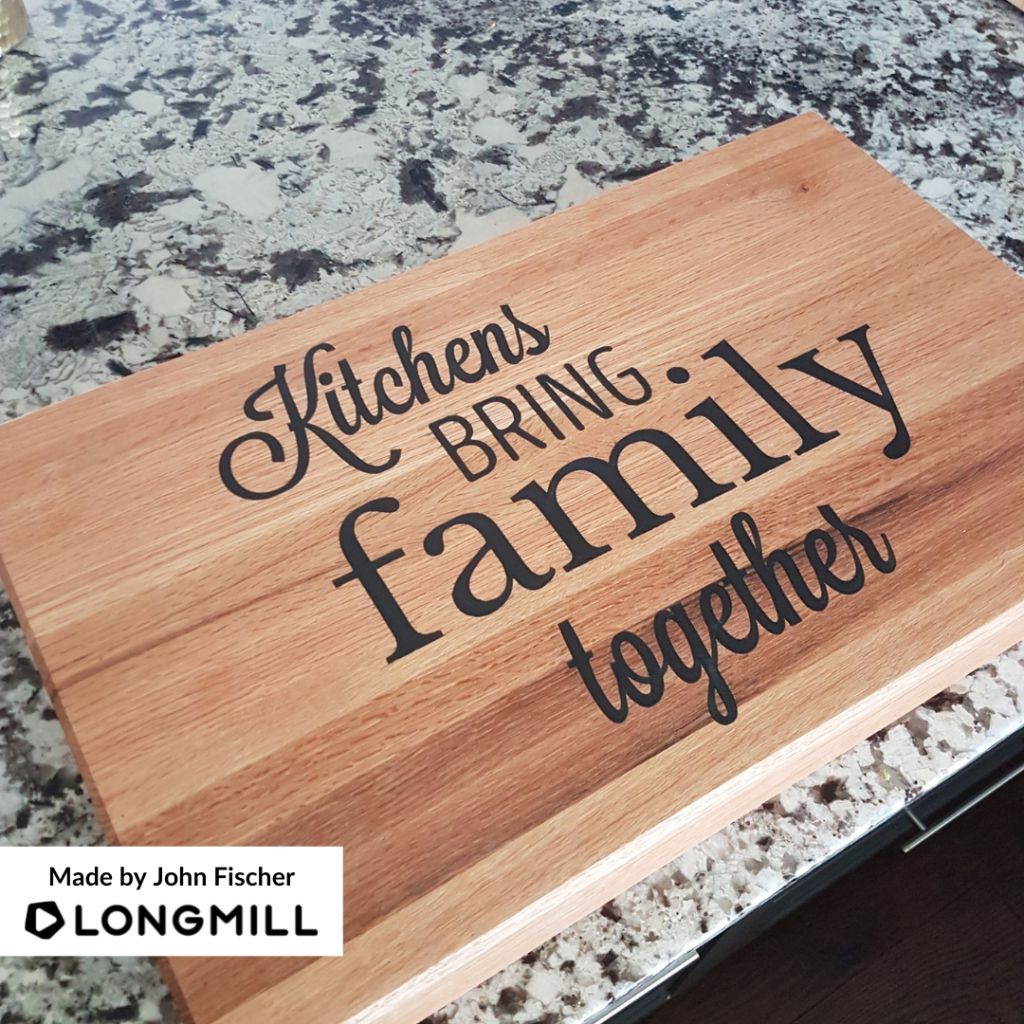
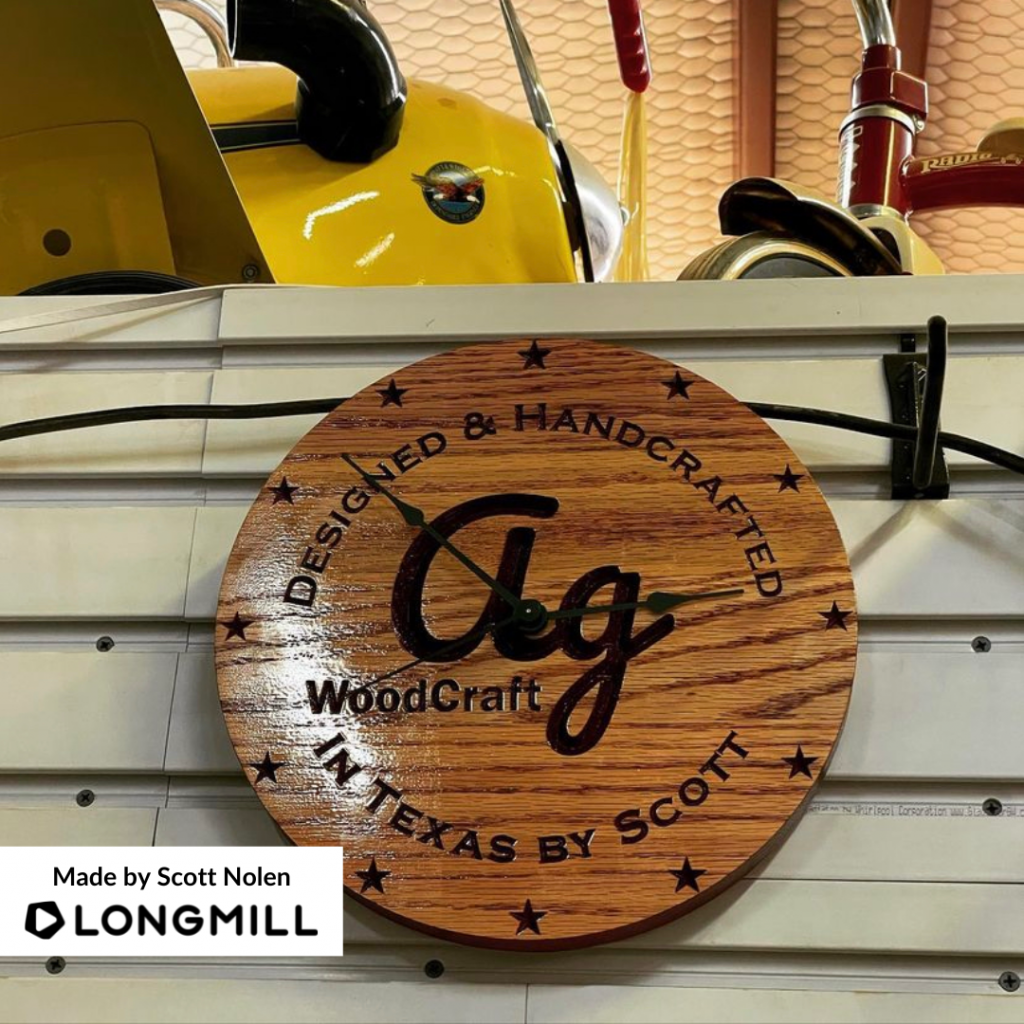
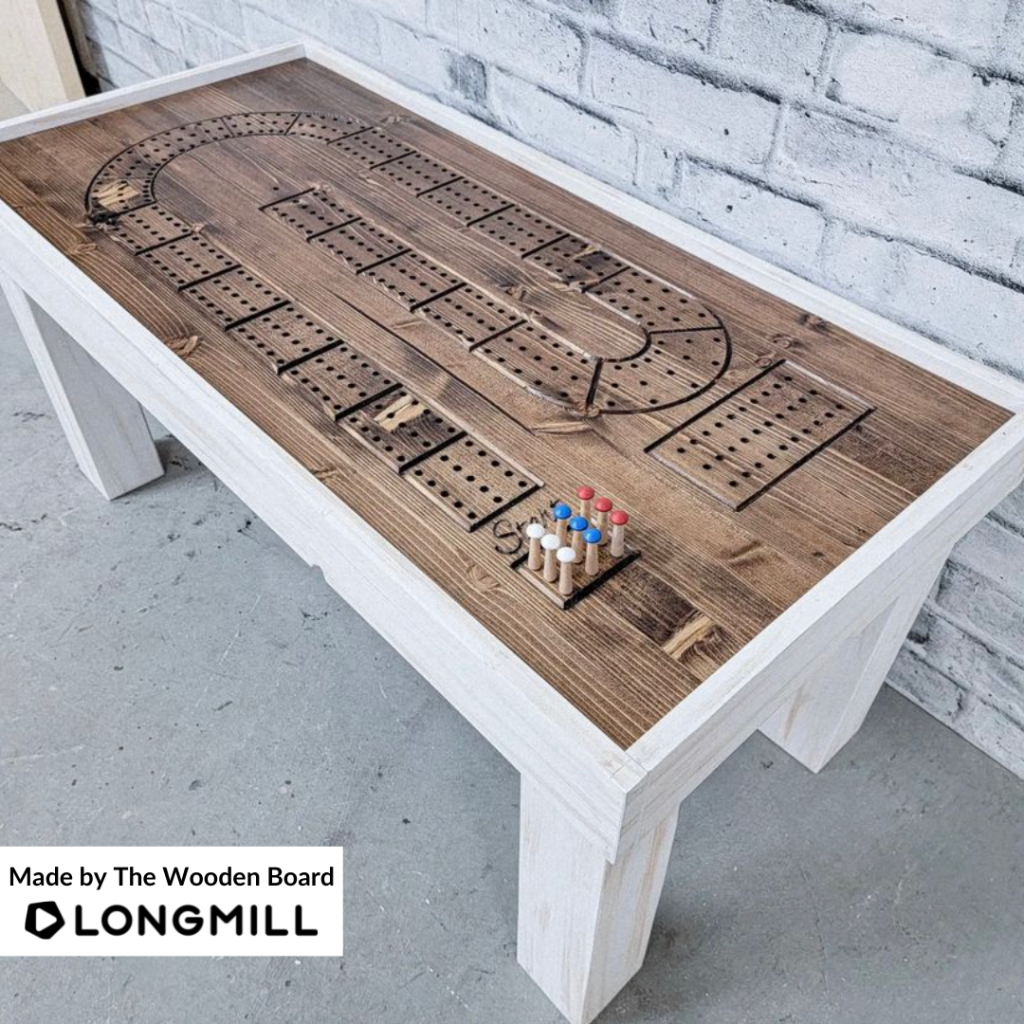
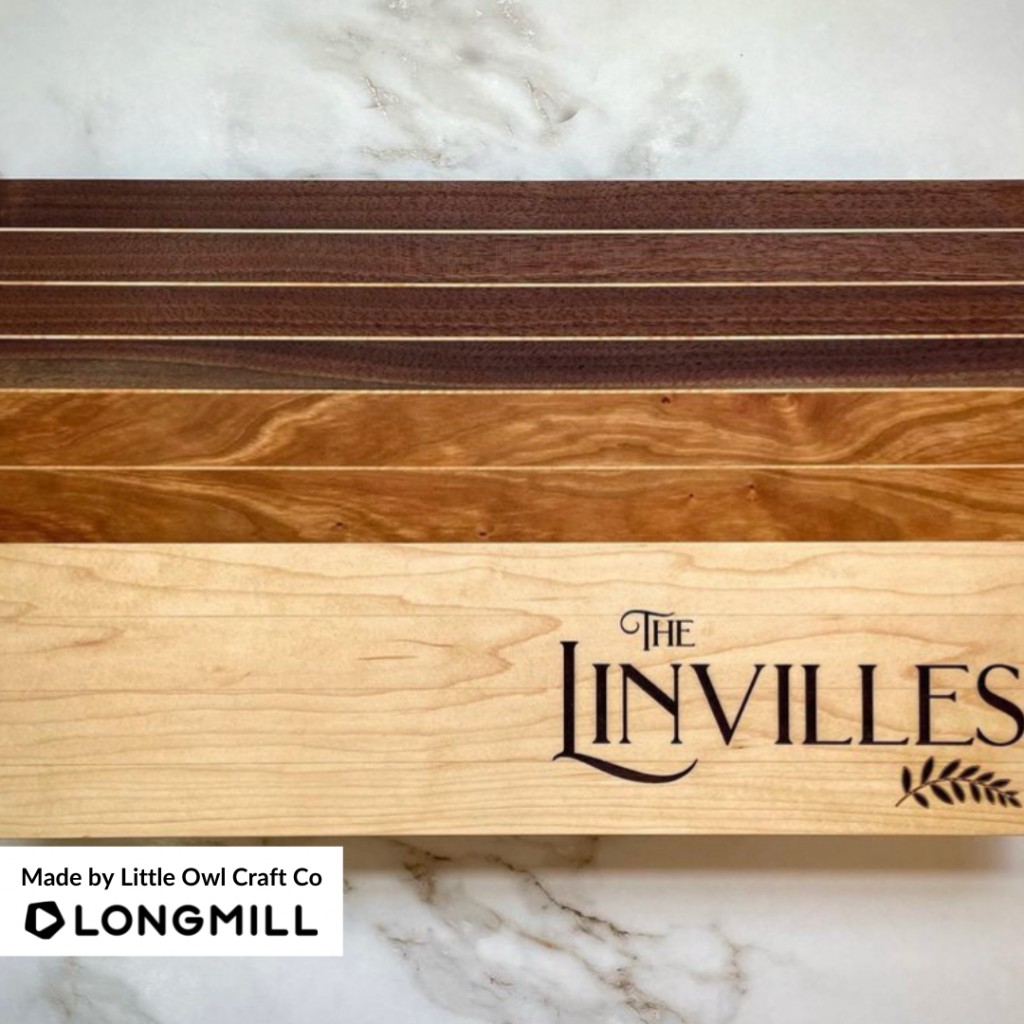
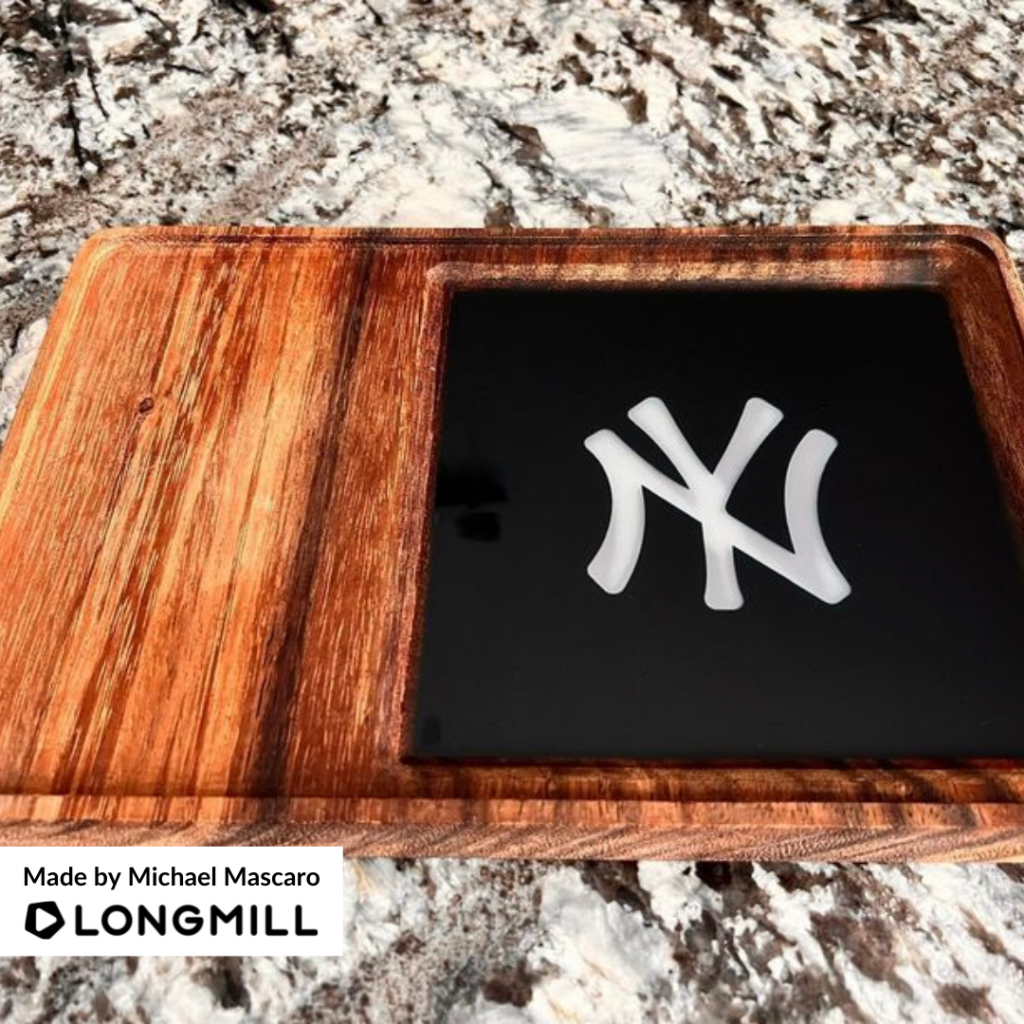
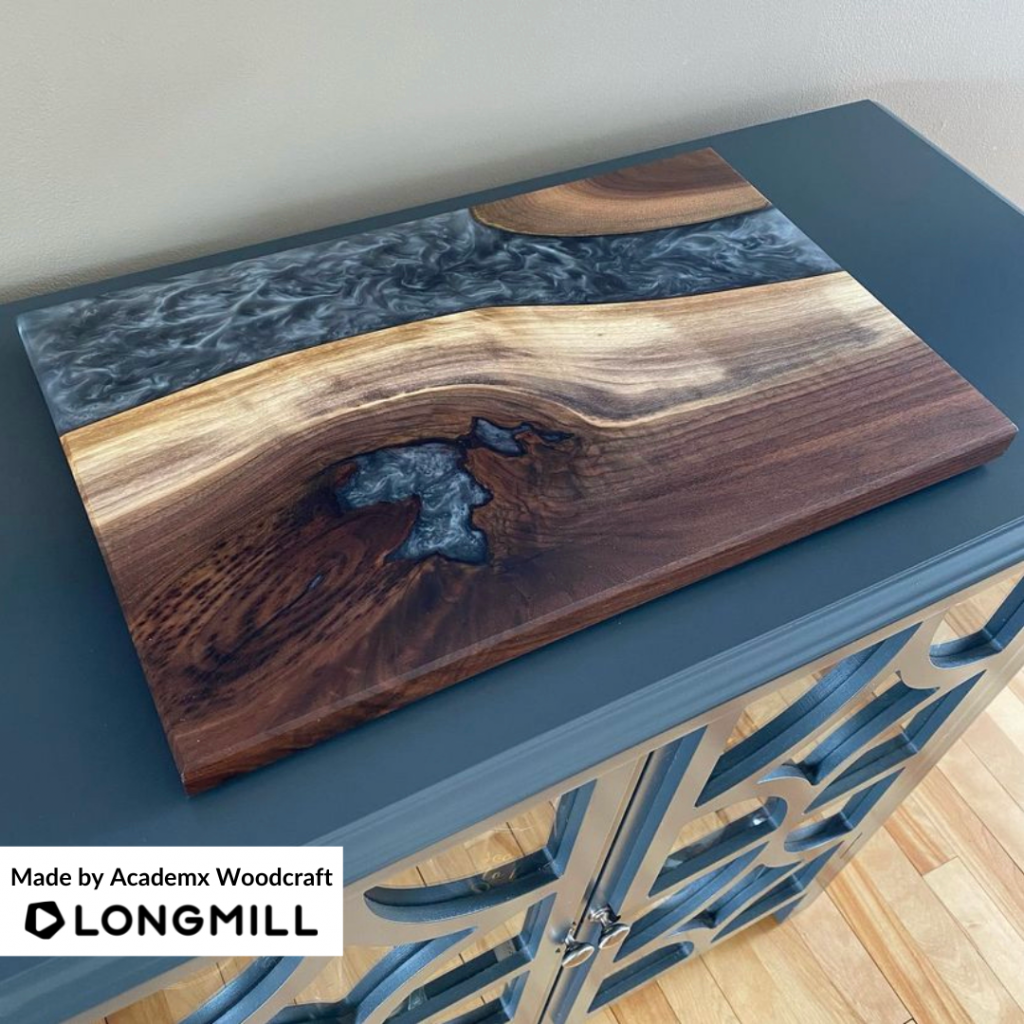
We are excited to announce that John Fischer, Scott Nolen, The Wooden Board, Little Owl Craft Co, Michael Mascaro, and Academx Woodcraft are the winners of the “A Useful Household Item” contest! A prize is on its way to you!
P.S. We will be closed Monday, September 5th for Labour Day and back in the office on Tuesday, September 6th.
This Week’s Theme: A Project That Isn’t Made From Wood
A short message from our Content Creator, Scott Saari
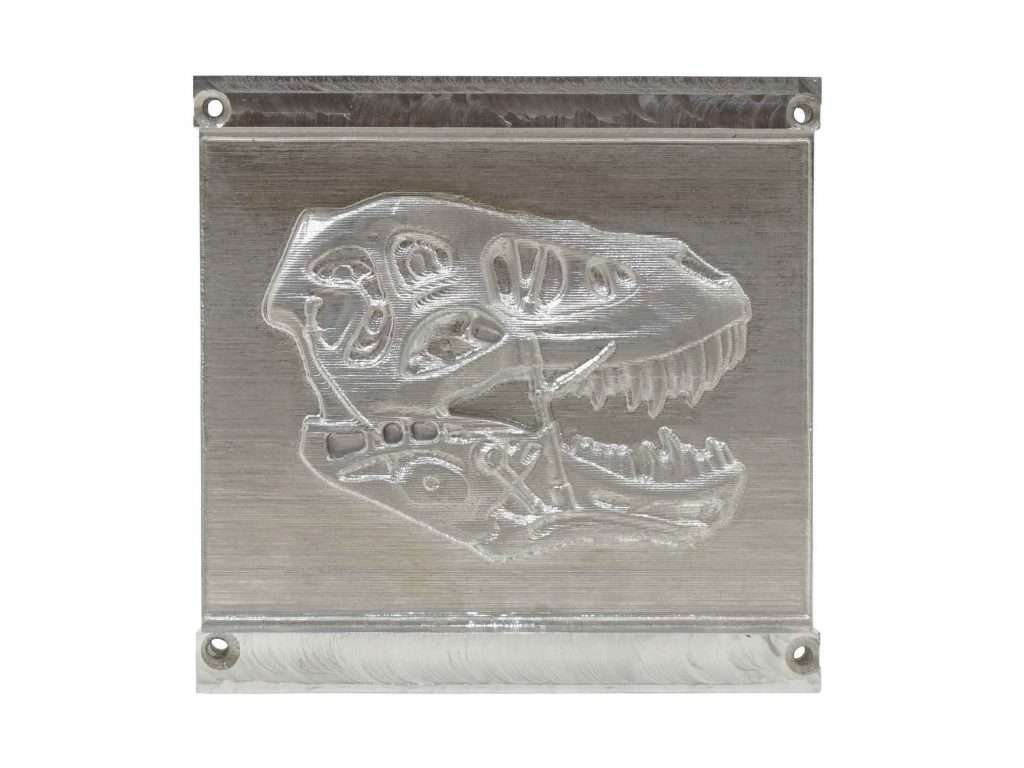
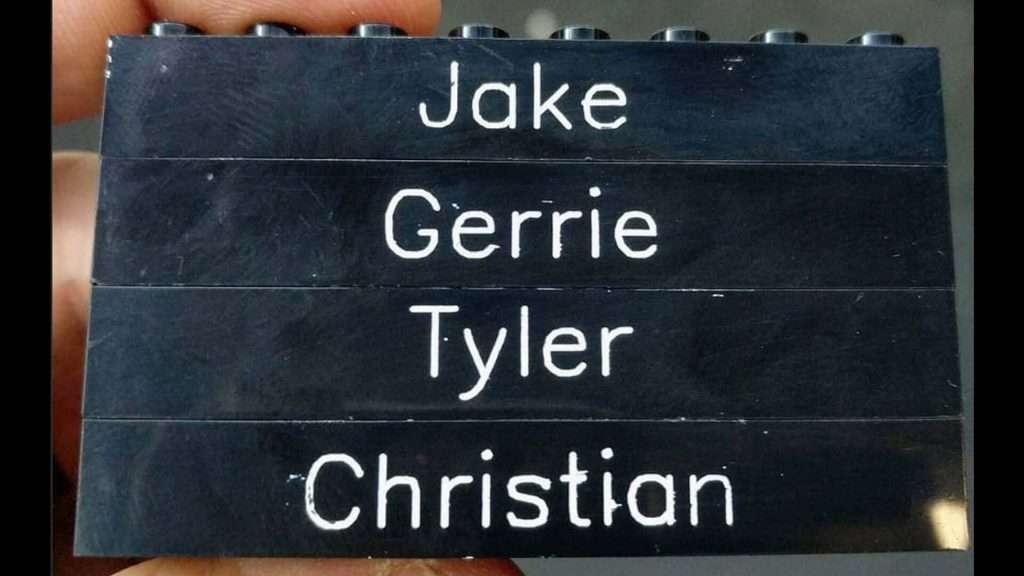
Wood is obviously the most common material LongMill users use for making projects. Well, this week’s theme is “projects that aren’t made from wood”! Show us your projects that don’t use wood as their main material, like acrylic signs, brass brands, aluminum parts, and more, and we’ll choose our favourite ones and send the creators some free swag and bits!
Hello everyone. We want to give our thanks to those who participated in the contest this week. We were so impressed with the projects you have sold that it was super difficult for us to choose the winners for this week. We are happy to see all the projects shared within our community.
Last Week’s Winners
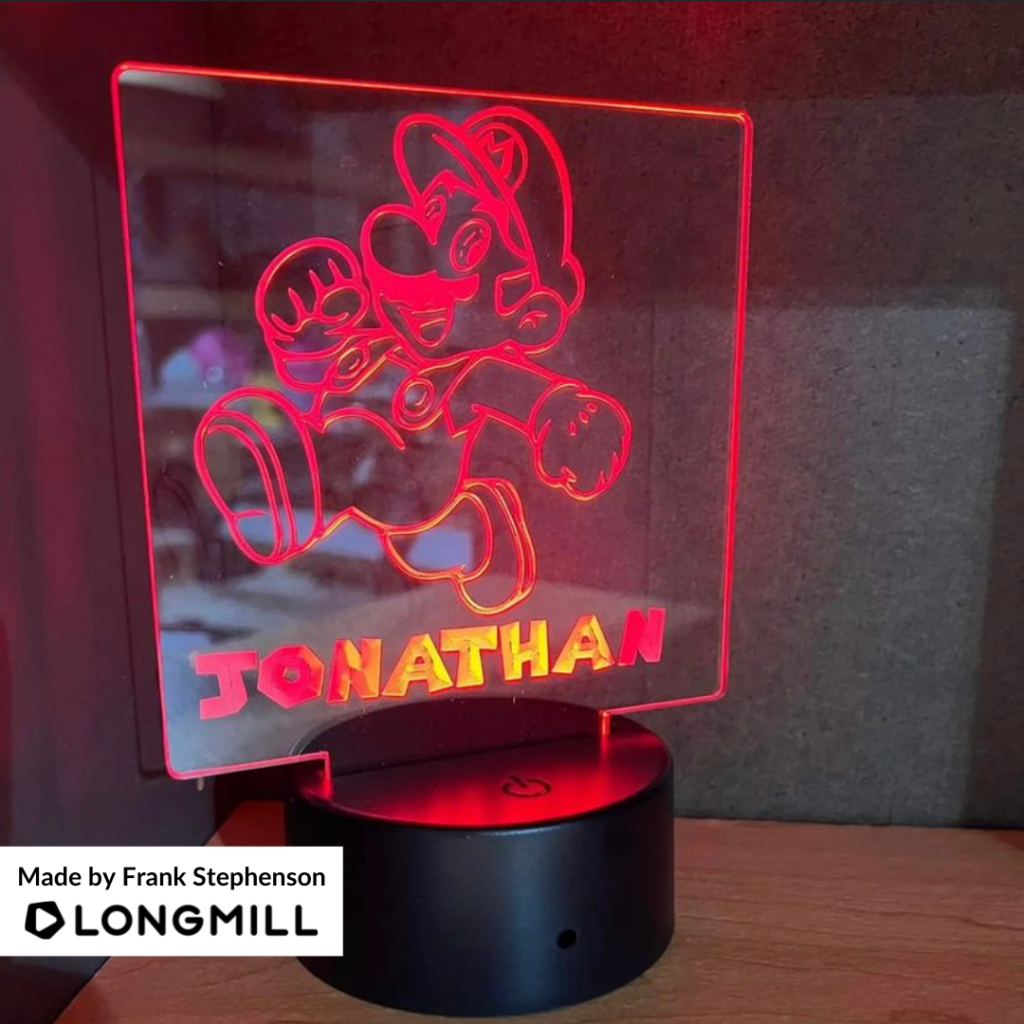
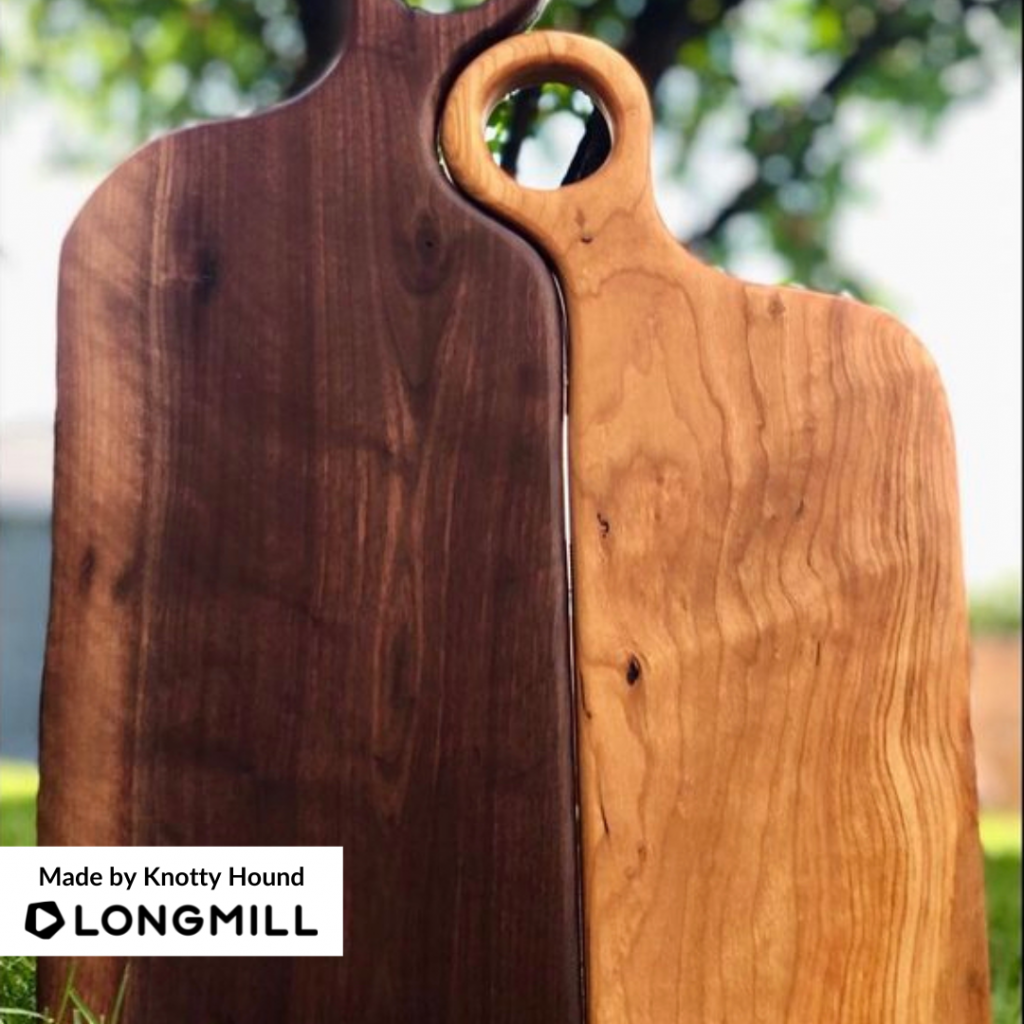
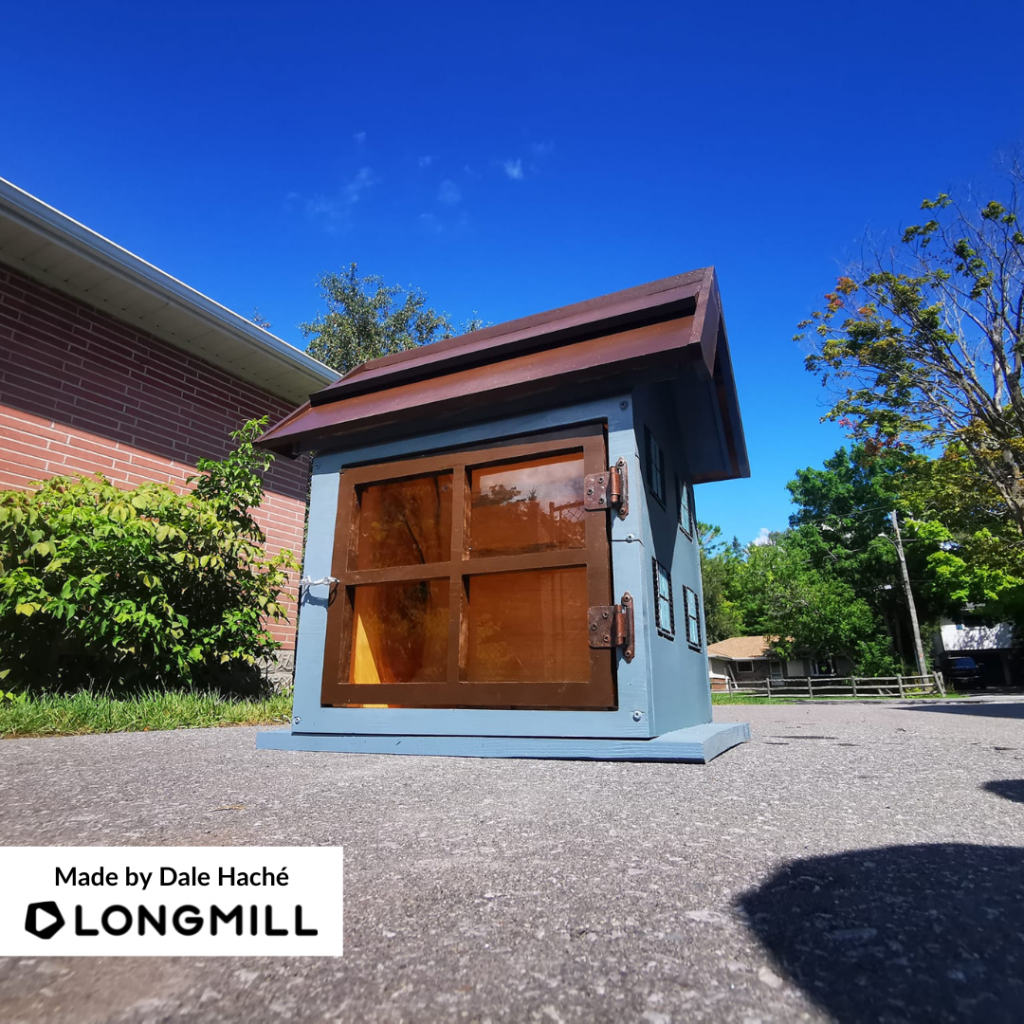
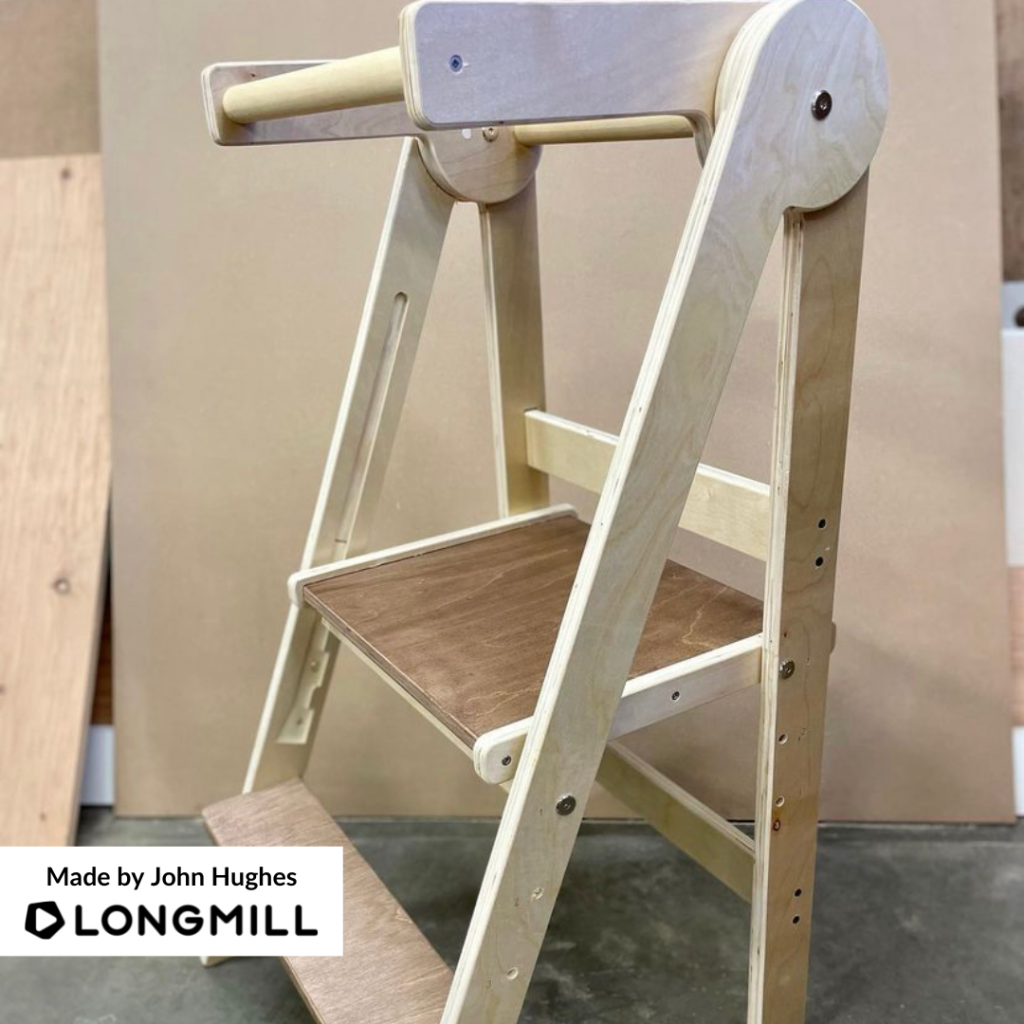
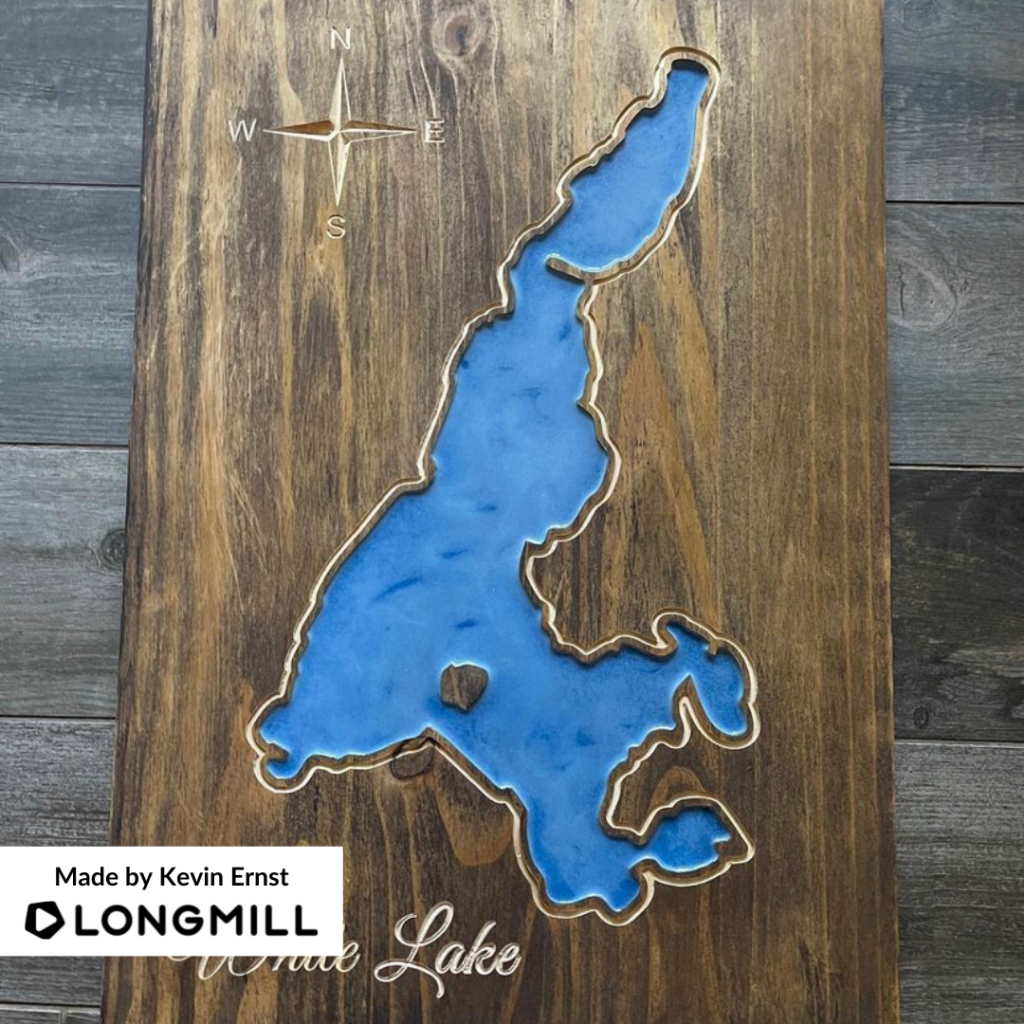
We are excited to announce that Frank Stephenson, Knotty Hound, Kari Chapman, Dale Haché, John Hughes, and Kevin Ernst are the winners of the “A Project You Sold” contest! A reward is coming your way!
Here is an important business tip that Kari Chapman shared and could help you all succeed in your business. “Don’t be afraid to step out of your comfort zone. Putting yourself and your business out there is never easy – you won’t survive if you stay within your protected bubble. You have to pop that and seek out ideas and opportunities to grow as a business owner and to grow your business. Michael Dell once said, “if you’re the smartest person in the room, find another room.” This applies to your comfort zone as well. (*Mandy Edwards *35 Marketing Tips to Get [or Keep] Your Business Going, 2016).”
This Week’s Theme: A Useful Household Item
A short message from our Content Creator, Scott Saari
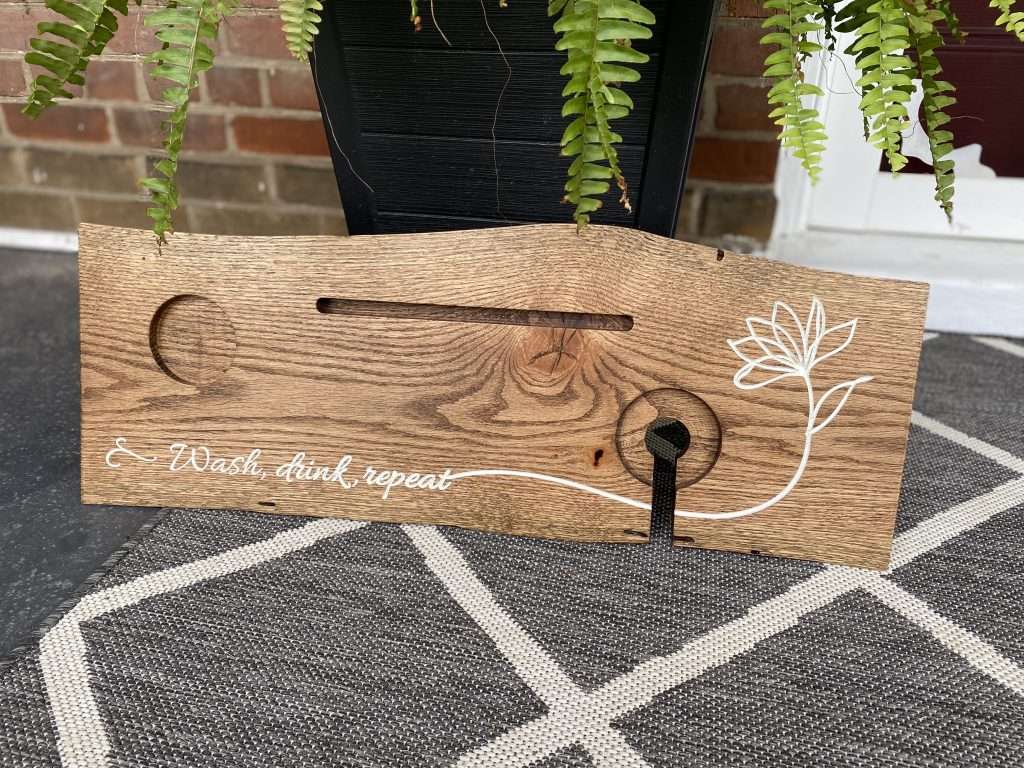
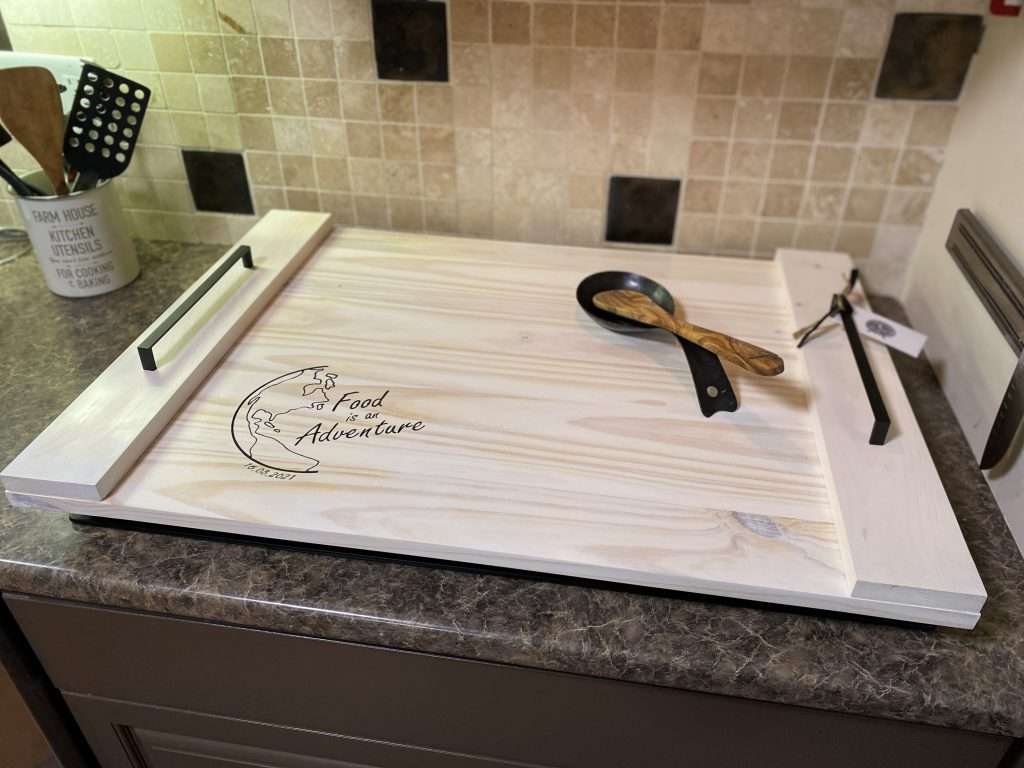
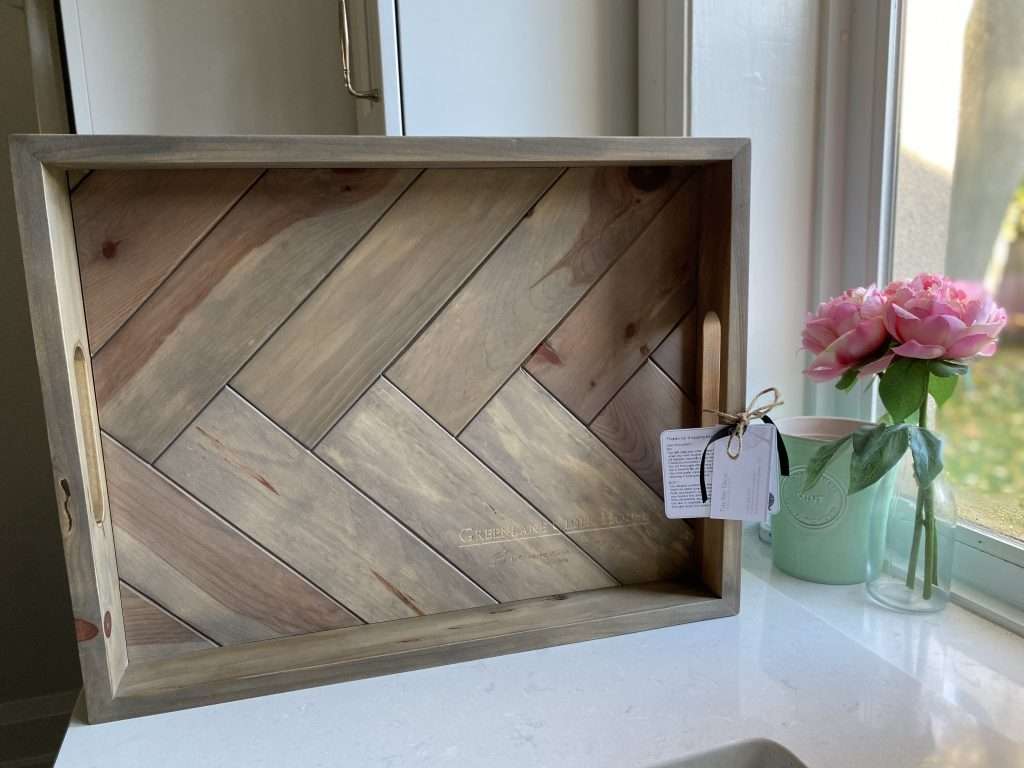
This week’s theme is “a useful household item”! Show us something you made with your LongMill that you can use around the house, such as catch-all trays, noodle boards, a piece of furniture, or anything else, and we’ll choose our favorites and the creators some awesomely cool stuff. Swipe to the last photo for more information on this week’s contest theme.
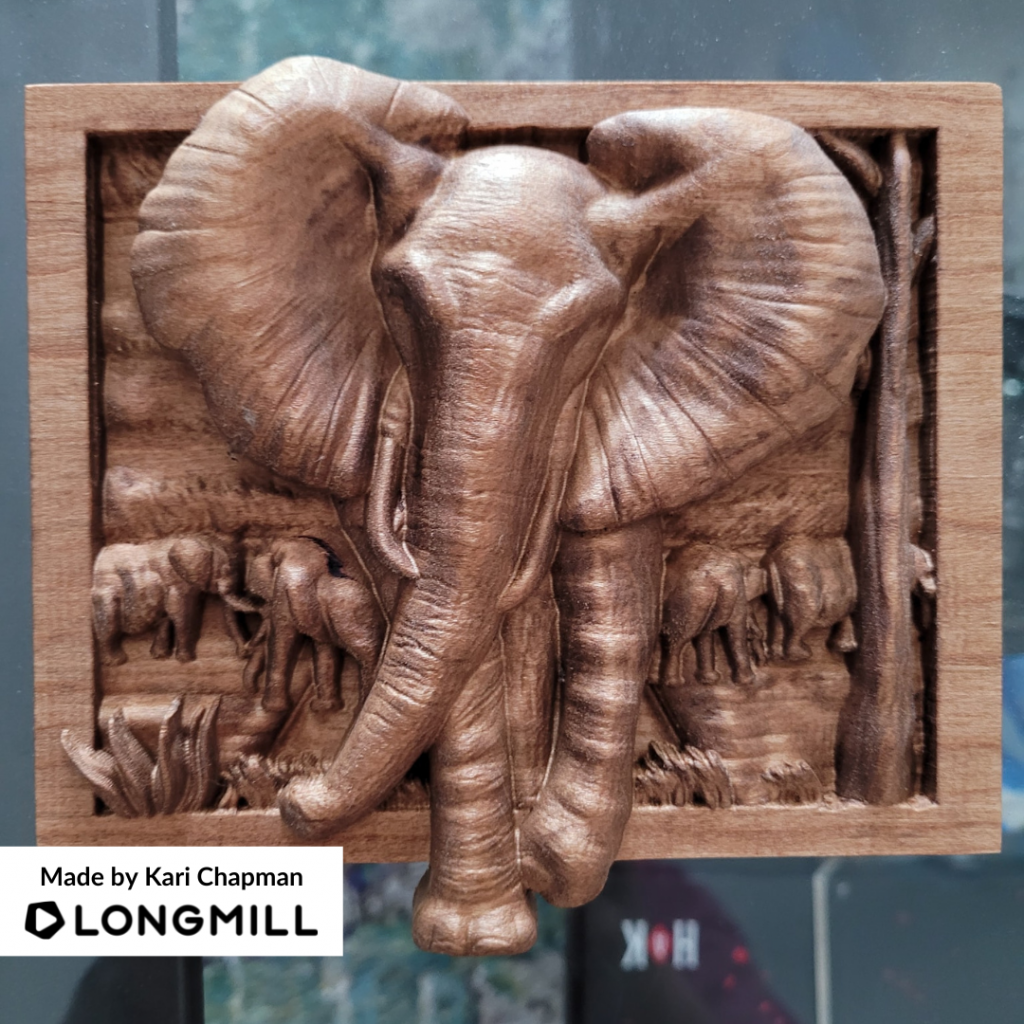
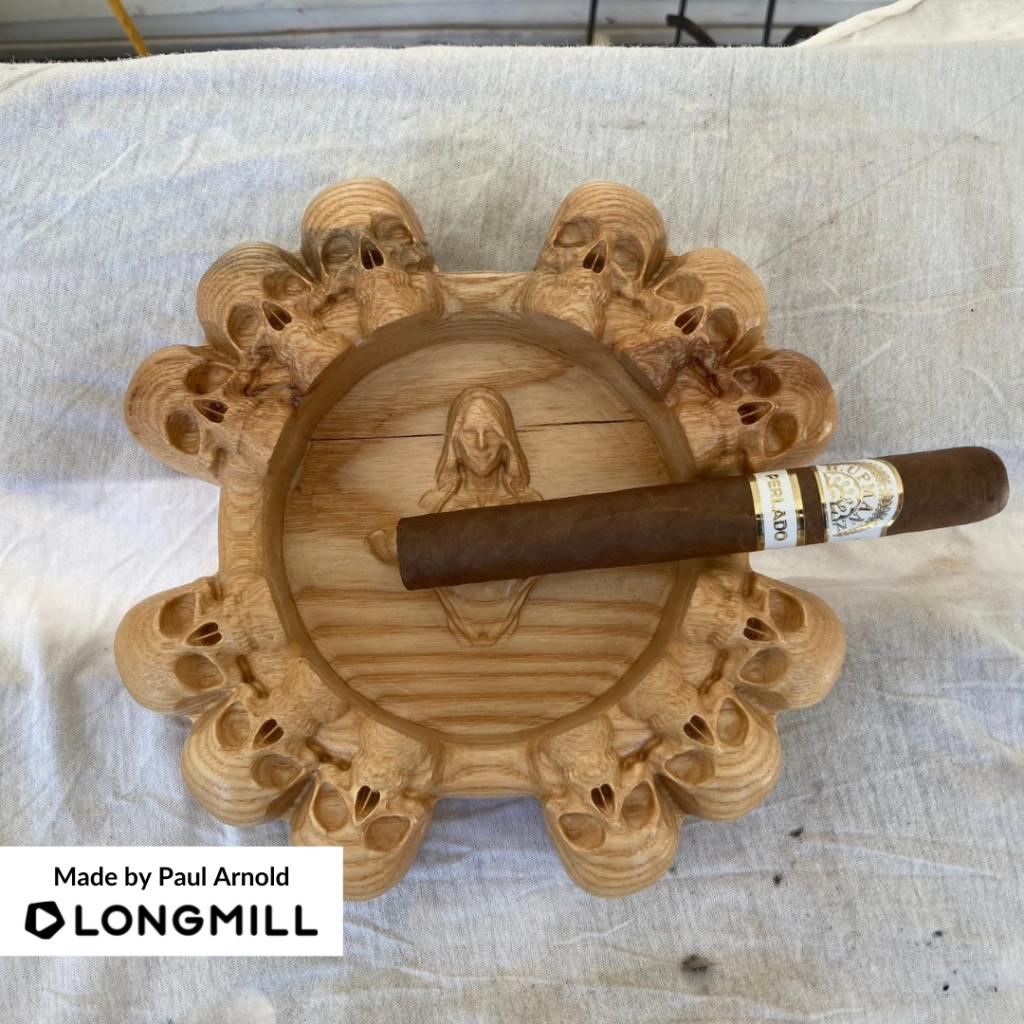
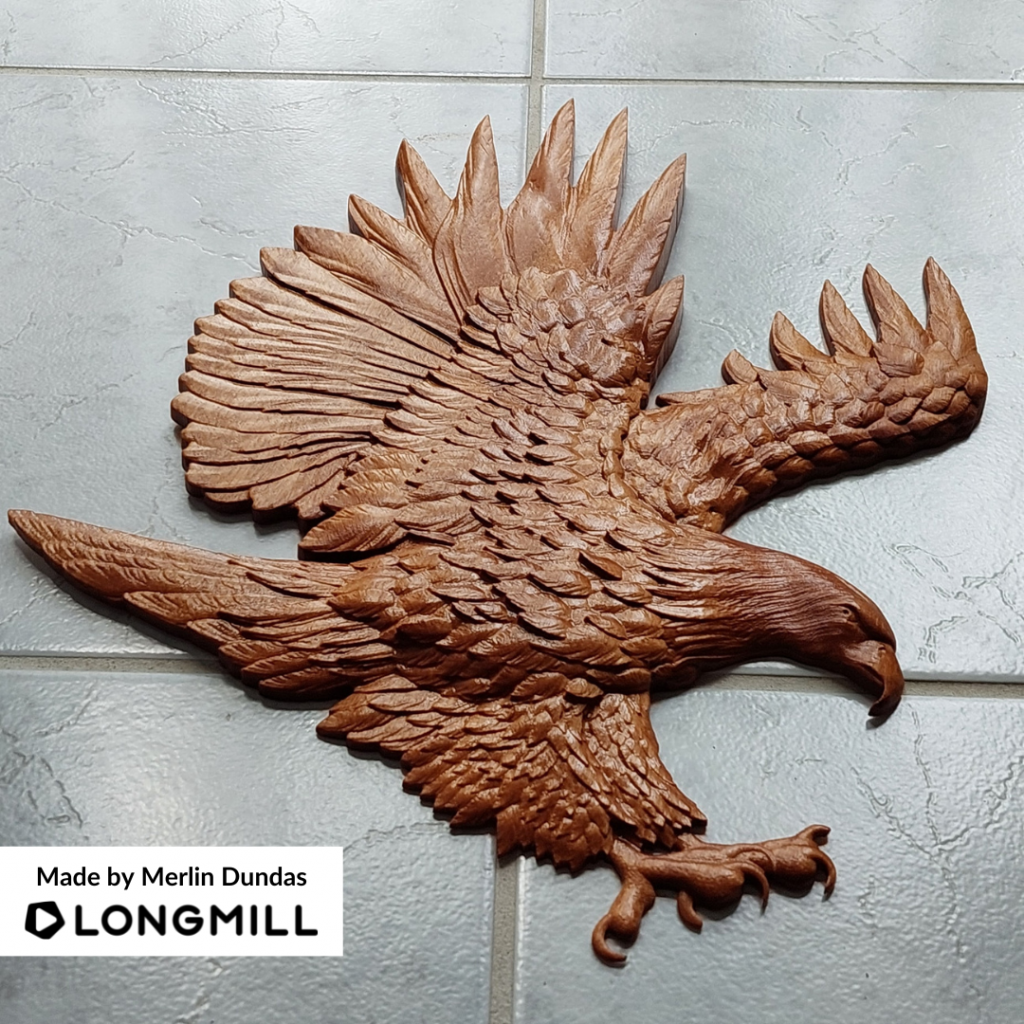
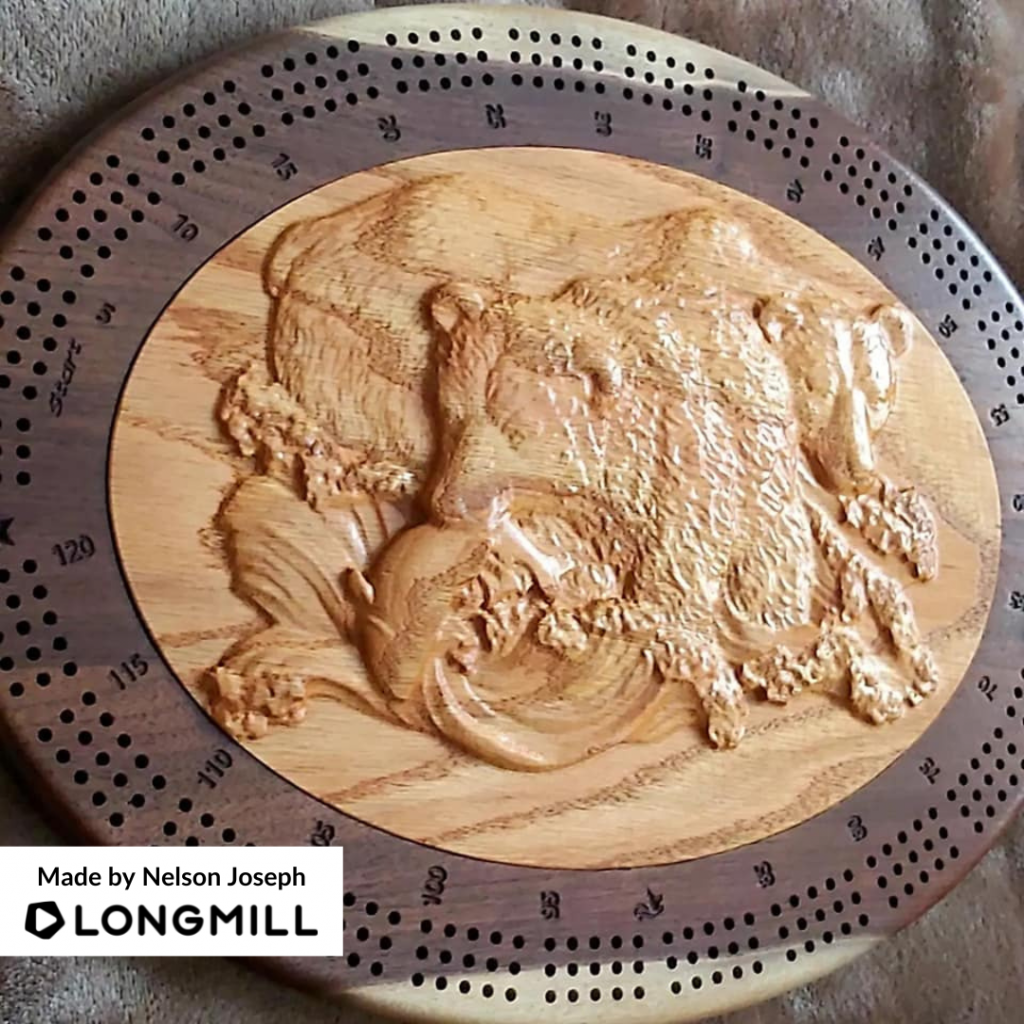
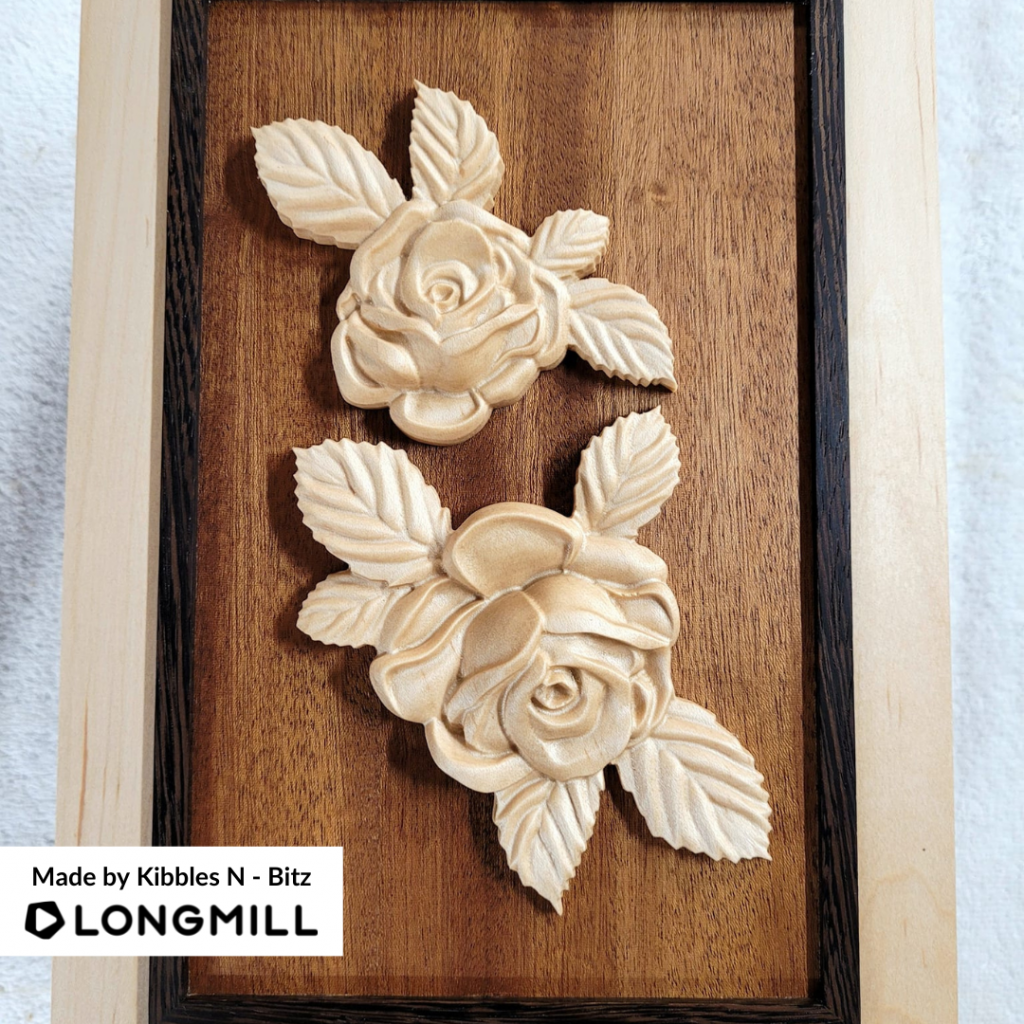
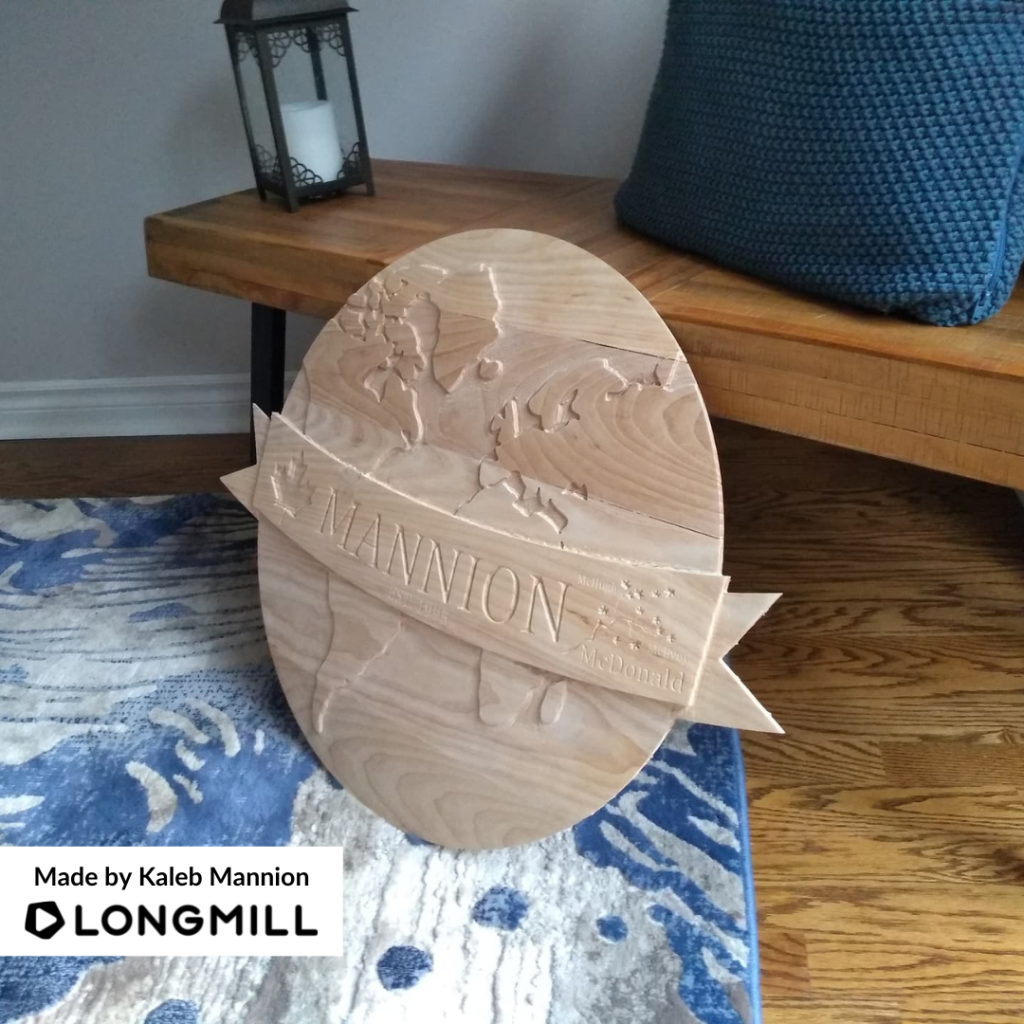
Hi everyone. We want to give a big thank you to those who participated in the contest for this week. We have seen so many awesome 2.5D and 3D projects that it was hard for us to choose the best ones. We love seeing all the projects shared within our community.
Last Week’s Winners
We are excited to announce that Kari Chapman, Paul Arnold, Merlin Dundas, Nelson Joseph, Kibbles N – Bitz, and Kaleb Mannion are the winners of the “Your Favourite 2.5D or 3D Carving/Relief Project” contest! Look out for a reward coming your way!
This Week’s Theme: A Project You Sold
A short message from our Content Creator, Scott Saari
This week’s theme is “a project you sold”! Post any project someone gave you money for, whether it be a custom sign, gift, or any other item made with the LongMill, and we’ll choose our favorites to send our makers cool stuff. Bonus points if you give us a business tip to share with our community. (When posting/sharing your project with us, please specify in your caption that it was sold).
Hey folks. gSender 1.1.3 has been released with firmware tool improvements, input improvements, and bug fixes/feature improvements!
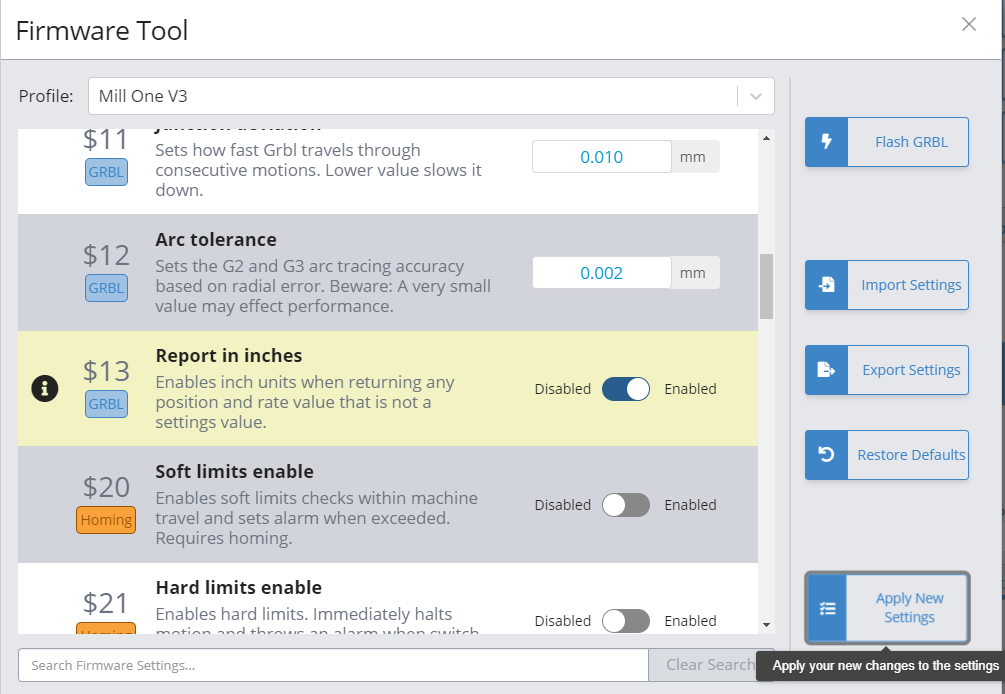
The firmware tool has a new look – settings different than the default for your selected machine profile are highlighted, you can easily look up settings by term rather than number, and machine profile is now located inside the tool instead of in preferences. We’ve also added some new machine profiles for Longmills with extension kits and some other machines.
Machine profile selection has been removed from preferences entirely. The purpose of machine profiles has been gradually lessened over each release, and the only part of the program it was still informing was the firmware tool. Due to this, we’ve removed it from preferences as a selection since it’s purpose was confusing a number of users, especially when it came to machine dimensions (which were actually pulled from EEPROM). Machine profile is now selected in the firmware tool, and only handles which image to flash/settings to use as default values.
We also have a number of feature improvements, including: UI inputs also no longer default to minimum value if the user takes longer than expected to type, Test File mode now restores WCS upon completion, and continuous jogging working more consistently when $13 (report in inches) is enabled.
Patch Notes
Added profiles for Longmill extension kits
Machine profile removed from preferences and placed in firmware tool
Fixed incorrect default values in some machine profiles
Test mode now restores WCS after the soft reset performed while exiting check mode.
Fixed issue with test mode that would occasionally have it start running the file after test was complete
Fixed issue with continuous jog when soft limits were enabled and report in inches EEPROM value was enabled
Hey everyone, thank you for participating in this week’s contest! It was tough for us to choose the winners since all the projects were amazing. We look forward to seeing all the projects shared with us and the community.
Last Week’s Winners
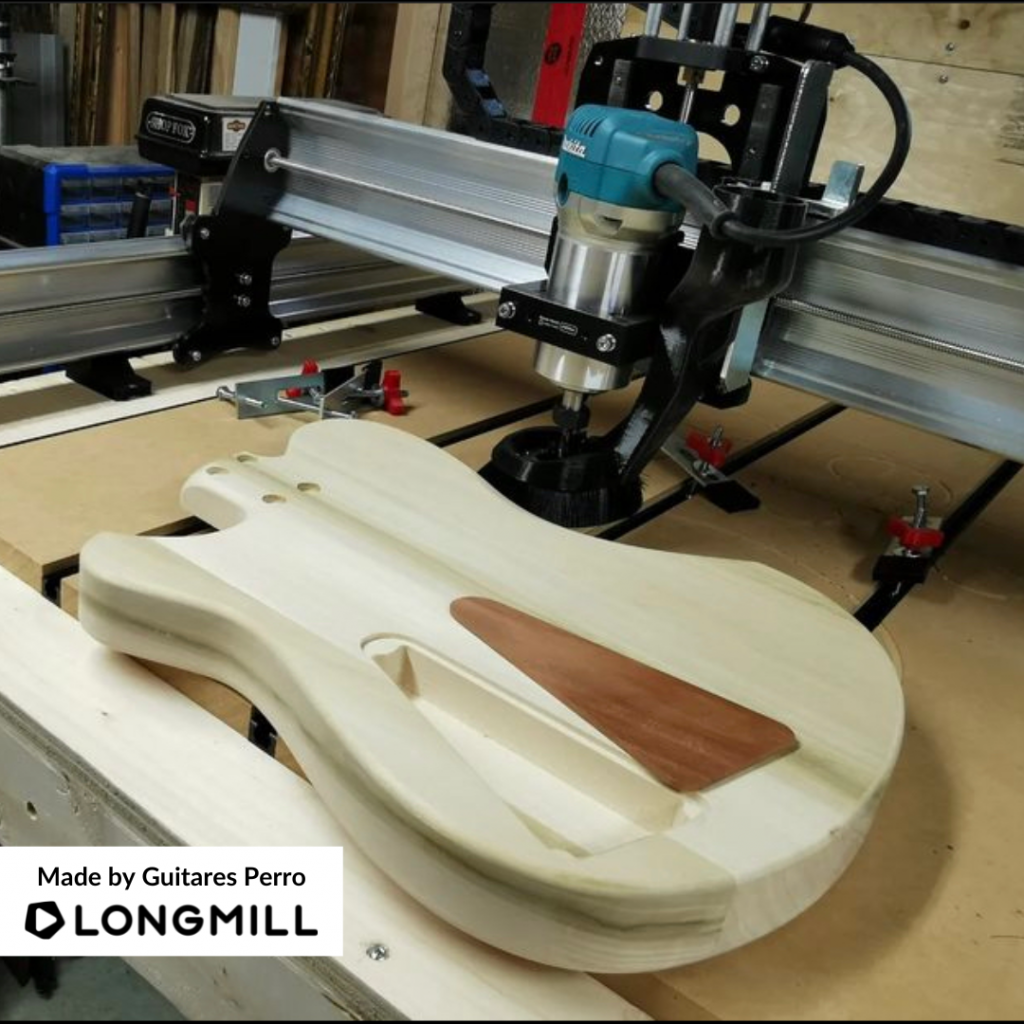
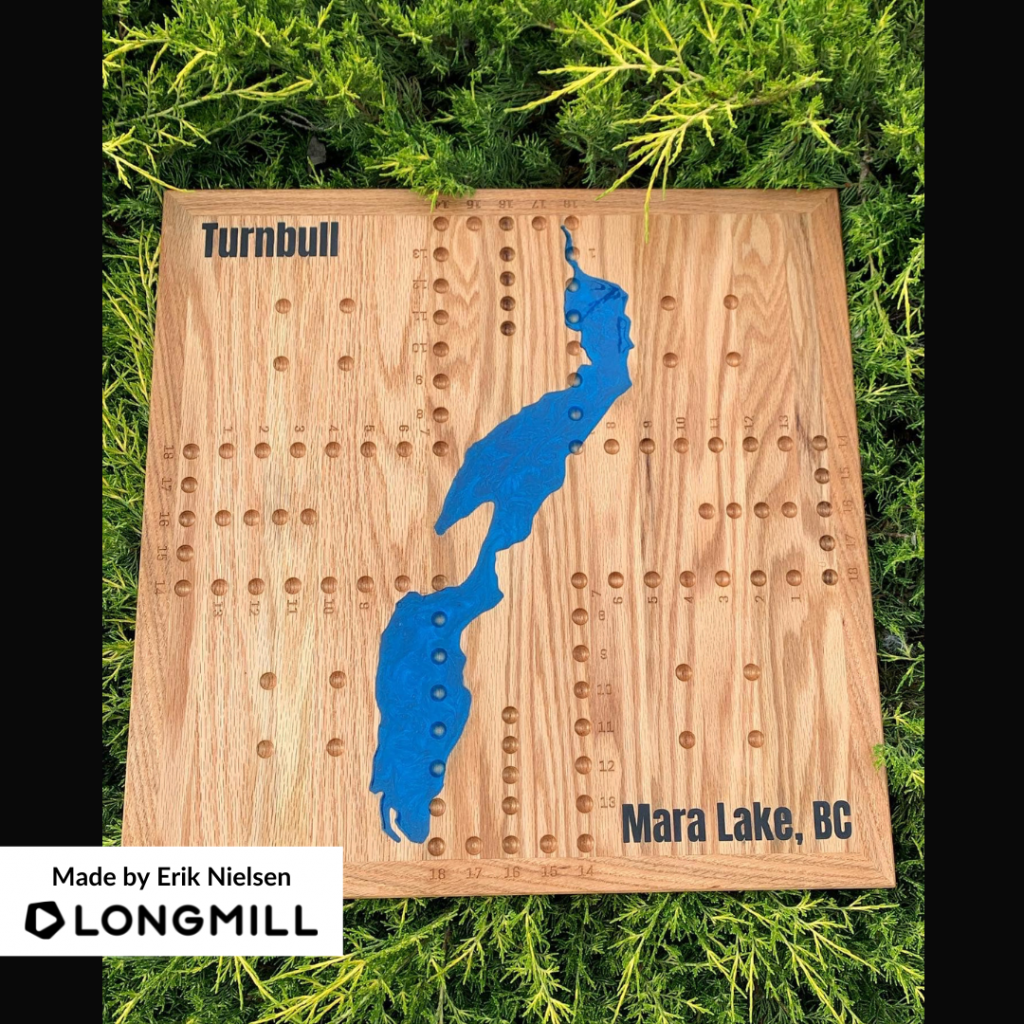
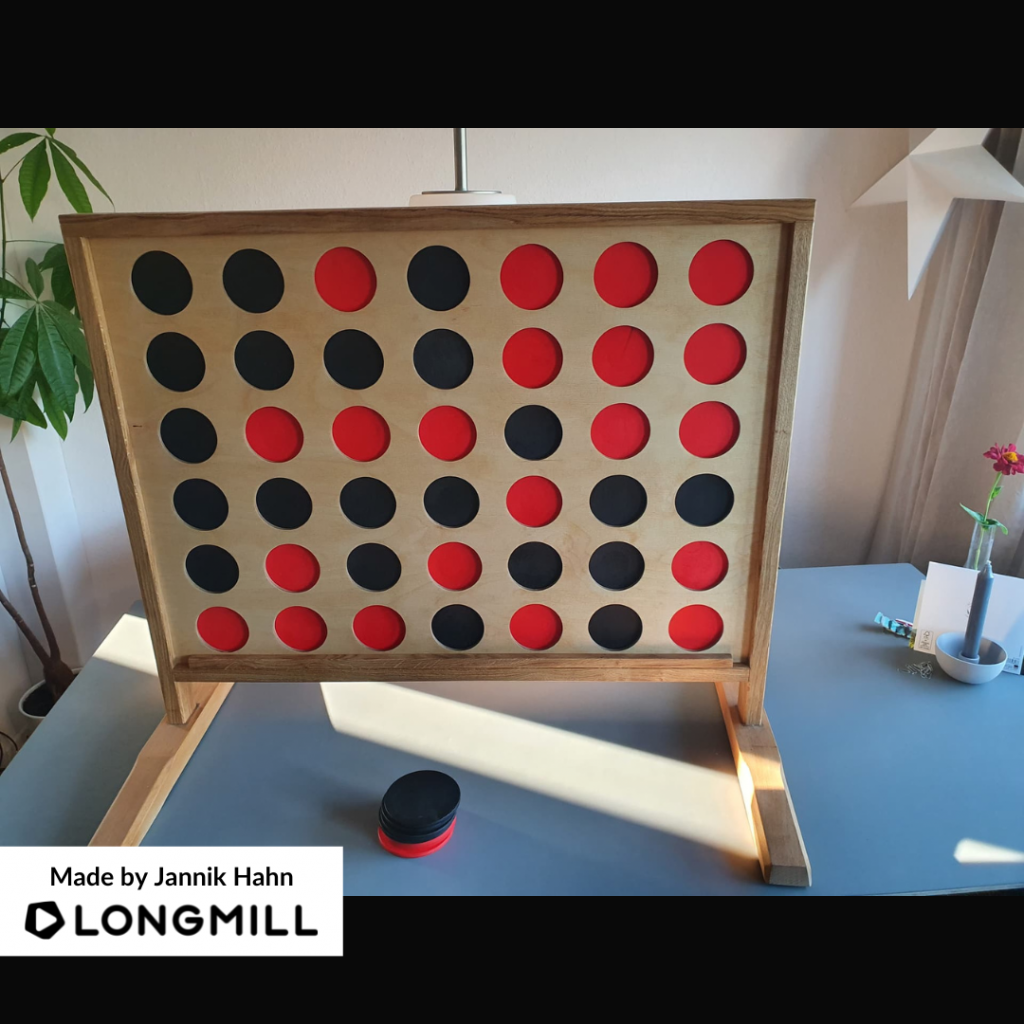
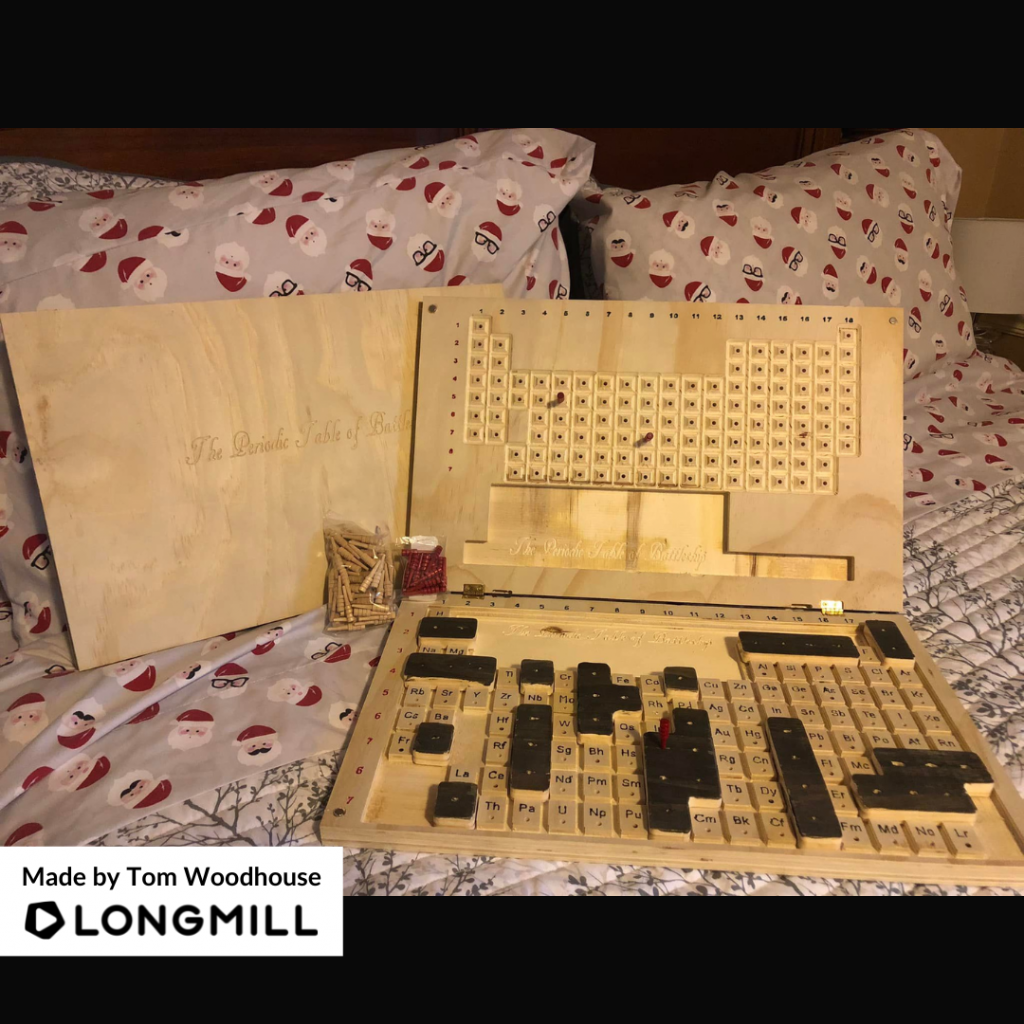
We are happy to announce that Kootenay Woodcraft, Guitares Perro, Erik Nielsen, Jannik Hahn, and Tom Woodhouse are the winners of the “A Project You Made to Have Fun” contest! Watch out for a prize coming your way!
This Week’s Theme: Your Favourite 2.5D or 3D Carving/Relief Project
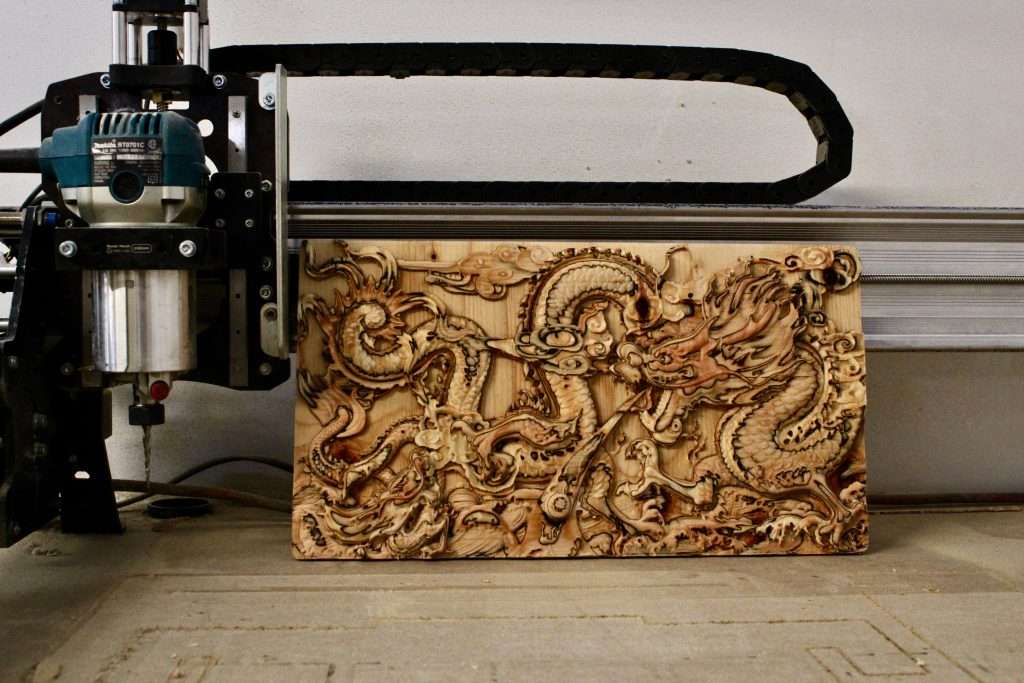
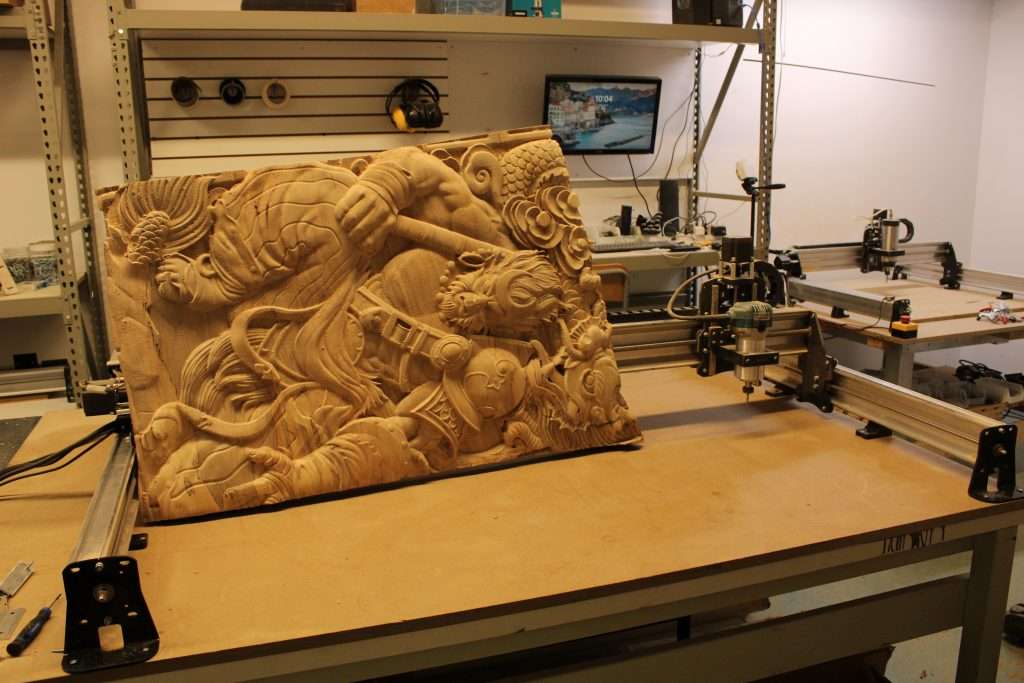
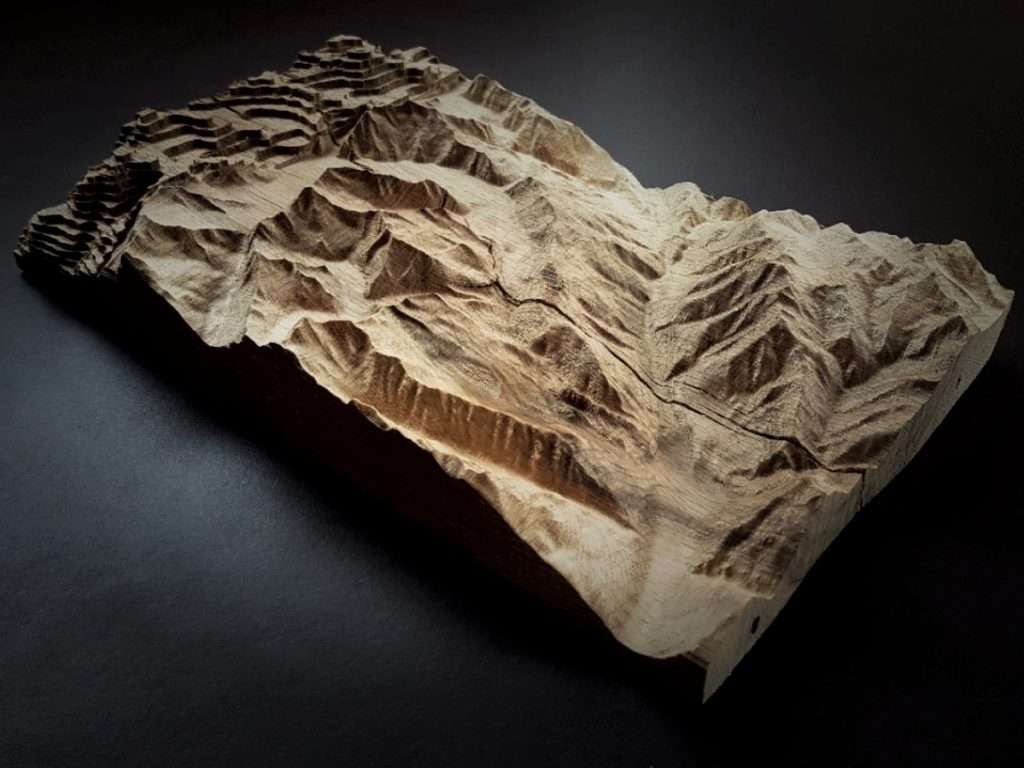
This week’s theme is “your favourite 2.5D or 3D carving or relief”! Post your favourite nature relief, multi-sided carving, guitars, flags, or any project that incorporates a 2.5D or 3D technique using the LongMill for a chance to win some free stuff!
Not too much new to report, so this will be a shorter post than usual.
LongMill 48×30 and Extension Kit Orders
We did have a stop in production last month for a short period of time as we got shorted some Y gantry plates for the 48×30 and EX plates but that has now been resolved. We’ve shipped out another batch of around 50-60 machines since.
Because of a higher than expected number of orders for the 48x30s, we are currently out of stock on X rails and are waiting for another delivery of material on August 12th. While we expected 48×30 machines to make up around 30-50% of our machine sales, we’ve now found that the larger variant has recently become nearly 60% of our sales in the last month. The new batch of rails that are on the way has been adjusted to reflect the new ratio.
Once the rails arrive, we will ship machines out again and should take about 2 weeks to complete the remaining queue.
LongMill 12×30 and 30×30 Orders
Orders for LongMill 12×30 and 30×30 have been mostly shipping out within one business day. We currently have parts in stock and ready to go.
LaserBeam Orders
We have received new drivers and are currently packing and shipping the rest of the queue. Most customers should have gotten theirs shipped already, and most new orders are going out within a week. If you have a machine on order waiting to be shipped, the Order Status page may not show as completed since both items haven’t shipped yet.
We are excited to announce that we are now doing a weekly contest based on a theme! Each theme will be one week long. We will release the next theme at the end of the winners’ post every Friday. We will choose the winners throughout the week and the cut-off time for winners is Friday at 1 pm. Make sure to post your projects before then to ensure that we do not miss them!
The Theme of the Week: A Project You Made to Have Fun
This week’s theme is “a project you made to have fun”! Post your cribbage boards, chessboards, cornhole boards, wooden toys, connect 4, or any toys or games or “fun” related project that you made with your LongMill, and we’ll choose our favorite ones to send cool stuff for free.
Hey everyone. We’re excited to share another really awesome project tutorial for your LongMill! If you want to check out the last project we did, please check out our article Make your own CNC workholding with your LongMill!
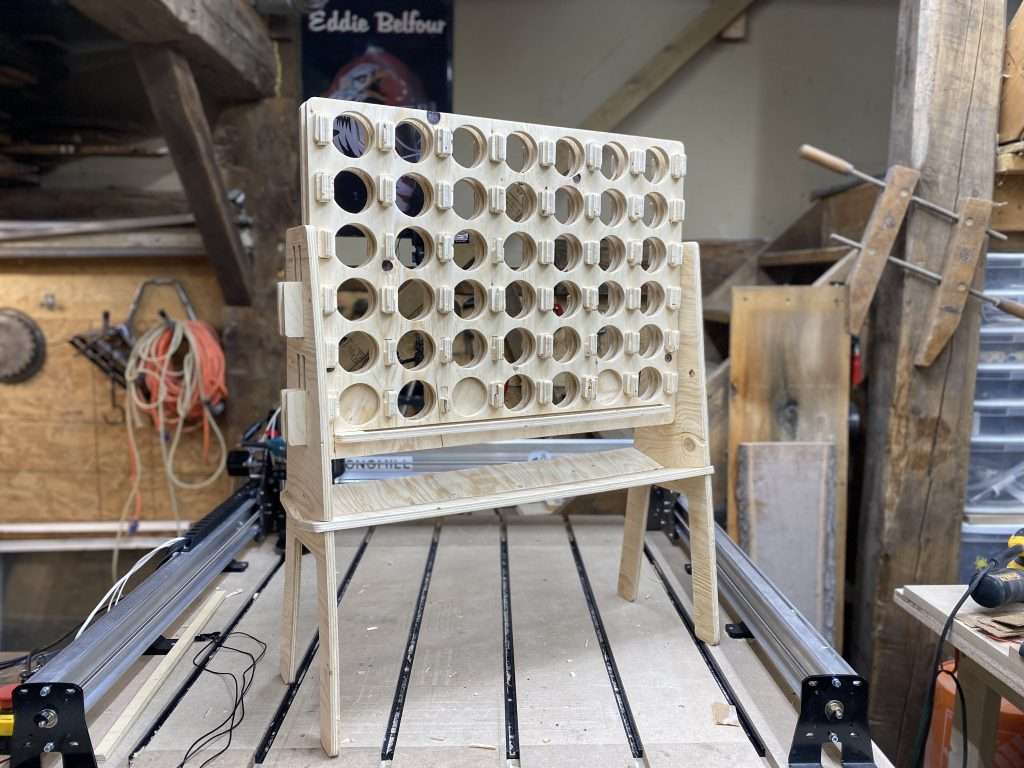
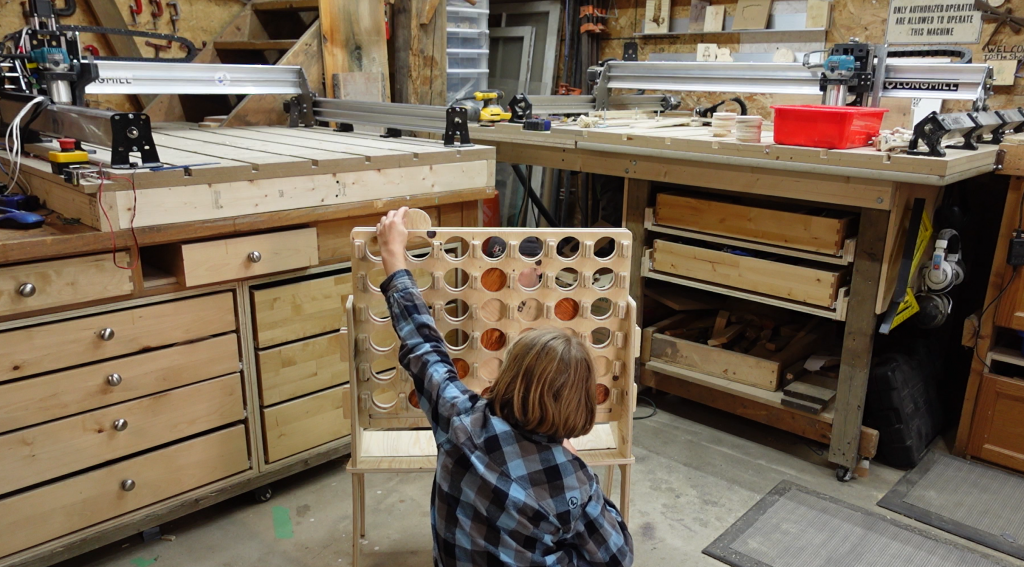
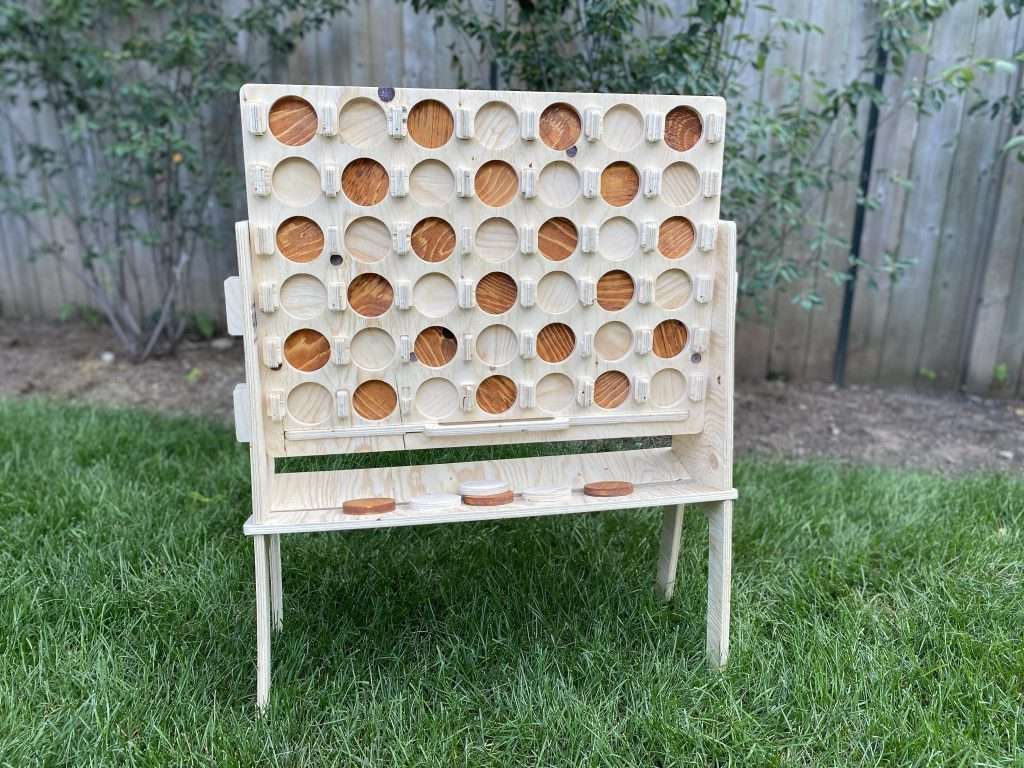
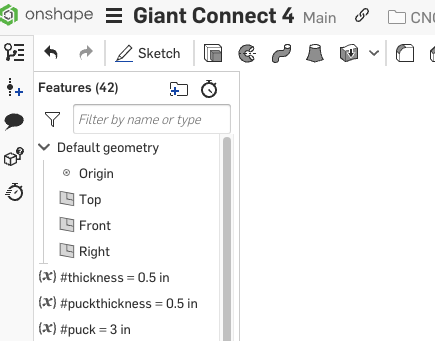
All you need for this project is a sheet of 1/2″ plywood and a 1/8″ end mill. Everything fits and slots together with friction and some persuasion with a mallet. If you want to use a different size material and modify the dimensions of the design, we’ve included a few variables that can be adjusted in Onshape for your specific materials.
By default, we made it so that the thickness of the wood is 0.5in, the thickness of each puck is 0.5in, and the diameter of the pucks are 3 inches in diameter. You can change the number in the variable to change the dimensions. If you use the pre-made project files and gcode, we’re assuming your material is 0.5in. Although most 0.5in plywood will work, if you want materials to fit perfectly, you can measure the thickness of your material with calipers, input that as a variable, and all of the slotting surfaces will automatically scale up or down, with additional clearance added in key areas to slot things smoothly.
Since the LongMill 30×30 is our most popular size, we’ve made everything work on the 30×30 size. Below is a diagram of how we broke down a 4×8 plywood sheet into sections for the LongMill.
Onshape offers a free, hobby and education use license that offers the full functionality of their program on the cloud, with the exception that all projects made on the free plan are public and searchable. This means that derivatives of this design will also be available to the public.
To modify designs, you will need to create an account on Onshape and duplicate/copy a new version to make changes. A few other notes:
When importing your DXF into a CAM program like Carbide Create or Vectric, please note that if they are coming out the wrong size, you may need to change your project units. I’ve found that setting the project units to inches usually works the best. Alternatively, you can scale them to the right size.
DXFs from Onshape are not usually joined, so you may need to use a “join vector” tool before creating toolpaths.
Most CNC users will likely want to export all of the parts as DXFs. This is a very easy process. Simply right-click the side of the model you wish to export the face of and “Export as DXF/DWG”. Then import the vectors into the CAM software.
For these projects, we used a 1/8″ end mill. Since we’re working with plywood, a down-cut end mill will work well, but a compression bit might work even better. You should be able to use any 1/8″ bit, but if you want to buy some from us, you can find them below:
If you are making your own gcode, you can adjust your speeds and feed accordingly. The gcode made for this project is fairly conservative and should work for pretty much any type of wood. You can increase and decrease your feeds and speeds using Feedrate Overrides in gSender or most feature filled gcode sender.
Here are some tips that might help otherwise.
Use ramping to help smooth out your cut. There are many small parts to this project that are prone to flying out. Ramping reduces the cutting loads when moving between each pass and prevents the part from breaking or shifting.
Use a smaller final pass. In some CAM software, you can set a final pass. This is the thickness of the last pass. By making the last pass smaller, you can prevent your part from flying out as the cutting loads are smaller.
This project was made with VCarve Pro, which has all these features. If you’re looking for free CAM software that can handle 2D DXFs for this project, I’d recommend Carbide Create as an excellent option.
Assembly
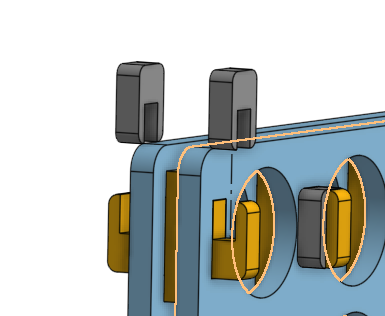
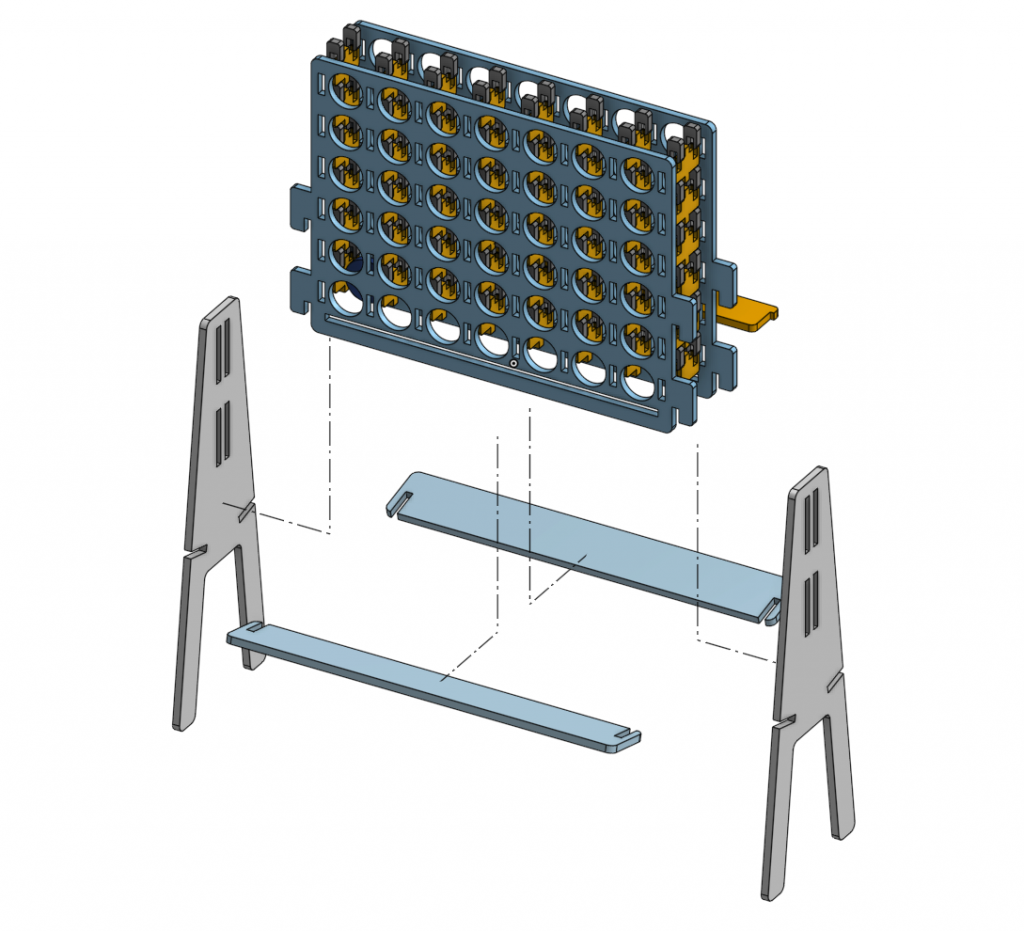
Start by cutting all of the parts out. You should end up with a couple of big parts and a bunch of small parts that keep all the big parts together. Here are a few exploded views to help out, but overall, the assembly can be found in the instructions.
A few notes:
Using some scrap wood to help direct your mallet blows will help keep your parts from breaking.
Putting in the “pirate teeth” on the one side first before assembling the second half, rather than putting both big sheets on first and putting the teeth on after, rather the way it was shown in the video may help keep things from shifting when assembling the two halves together. This will also help protect the tabs from breaking from the other side as well.
We’ve made some changes to the design between the video and the final public version to help things fit better and make tweaks. If you have some differences in your design, don’t worry too much as you’ll probably have the better version! However, if you run into any issues, feel free to reach out.
I hope everyone enjoys this new project. Stay tuned for new projects coming down the pipeline and make sure to subscribe to our Youtube!
The LongMill Benchtop CNC has finally seen a revitalization in the form of its new MK2 design. In development since late 2020, many aspects of the design were sought to be overhauled in the name of everything the LongMill project stands for – low cost of manufacture, design simplicity, ease of assembly, and rigidity. With the MK2 all these improvements are brought further due to a complete reimagining of what the LongMill could look like with a redesign from the ground up.
MK2 distinguishes itself from the original LongMill project by a couple of key factors. Though many of the common components carry over such as v-wheels, lead screws, motors, anti-backlash nuts, etc. the biggest differentiator is the use of two completely custom-designed extrusions for each X and Y-axes which allow for much higher rigidity, ease of assembly, reduced part count, and more rigid mounting of the Y-rails to the tabletop surface. The MK2 design was also further optimized by the shape of the X, Y, and Z carriage plates to squeeze more travel out of the same length lead screws while also increasing the CNC’s rigidity by how the v-wheels are located. The blank canvas of the MK2 also meant we could ensure that add-ons our customers have been enjoying on their existing LongMills could be made available on the MK2 with much simpler implementation such as dust shields, dust shoe, and limit switches.
With MK2s shipping out our doors starting April 2022 it took a couple of extra months to get our CAD in order for public release but we also pride ourselves in doing as much 3D model clean-up on our end as possible before public release so that the design files are more ‘open-source’, as open sourcing not only comes with making designs available, but the spirit of open-source is also to make resources for replication as accessible as possible to the average person.
For a full list of USMCA certified items, please see this list.
UPDATE #4 (April 11, 2025)
Shipments under USMCA certification still qualify to enter into the US without duties and taxes. We are checking shipments before they leave to see if they qualify. Qualifying shipments will be placed under DDP, so that we are billed duties and tariffs. More information can be found here.
Items that do not qualify have been temporarily removed from the store for US customers.
UPDATE #3 (March 4, 2025)
Due to the ongoing 25% tariffs on certain goods shipped to the United States, we will no longer be offering orders under DDP (Delivered Duty Paid) or DAP (Delivered at Place) terms starting March 4, 2025 at 3:00PM EST). Moving forward, all US-bound shipments will be processed under standard shipping terms, with customers responsible for any applicable duties and import taxes.
Existing orders prior to the announcement will still be DDP or DAP, and we will cover the cost of the 25% tariff.
If tariffs are lifted prior to your order shipping, we will resume offering orders under DDP and DAP.
As of current, the De Minimis value threshold has not changed. This means that shipments from Canada to the US under $800USD are not subject to duty. However, we are unsure if these rules will change in light of the 25% tariffs.
UPDATE #2
Due to some changes for shipments going from Canada to the US, we may need to contact some customers for Tax ID numbers to help facilitate the customs process. Please keep an eye out for an email or call from us once your product ships if the value of your shipment is above $800USD.
UPDATE #1
Since June, we’ve started shipments placed for US orders as DDP or DAP (Delivery Duty Paid or Delivery at Place), which means that customers have not been charged for duties and taxes on shipments. We’ve been monitoring and testing our system for the last few months to make sure it was all working properly.
I’m happy to announce that things have been working as they should and we are letting everyone know that going forward our American customers won’t have to worry about duties and taxes when ordering from us! This means that any duties, taxes, or brokerage fees will be billed directly to us.